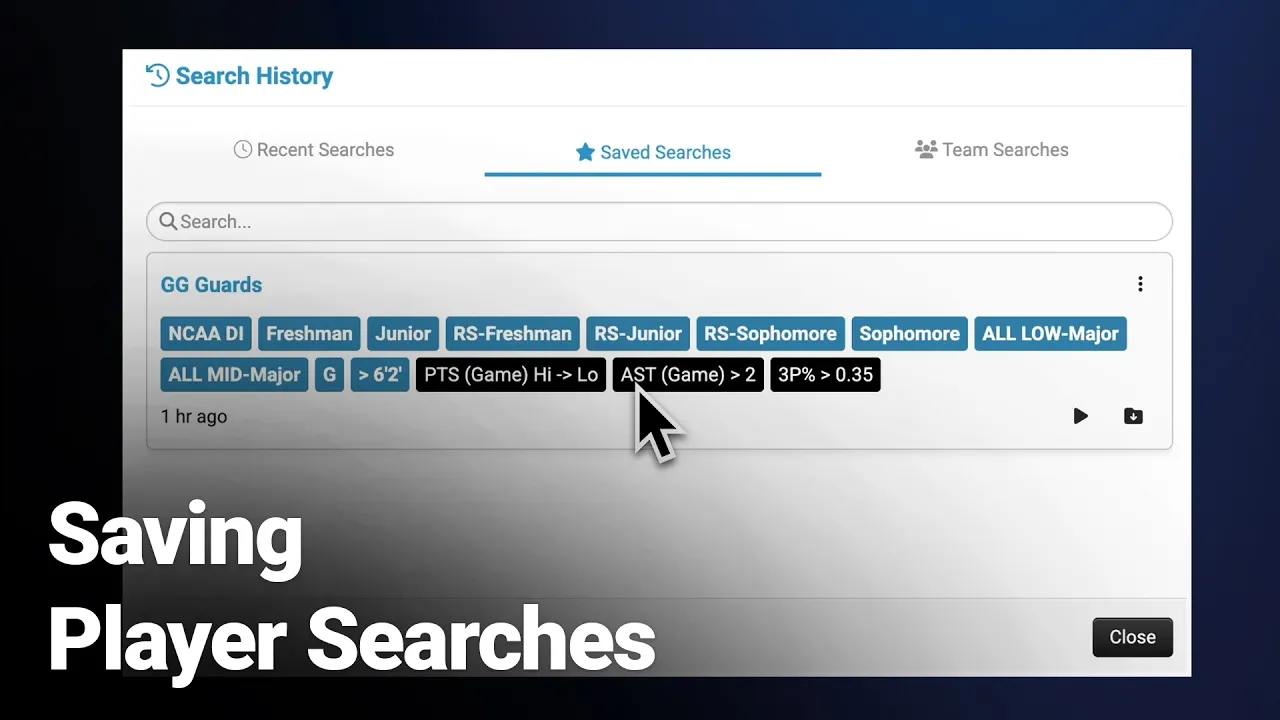
Saving Player Searches
|
Front Office
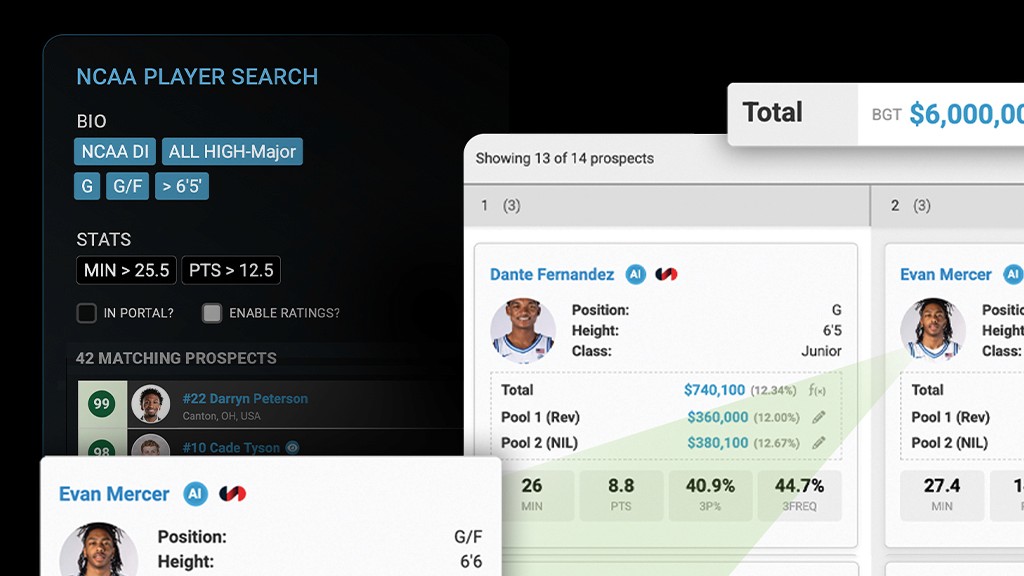
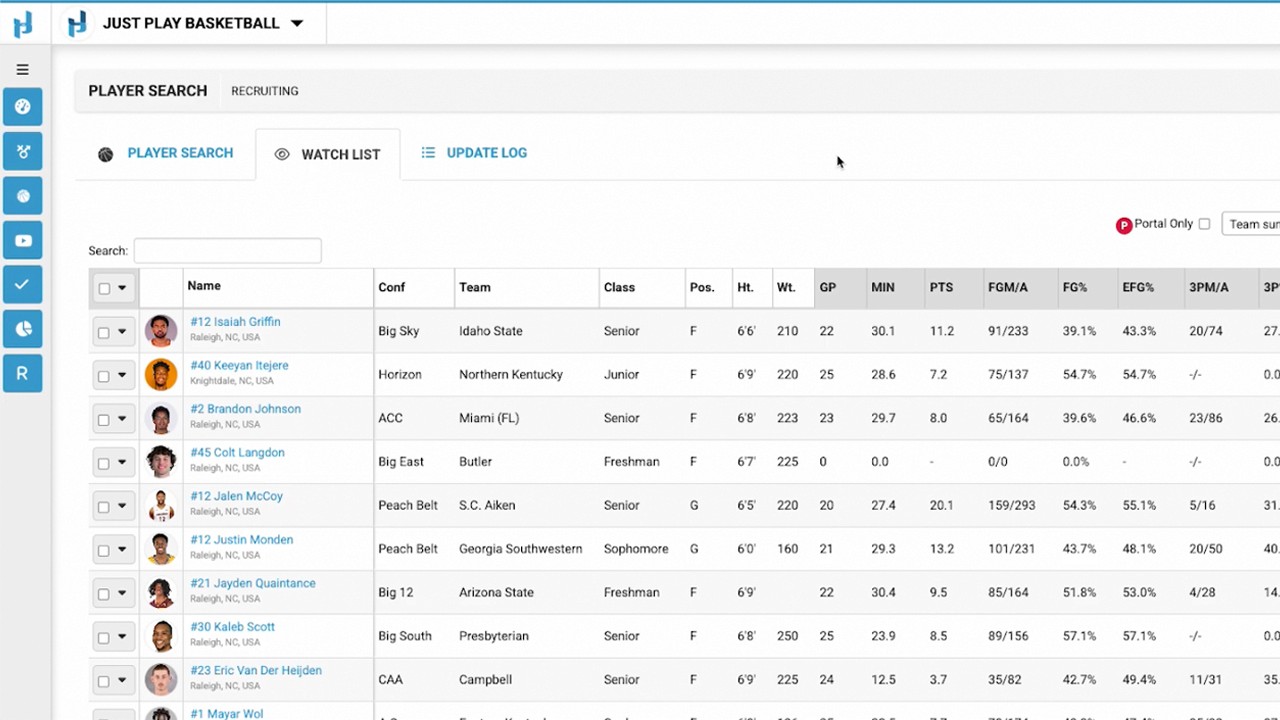
This video provides a tutorial on how to effectively use the Saved Searches feature within the Just Play Basketball player search tool. The feature allows users to streamline their workflow by storing frequently used search criteria for future reference.
Key Features and Functionality:
Saving Searches (0:25 - 1:17): After defining your search criteria, you can click the save button to name the search and add a description. You also have the option to check a box to share the search with your team, making it accessible to your entire staff.
Managing Search History (1:20 - 2:27): The tool tracks recent searches within your current session. You can:
Run a search: Use the play button (1:35).
Load a search: Use the load button to populate fields without immediately running the query, allowing for quick adjustments (1:40).
Star/Save: Easily convert a recent search into a permanent saved or team search (1:57).
Accessing Saved Searches (2:18 - 2:30): Users can access saved or team searches at any time via the icon in the top right corner.
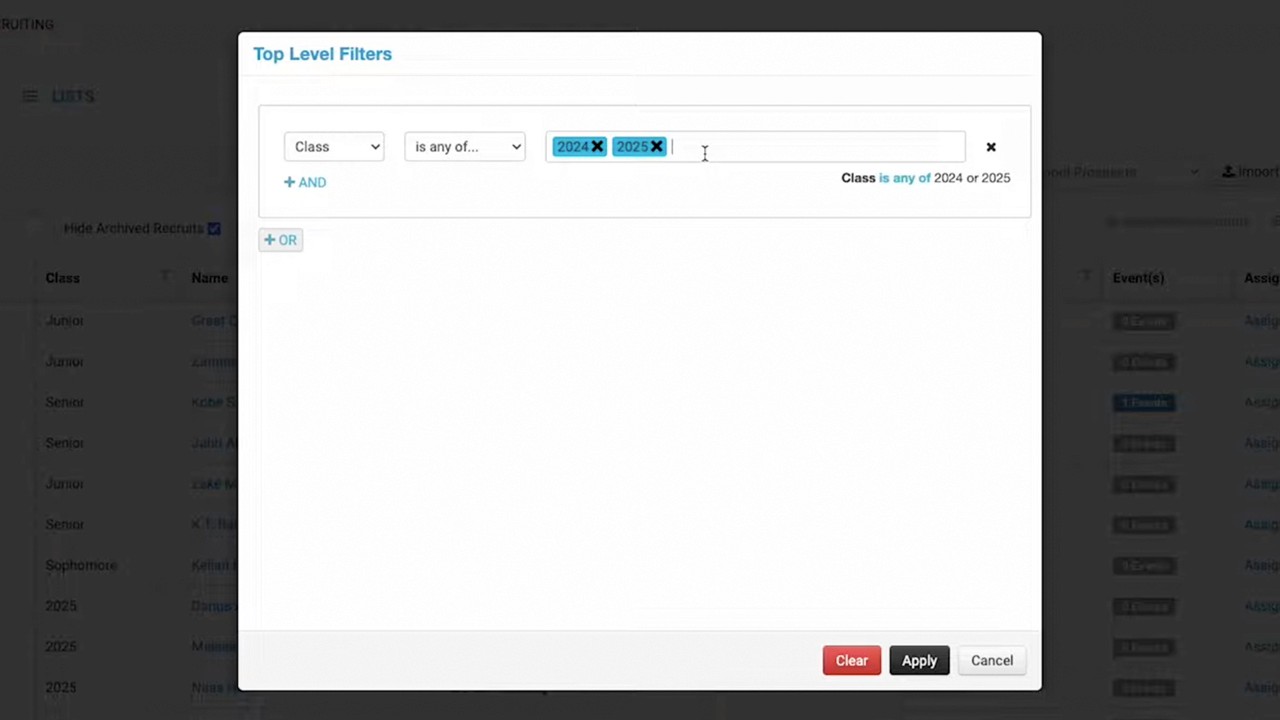
Adjusting Existing Searches (2:50 - 3:10): Once a search result list is generated, you can use the edit icon to jump back into the search criteria, modify parameters, and save updates if needed.