Creating Player Ratings in the Front Office Suite
|
Front Office
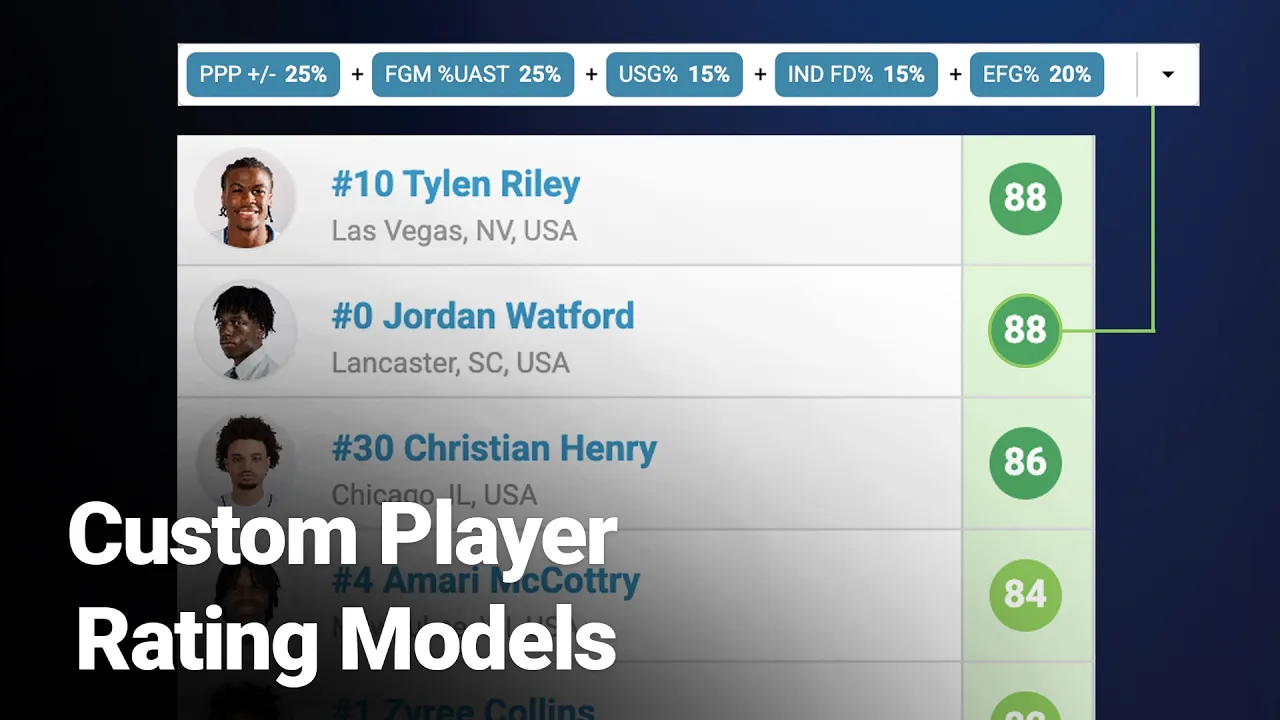
This video provides a walkthrough on using Just Play's Front Office Suite to build custom player rating models. The platform allows coaching staffs to create proprietary formulas tailored to their program's specific needs, moving beyond standard third-party analytics.
Key Features and Capabilities:
Custom Formula Construction (0:06 - 1:10): Organizations can select any available statistics—such as usage, efficiency, rebounding, or defensive disruption—and assign specific weights to drive their rating formula.
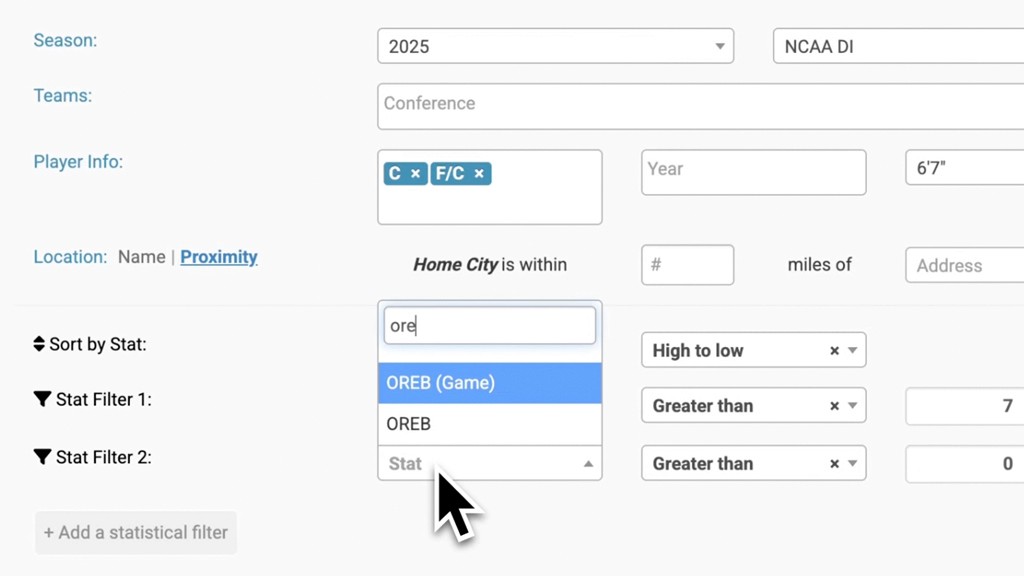
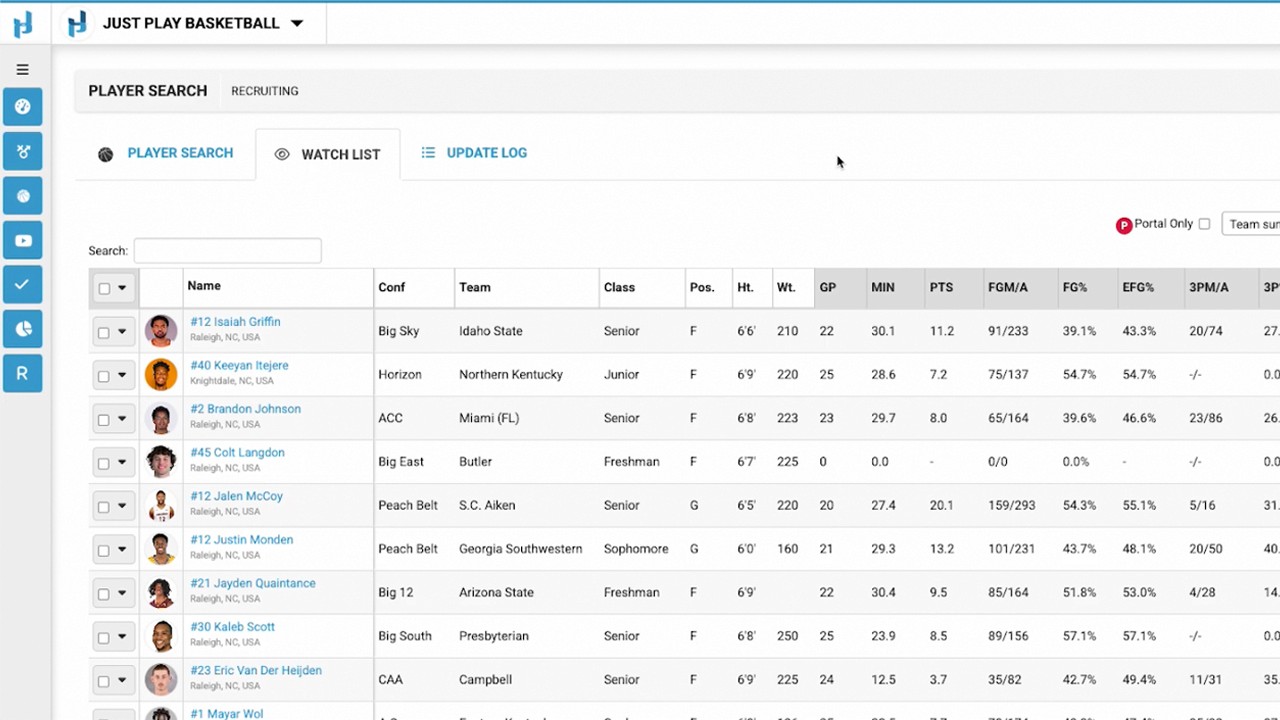
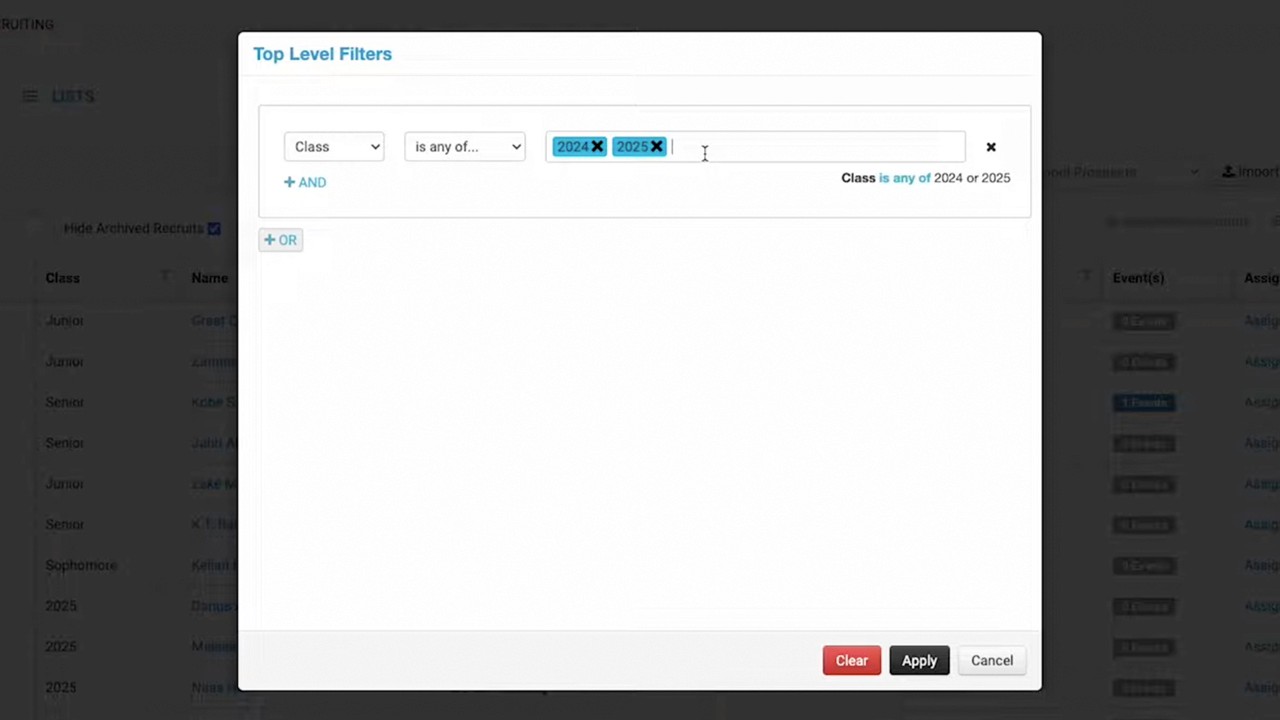
Advanced Analytics & Filtering (1:34 - 3:45): Coaches can prioritize advanced metrics like points per possession or effective field goal percentage. The system allows for granular filtering by conference, player position, height, and minutes played to identify specific talent profiles.
Position-Specific Models (4:23 - 5:42): Staff can create and save multiple rating models, such as separate formulas for guards, wings, and bigs, ensuring relevant data for different roles.
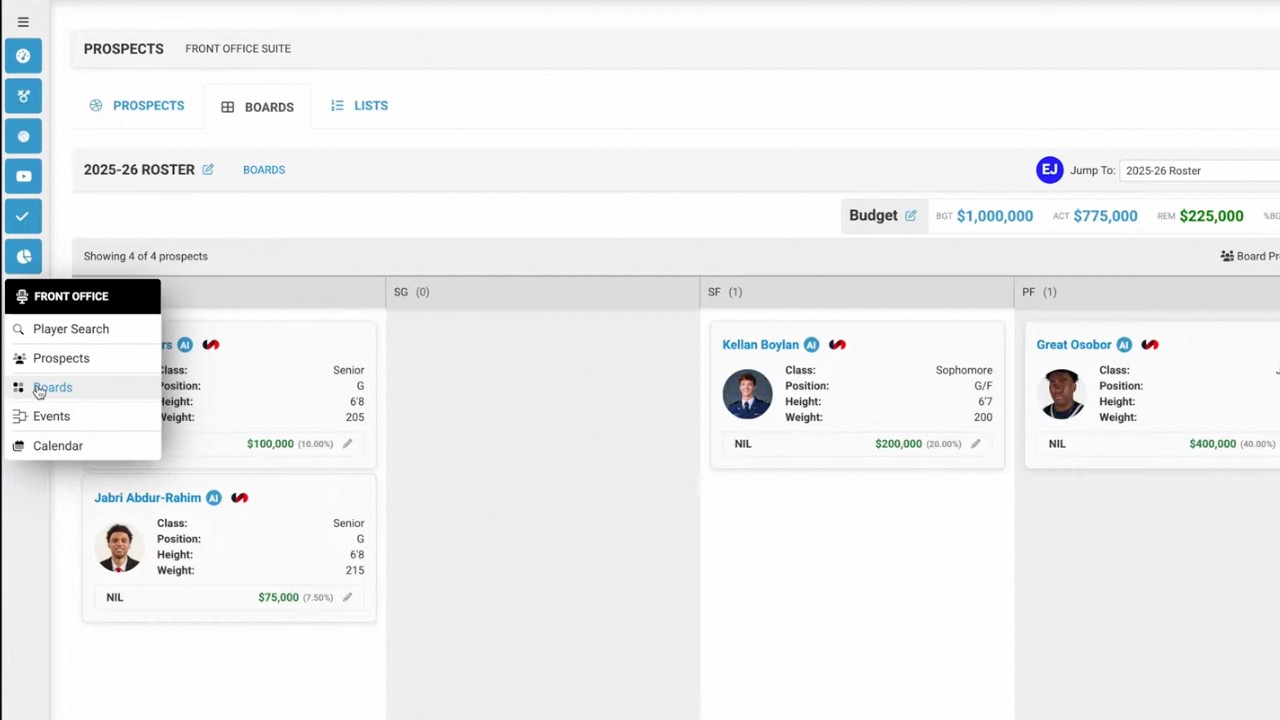
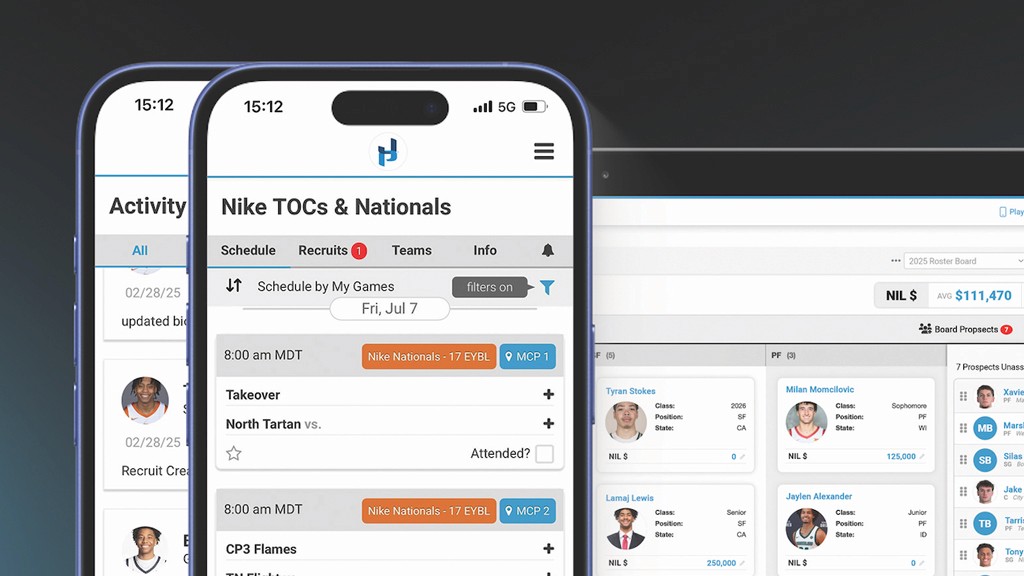
Reporting & Integration (4:36 - 5:12, 5:46 - 6:30): The suite includes a print feature to generate reports with selected metrics for staff. Additionally, these custom ratings can be integrated directly into recruitment or roster boards for side-by-side player comparisons.
By building these models, teams can combine objective analytics with their own internal philosophies to create a more effective scouting and player evaluation workflow.