Post Event Workflow for Exporting Prospects
|
Front Office
This video provides a tutorial on how to export prospect data from the Just Play Front Office Suite after attending a recruiting event.
Here is the step-by-step workflow:
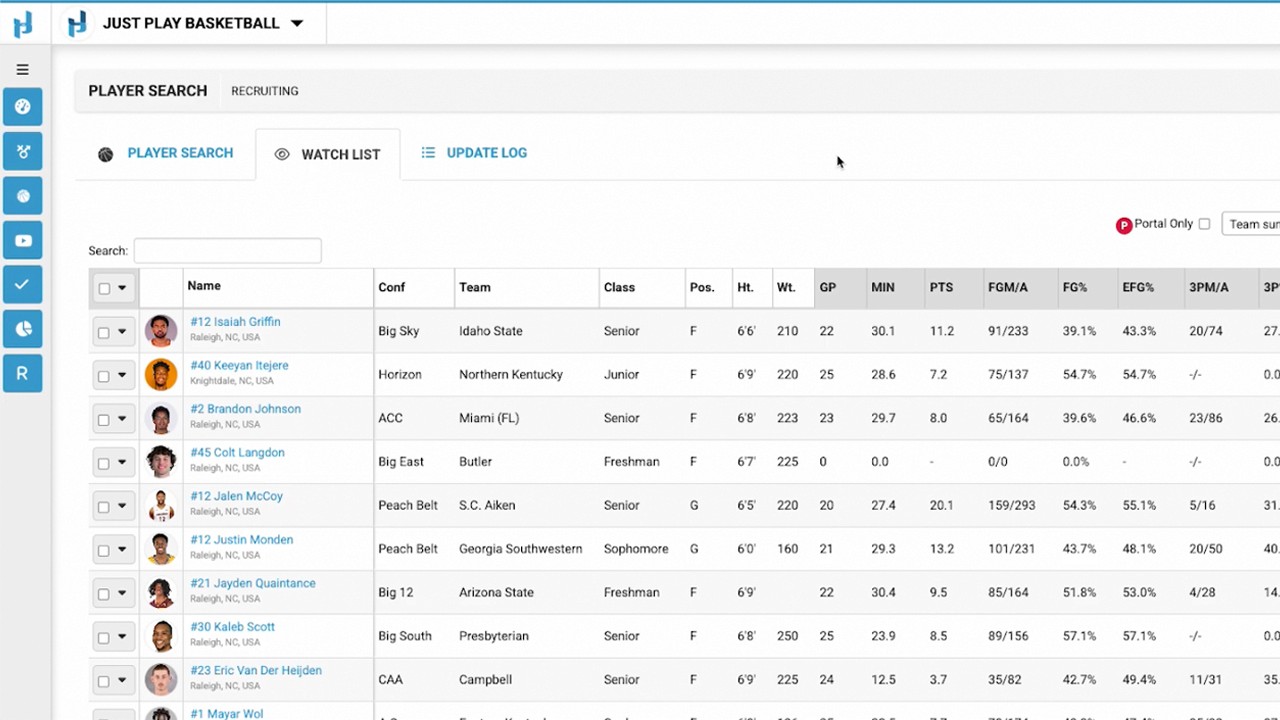
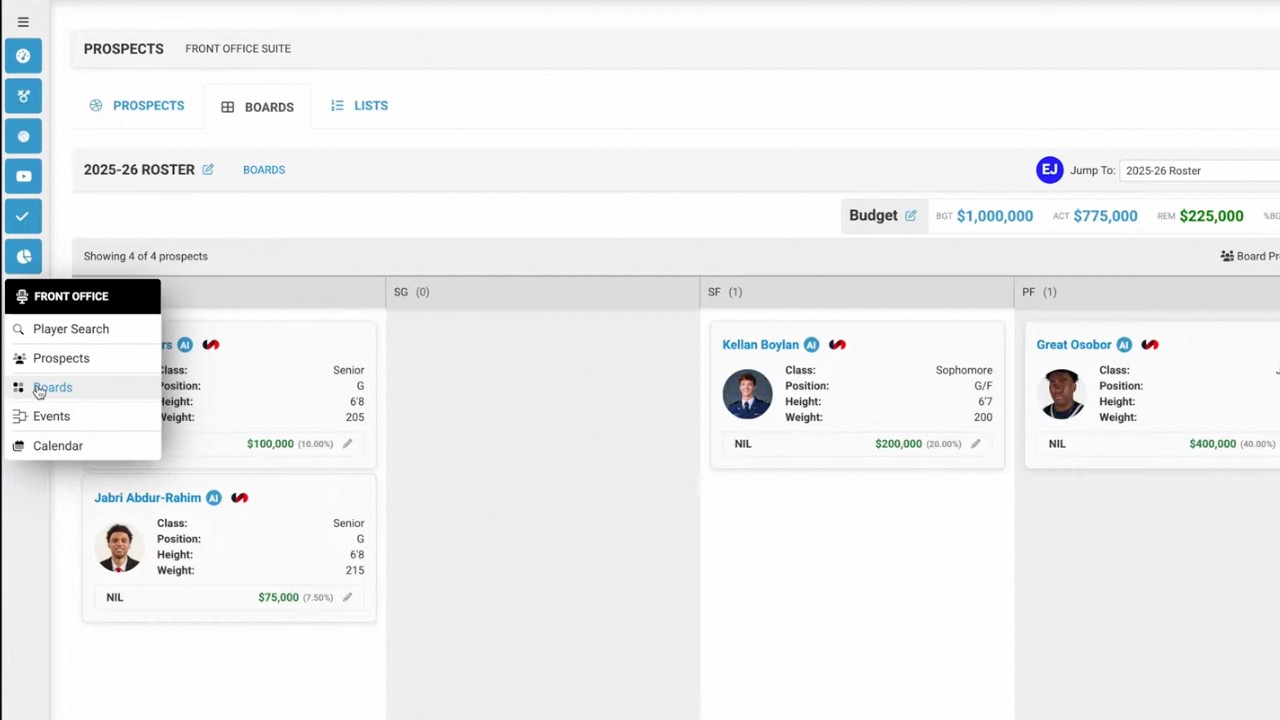
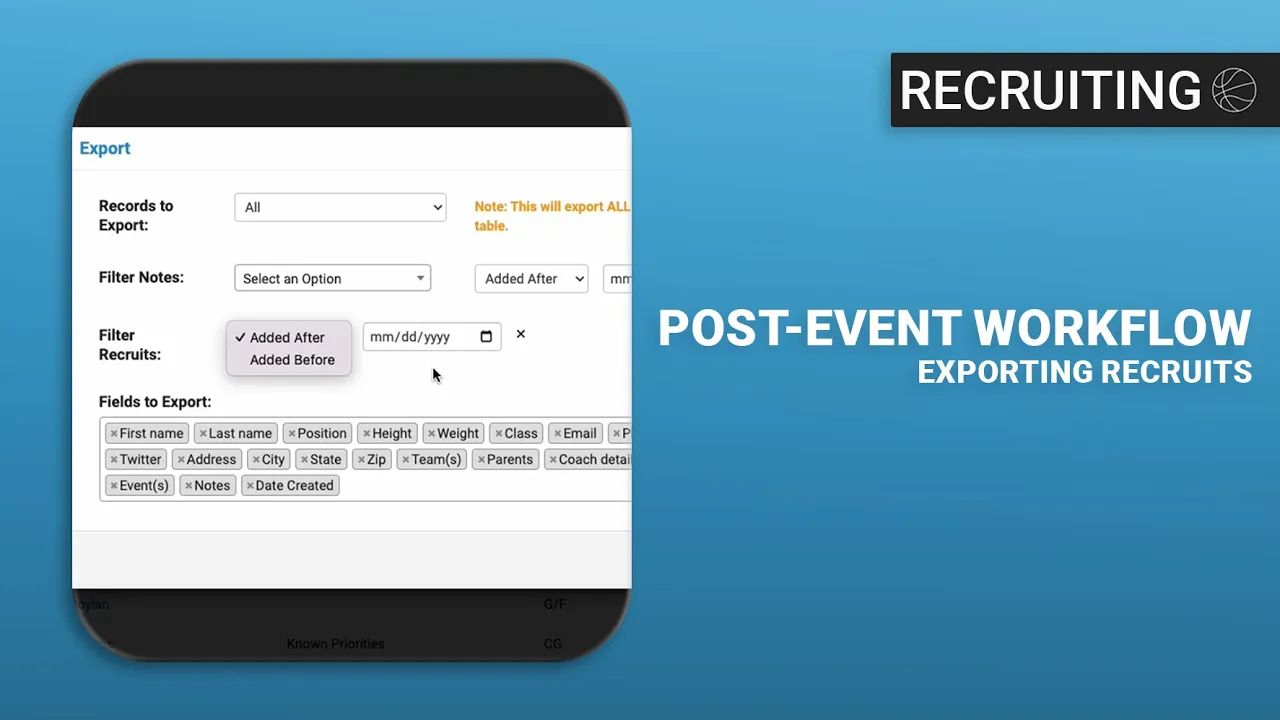
Navigate to the database: Go to the Recruits section to access your recruiting database (0:12).
Initiate the export: Select the Bulk Actions dropdown menu and click on Export Recruits (0:17).
Customize export options:
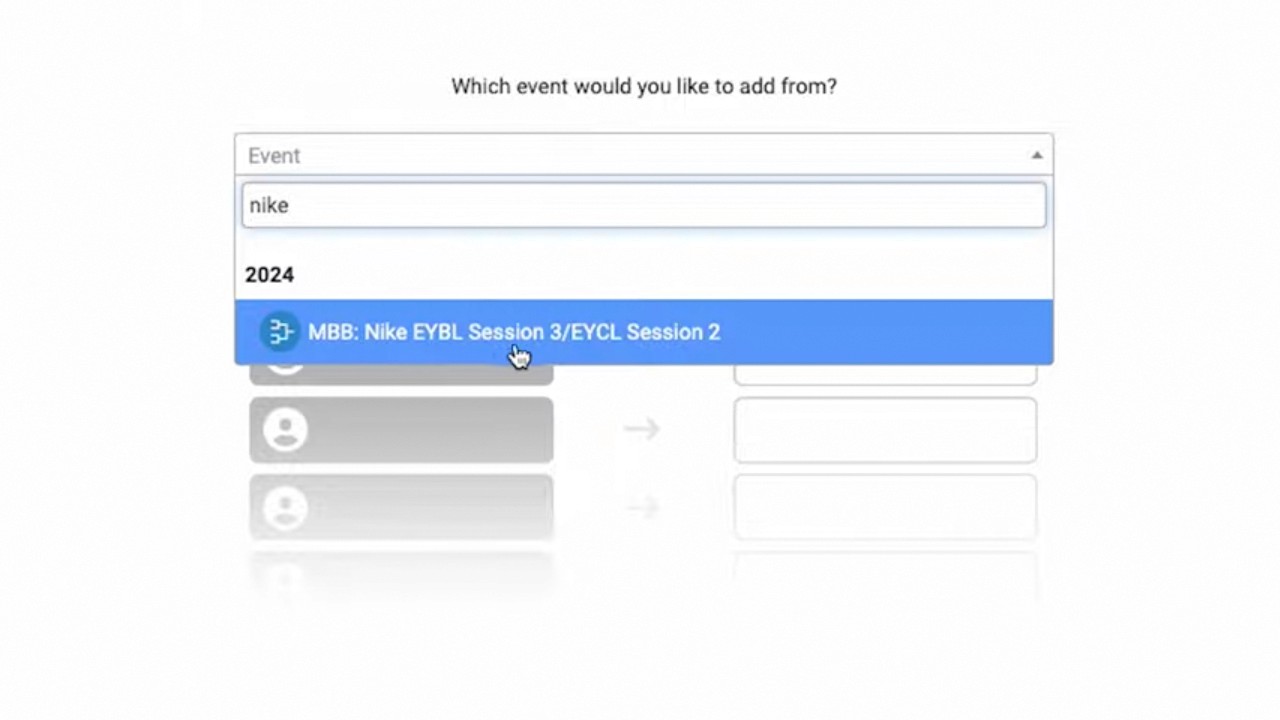
Scope: Choose whether to export all recruits or only those currently visible in your table view (0:26-0:35).
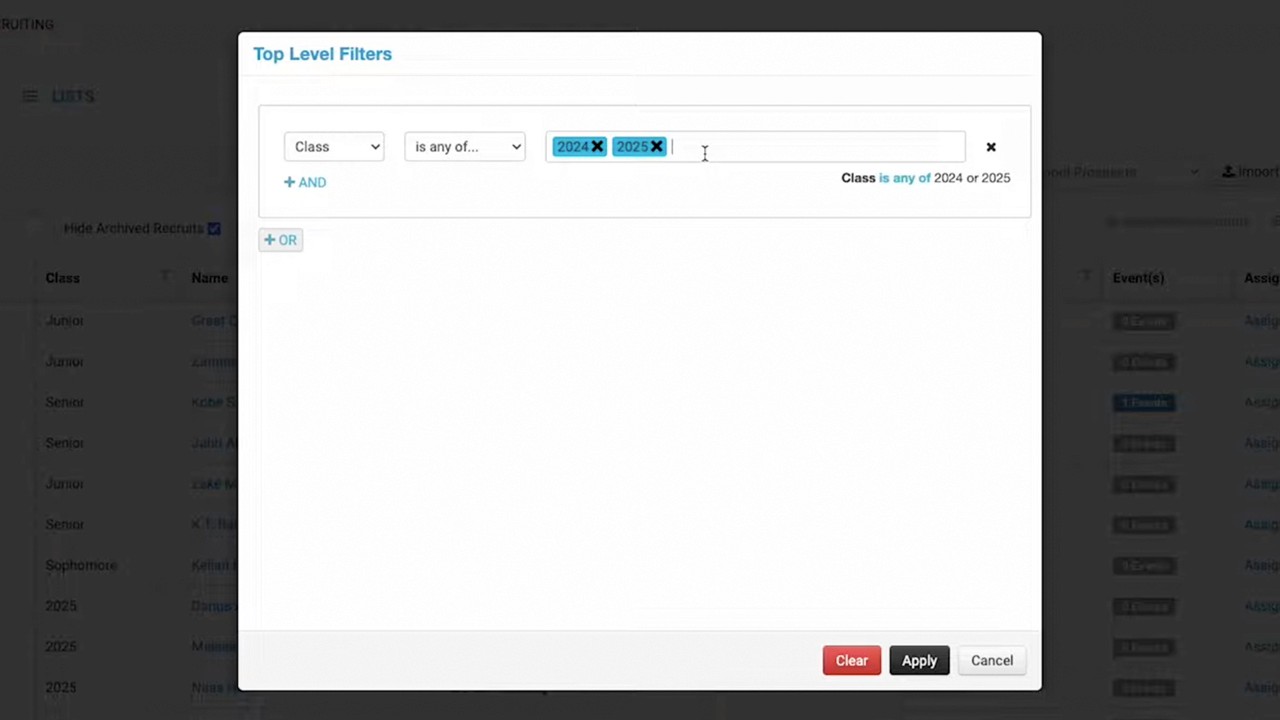
Filtering: Use the Date Range filters to isolate specific notes or recruits based on when they were added or created (0:39-1:12).
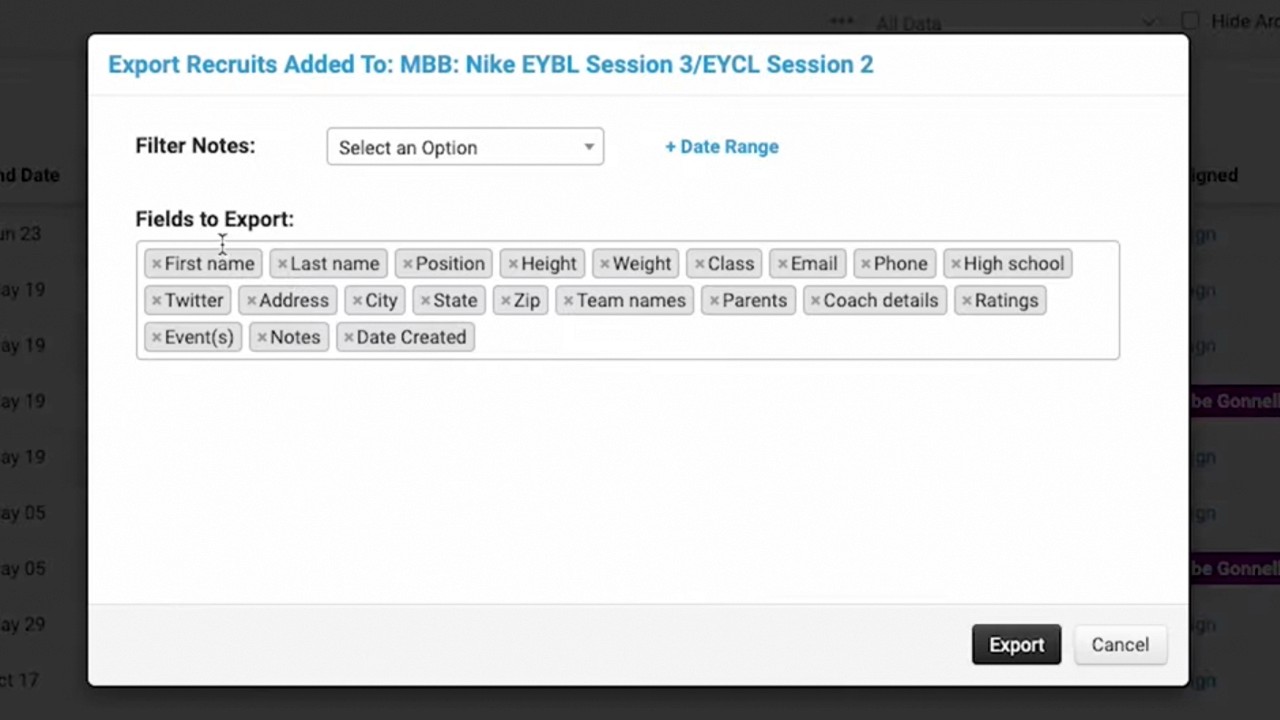
Field Selection: Select or remove specific data fields you want to include in the final document using the 'X' icon (1:15-1:26).
Finalize: Click the Export button to generate your customized data file (1:28).