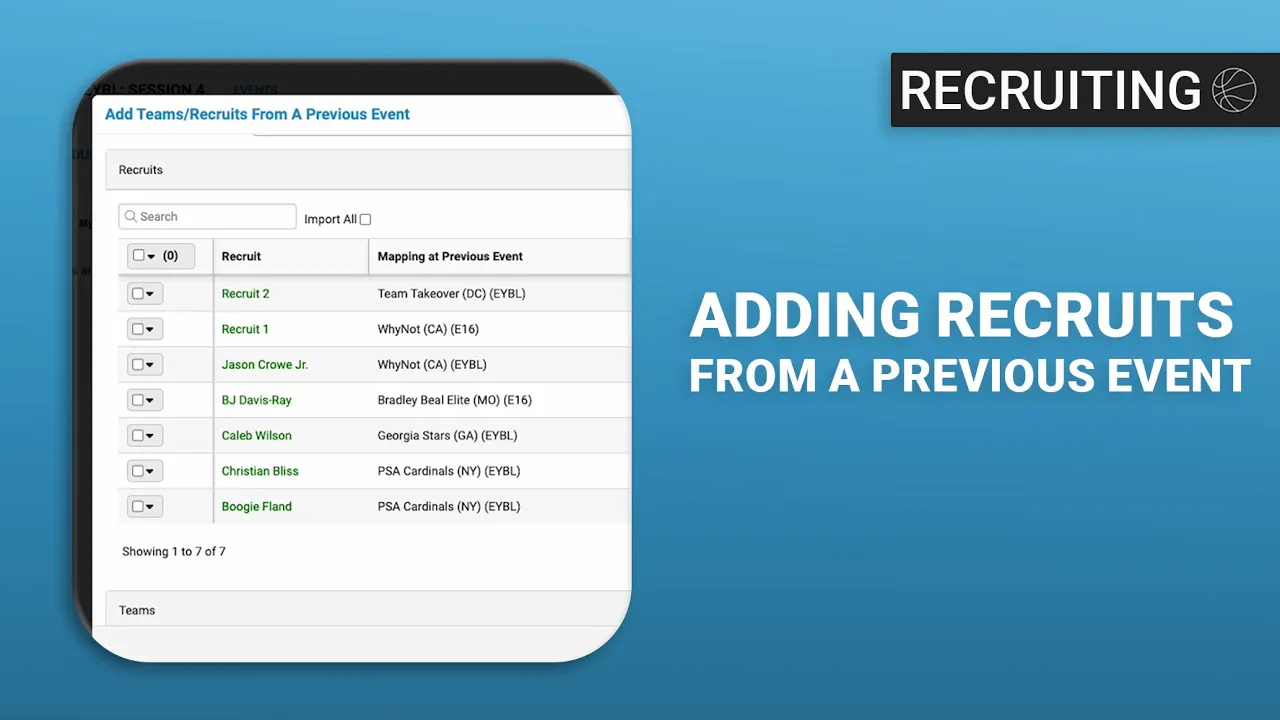
Adding Prospects from a Previous Event
|
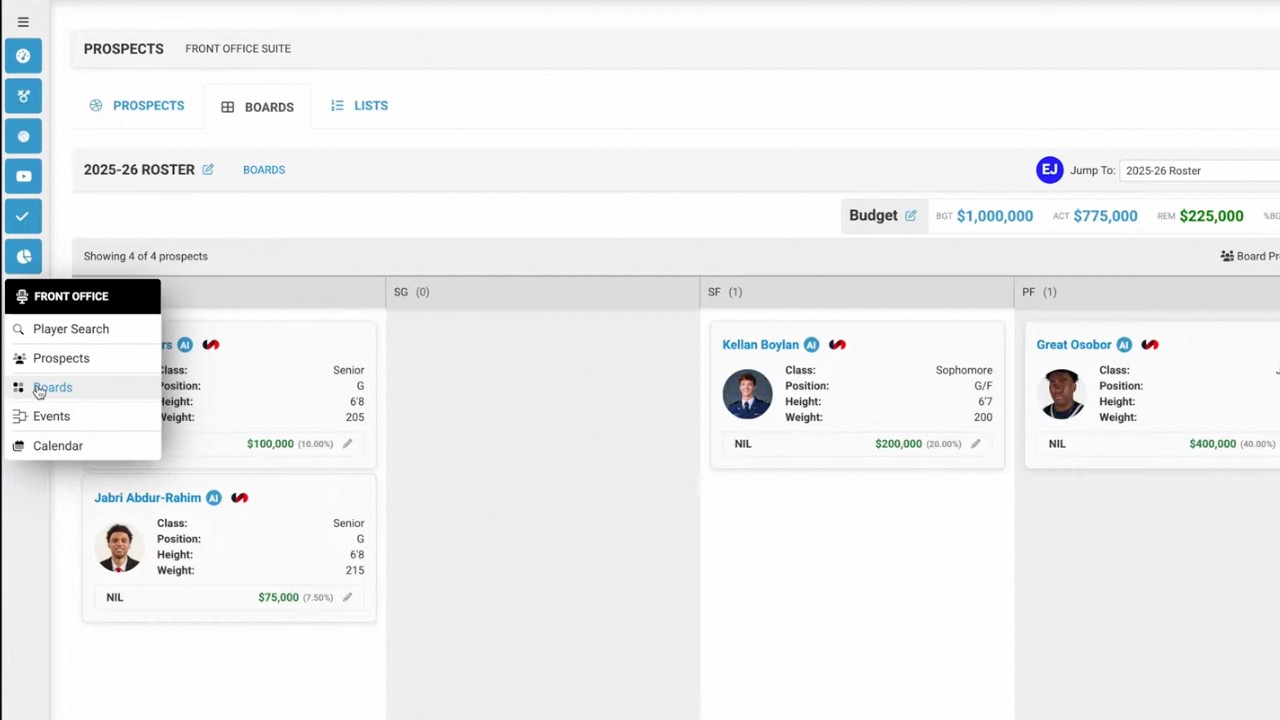
Front Office
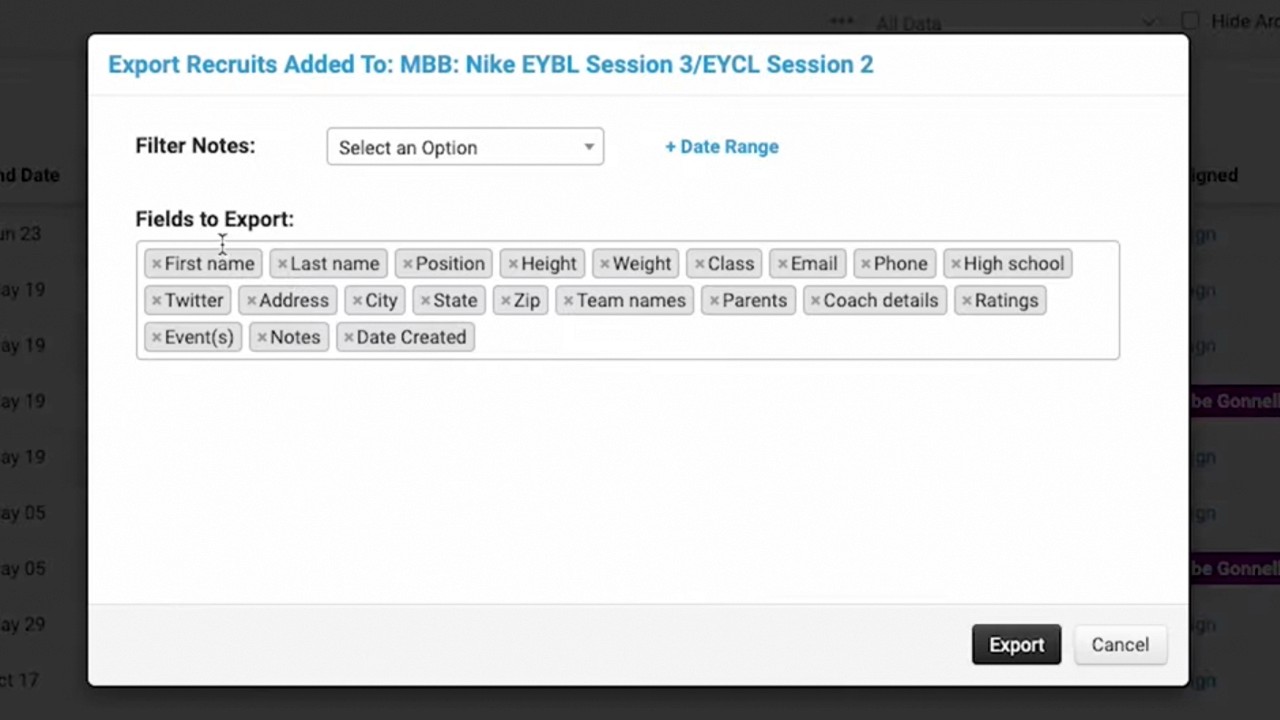
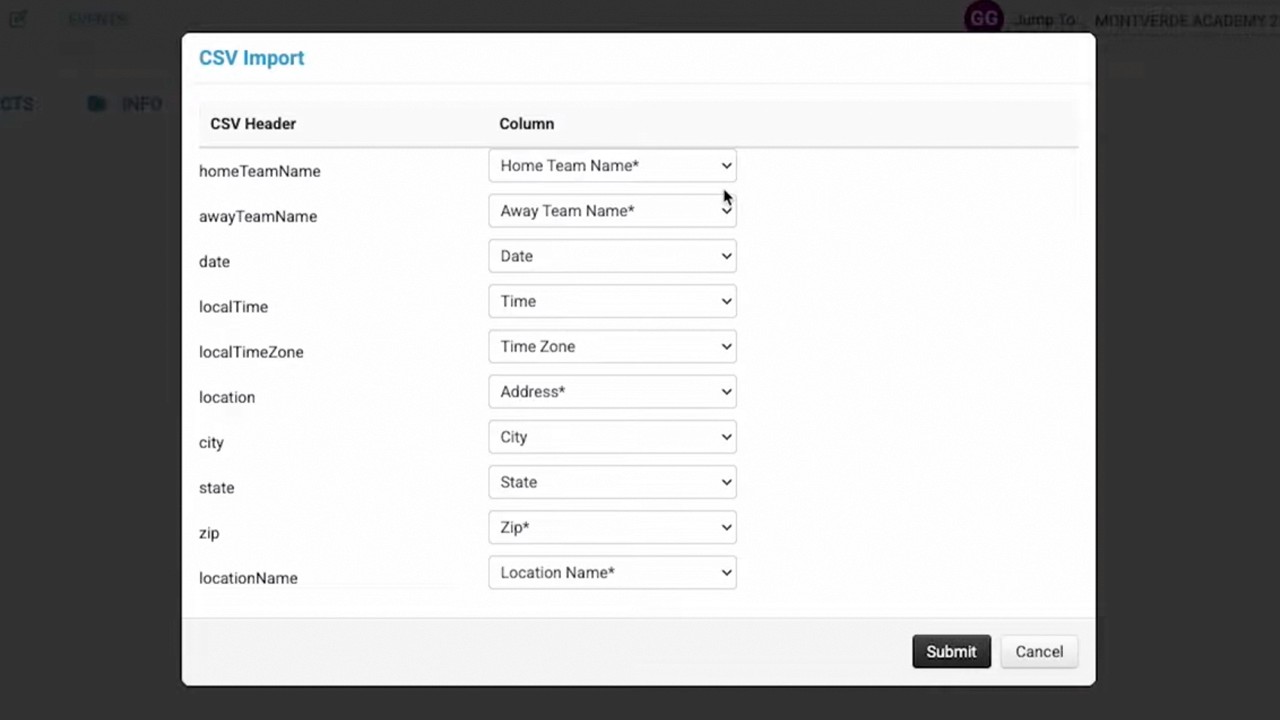
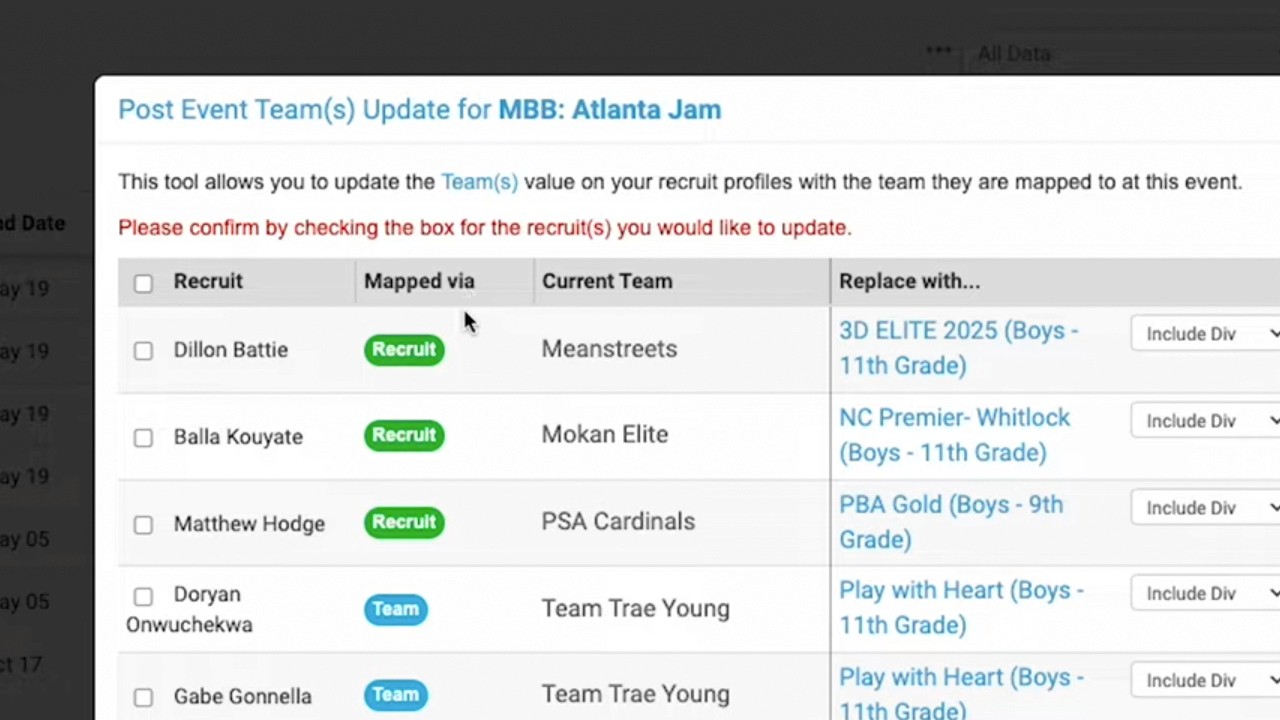
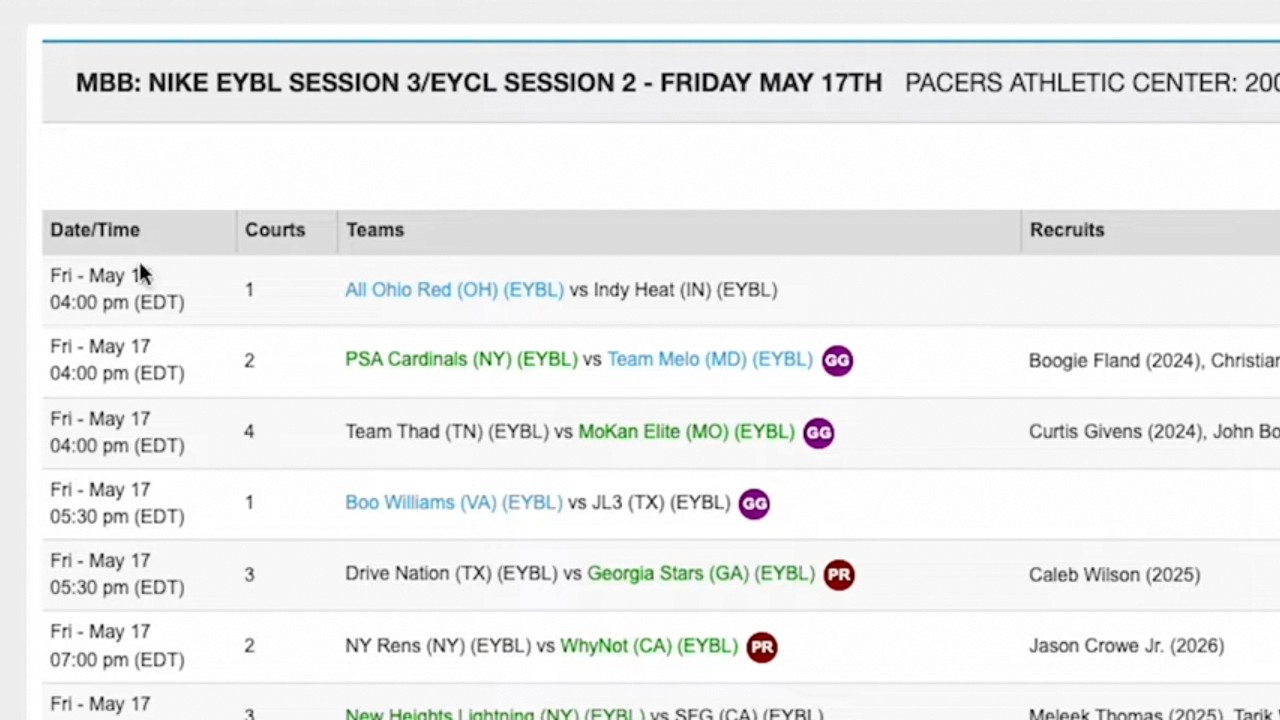
This video provides a tutorial on how to efficiently transfer recruits and their mappings from a previous event to a new event within the Just Play Basketball platform.
Steps for importing prospect mappings:
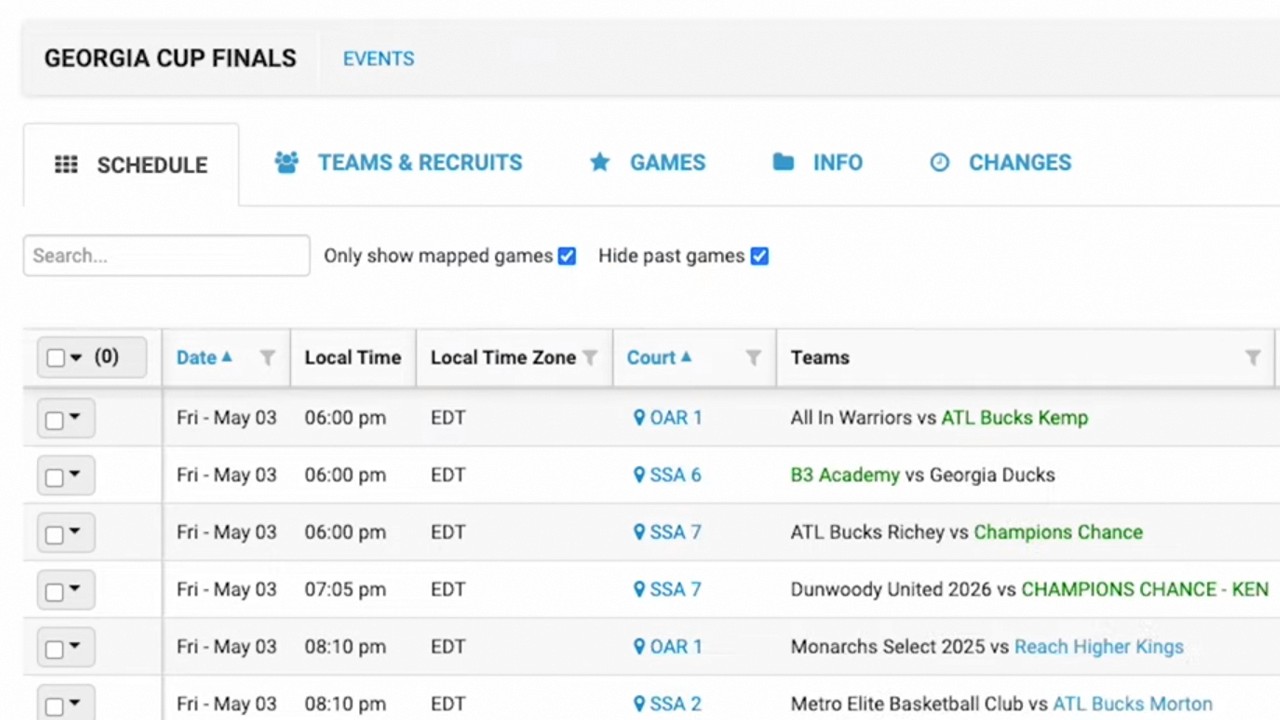
Navigate to the event: Go to the specific new event (e.g., Nike EBL Session 4) where you want to add the data (0:17 - 0:21).
Access the tool: Navigate to the Teams and Recruits section and select Add from event (0:36 - 0:40).
Select source event: Choose the previous event (e.g., Session 3) that contains the existing recruit data (0:40 - 0:45).
Map the recruits: Use the Map to current event column to select the teams you want to populate with the recruits from the previous session. You can map individual recruits or entire teams (0:56 - 1:29).
Import and save: Click Import to bring the data over, then click Save mapping to finalize the process (1:29 - 1:43).