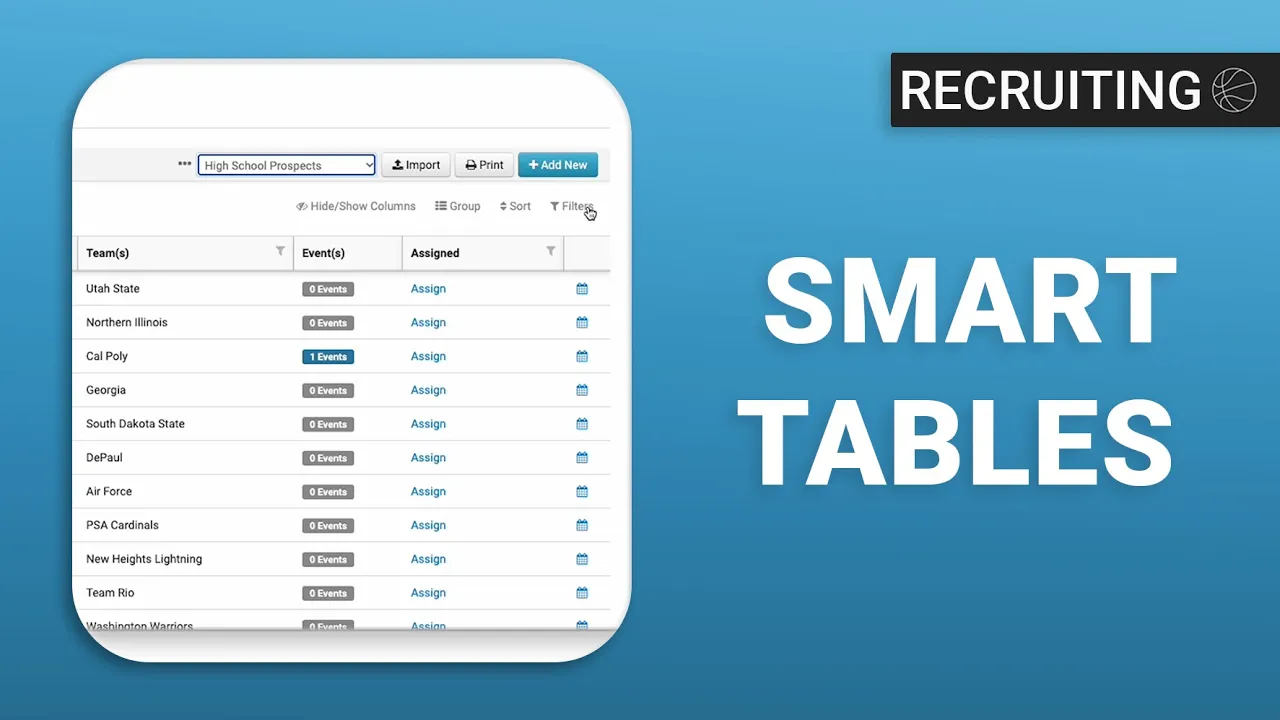
How to Use Smart Tables in your Prospects Database
|
Front Office
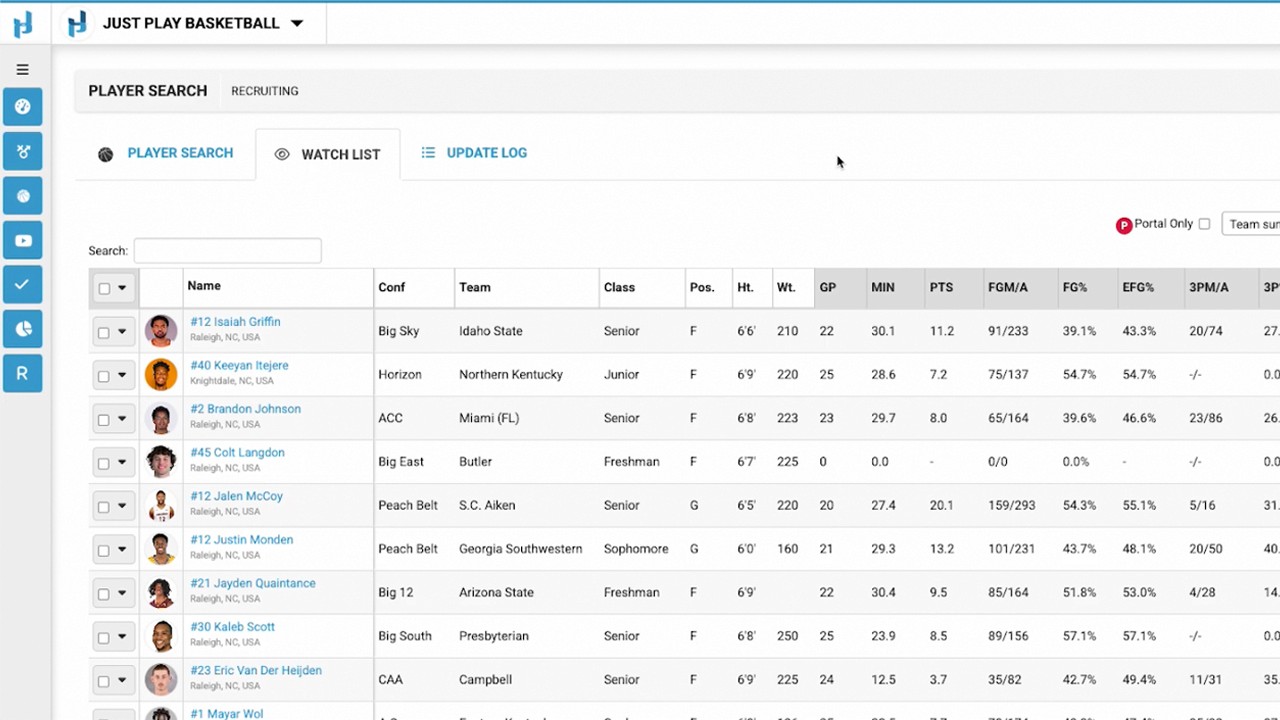
This video provides a tutorial on how to use Smart Tables within the Just Play Basketball recruiting database to better organize prospect data.
Key Steps for Organizing Data:
Creating Custom Smart Tables: You can create specific views for different types of recruits (e.g., "High School Prospects" or "Transfer Portal Targets") by cloning the "All Data" table (0:53 - 1:12).
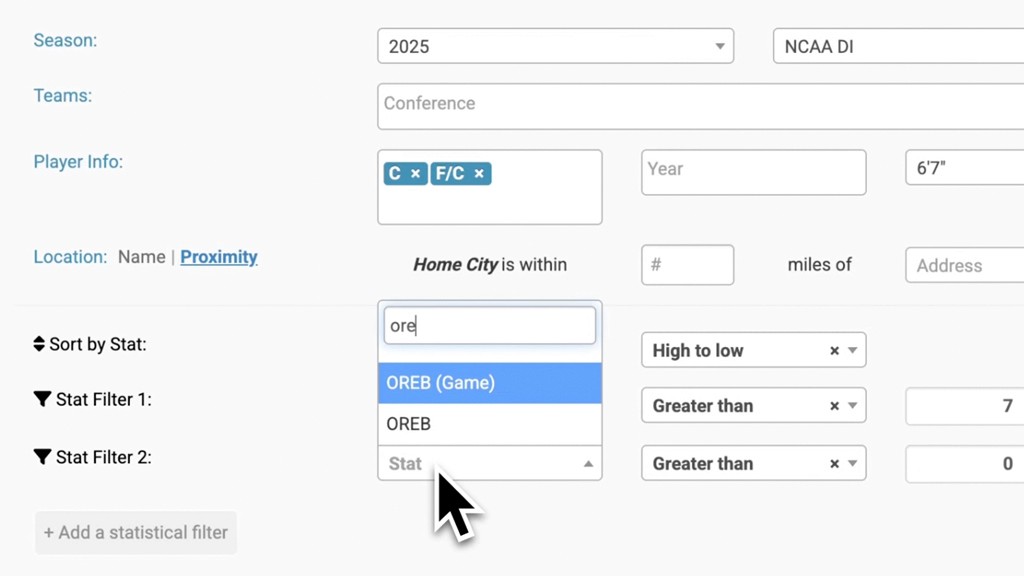
Setting Filters: Once a new table is created, you can apply custom rules using the filter button to narrow down the list based on criteria like graduation class (1:18 - 1:53).
Grouping: The video demonstrates how to group recruits by class within these tables to improve readability (1:53).
Sharing Tables: Smart tables can be shared with other admin users on your staff. You can choose to make them "public" to all admins or select specific individuals (2:42 - 3:08).
Important Note: When a smart table is shared with other team members, those users are restricted to viewing the table and cannot adjust the filter settings or structure of that specific view (3:18 - 3:30).