Player Search and Watchlists in the Front Office Suite
|
Front Office
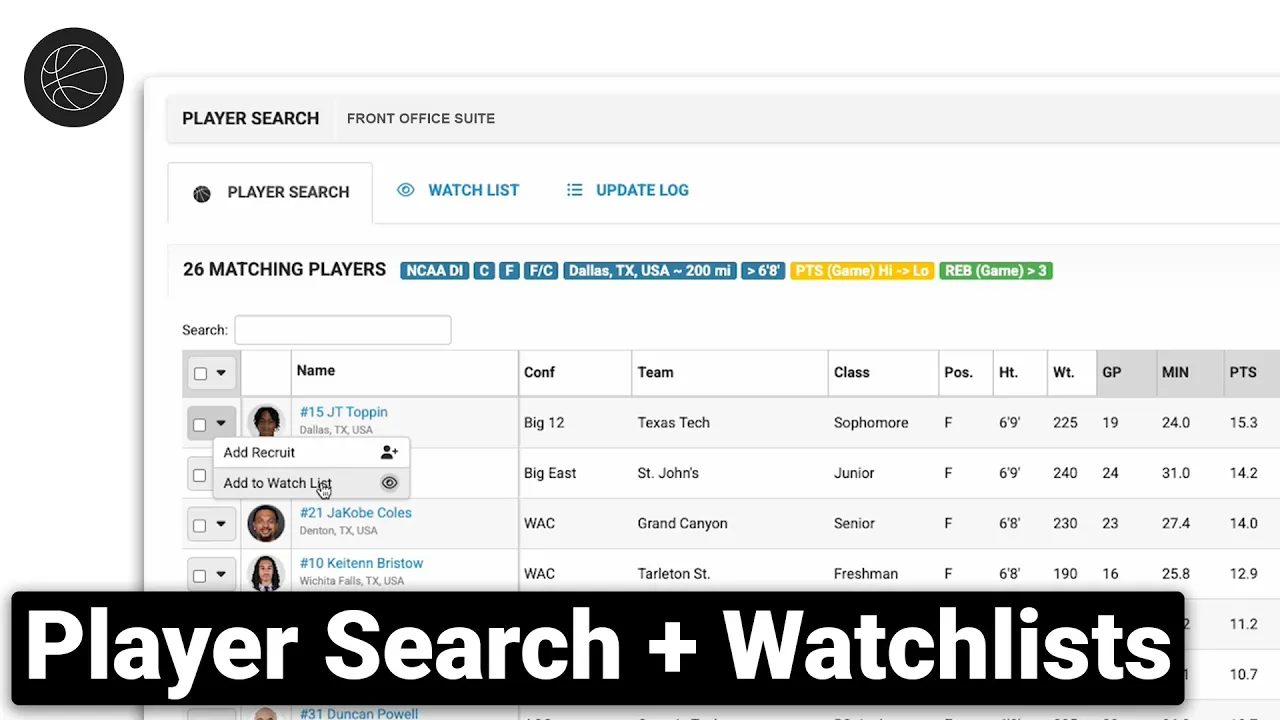
This video provides a walkthrough of the Front Office Suite by Just Play, focusing on tools designed to help college basketball teams manage scouting and recruiting throughout the year, specifically in preparation for the transfer portal.
Key Features:
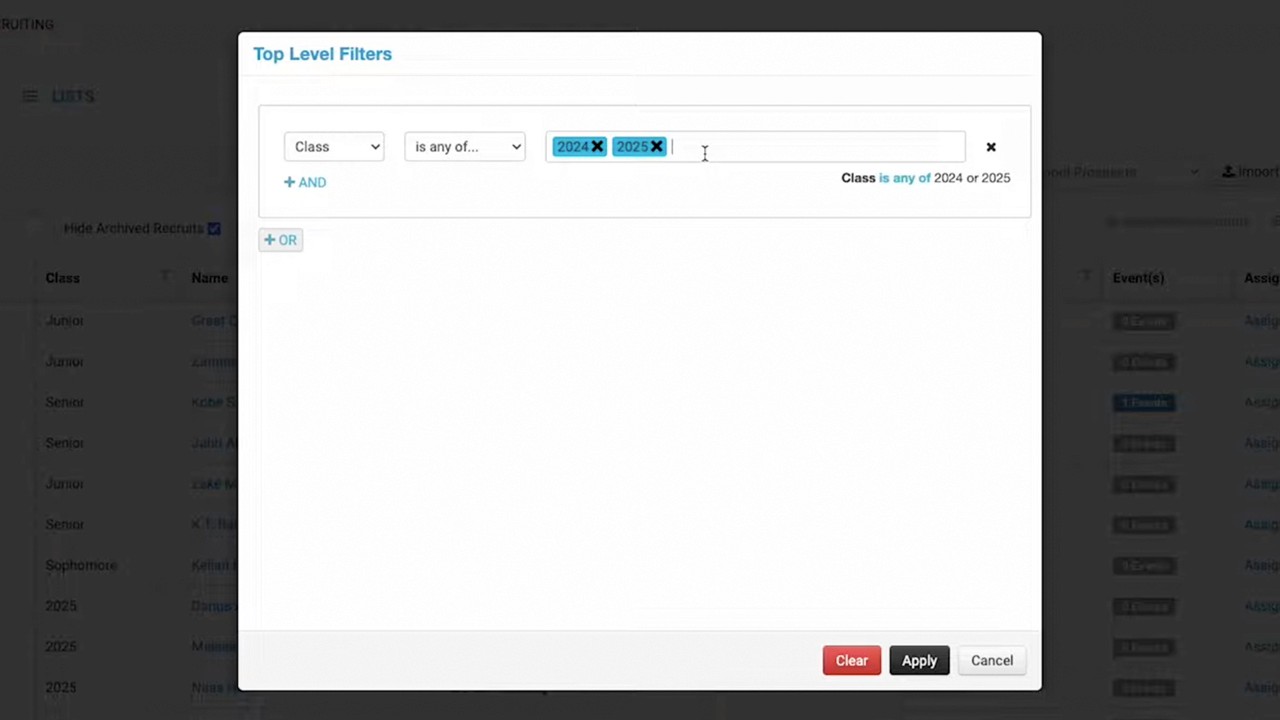
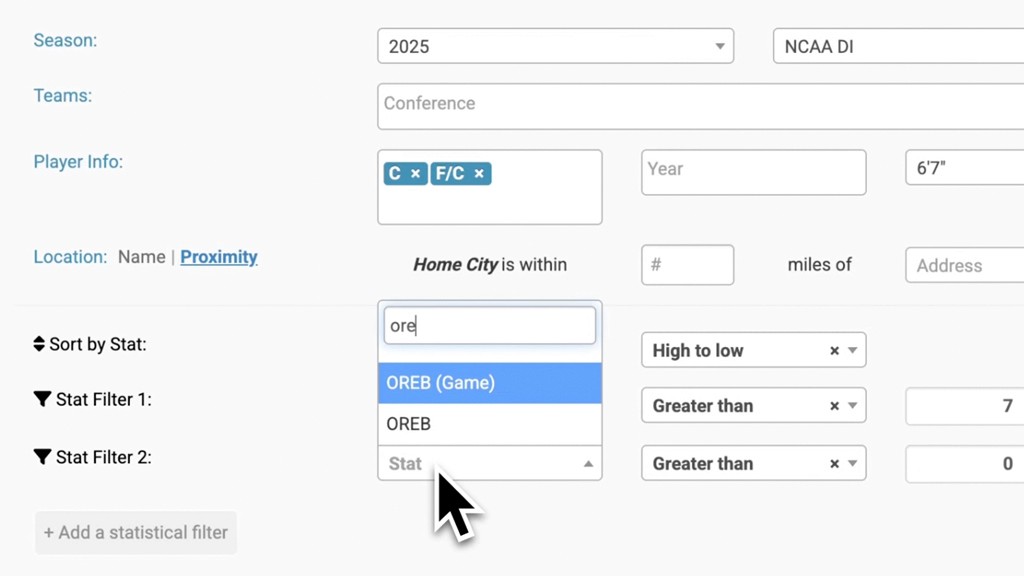
Player Search Tool (0:14 - 3:06): Allows coaches to filter players across all divisions (including JUCO) using specific criteria like position, height, weight, and location. Users can utilize the proximity tool to find players near specific cities (1:08) and apply statistical filters (e.g., points or rebounds per game) to refine their results (1:34).
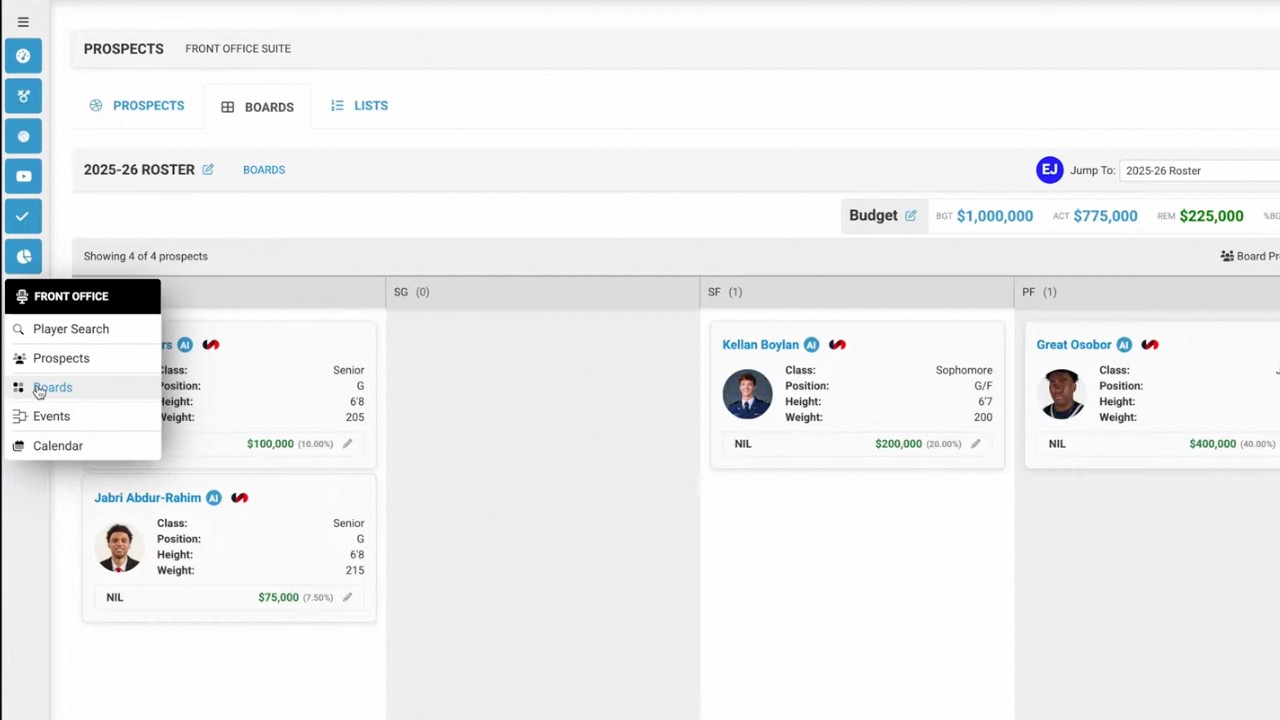
Watchlists (2:43 - 4:46): Once players are identified, they can be added to a watchlist. This tool helps staff track prospects before the transfer portal opens, ensuring they are prepared when the window begins in March.
AI Analytics & Synergy Integration (3:11 - 4:26): By clicking the AI button on a player's profile, users can access advanced analytics, including Auto Insights, player reports, and customizable game logs, allowing coaches to filter data based on specific game types (e.g., Power Five or non-conference).
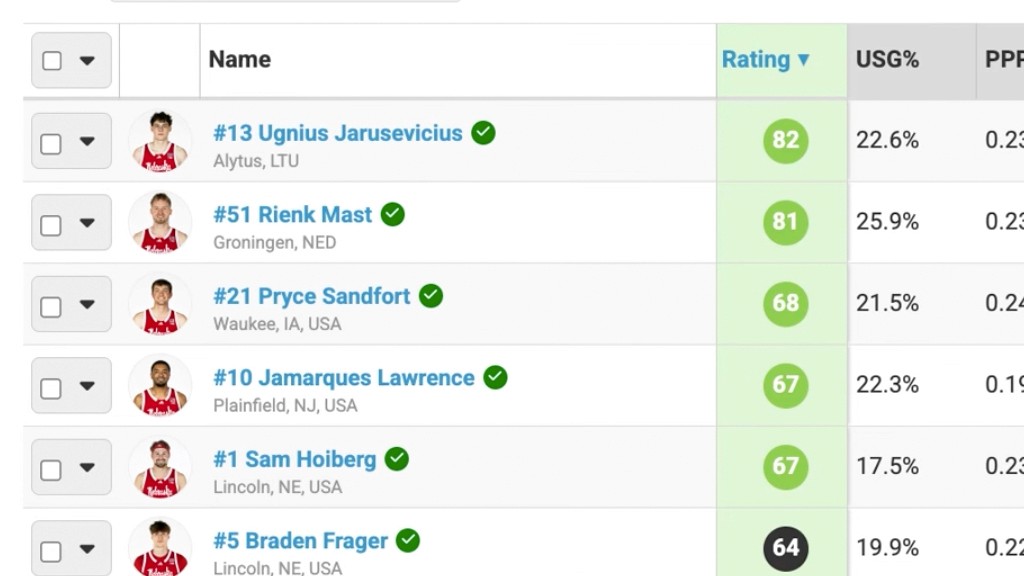
Portal Management (4:37 - 6:55): The watchlist provides updates on whether a player has entered the transfer portal (denoted by a 'P' icon). It also includes a grouping feature (5:38) to organize prospects by division, position, or class, and an update log (6:19) that displays portal activity chronologically as it happens.