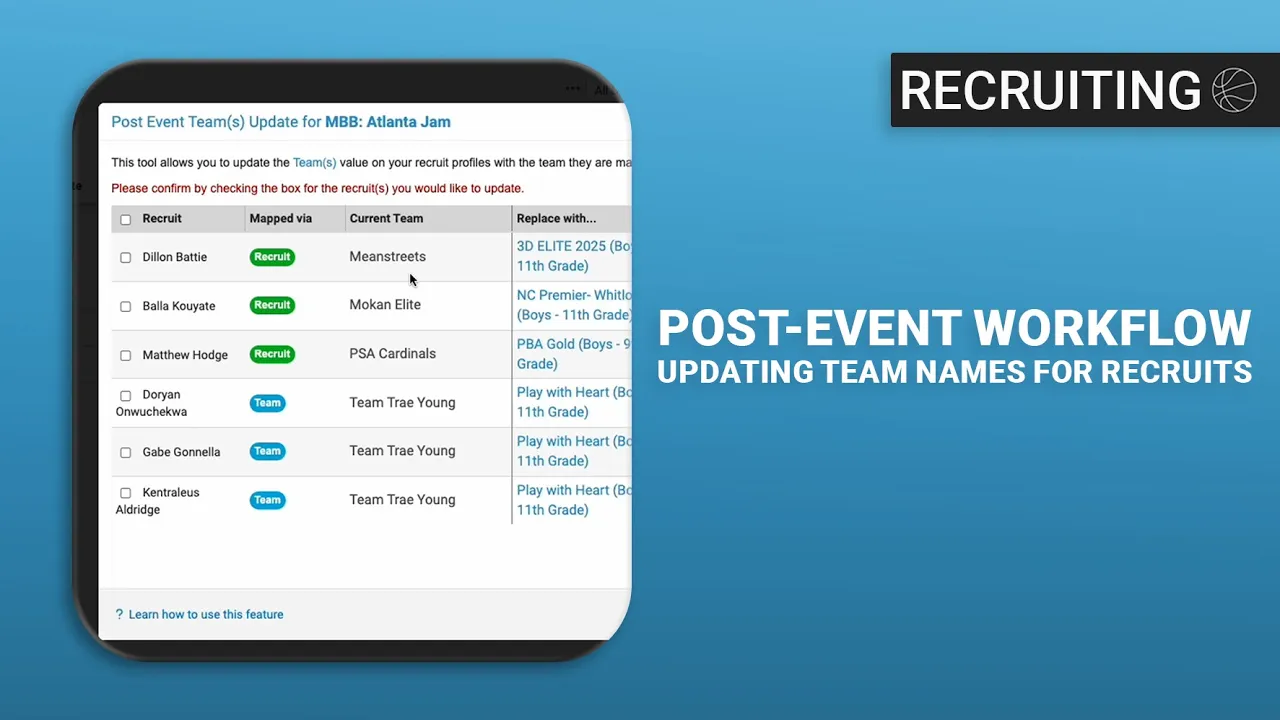
Post Event Workflow for Updating Team Names for Prospects
|
Front Office
This video provides a tutorial for using Just Play Basketball to update prospect information in your database after attending an event.
Workflow for Updating Team Names:
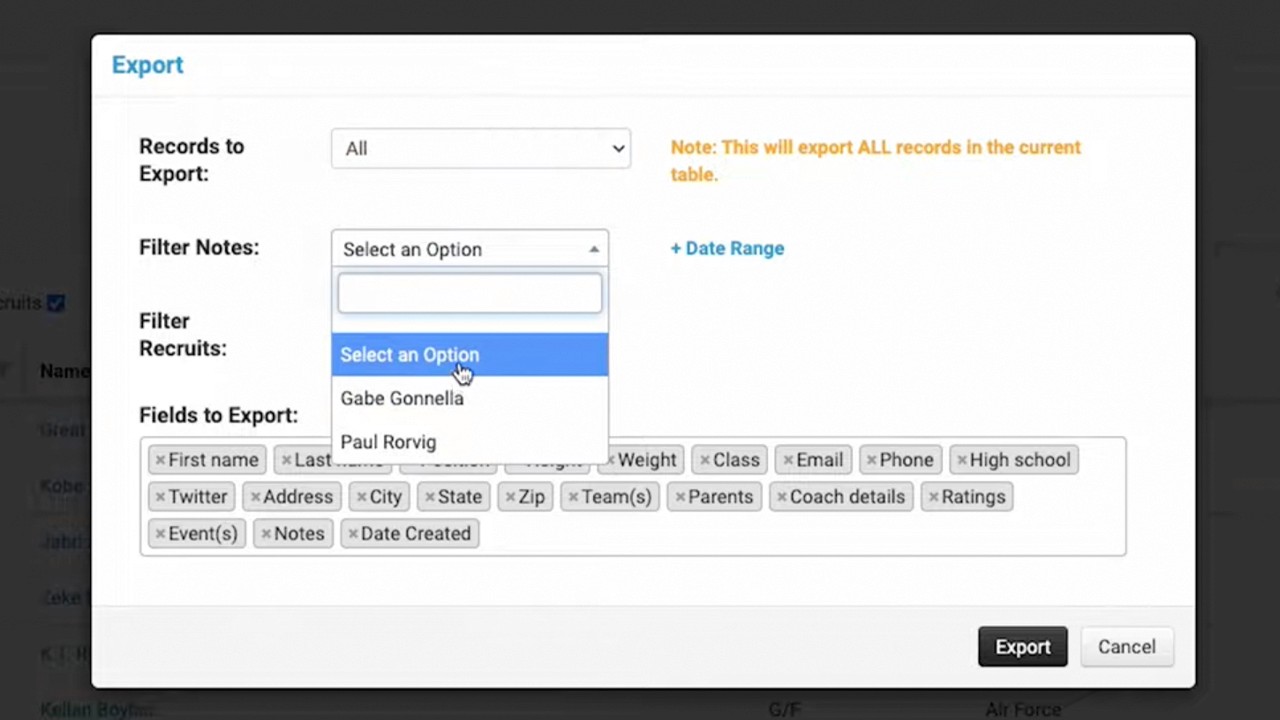
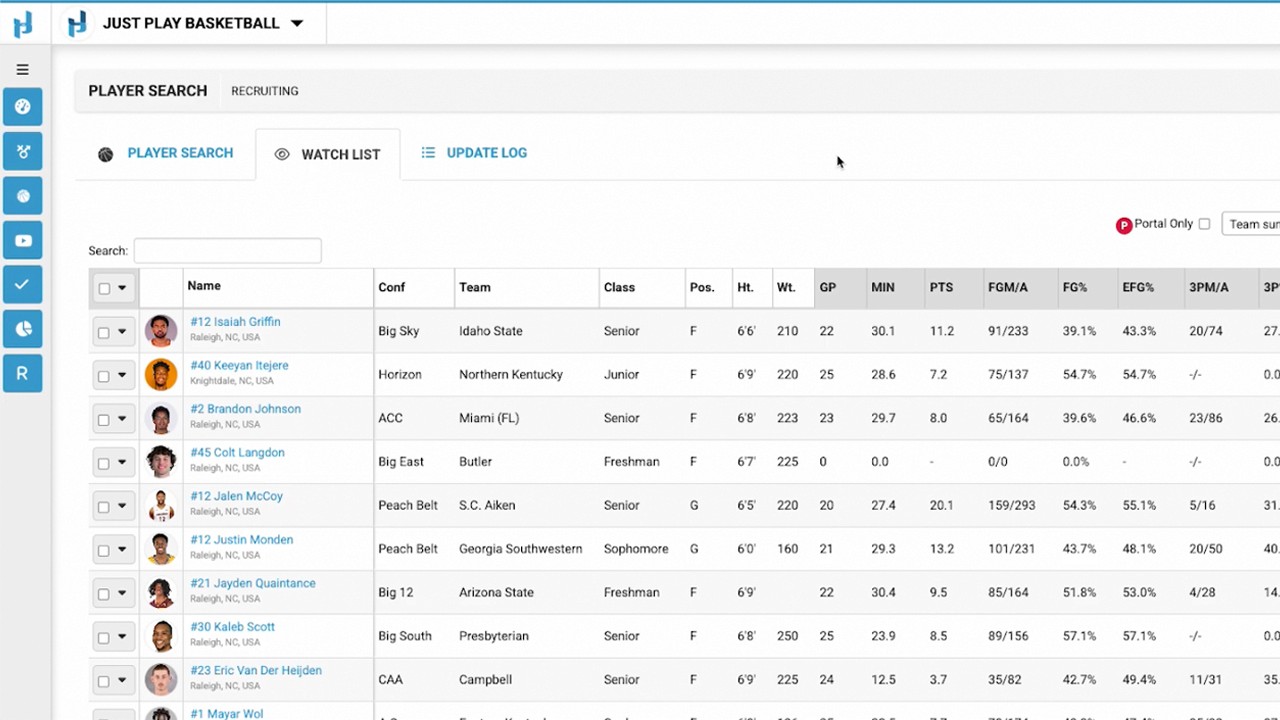
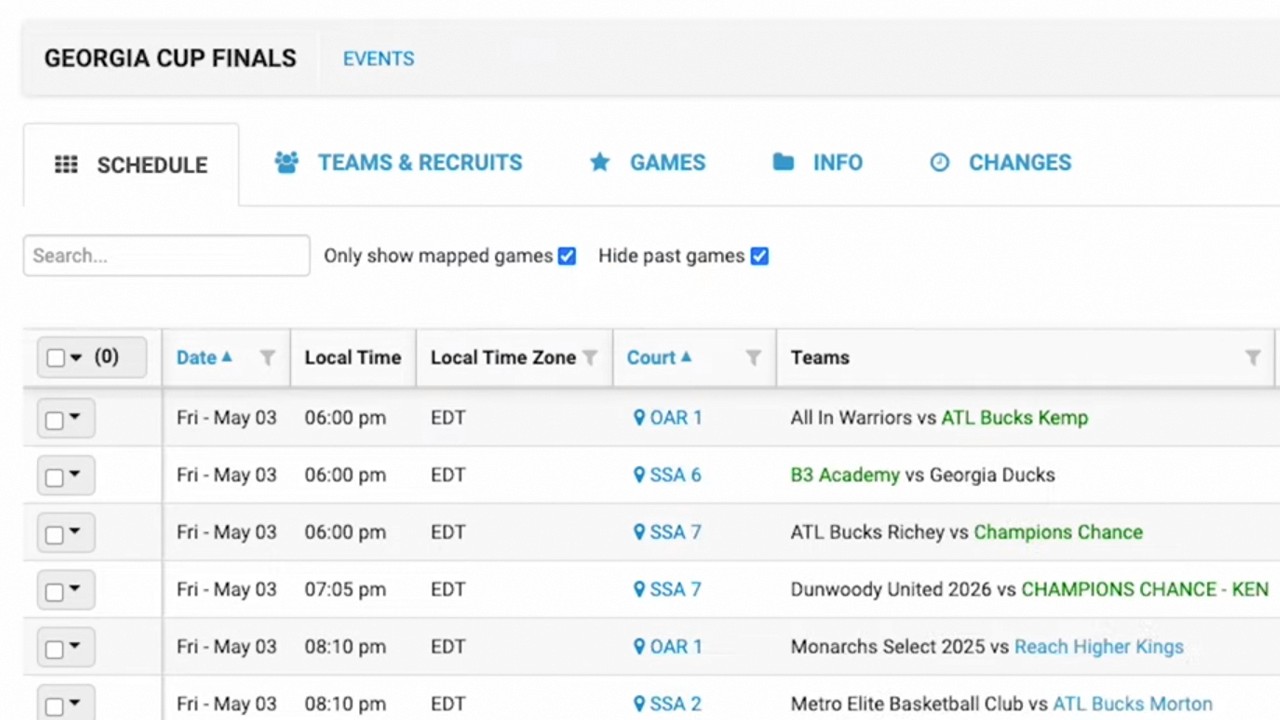
Review Mappings: After an event (e.g., Atlanta Jam), check your current mappings to see which teams recruits are currently tied to in your database (0:12-0:27).
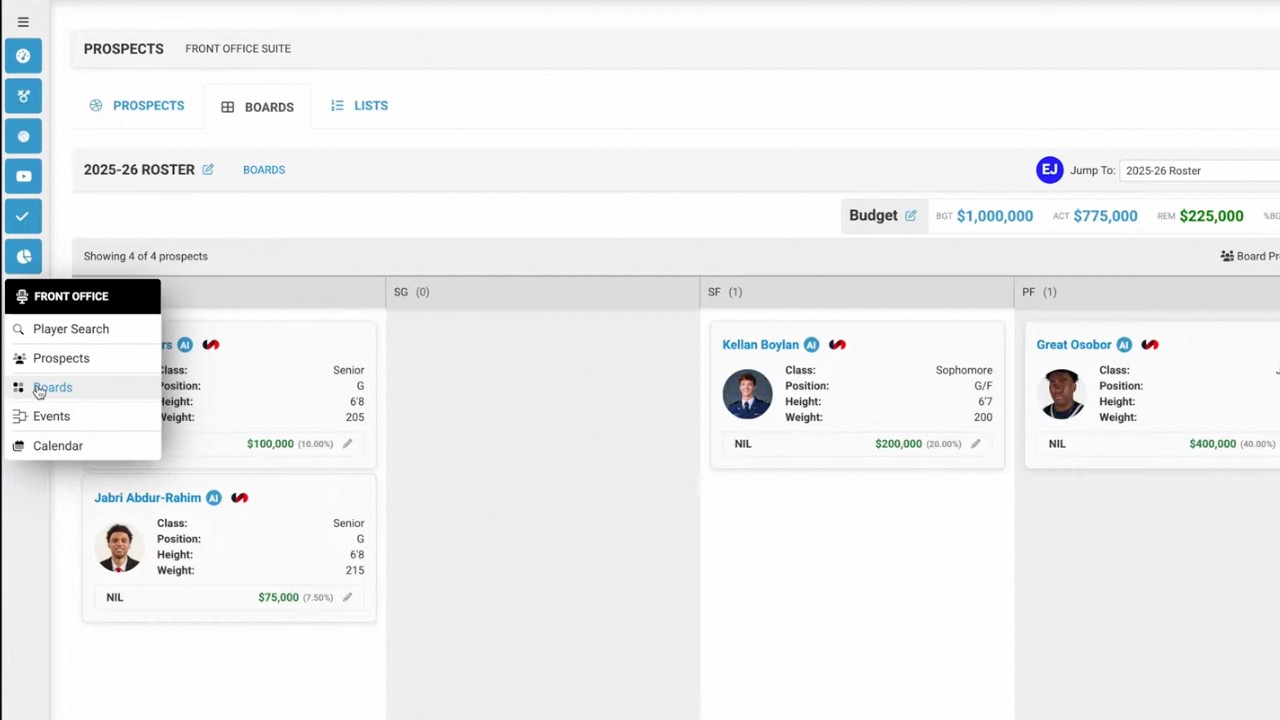
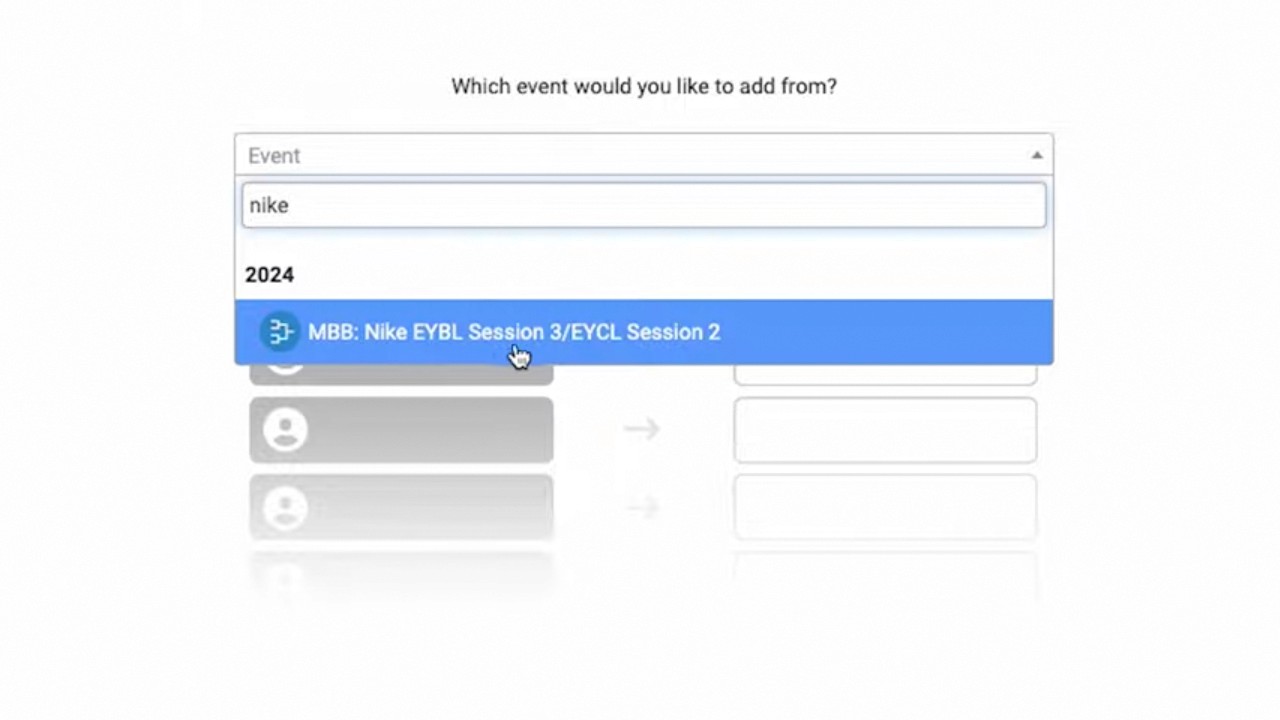
Access Post-Event Update: Navigate to the Events tab, find the specific event, and select Post-Event Team Update from the dropdown menu (0:37-0:45).
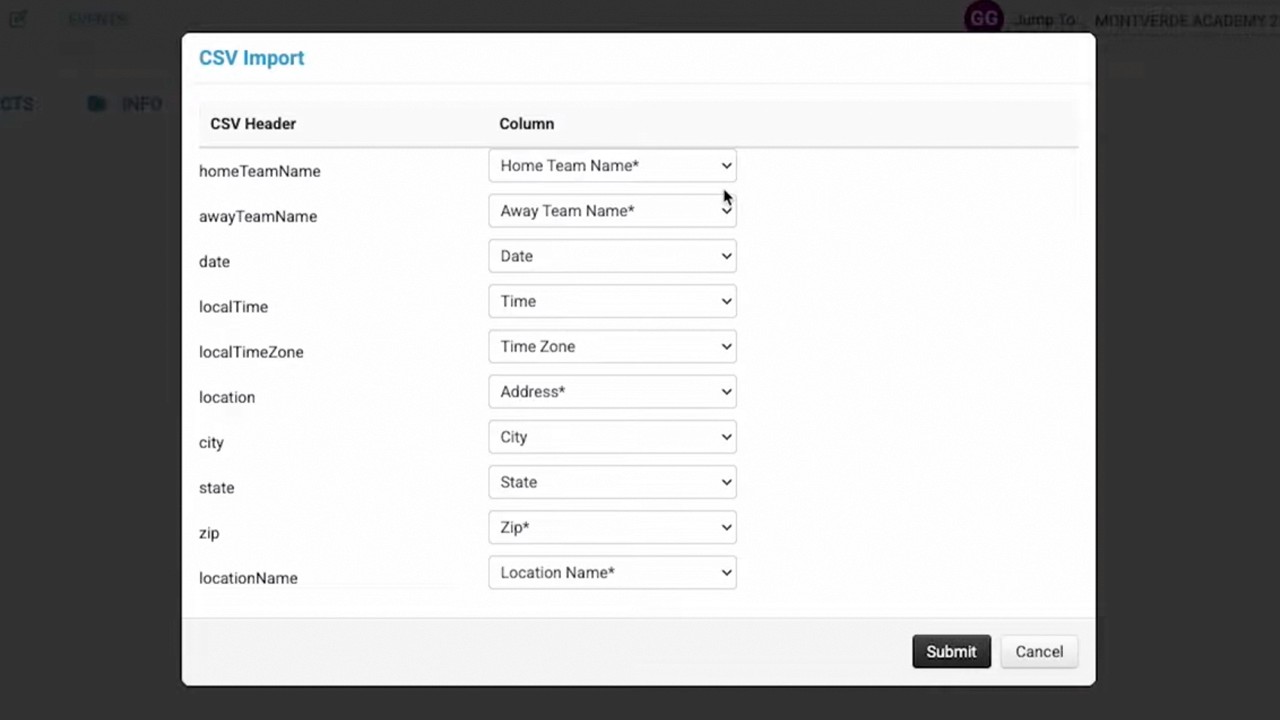
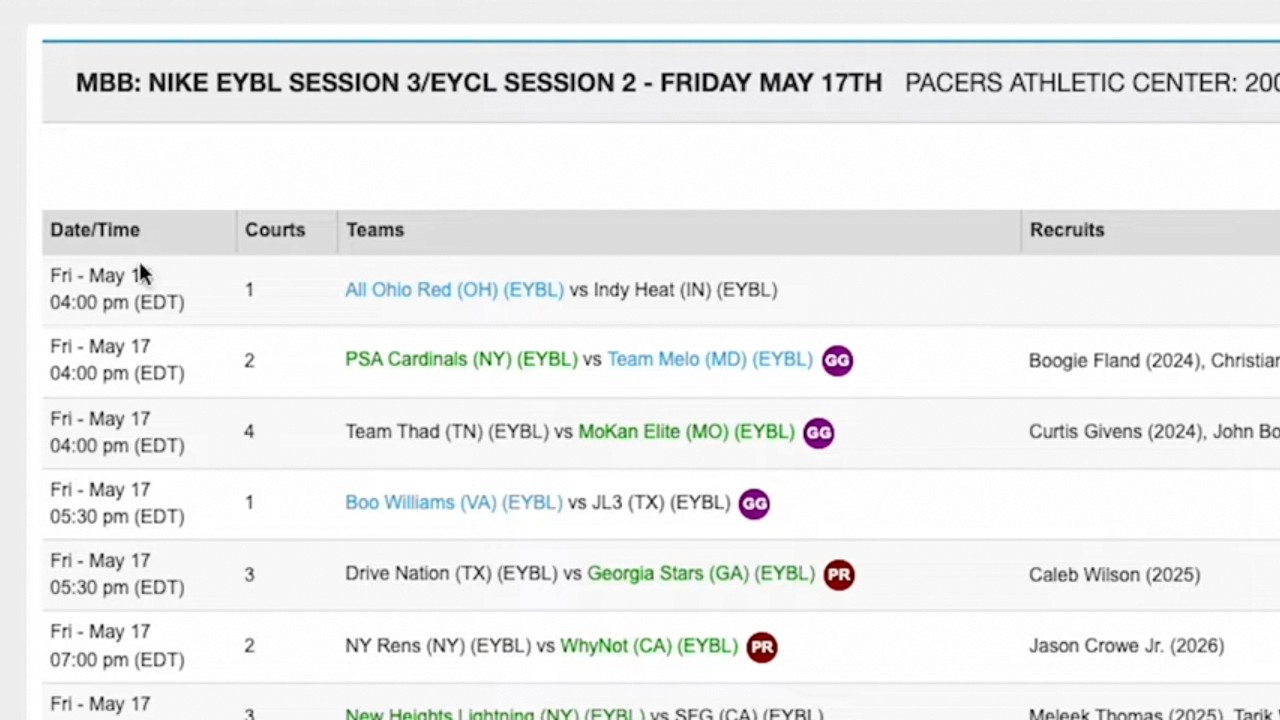
Compare and Replace: You will see a list comparing the recruit's current team in your database with the team they were mapped to at the event. You can then replace the old information with the new team details (0:45-1:04).
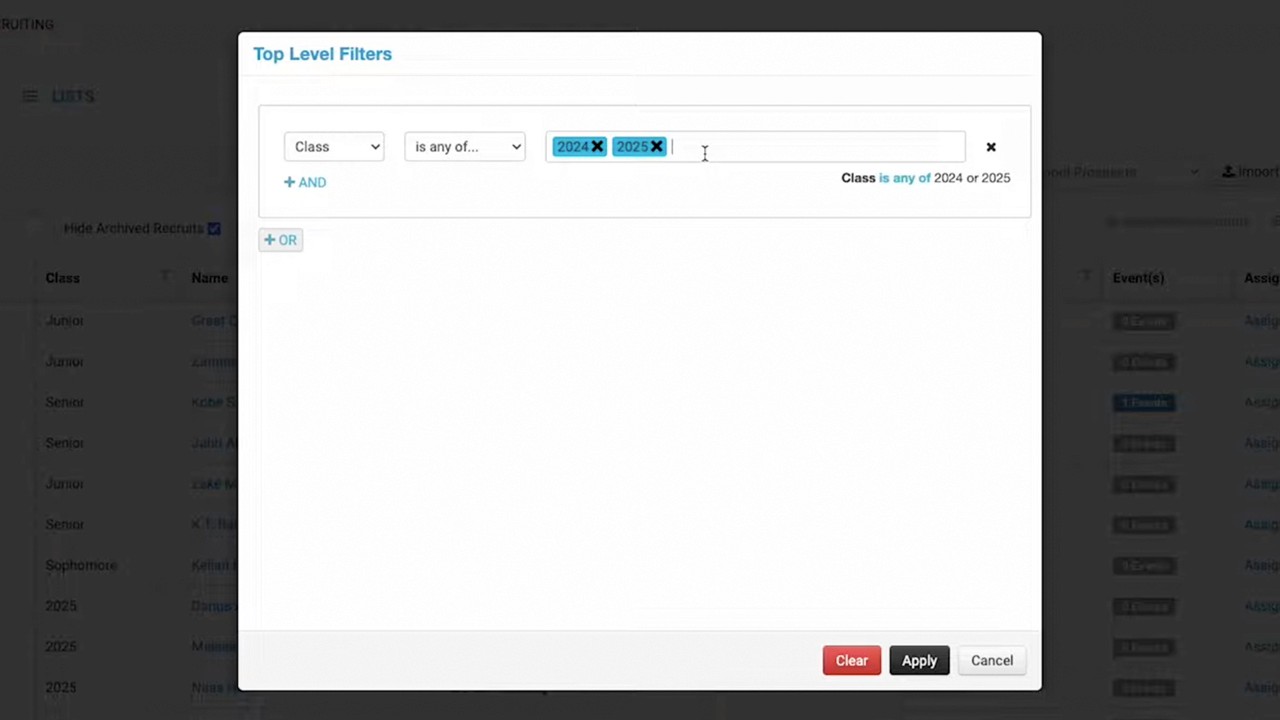
Filter and Apply: Use the inclusion/exclusion dropdown to manage divisions as needed, then select the specific recruits you wish to update (1:04-1:18).
Confirm Update: Review the summary of changes and click Update to finalize the synchronization with your recruiting database (1:18-1:32).