Building Boards in the Front Office Suite
|
Front Office
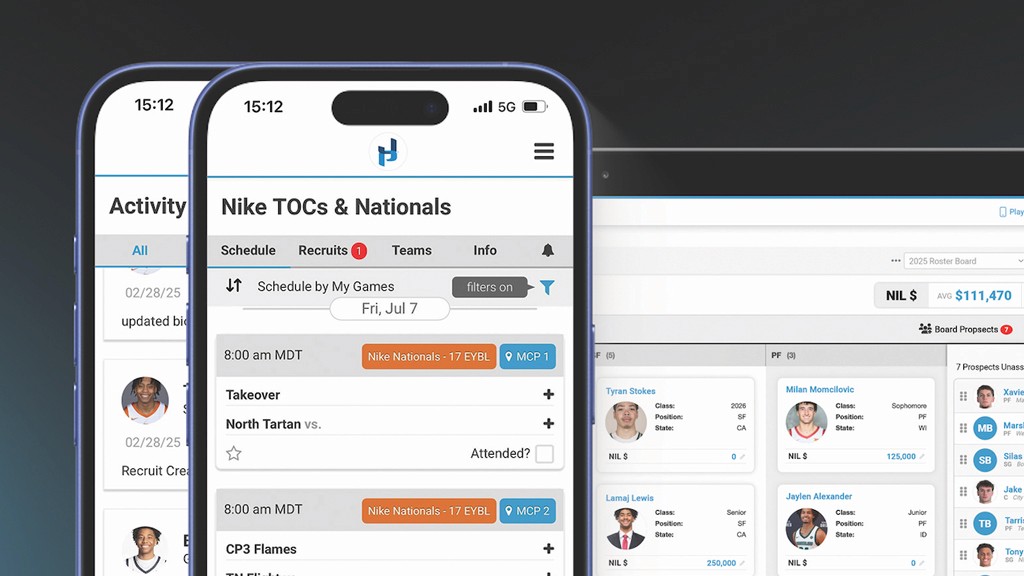
This video provides a comprehensive tutorial on building and customizing a board within Just Play's Front Office Suite. It demonstrates how teams can aggregate roster management, budget tracking, and analytics in one secure location.
Key Features and Steps:
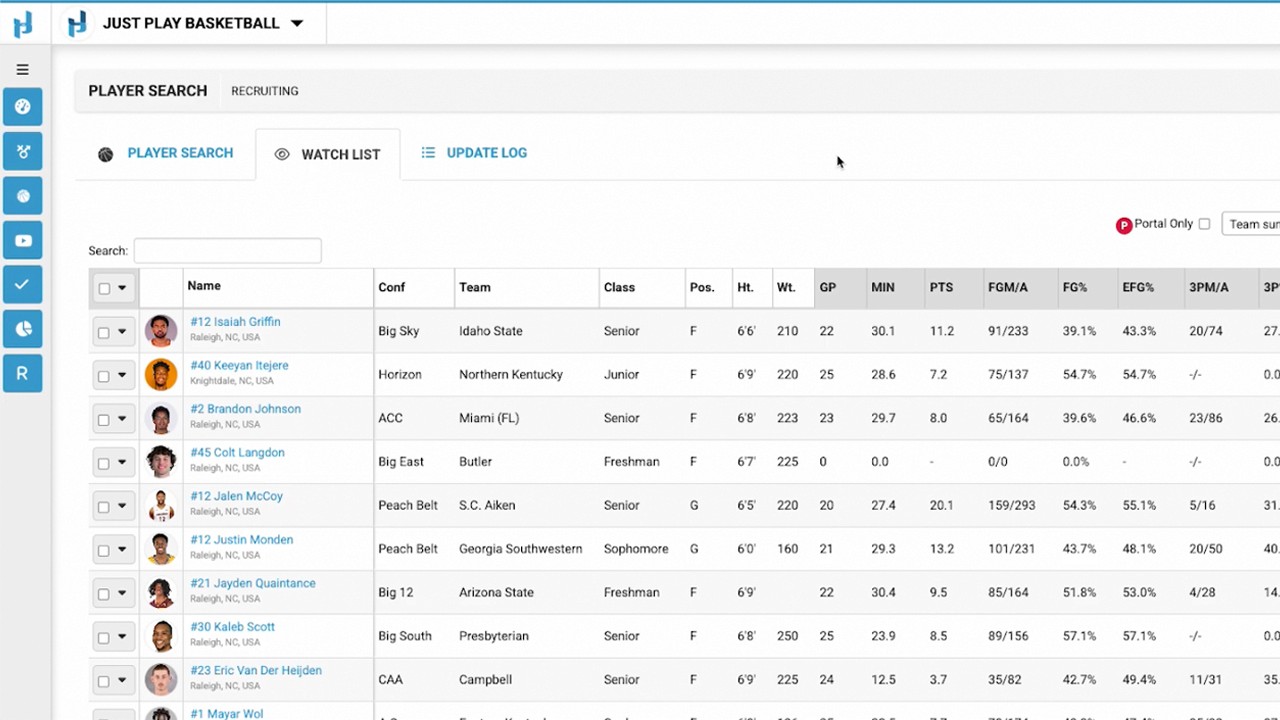
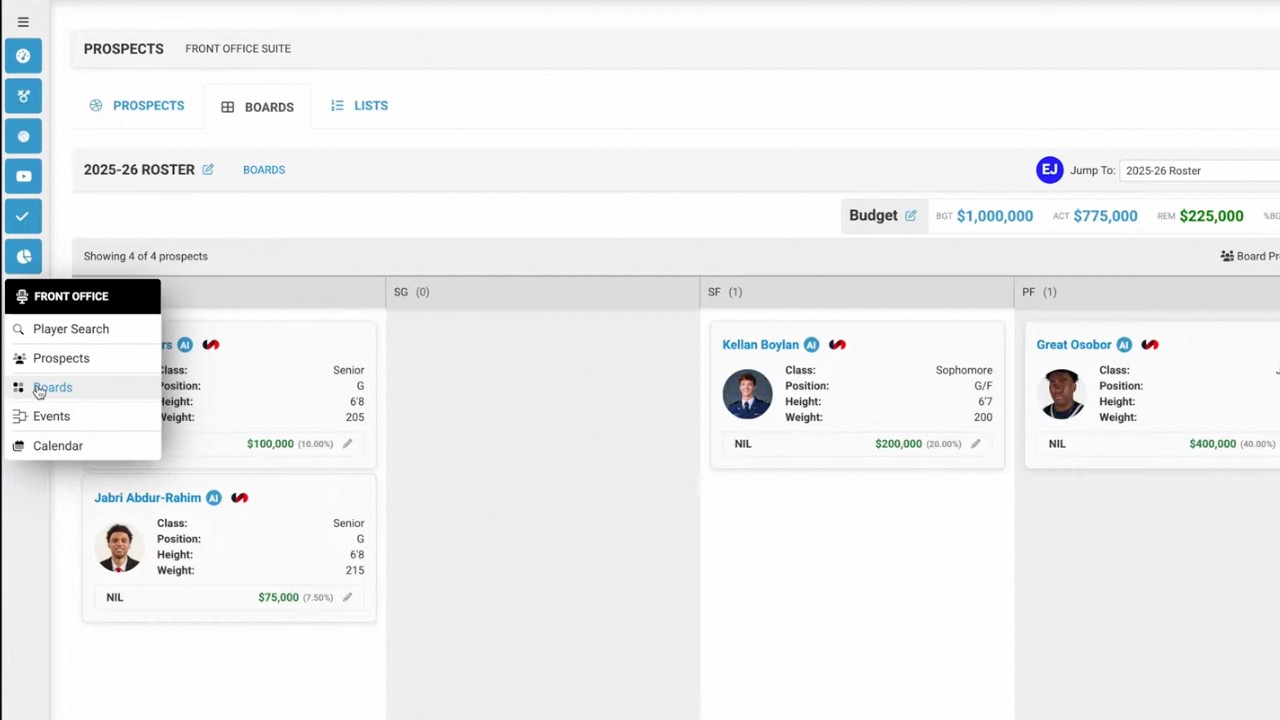
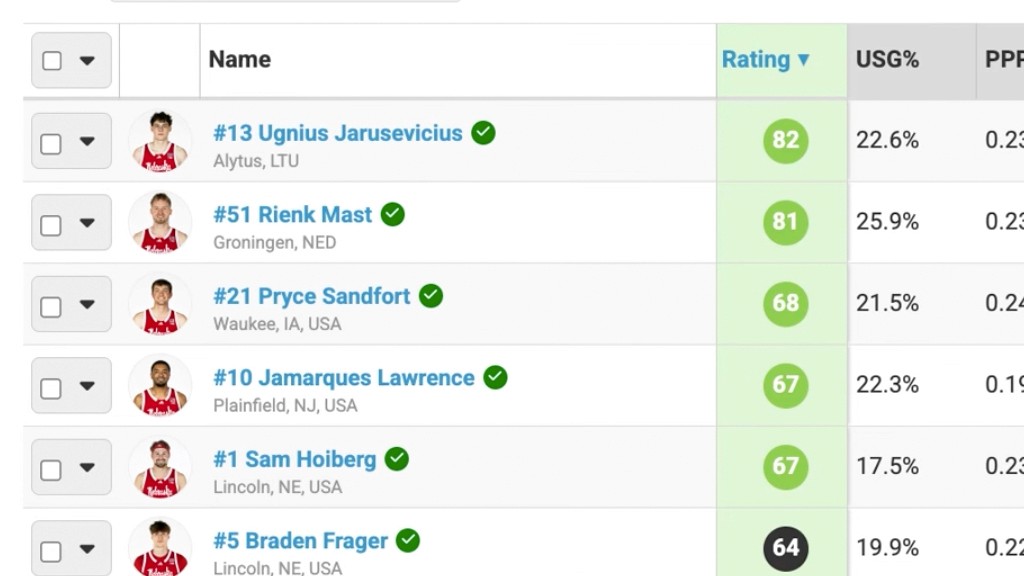
Building a Board from Scratch: You can populate your board by searching for any roster (e.g., Nebraska Men's Basketball) and using bulk actions to add players to your view (1:13 - 1:42).
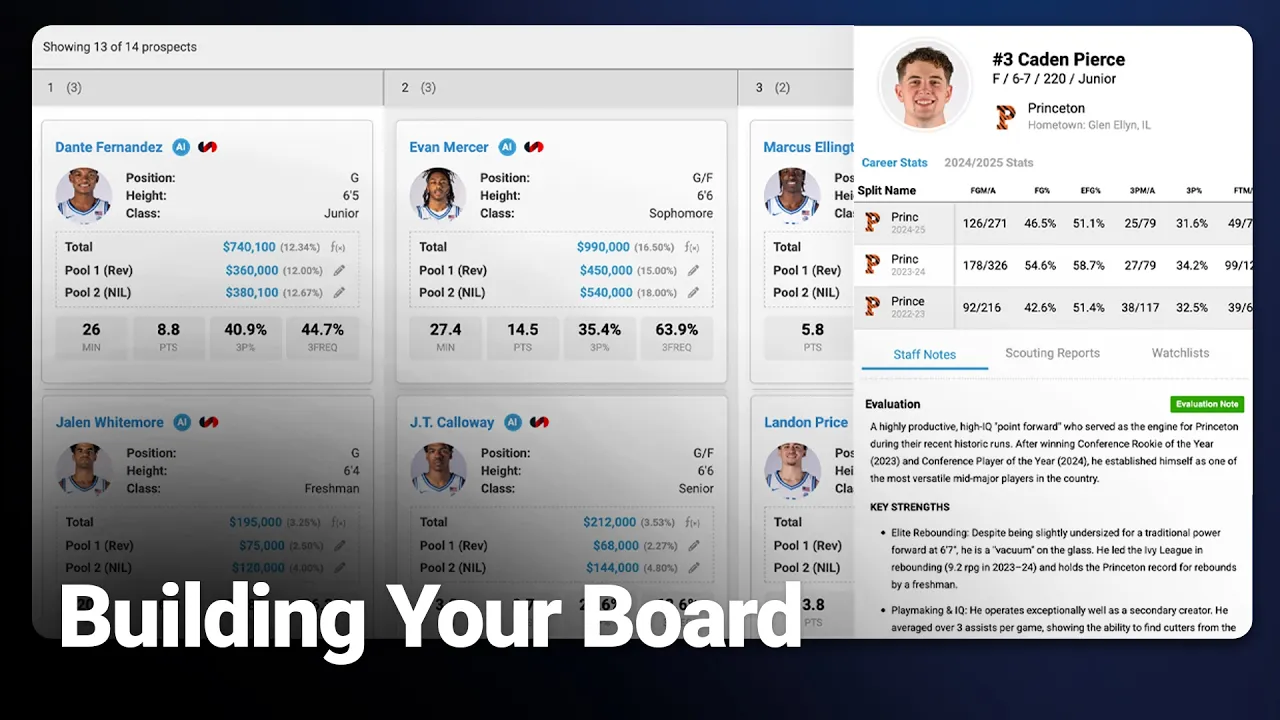
Budget Management: The suite allows for the creation of custom currency fields (like NIL or RevShare pools) and formula fields to track total spending against budgets in real-time (2:39 - 5:29).
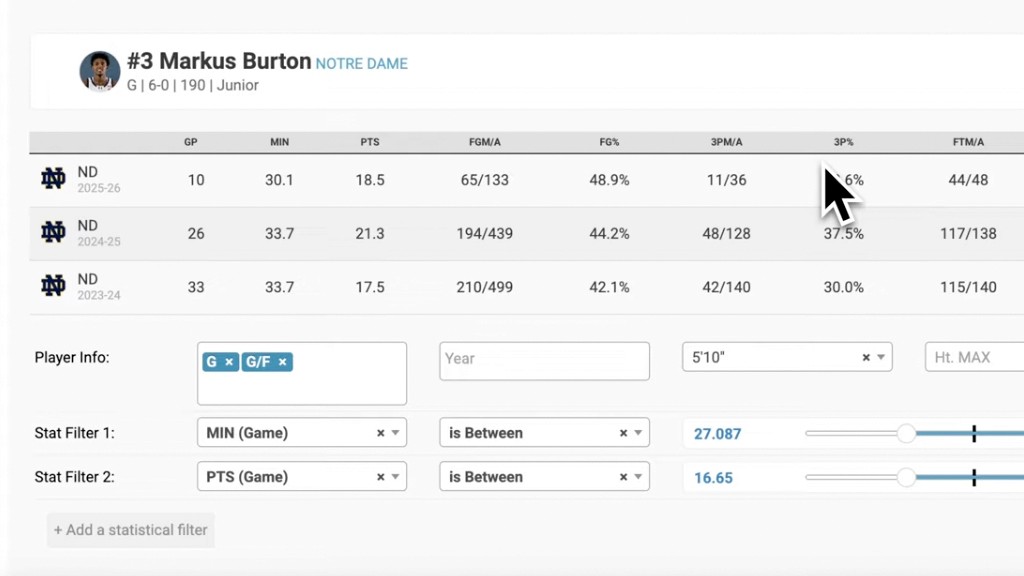
Customizable Analytics: Users can add position-specific stats directly to columns. These stats dynamically update as you rearrange player cards on the board (6:20 - 7:38).
Security and Access: To ensure data privacy, boards can be password-protected and access can be restricted to specific staff members, allowing you to manage who can view or edit sensitive information (7:45 - 8:31).
This tool is designed to streamline team planning by connecting video, analytics, and financial data into a single, cohesive workflow (9:01 - 9:45).