Exporting Prospects from Individual Events
|
Front Office
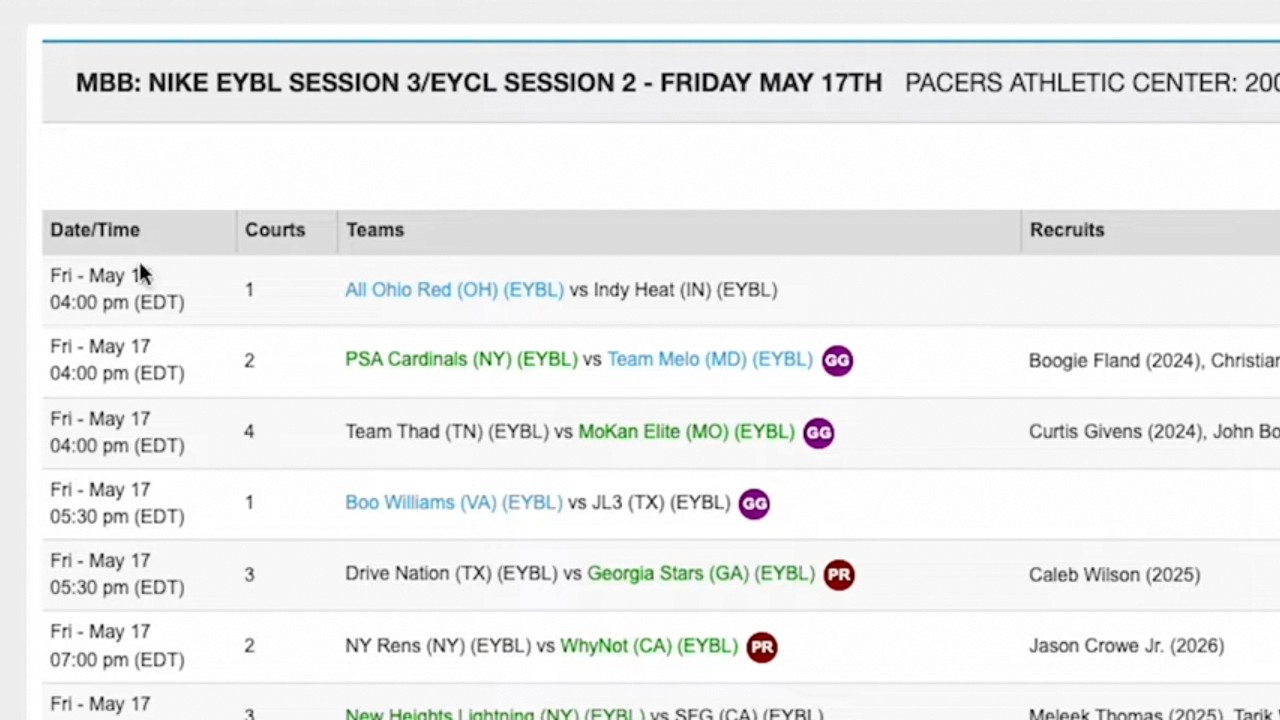
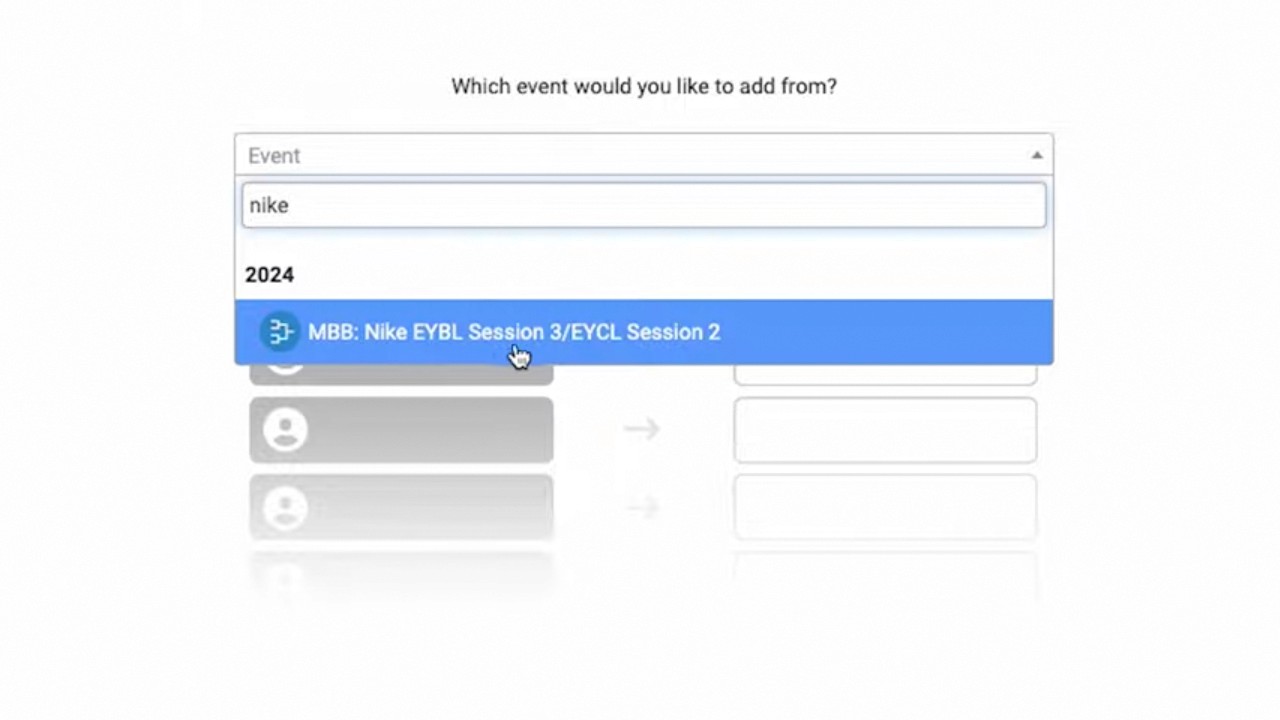
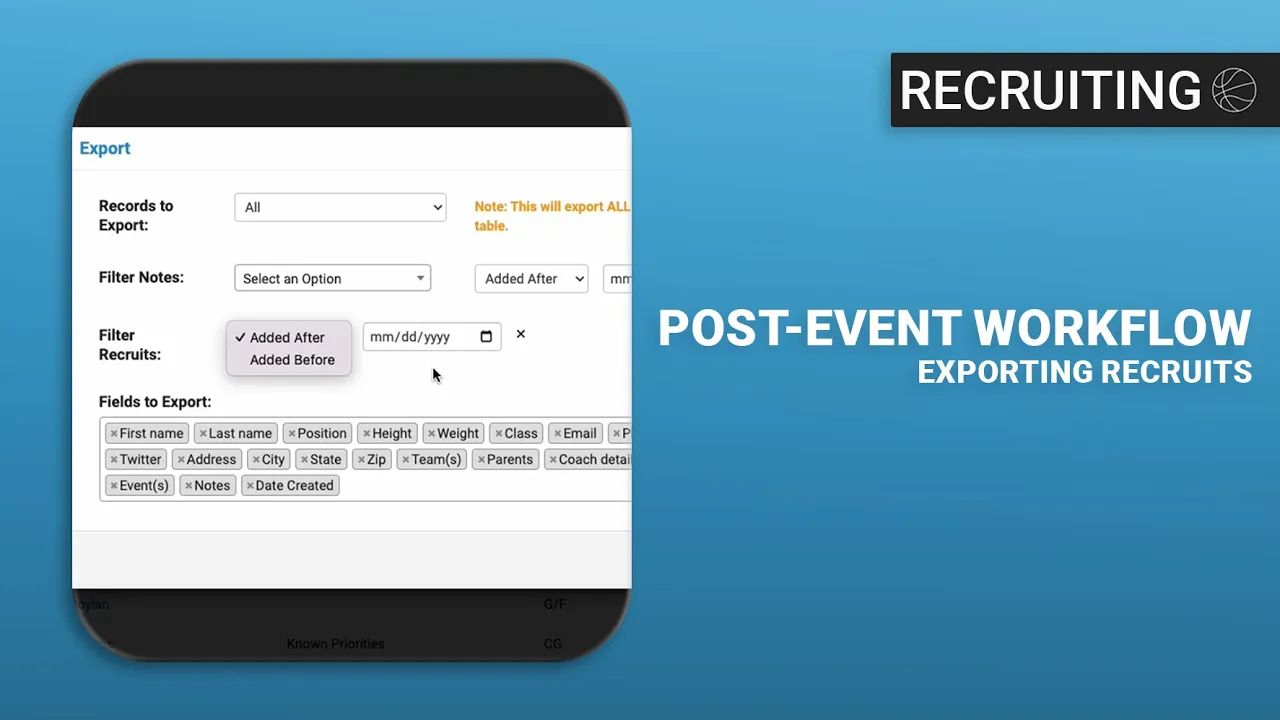
This video provides a quick tutorial on how to export prospects from specific events using the Just Play Basketball platform.
Steps to export prospects:
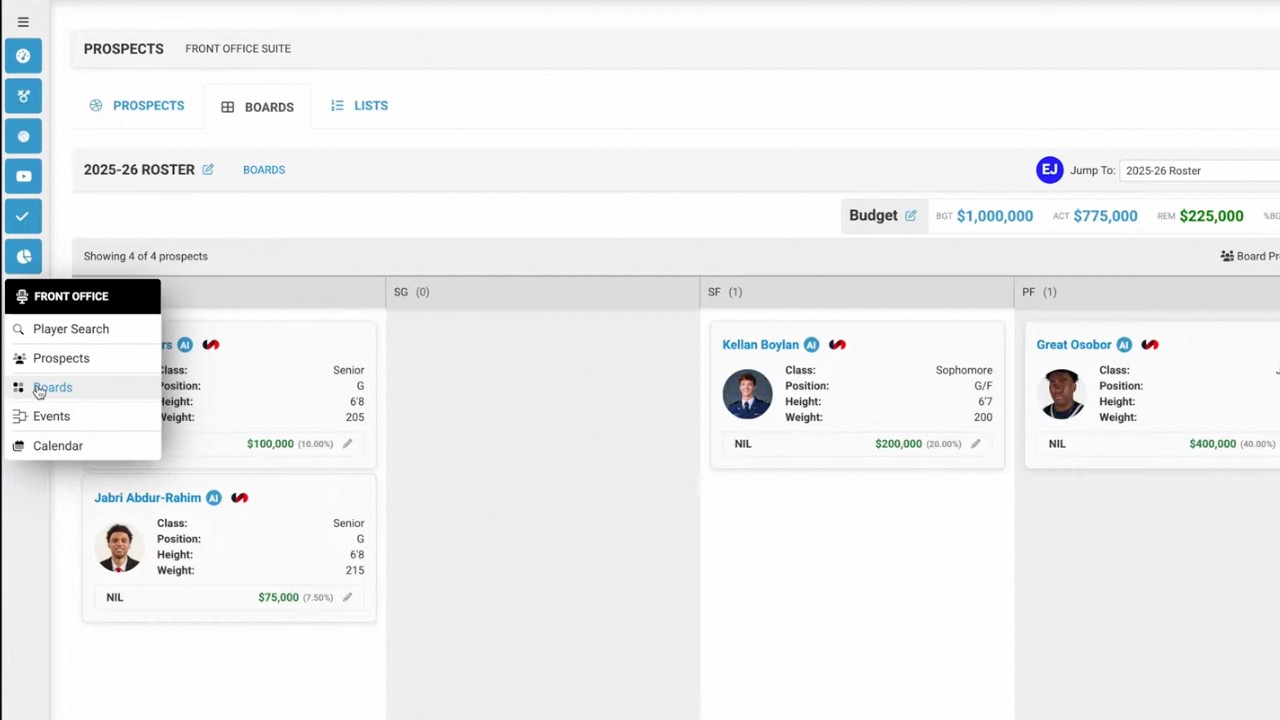
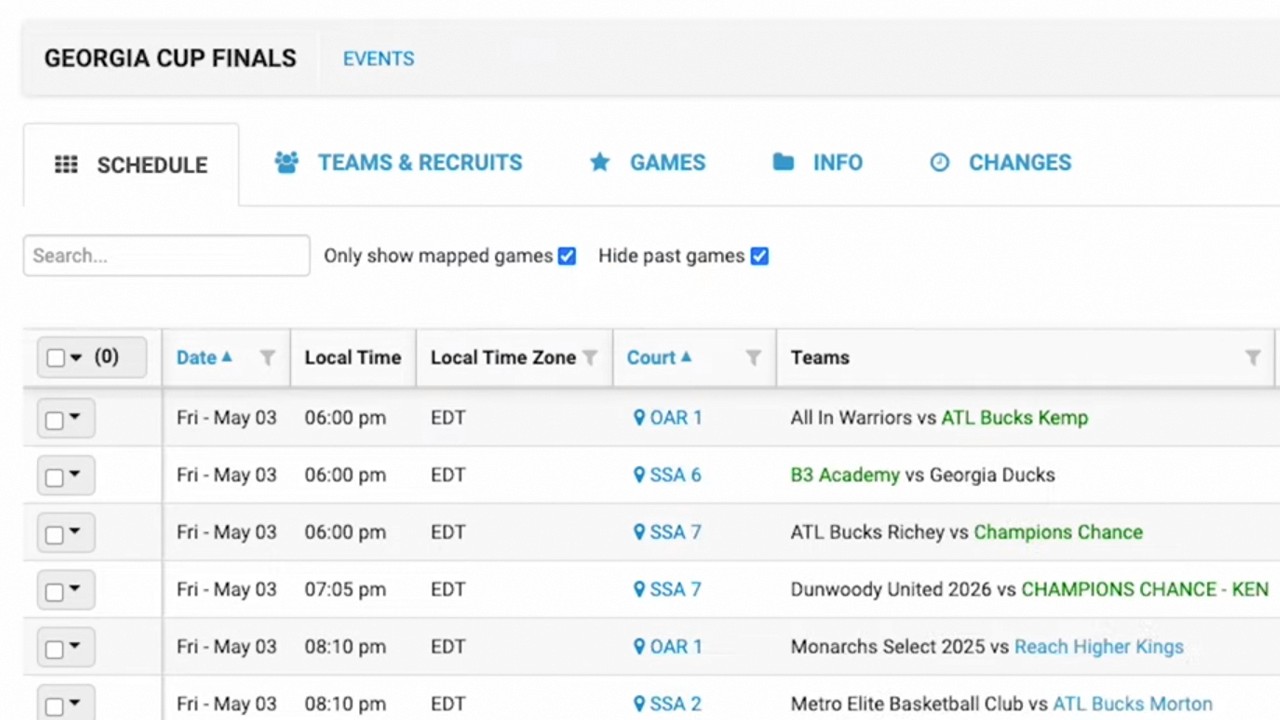
Navigate to the Events page: Go to your events dashboard to locate the specific event you need (0:13 - 0:17).
Access the options menu: Click the drop-down/active button located next to your chosen event (0:17 - 0:22).
Initiate the export: Select the Export Prospects option (0:22 - 0:23).
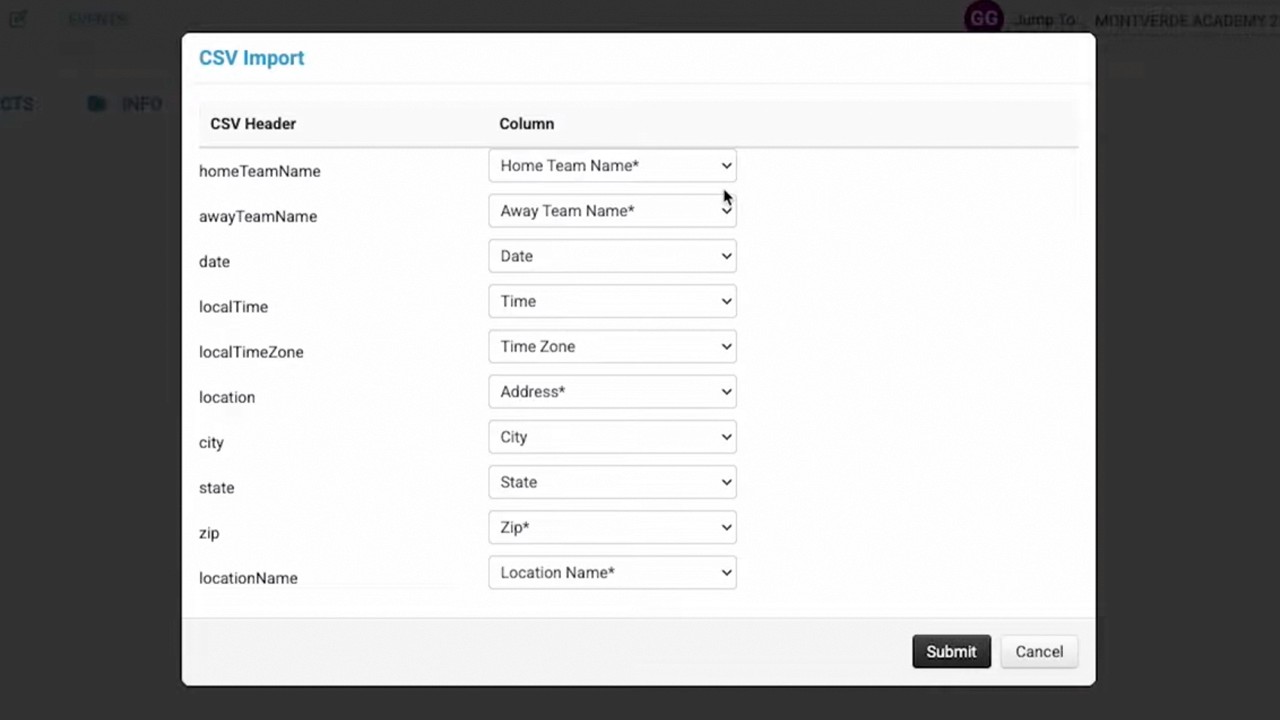
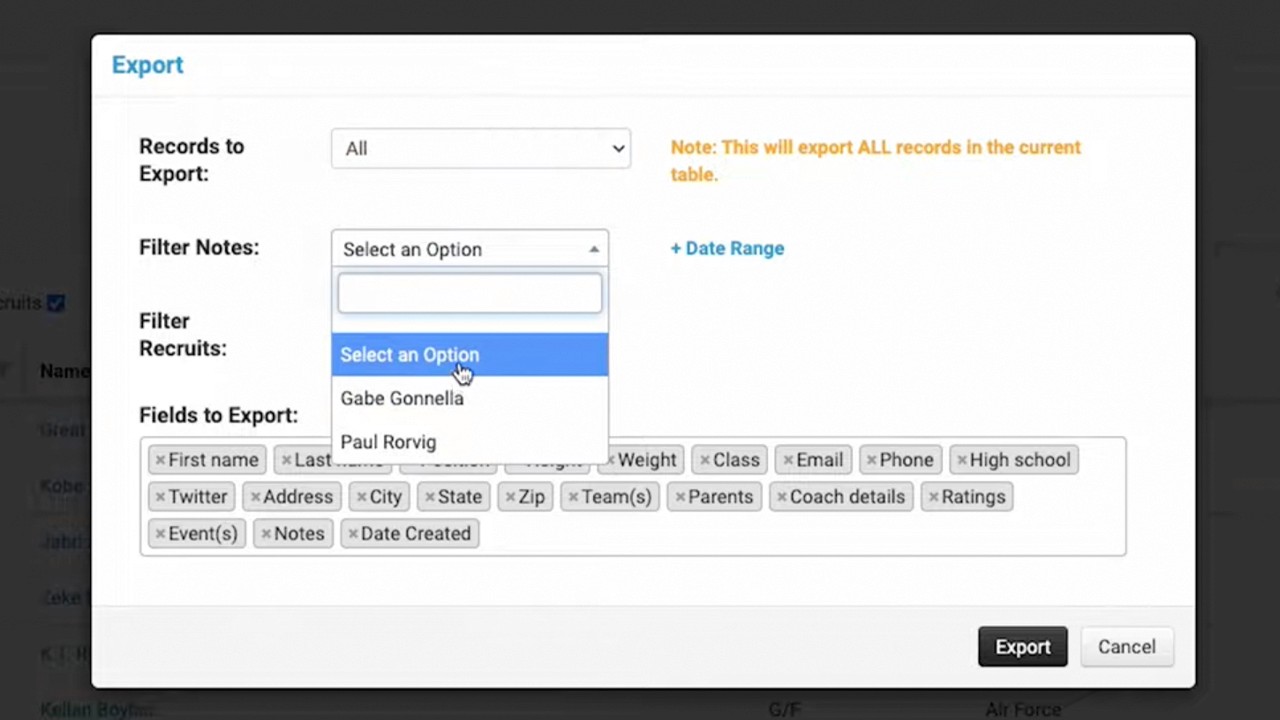
Customize your file: You can select specific data fields to include in the export, as well as apply filters based on note creators and date ranges for when the notes were generated (0:23 - 0:35).