Boards & Budgets - Front Office Suite
|
Front Office
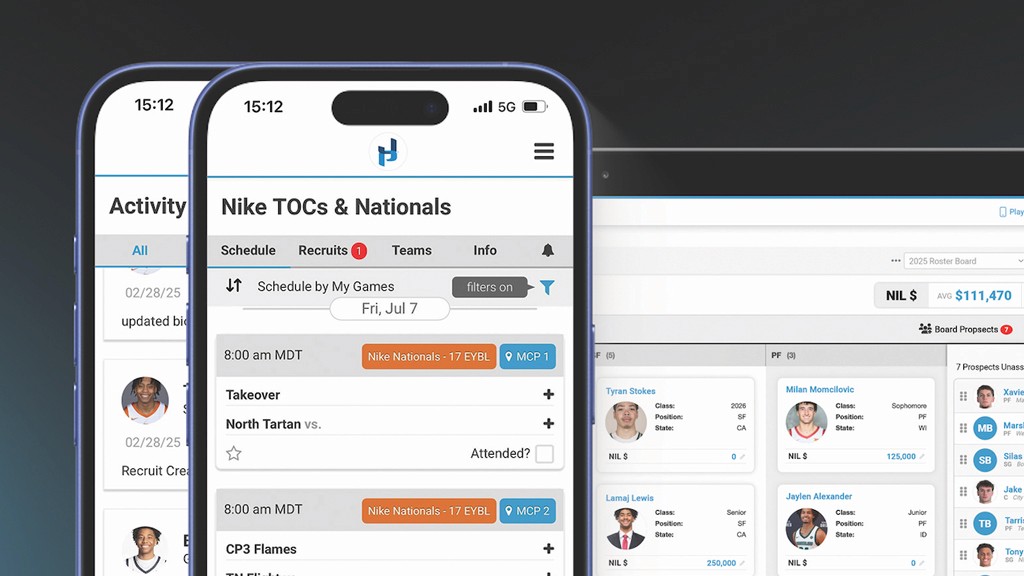
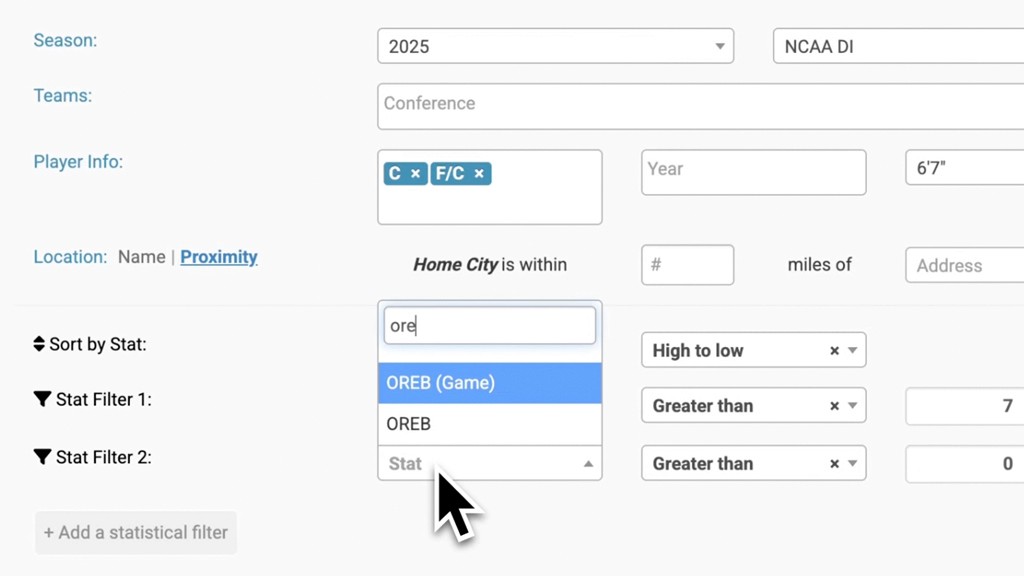
This video provides a tutorial on using the Board view feature within the Just Play front office suite, designed to help college athletic departments organize rosters, targets, and budgets in one central location.
Key features and workflow:
Setup and Permissions: Users can create custom boards, control which coaches have access, and add password protection for security (0:00 - 0:38).
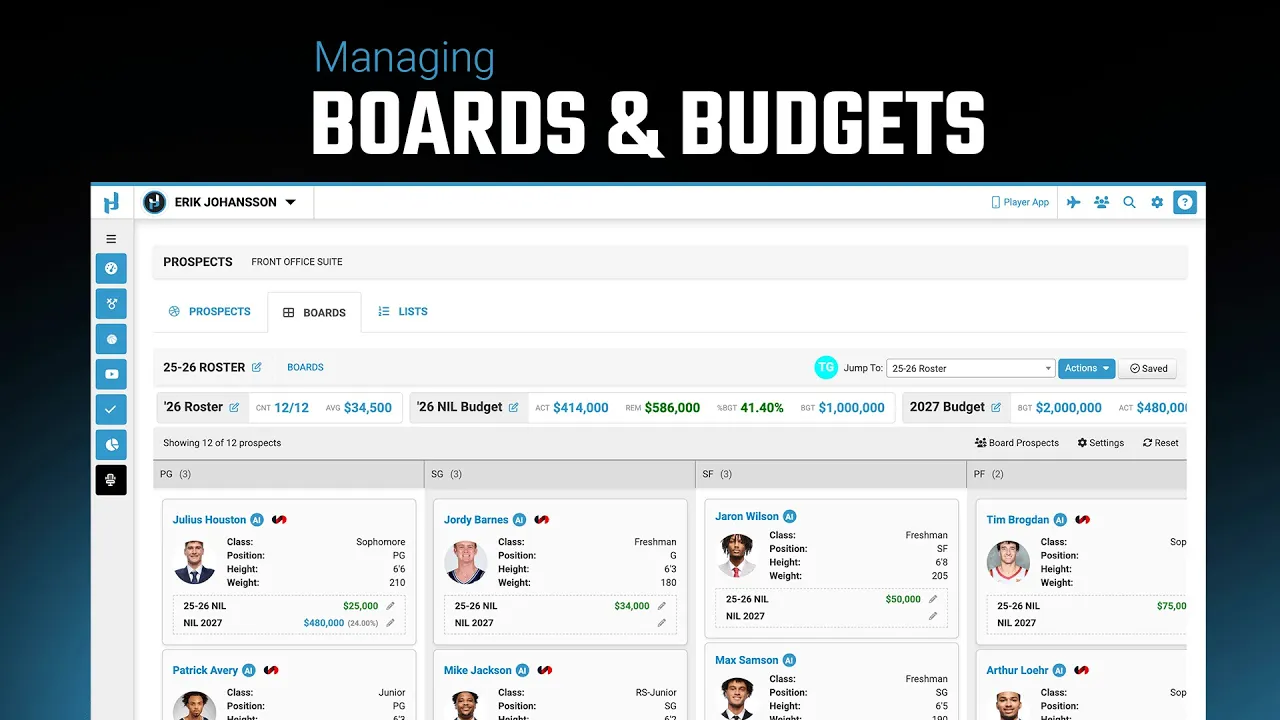
Board Customization: Boards are created with adjustable columns (e.g., player positions) that can be reordered or added to as needed (0:38 - 1:55).
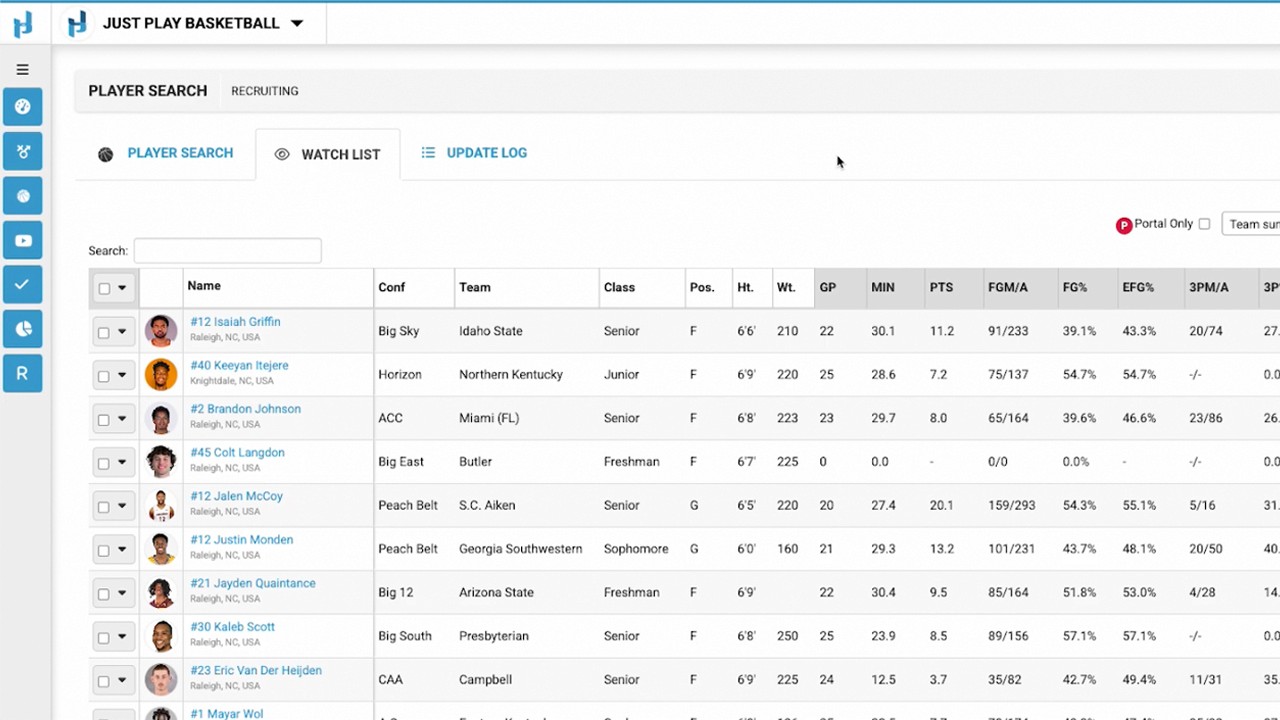
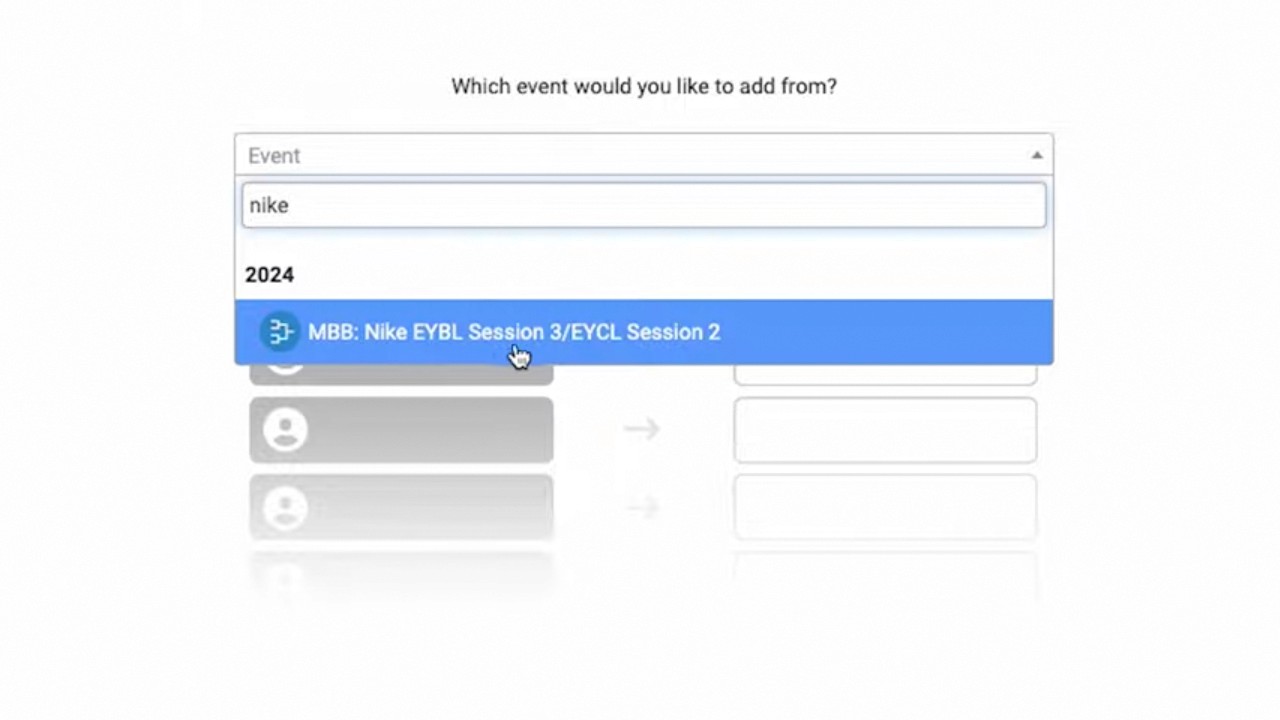
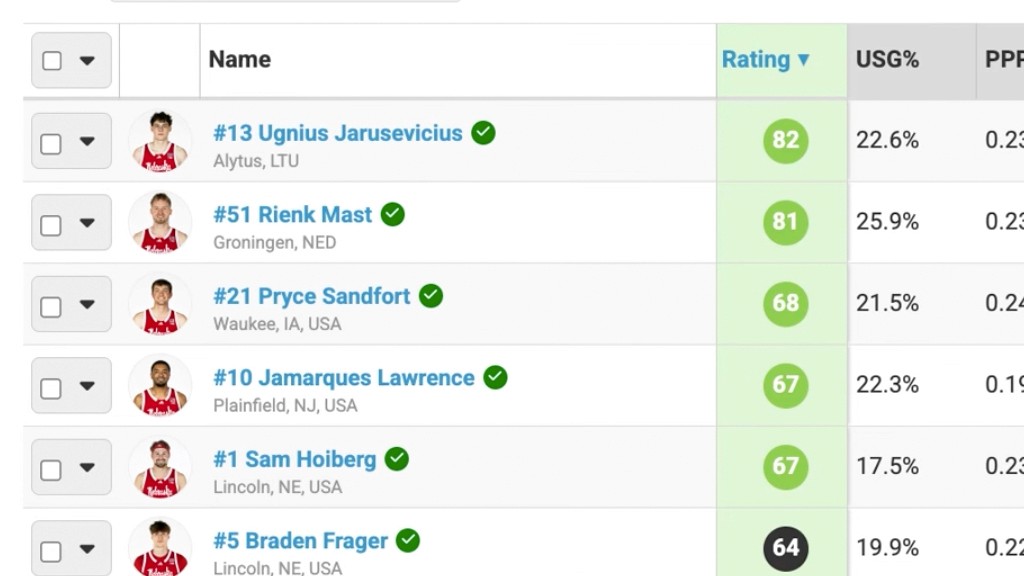
Managing Prospects: Coaches can add prospects from their database into a tray and drag-and-drop cards onto the board. These cards provide direct access to AI auto-insights reports and Synergy film (1:55 - 3:25).
Budgeting Tools: A critical component is the integration of budget management. Users can set specific metrics, such as NIL (Name, Image, Likeness) values, which automatically update the board’s financial summary, including percentage spent and funds remaining (3:26 - 5:58).
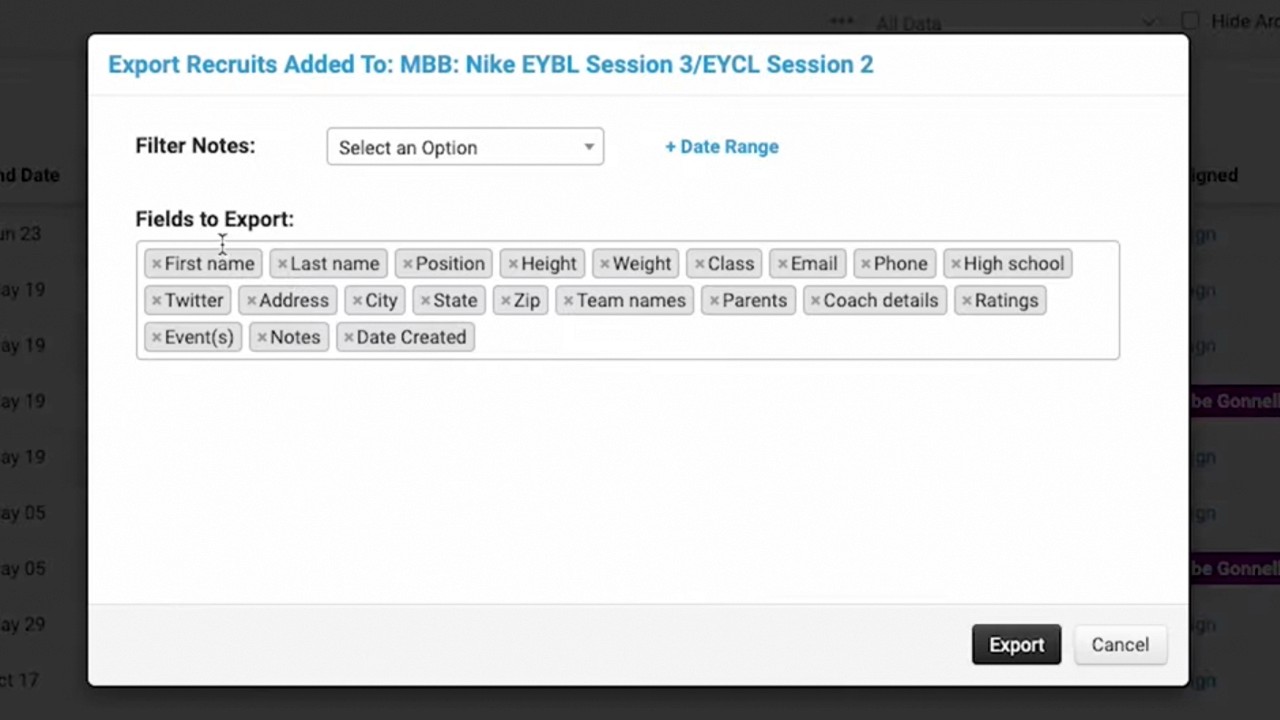
Finalizing and Reporting: Changes can be saved to the board, and users can toggle visibility of specific data (like NIL values) before printing physical copies of the board (5:59 - 6:56).