Player Search in the Front Office Suite
|
Front Office
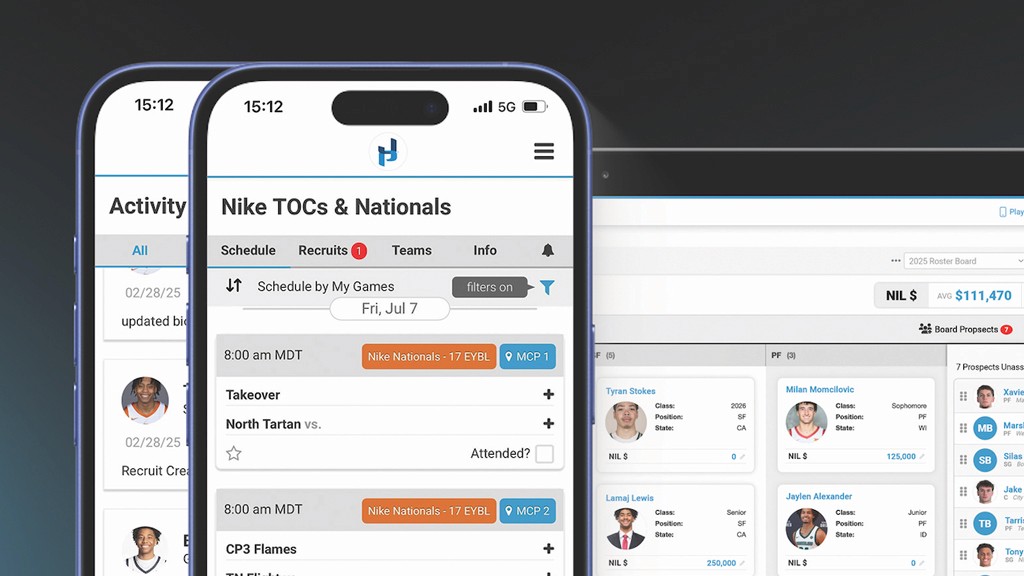
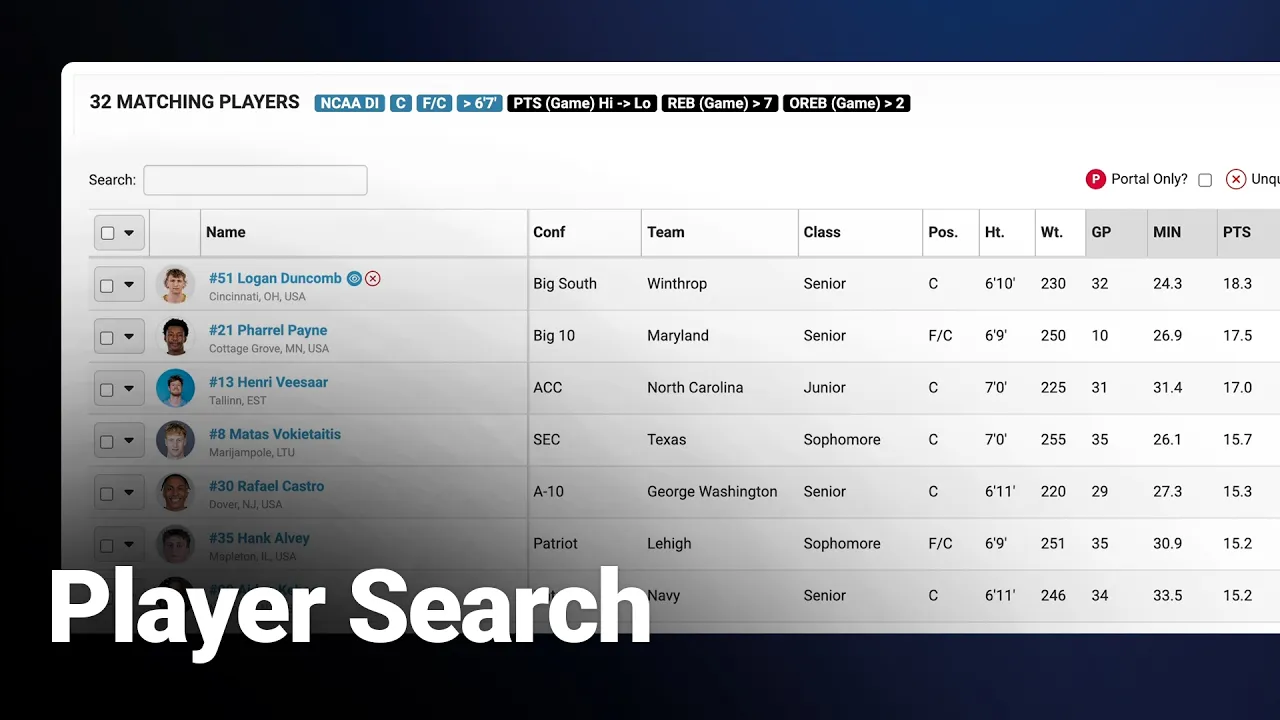
This video provides a detailed walkthrough of the Player Search tool within the Just Play Basketball front office suite, designed to help coaching staffs efficiently filter and track potential recruits or transfer portal candidates.
Key Functionality & Features:
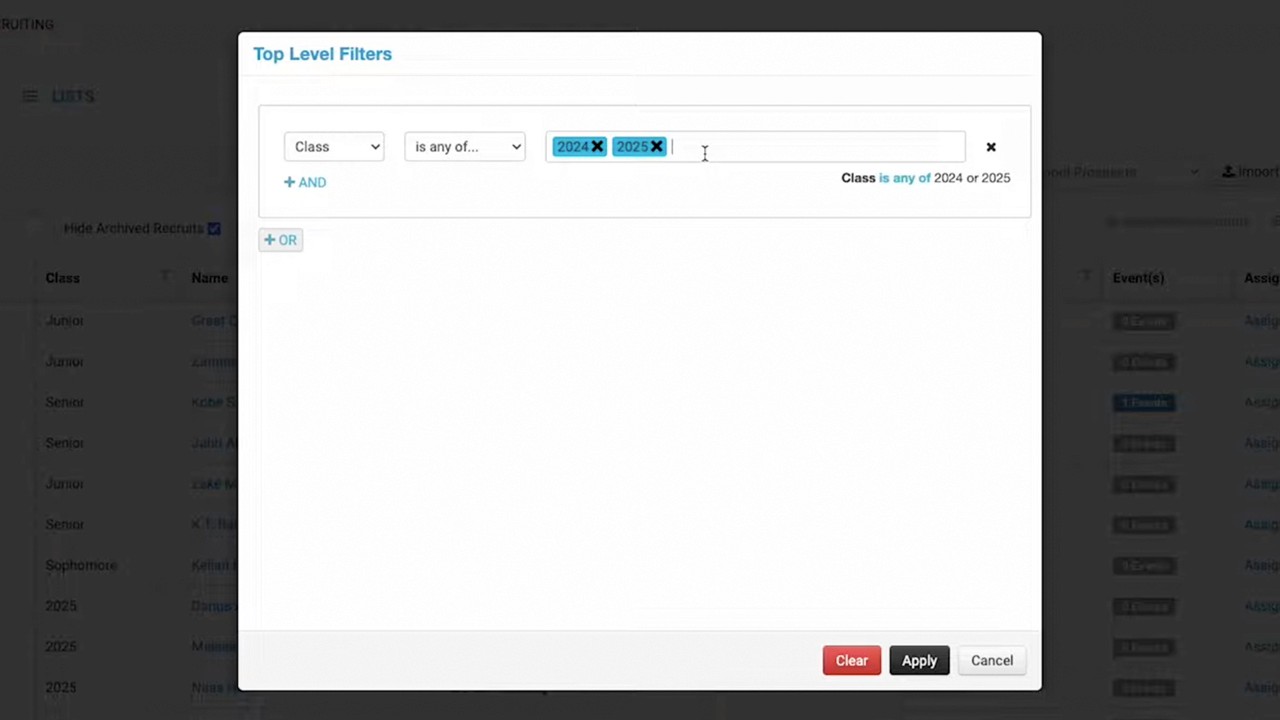
Advanced Filtering (0:04-1:55): Users can search across all divisions (D1 to NAIA/JUCO) using criteria such as conference, position, graduation year, height, weight, and even proximity to specific locations.
Transfer Portal Tracking (1:25-1:49): A dedicated "portal only" checkbox allows coaches to narrow results to players actively in the transfer portal.
Statistical Analysis (1:50-2:48): Coaches can filter by specific game stats, such as rebounds or points per game, and sort their lists based on these metrics.
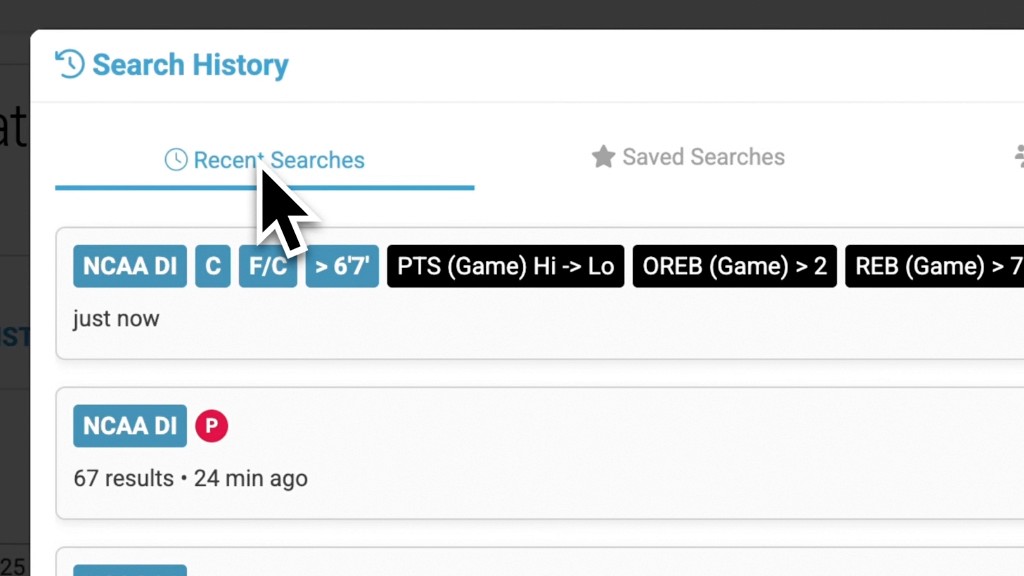
Saving & Sharing Searches (3:08-4:59): Frequent searches can be saved for future use and shared across an entire staff account to ensure team-wide alignment.
Player Management & Evaluation:
Player Drawer (5:35-8:50): Clicking on a player opens a comprehensive profile containing:
Career Stats & Splits (5:44-5:58): Detailed breakdown of player performance.
Staff Notes (7:25-8:09): A centralized hub for coaches to record and share notes on specific prospects.
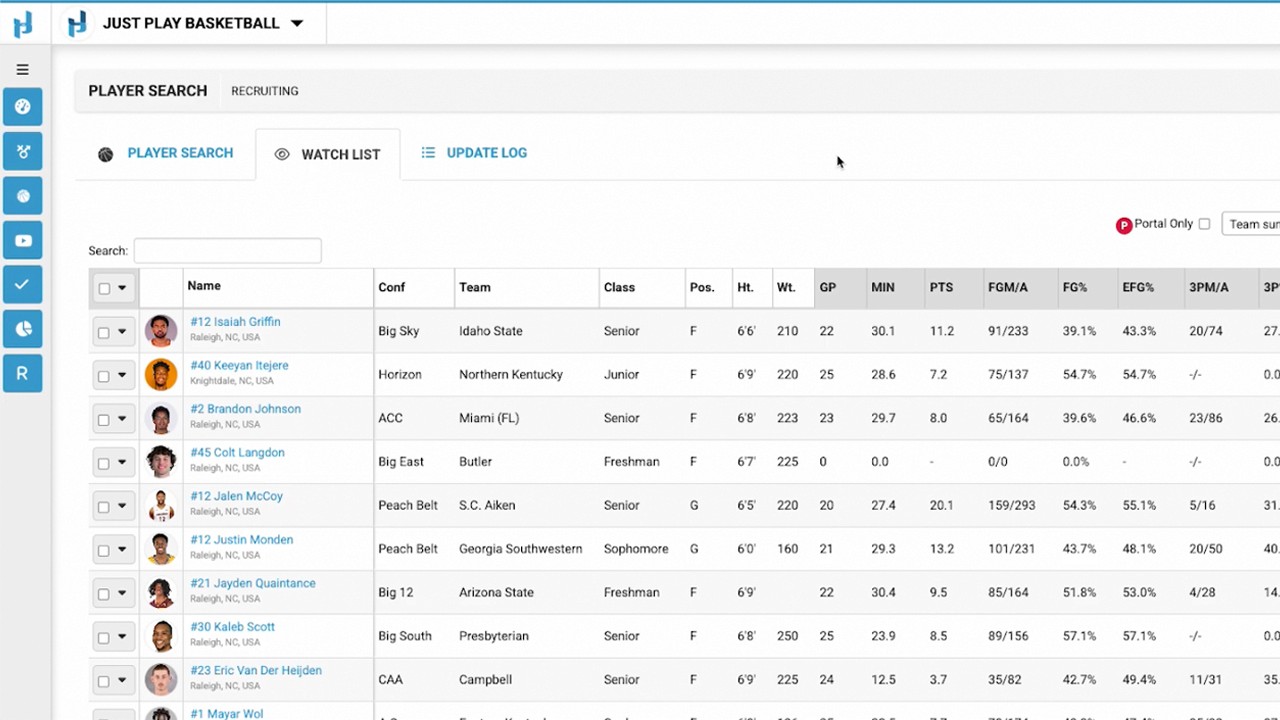
Scouting Reports & Watch Lists (8:11-8:52): View past game notes and track players on shared lists to see if they are already being recruited by other staff members.
AI & Video Integration (8:53-9:08): The platform integrates with Synergy to provide advanced analytics and direct access to video footage for deeper scouting.
Workflow Management (6:38-7:20): Tools like the "unqualified" status help staff filter out players who do not meet institutional or program requirements.