How to Draw a Ball Swing
|
Play Drawing
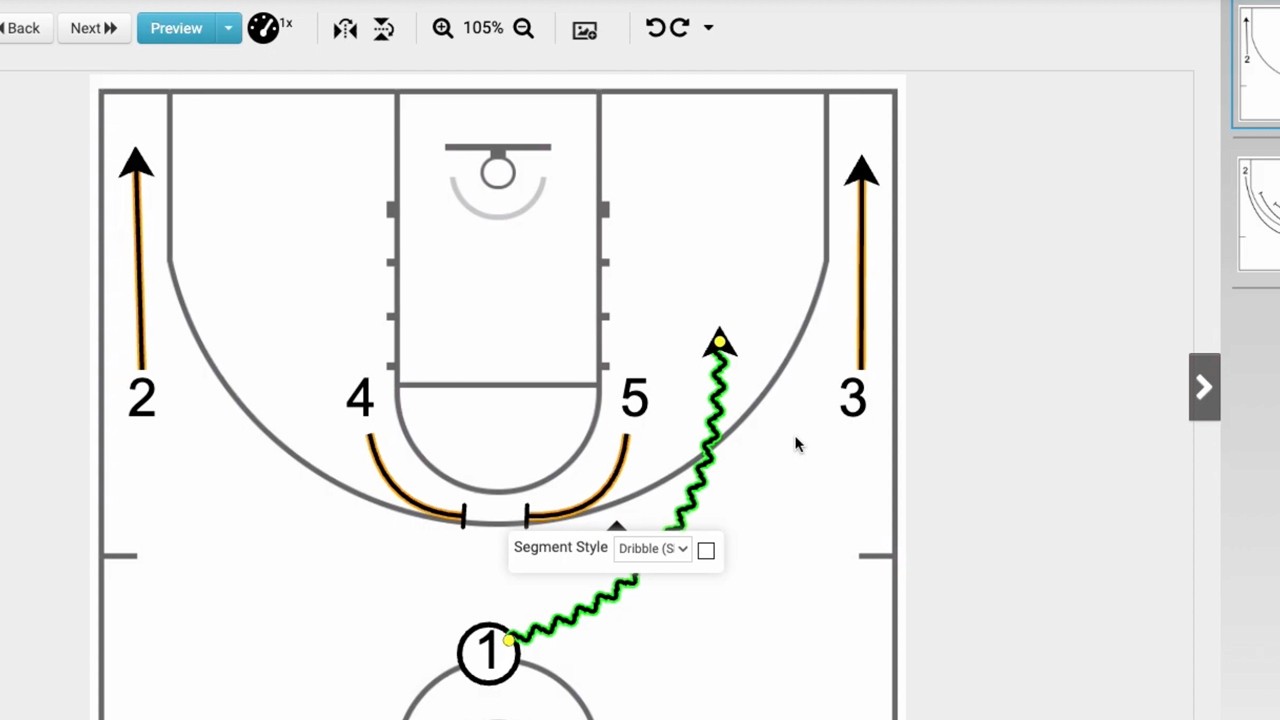
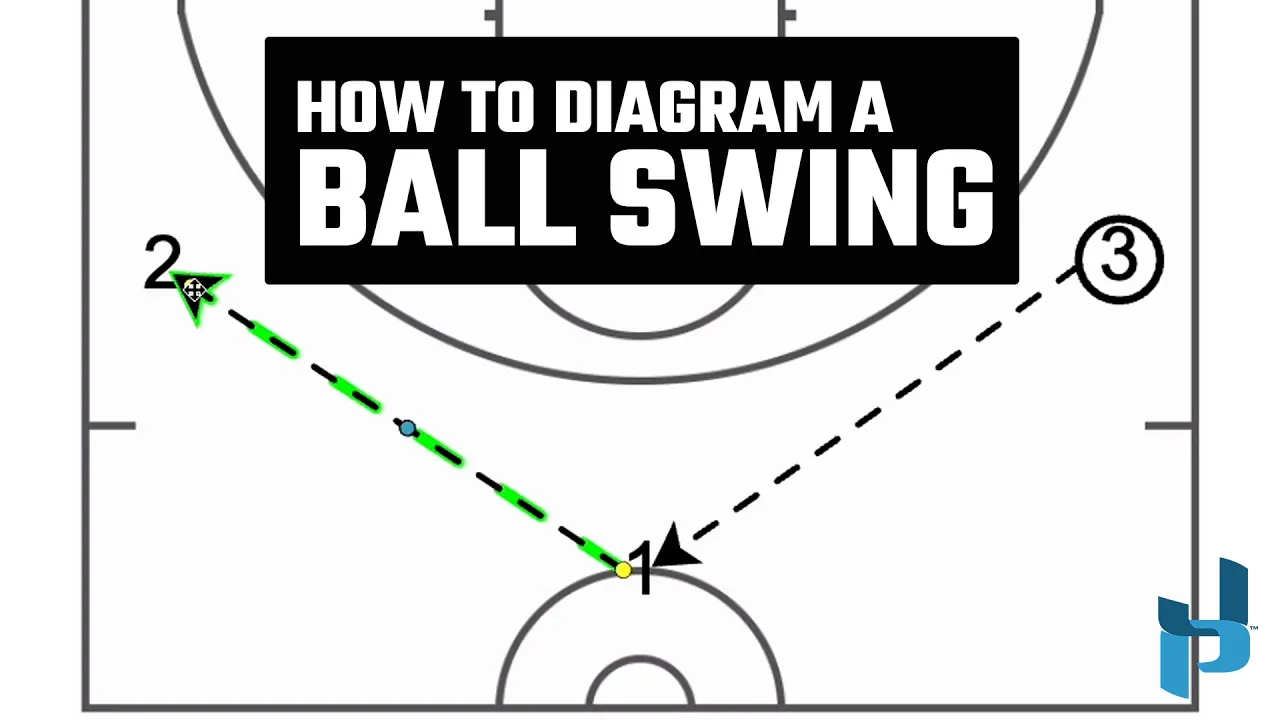
This video tutorial from Just Play Basketball demonstrates how to use the freehand passing tool to create ball swing animations in their software.
Here is a breakdown of the process:
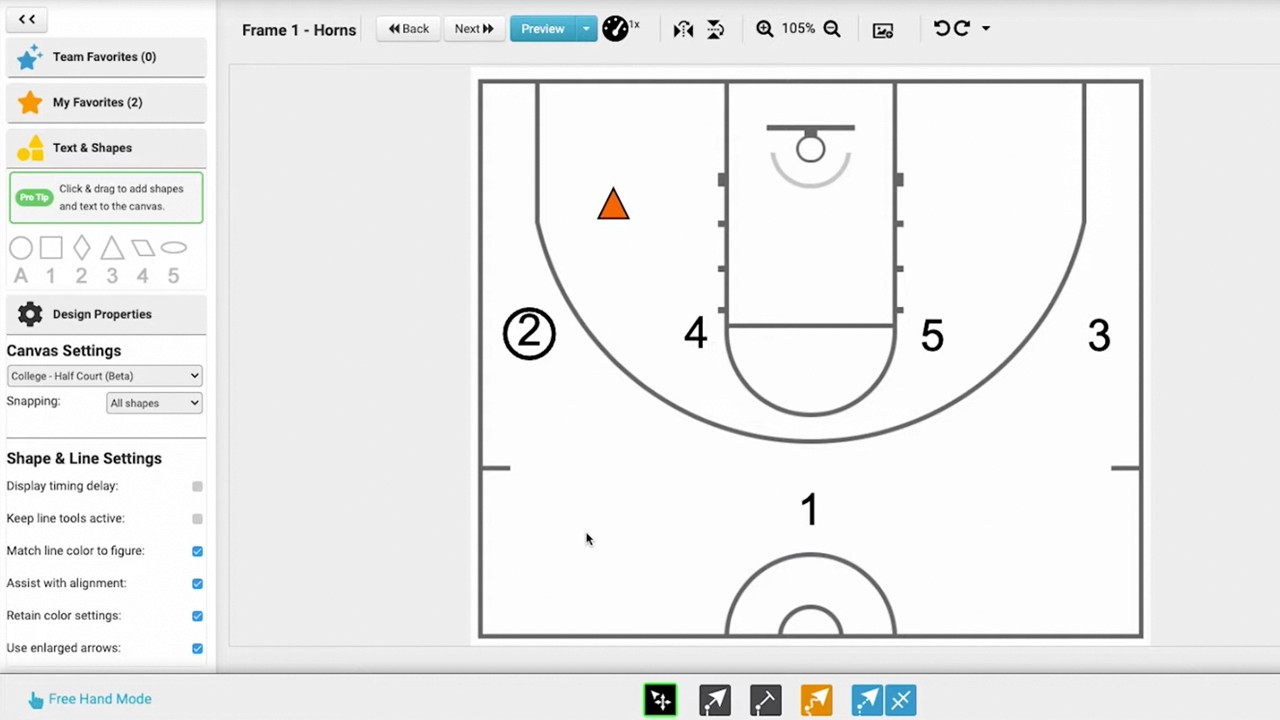
Setting the Initial Ball Carrier: To choose which player starts with the ball, double-click on them and check the "has ball" box in the quick menu (0:06-0:13).
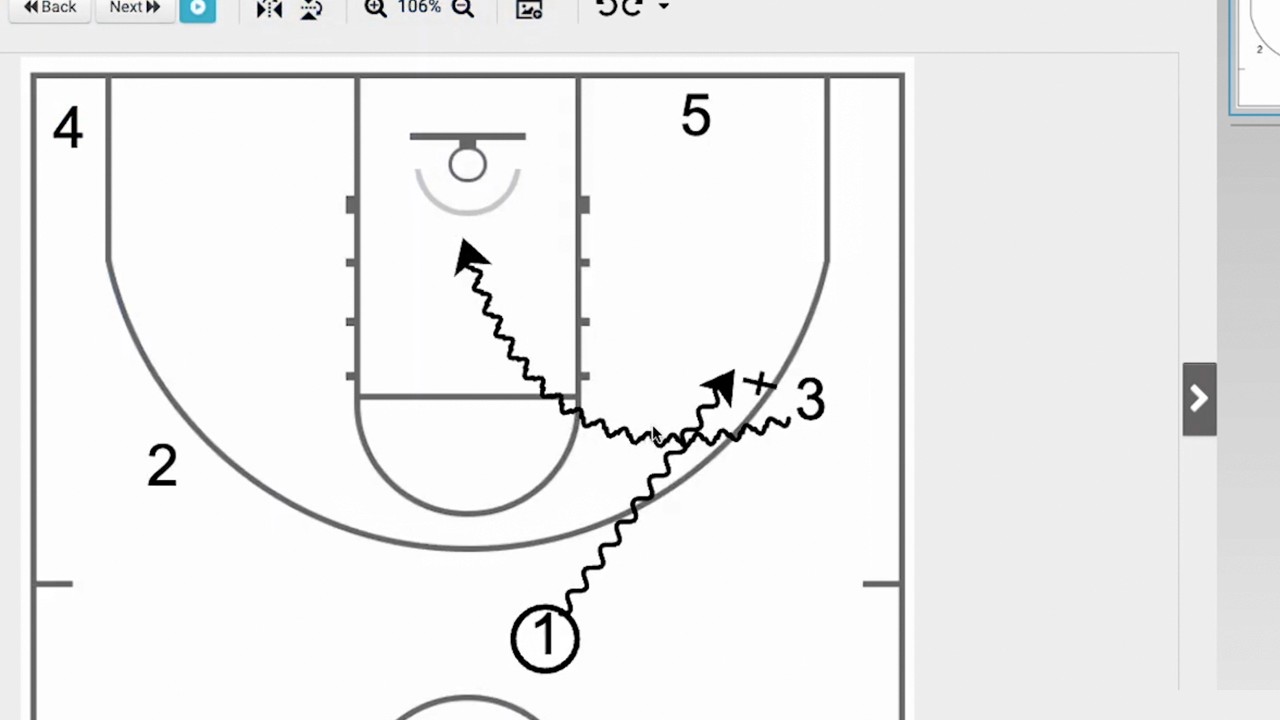
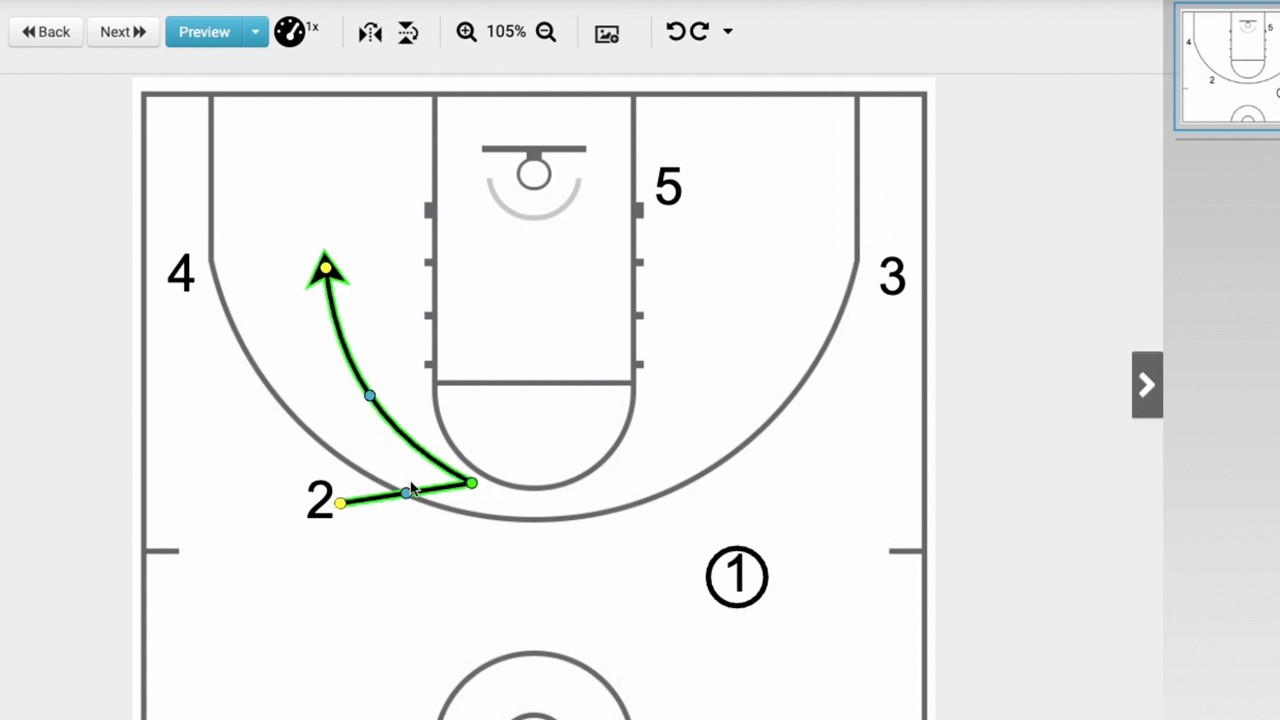
Drawing Passes: Select the passing tool, hover over the starting player until they light up blue, then click and drag to the target player (0:17-0:29).
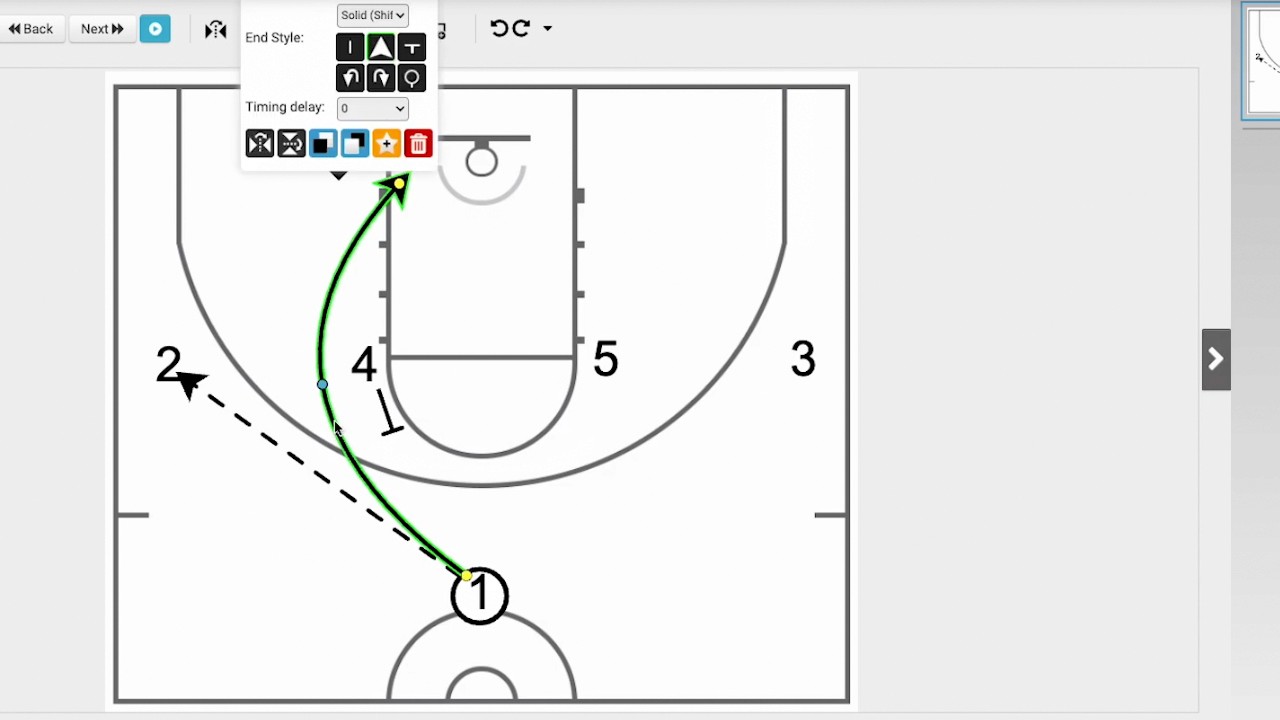
Adjusting Curves: While in freehand mode, you can adjust the path of the pass using the blue dot that appears on the line (0:32-0:42).
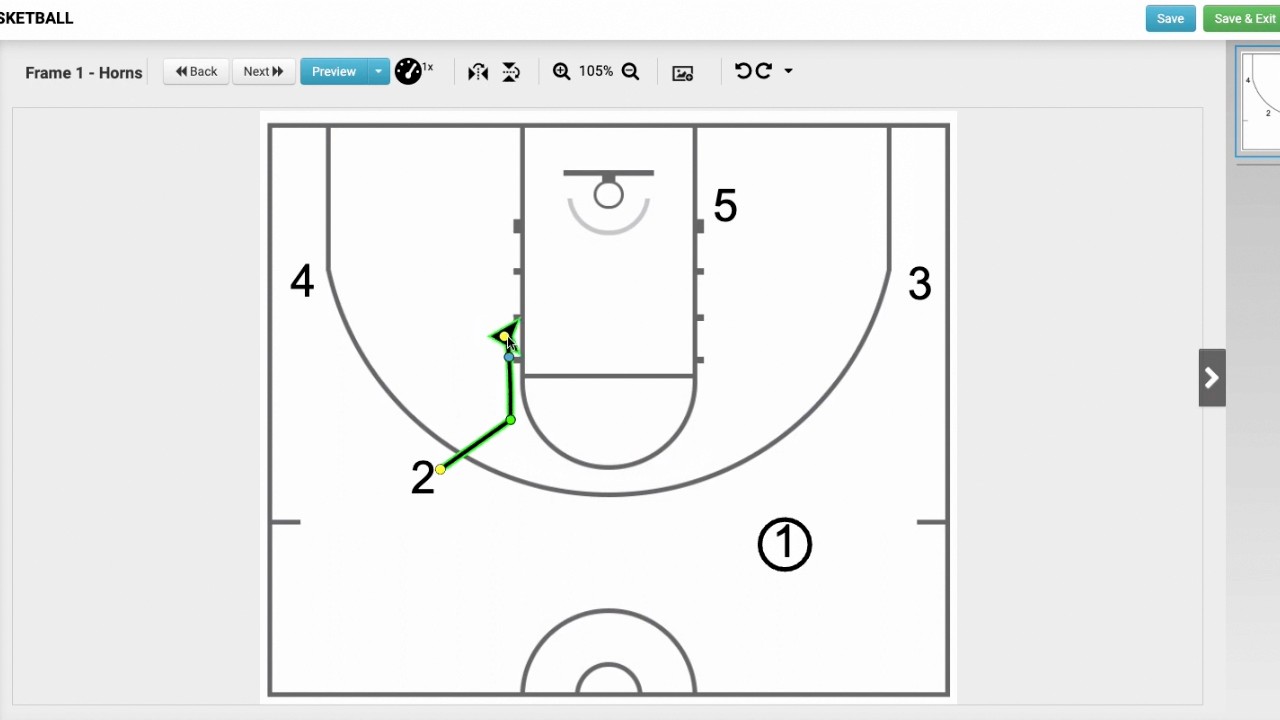
Connecting Sequential Passes: To continue the ball movement to another player, select the passing tool again. When you hover over the previous target, your cursor will turn into crosshairs, indicating a successful connection to the existing play (0:44-1:02). You can then drag the line to the next player until their area lights up (1:03-1:11).
Previewing and Saving: Use the preview animation button to watch the ball move (1:13-1:17). Once satisfied, click "next" to move to the next frame and continue building your sequence (1:19-1:29).