Creating Tags and New Plays
|
Playbook Organization
This video provides a step-by-step guide for setting up a new account in Just Play Basketball, specifically focusing on organizing your playbook using terminology types, tags, and creating new plays.
Key Steps for Playbook Setup:
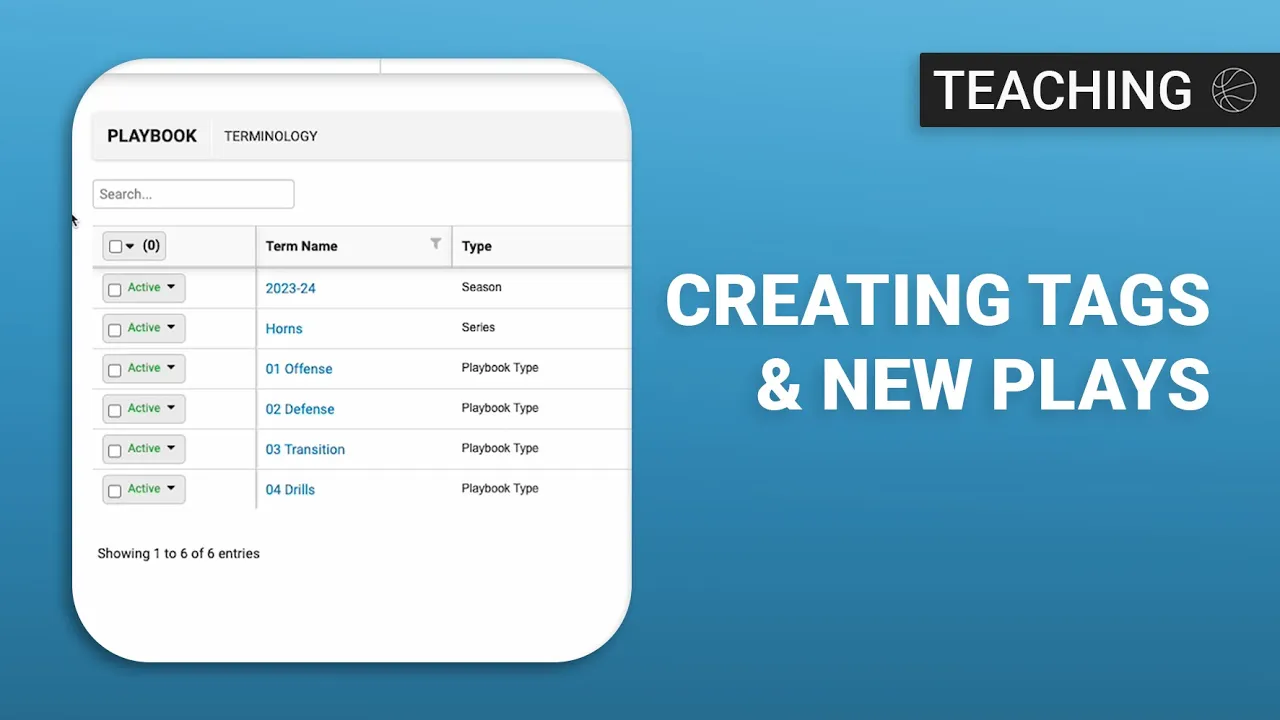
Setting up Terminology Types: Navigate to the Playbook tab, select Terminology, and use Manage Types to define categories like Season, Playbook Type (offense/defense), Set, Situation, and Series (0:41-1:53). It is important to mark these as Default so they appear in dropdown menus later.
Creating Tags: You can add specific terms (tags) within the Terminology section (e.g., "2023-24 season") (2:08-2:38). The video recommends hiding the "description" column for a cleaner view (2:41-2:50).
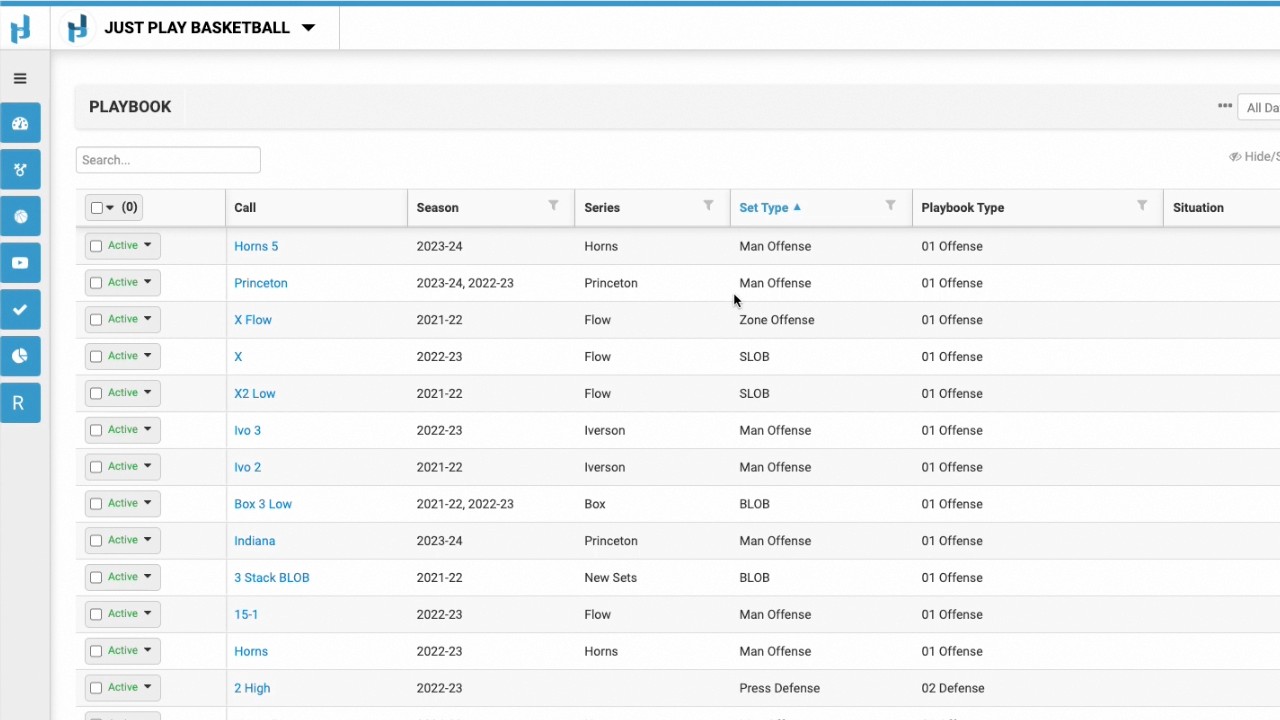
Creating New Plays: Once the framework is set, go to the Playbook section to create a new play (3:02-3:13). Assign a play call (e.g., "Horns 5") and tag it using the previously created terminology (3:16-4:30).
Managing Content: As you create new tags directly within the play creation screen, they automatically populate in your main Terminology section for future use (4:30-5:55).
Next Steps: The video concludes by noting that future tutorials will cover how to draw diagrams, add videos/files, and organize the playbook effectively (4:39-4:51, 6:05-6:17).