Using Lookalike Mode in Player Search
|
Front Office
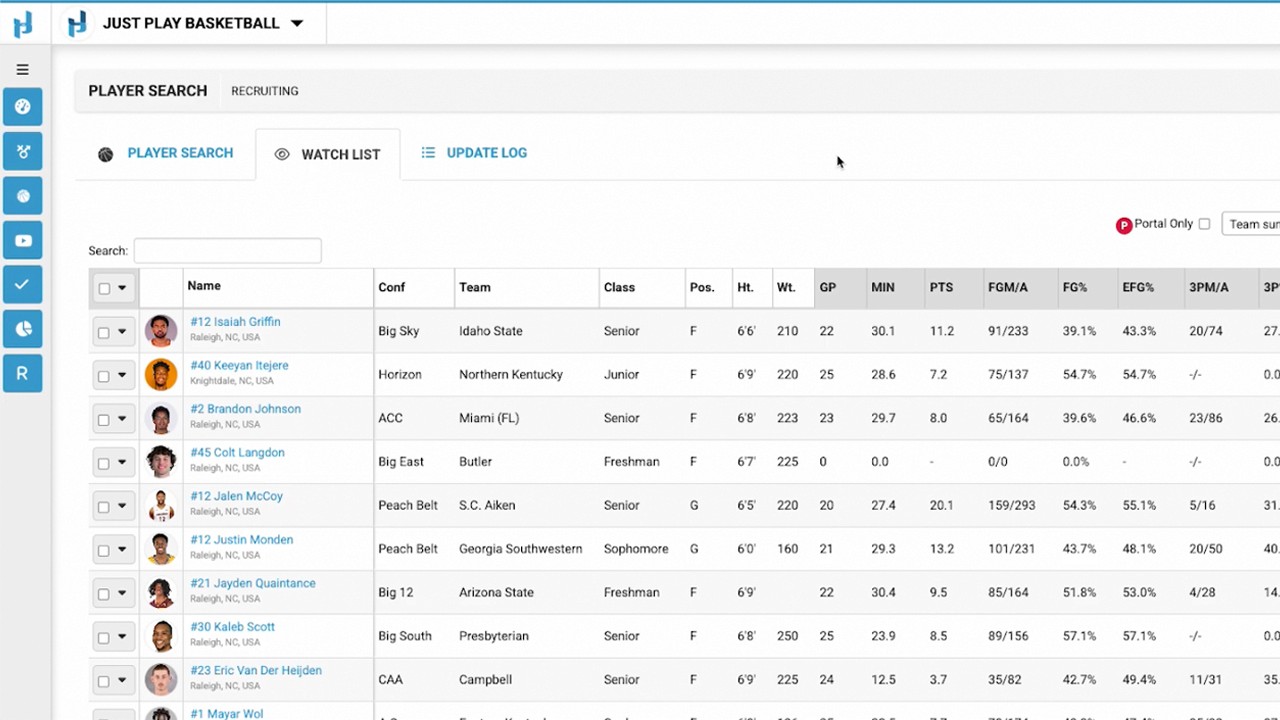
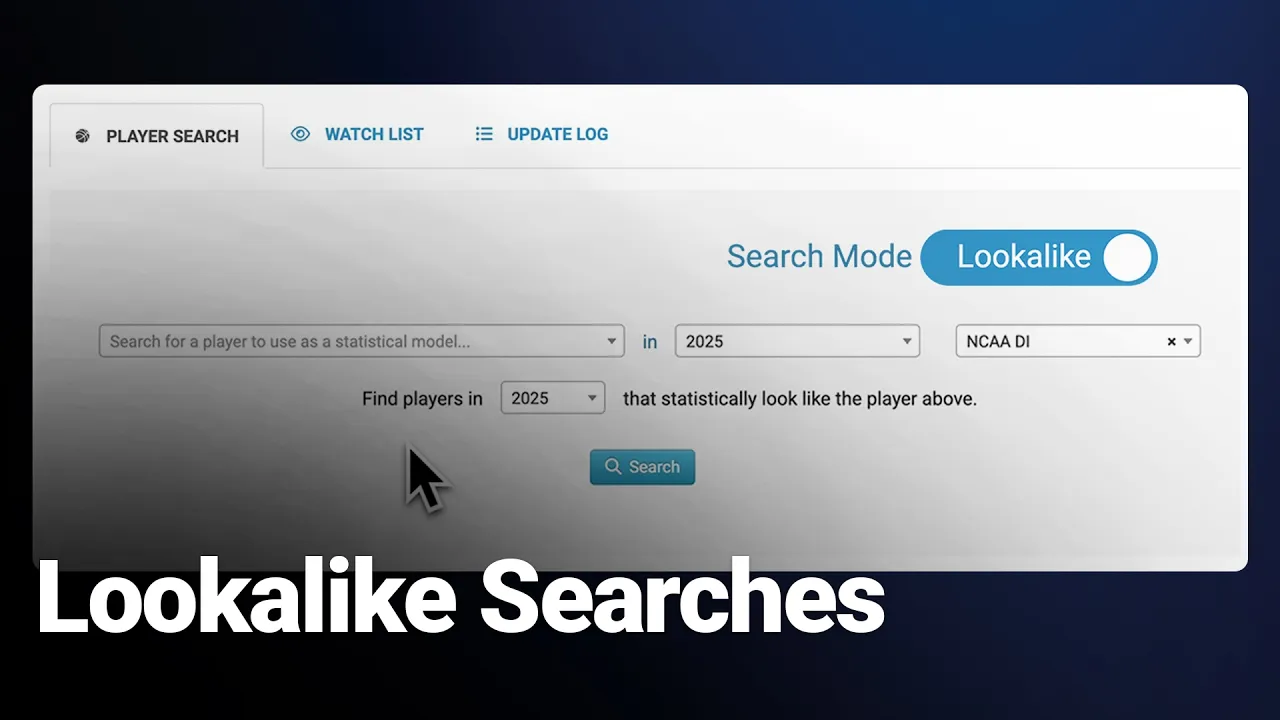
This video provides a walkthrough of the Lookalike Search mode within Just Play's player search tool. This feature allows coaches to identify players who share similar statistical profiles to a specific athlete.
Key steps for using the Lookalike Search:
Switch search mode: Toggle to the "lookalike search mode" on the right side of the player search screen (0:11-0:16).
Select your criteria: Choose the player you want to emulate, the specific season, and the desired league division (0:28-0:53).
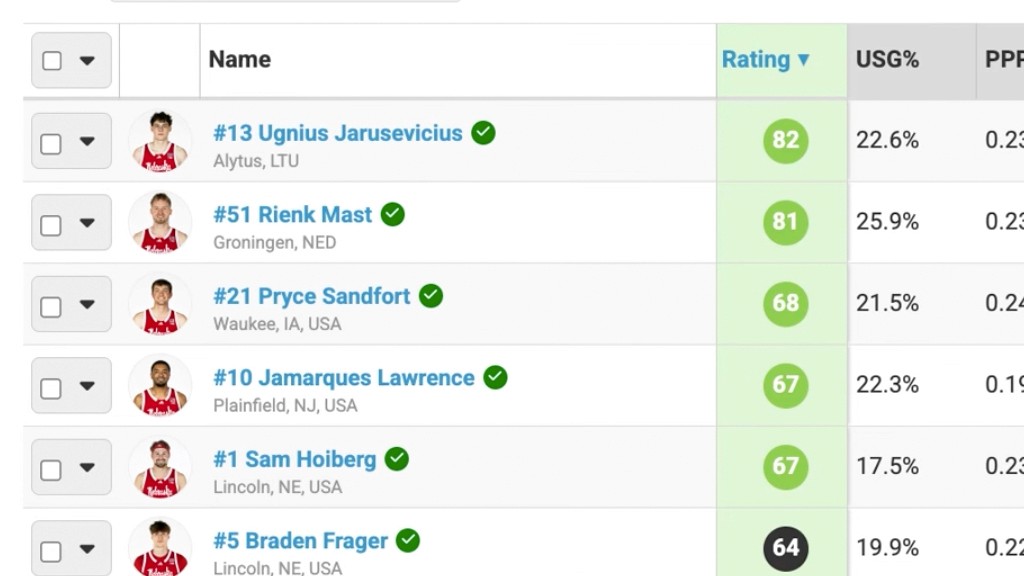
Execute search: Click search to have the system automatically populate statistical criteria based on the selected player, then review the list of matching results (0:55-1:19).
Refine results: Adjust your findings by using the margin percentage slider or input fields, or by manually adding extra statistical filters to narrow down the pool of players further (1:22-1:53).