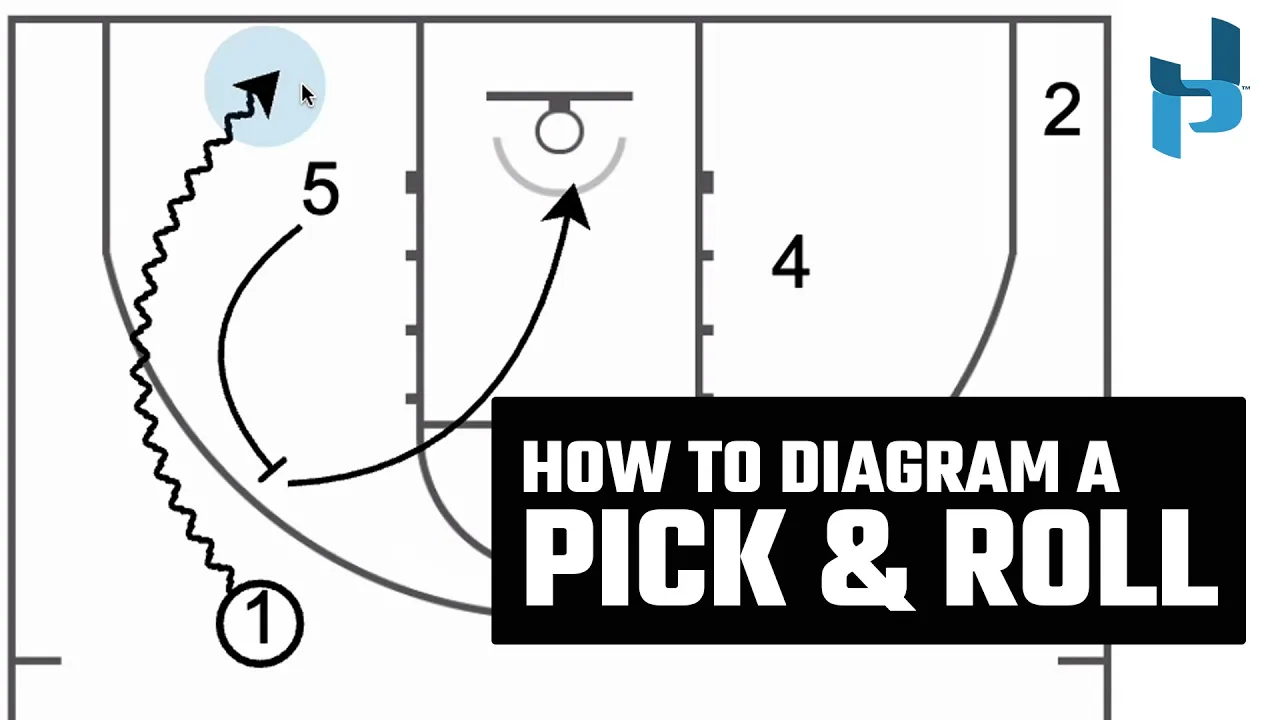
How to Draw a Pick & Roll
|
Play Drawing
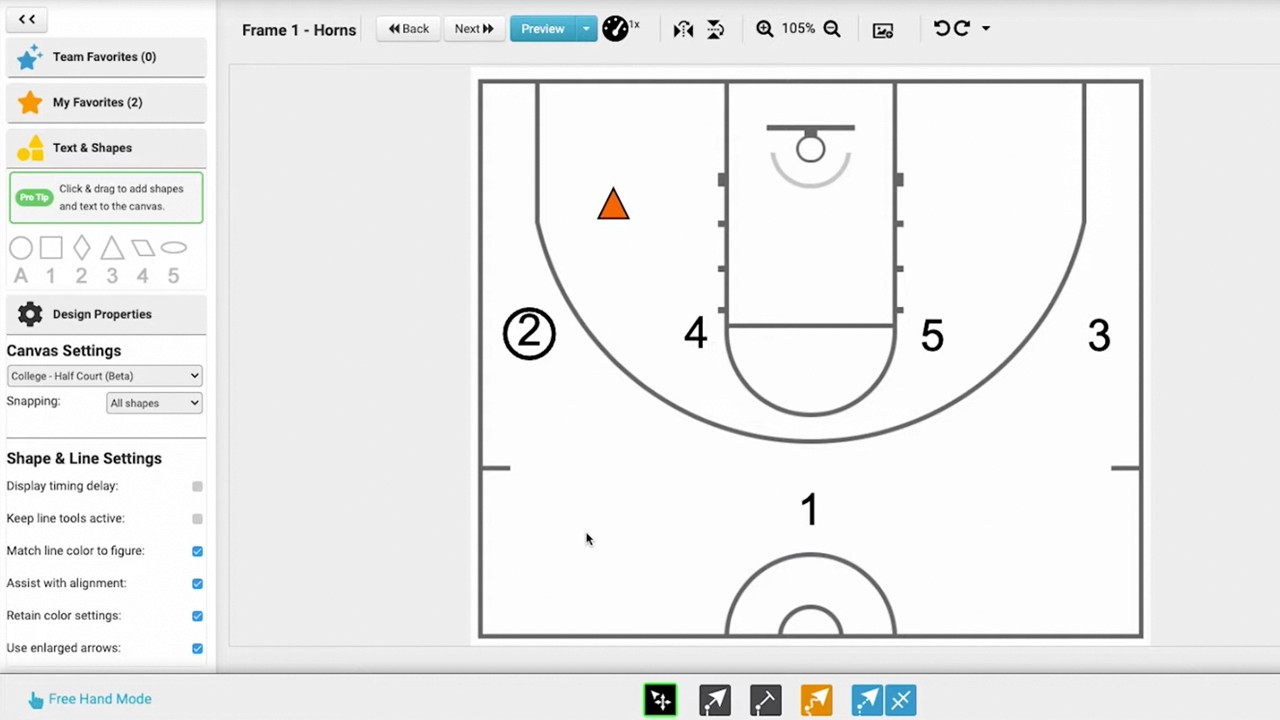
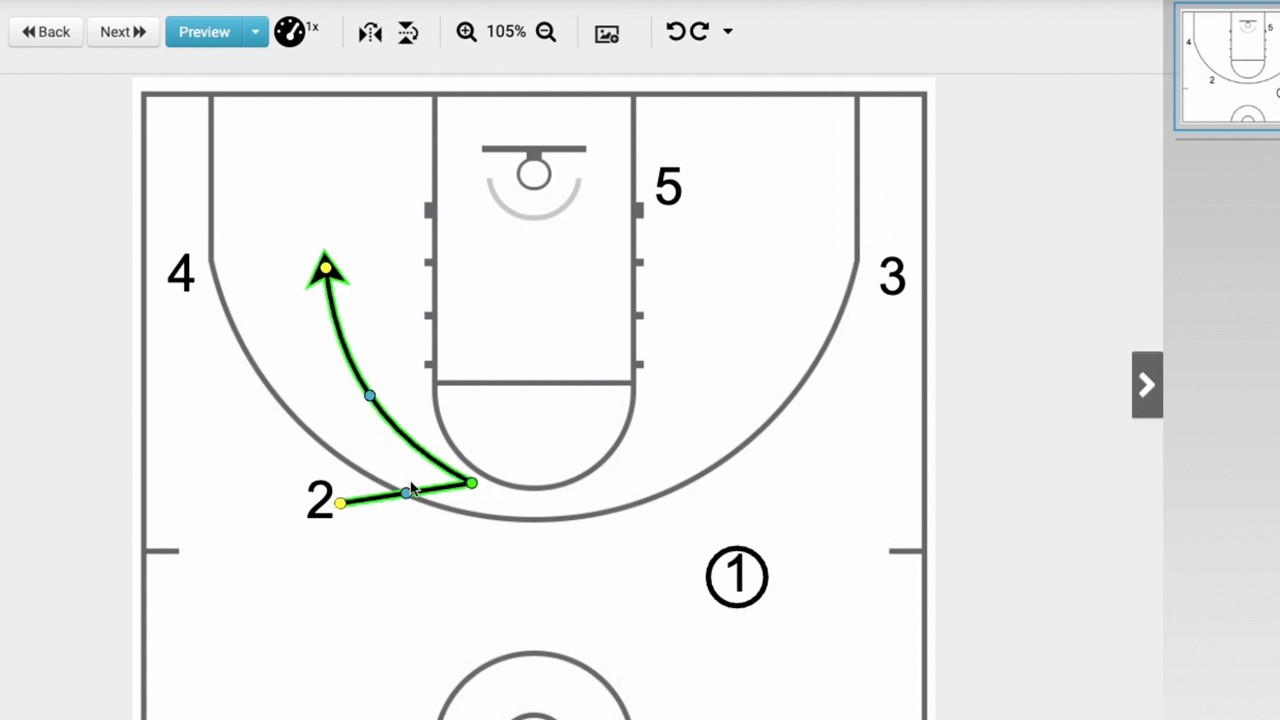
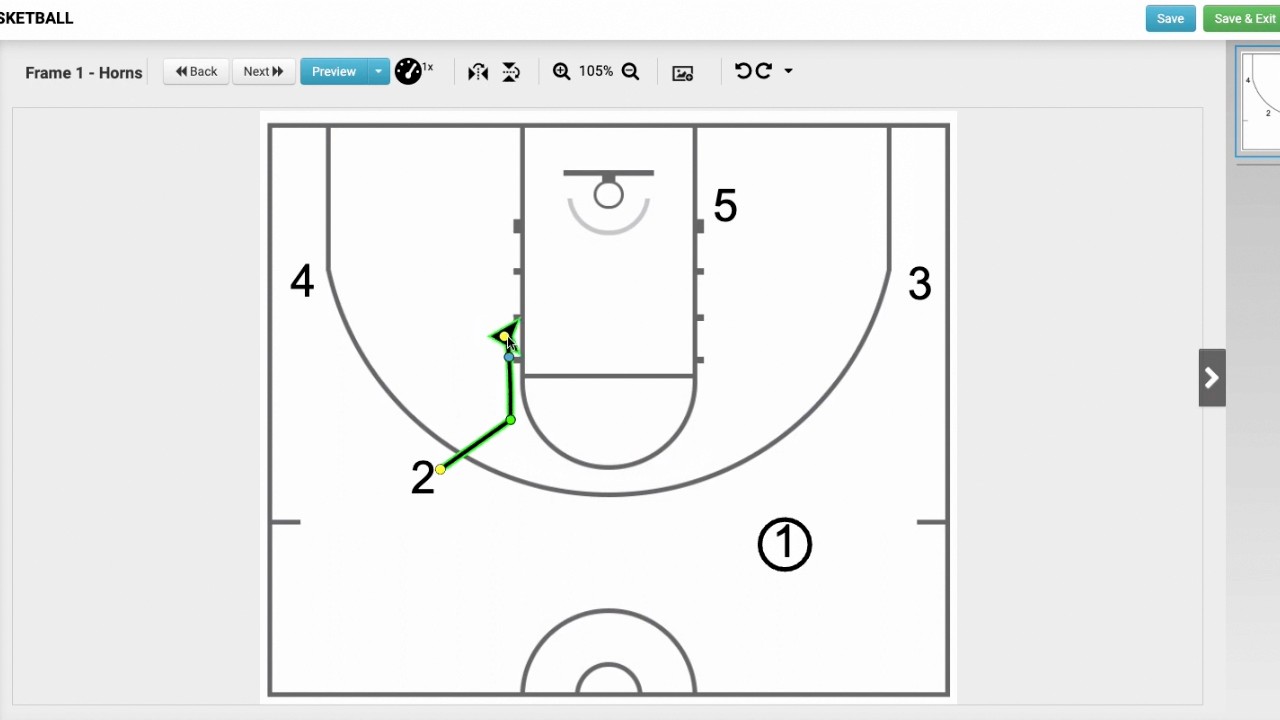
This tutorial demonstrates how to use freehand mode in Just Play Basketball to create a simple pick and roll animation.
Steps to Create a Pick & Roll:
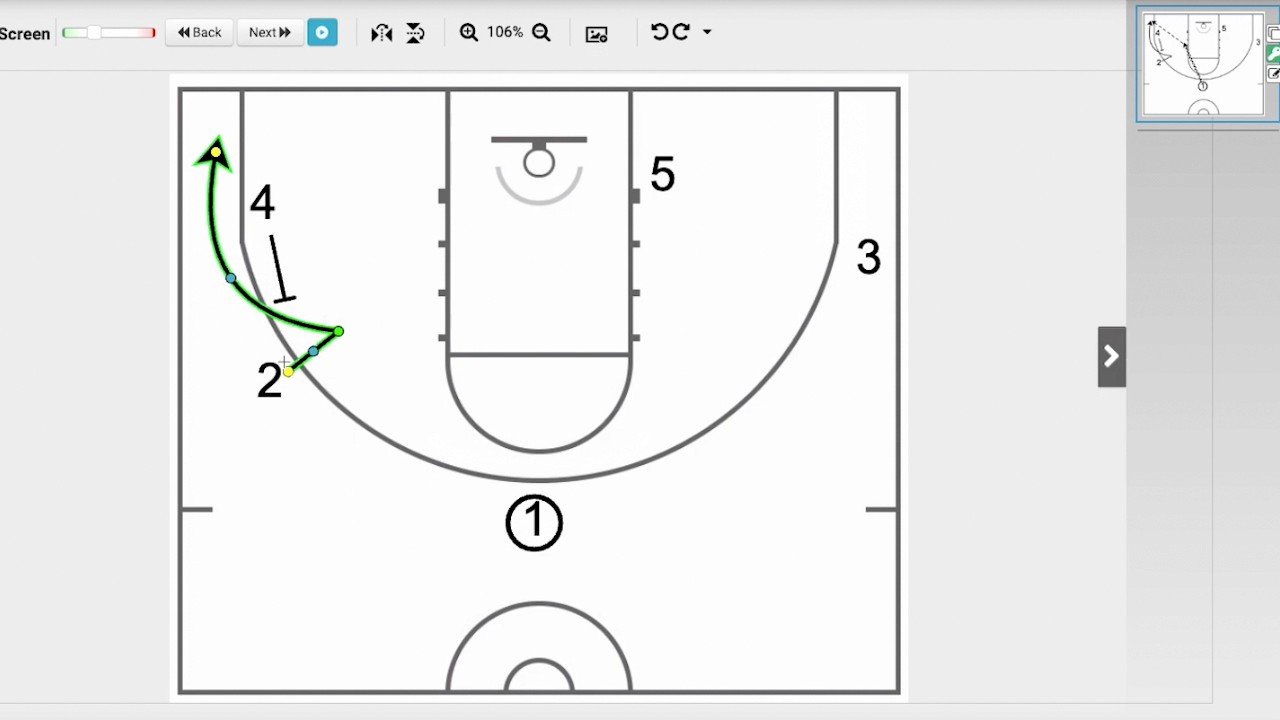
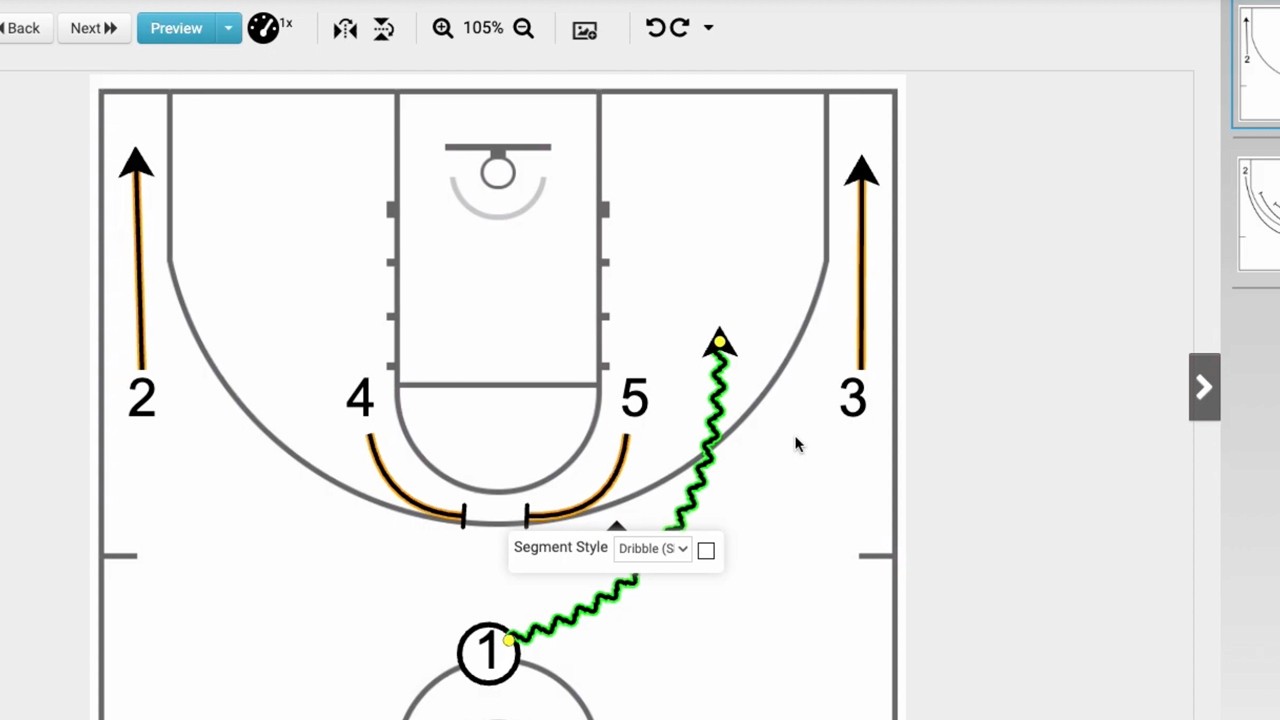
Screening Action (0:04 - 0:20): Select the screening tool, hover over the player (the 'five'), and drag/drop to draw the screen for the ball handler (the 'one'). Use the adjustment dots to set the preferred angle.
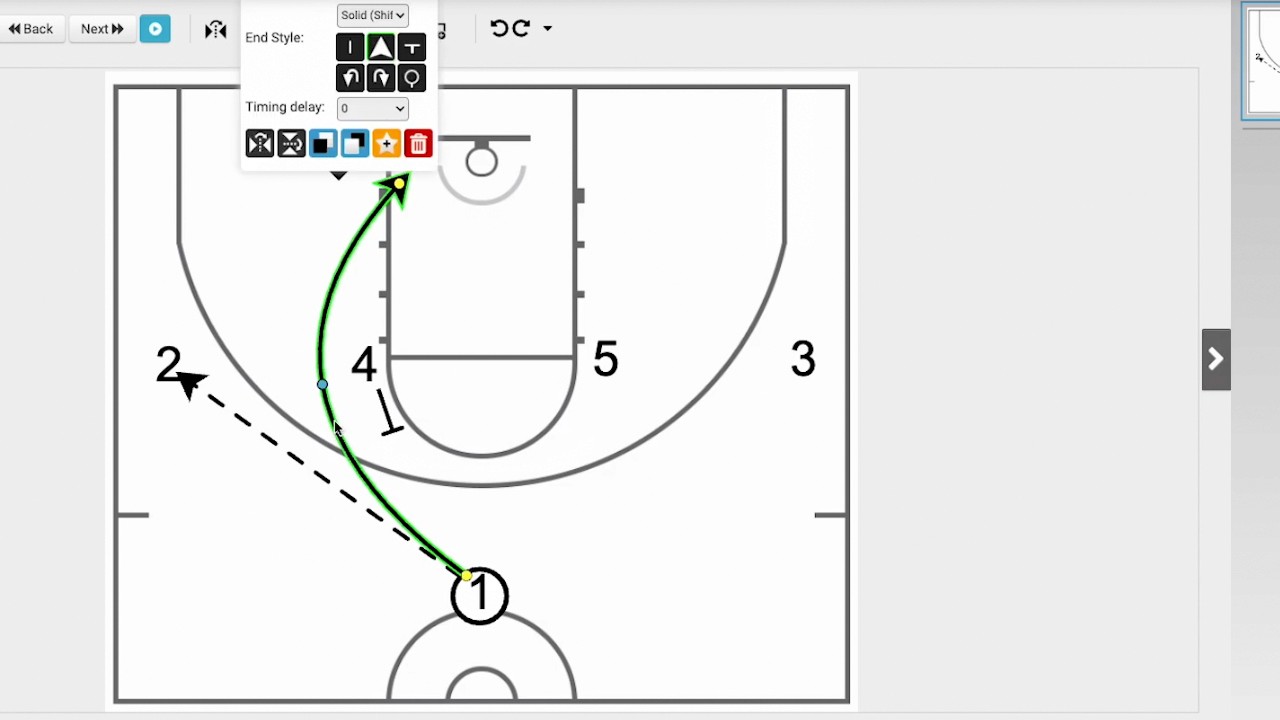
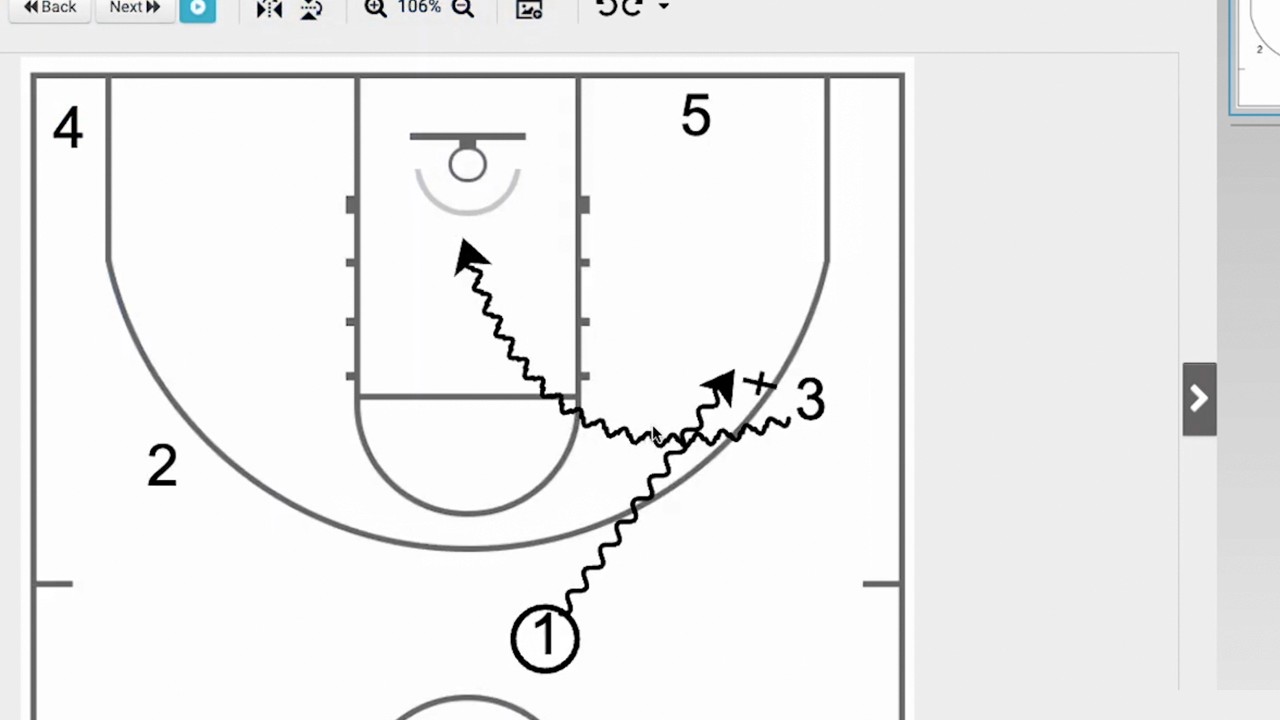
Dribble Action (0:22 - 0:26): Choose the dribble tool and have the 'one' dribble baseline.
Roll Action (0:28 - 0:35): Use the movement tool to instruct the 'five' to roll to the basket after setting the screen.
Passing Line (0:38 - 1:03): Use the dribble/line tool to draw a pass from the 'one' to the 'five' for the final layup. A helpful tip is to draw the line short first, then use the yellow dot to manipulate the final shape for a cleaner look.
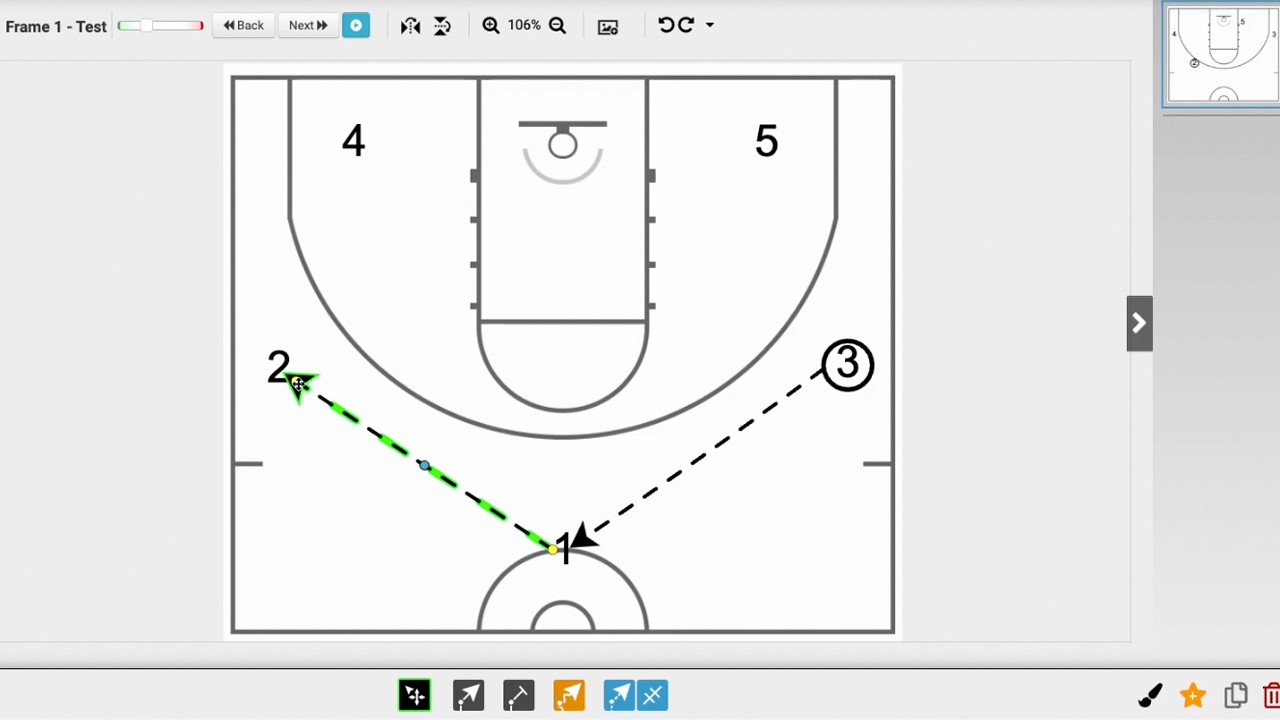
Timing Coordination (1:08 - 1:36): To ensure the screen and dribble happen correctly, double-click the action line for the 'one' to add a timing delay. Setting this to 'one' ensures the ball handler waits for the screen to be set before engaging in the dribble and roll sequence.