How to Draw a UCLA Screen
|
Play Drawing
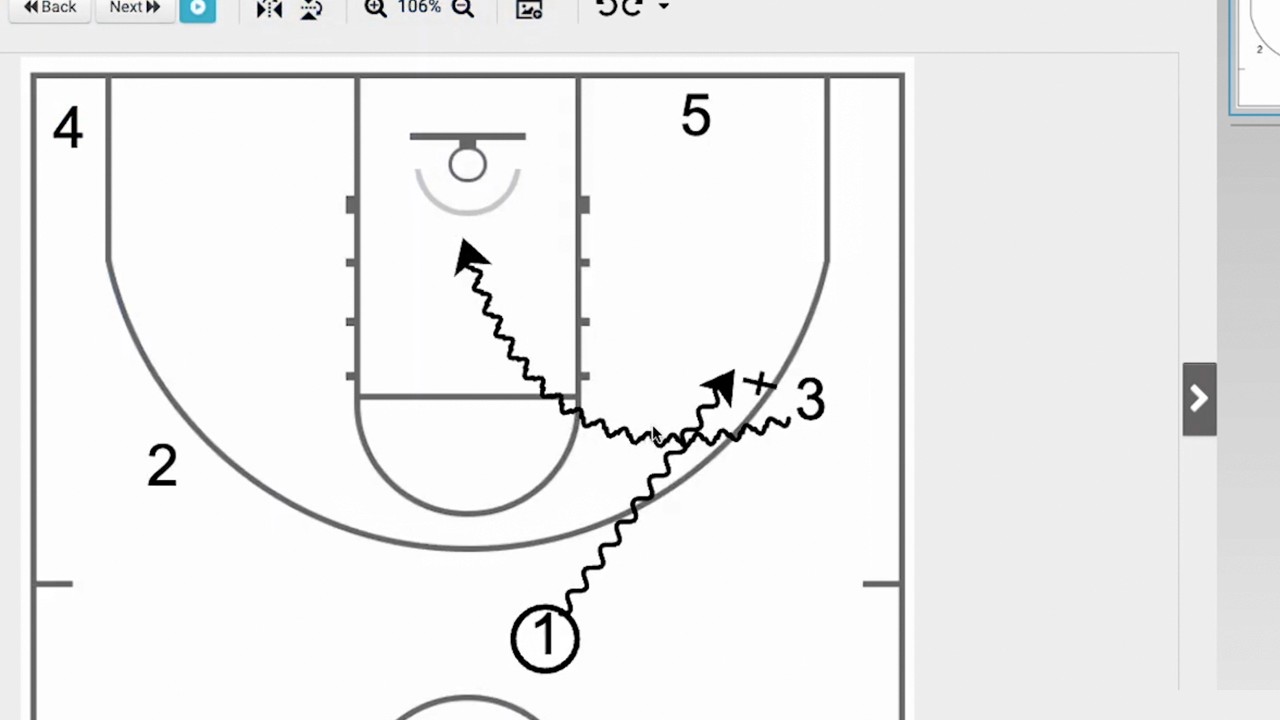
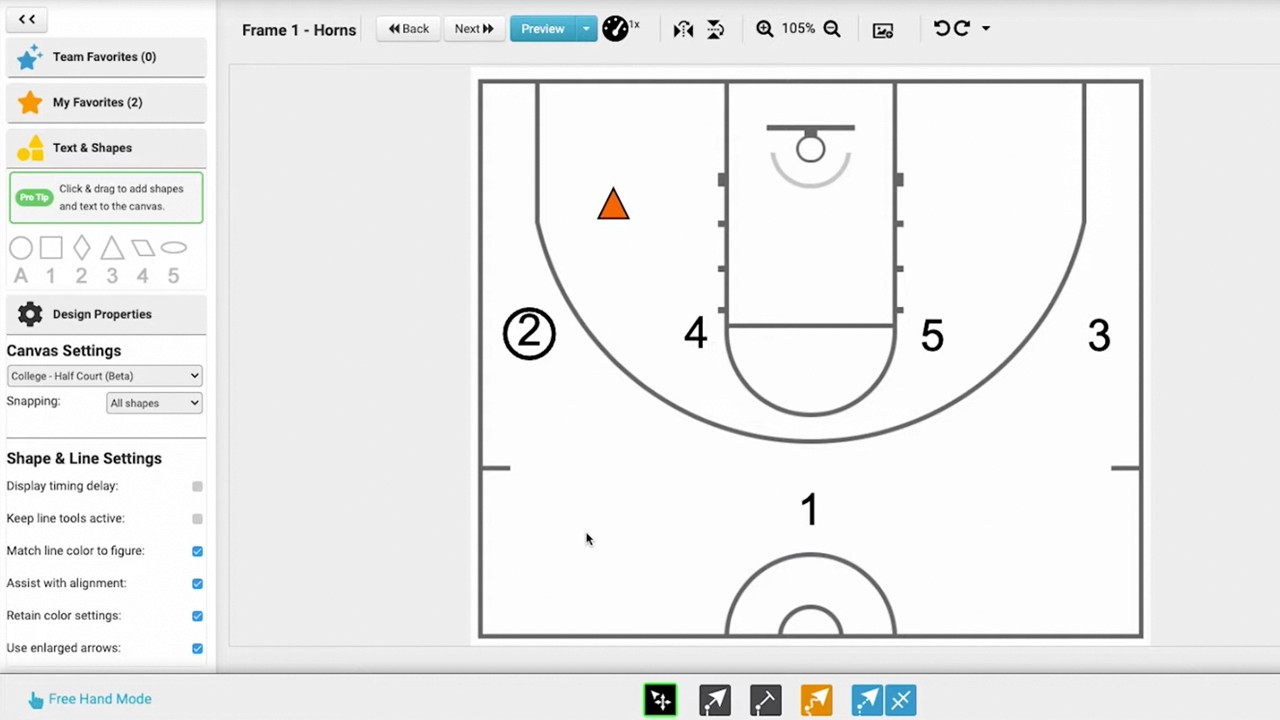
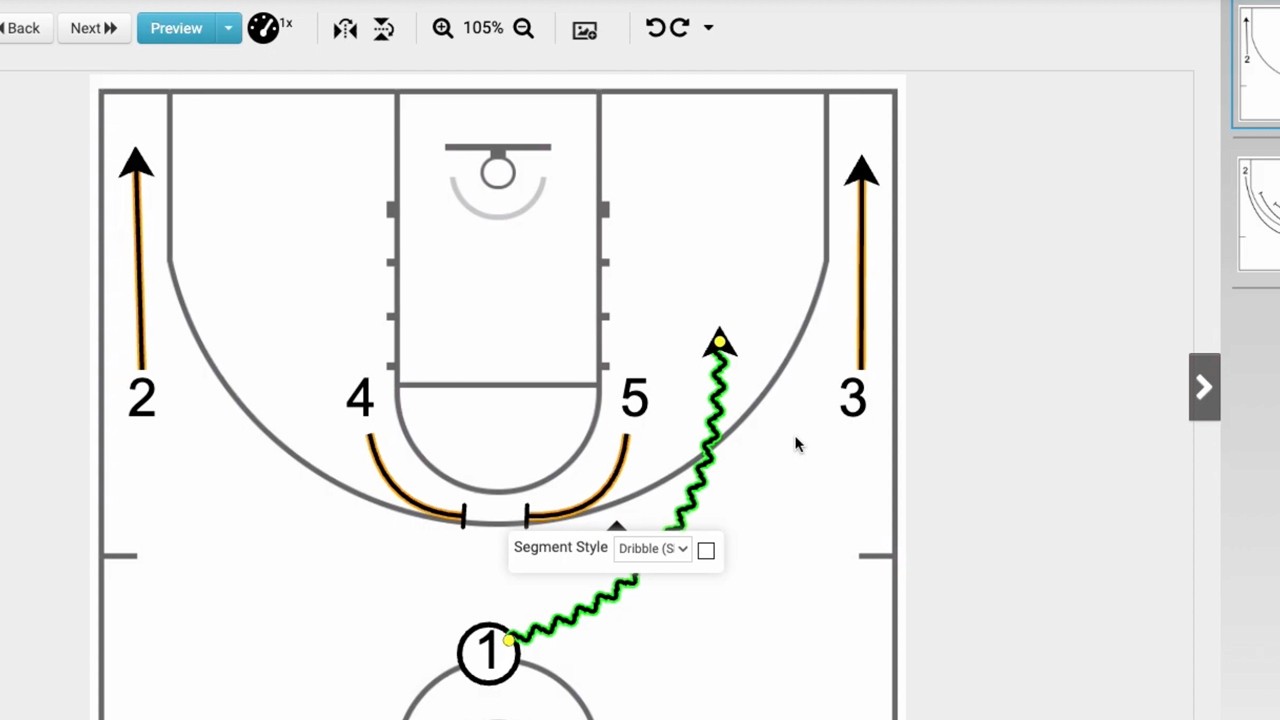
This tutorial demonstrates how to use Just Play Basketball software to draw a UCLA screen play in freehand mode.
The process involves four main steps:
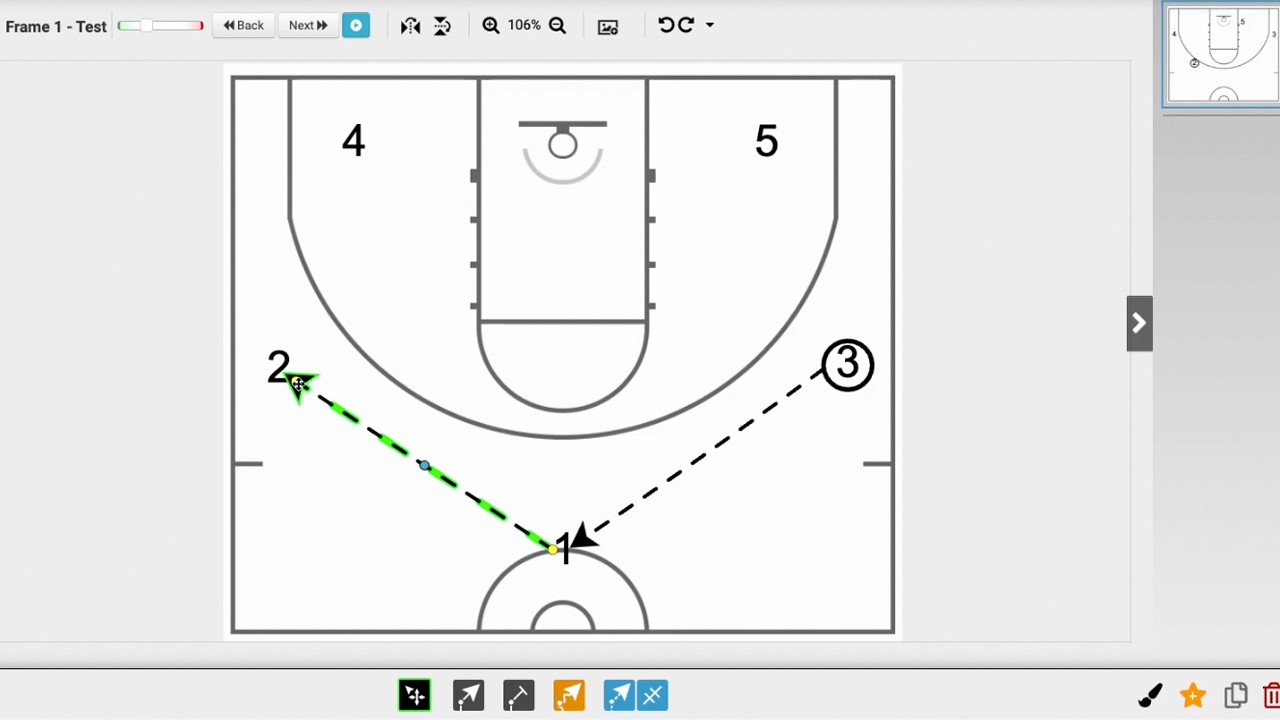
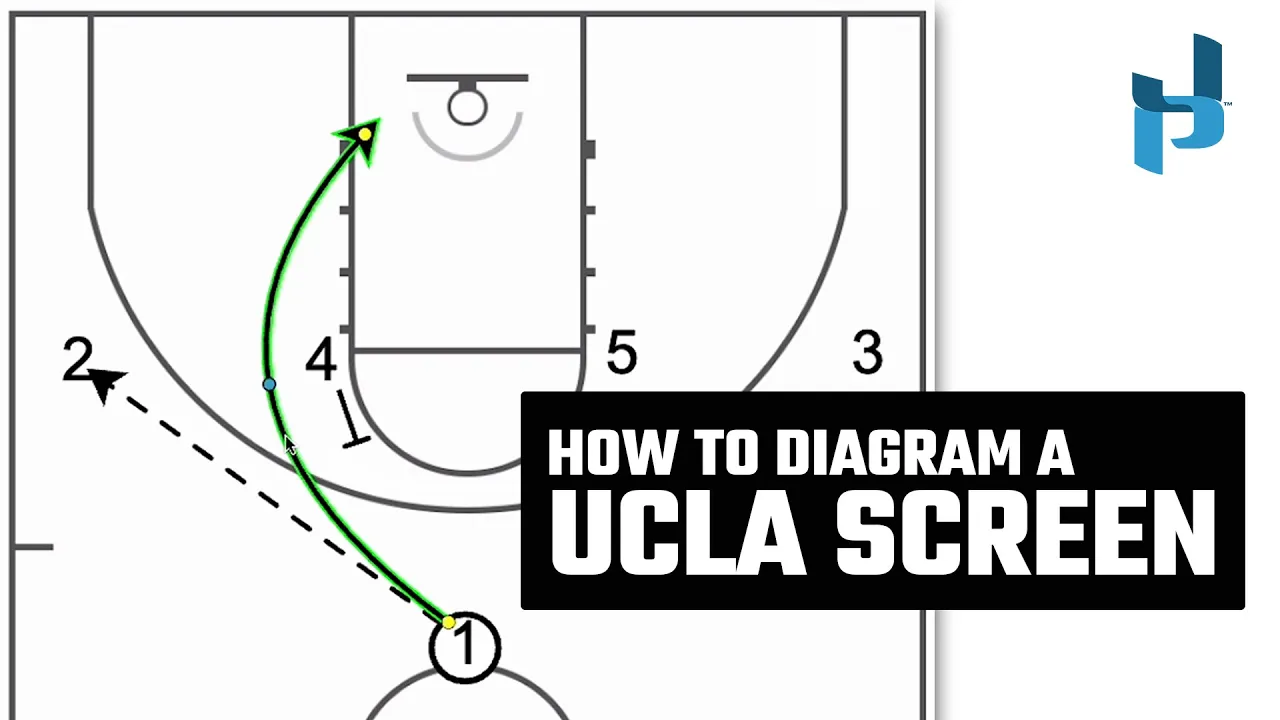
Passing the ball: Select the passing line tool to move the ball from the 1 position to the 2 position (0:06-0:23).
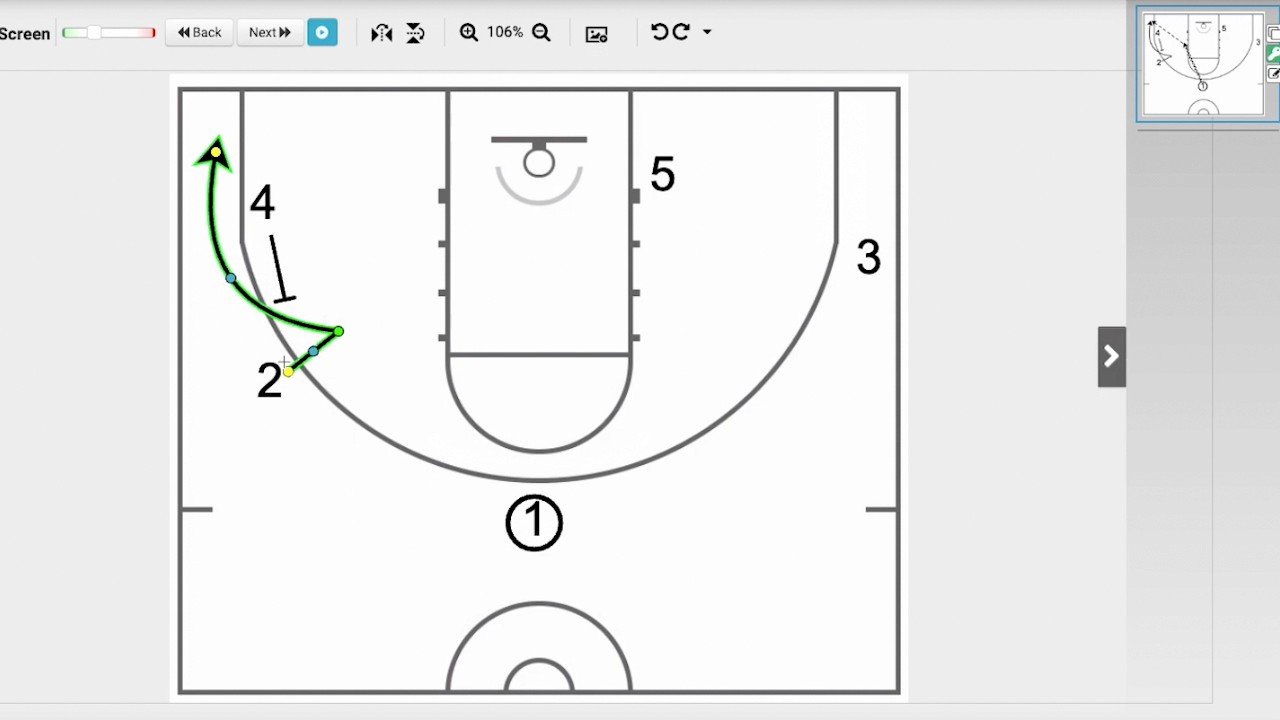
Setting the screen: Select the screen line tool to position the 4 to set a screen for the 1 (0:23-0:36).
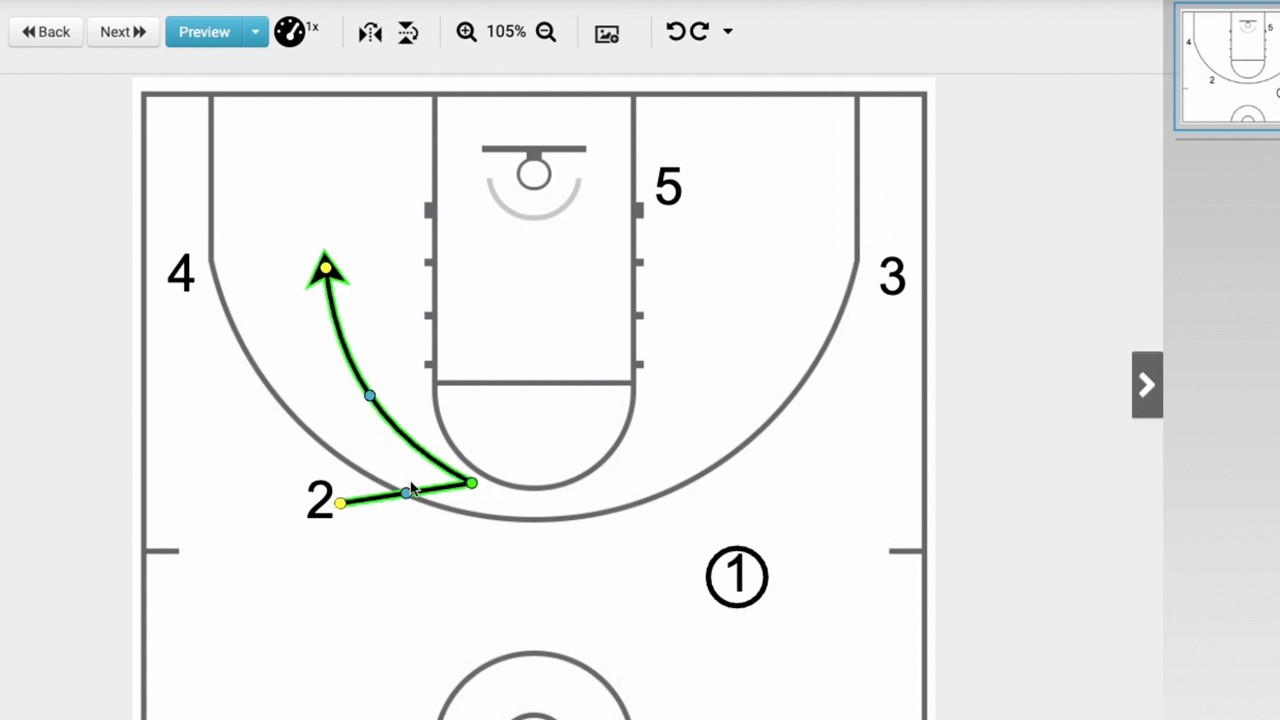
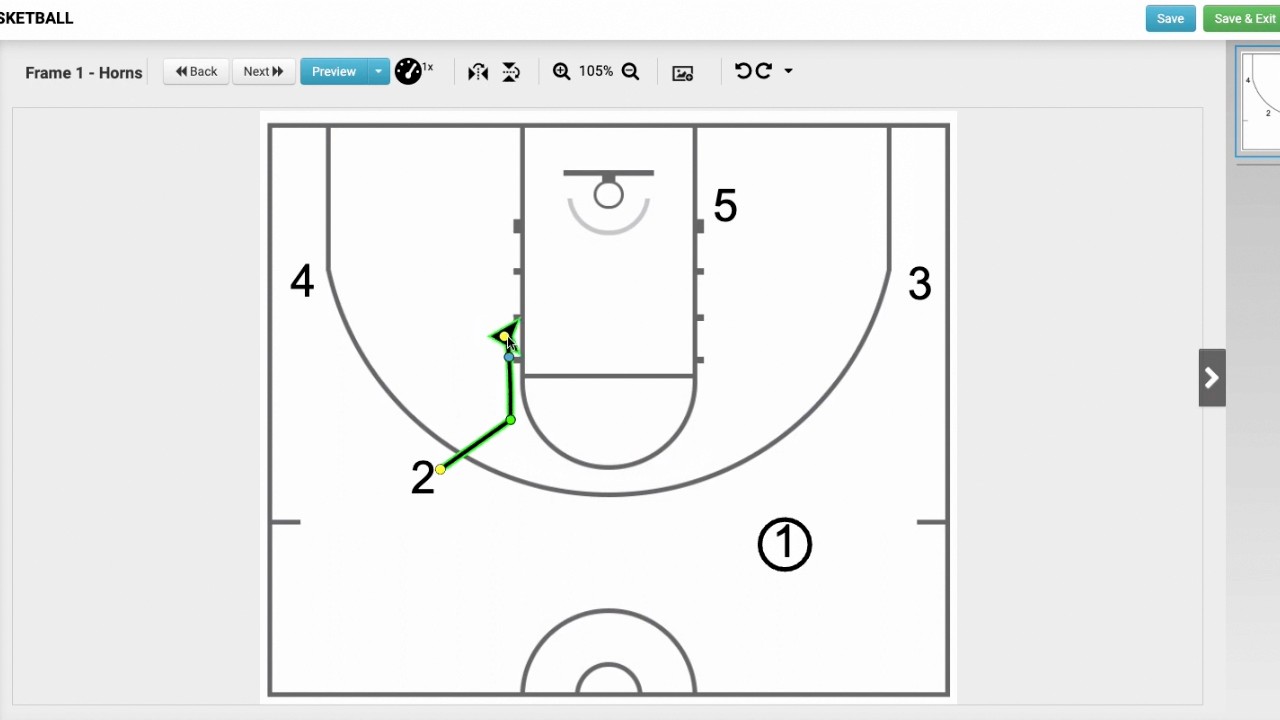
Defining player movement: Use the player movement tool to draw the path for the 1 to cut down to the left block (0:36-0:56).
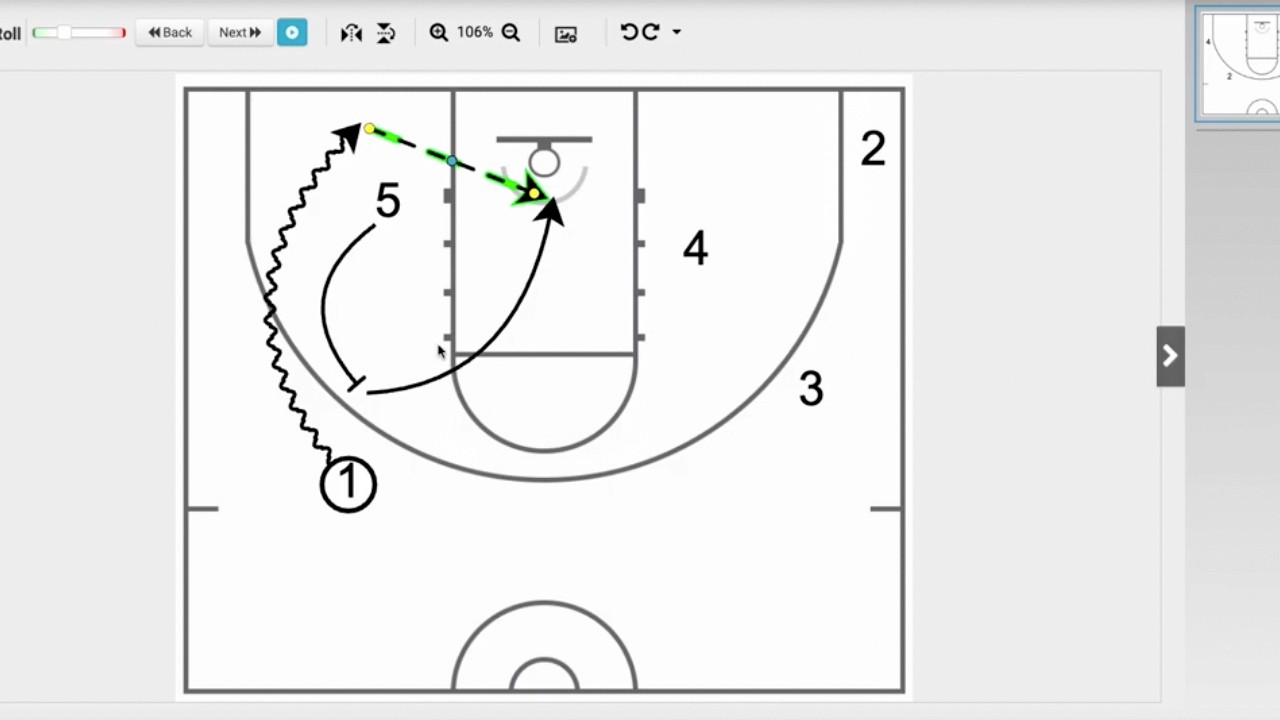
Timing the play: Double-click the movement path to add a one-segment timing delay, ensuring the player waits for the screen to be set before cutting (0:56-1:13).
Finally, the user can click the blue preview animation button to watch the play execution (1:13-1:25).