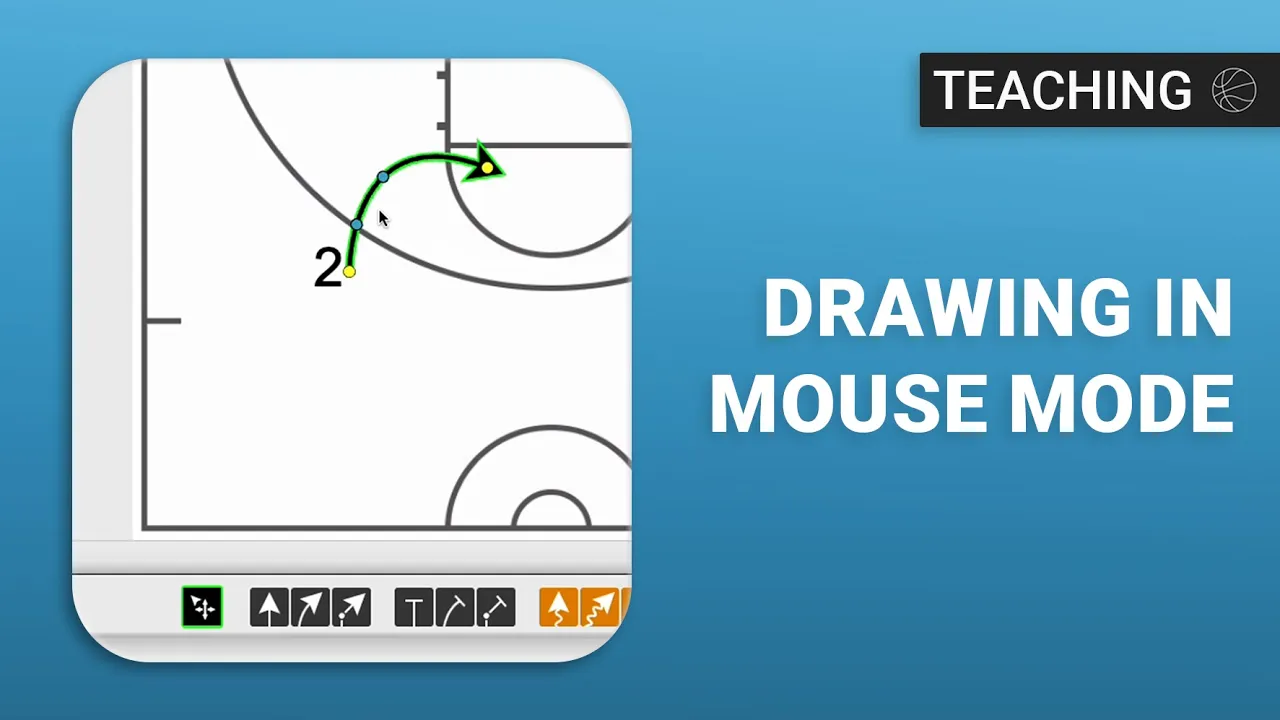
Drawing in Mouse Mode
|
Play Drawing
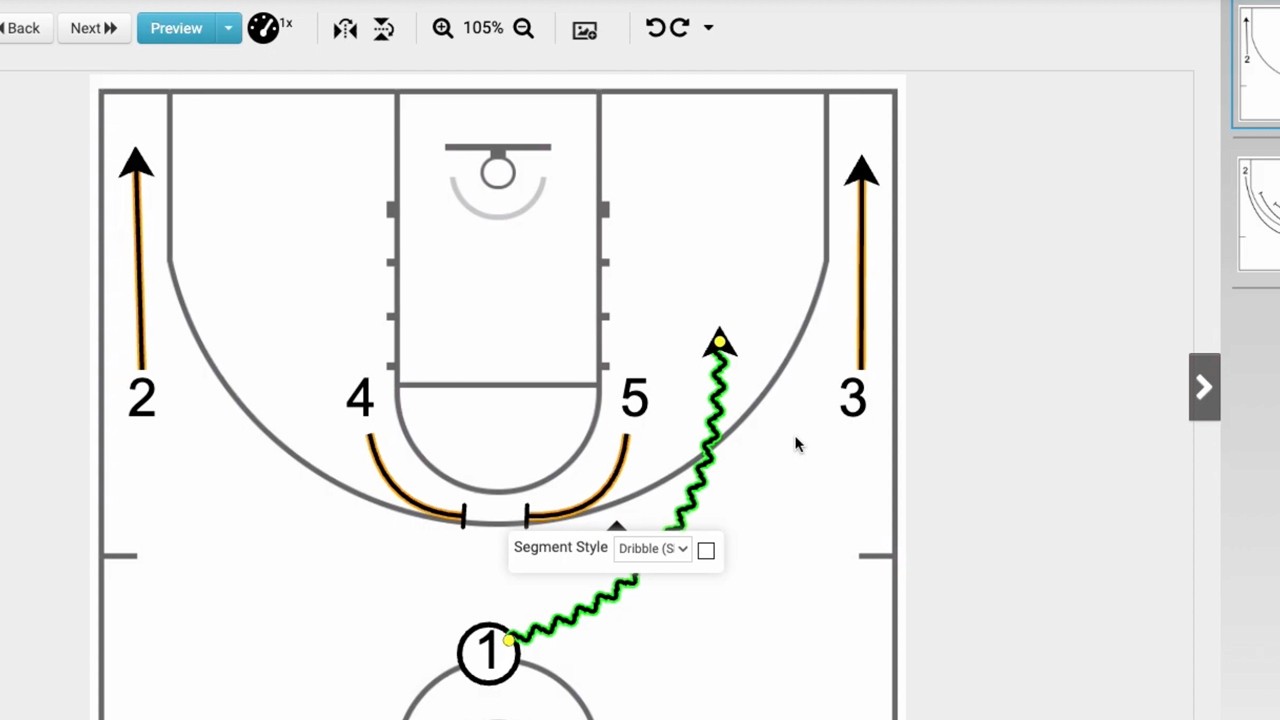
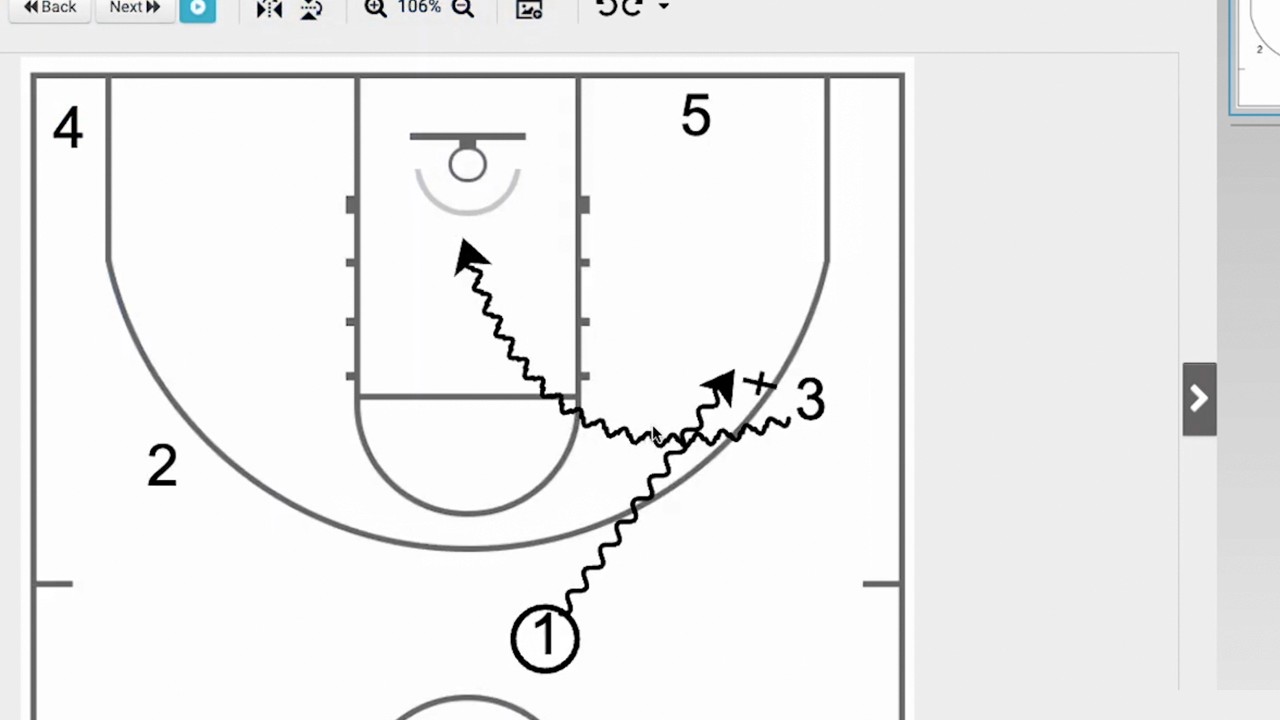
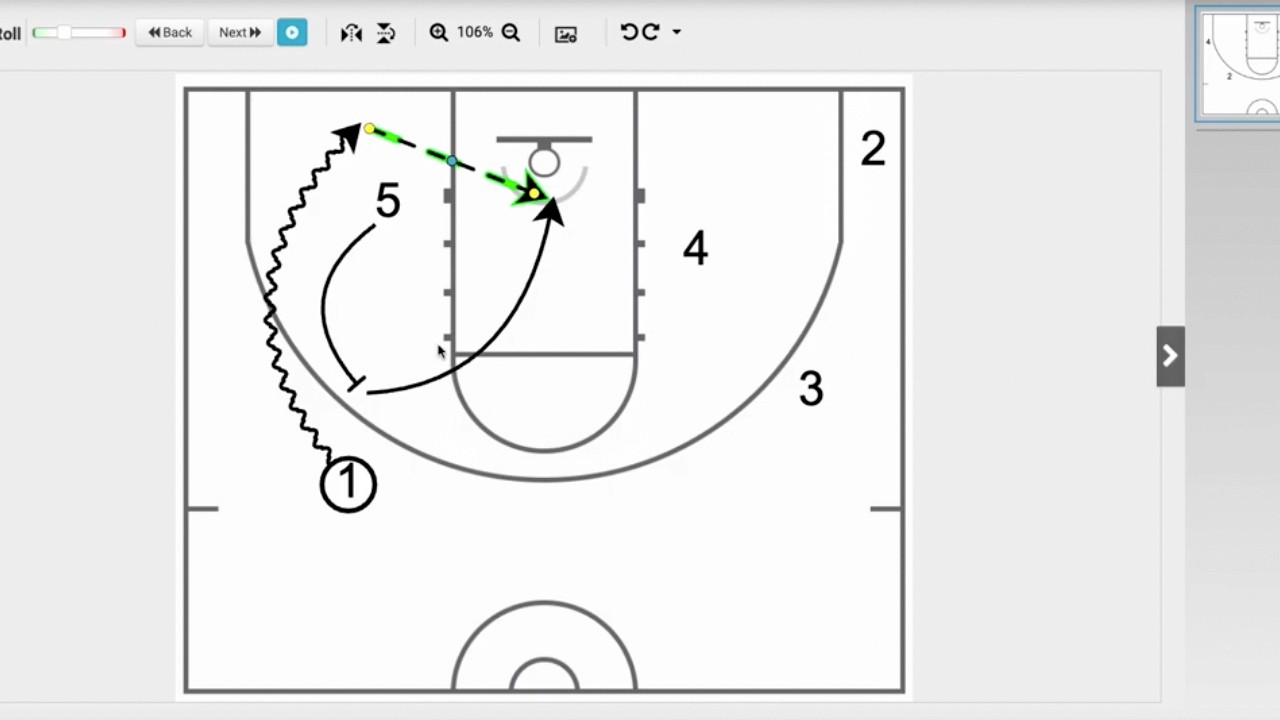
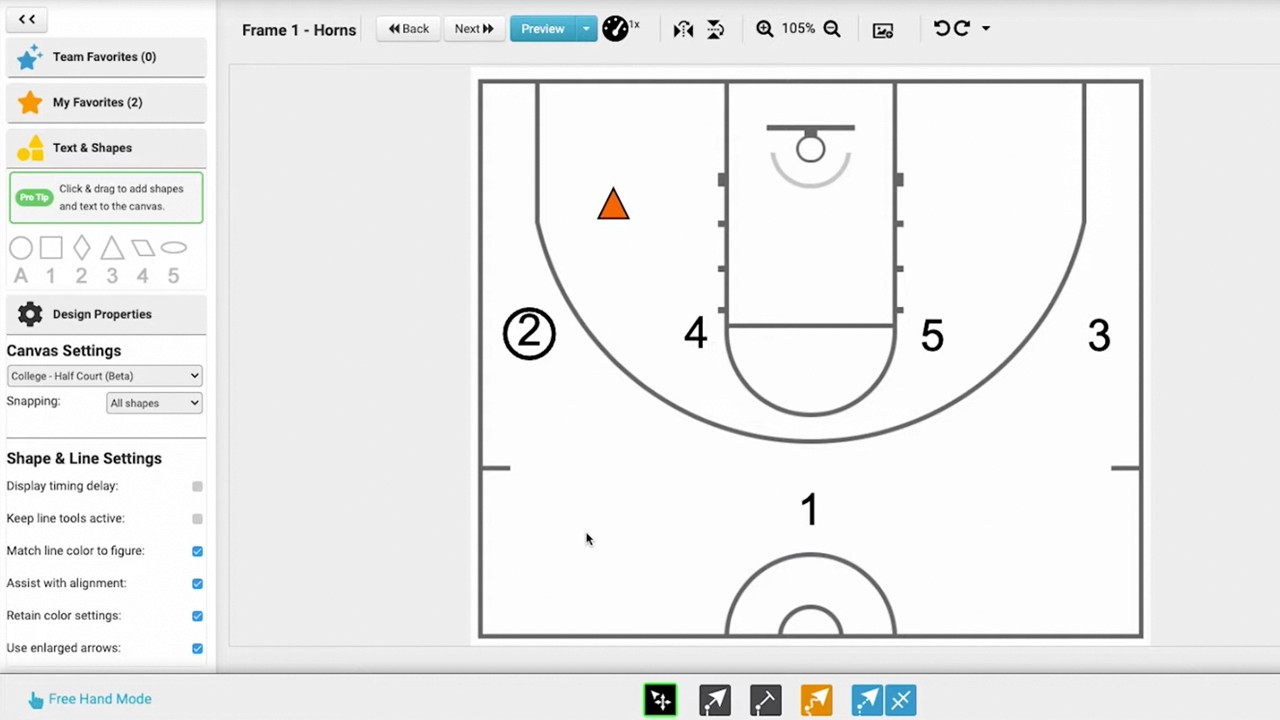
This video provides a tutorial on using the Mouse mode in the Just Play Basketball drawing tool, which offers more precise control than the default freehand mode.
Key drawing tools covered:
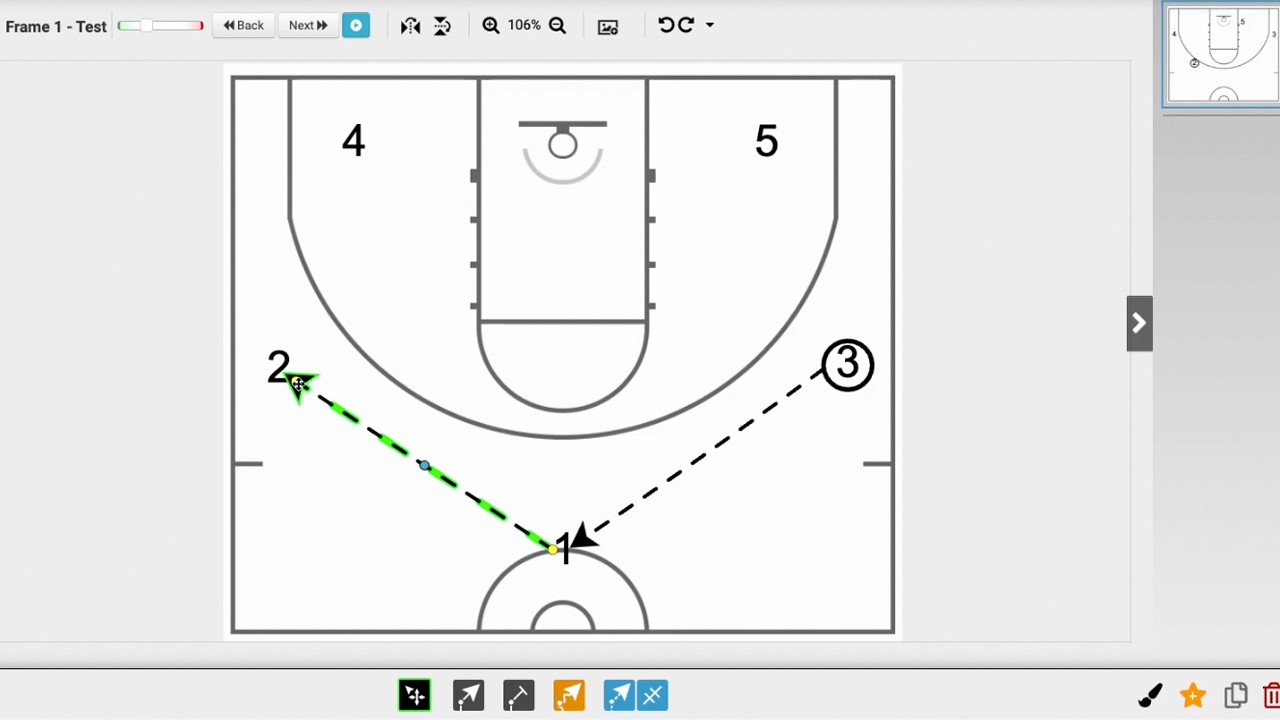
Straight Line Tool (0:47-1:27): Used for standard player movement. You click and drag from the player's shadow, and can later adjust the line using yellow manipulation dots.
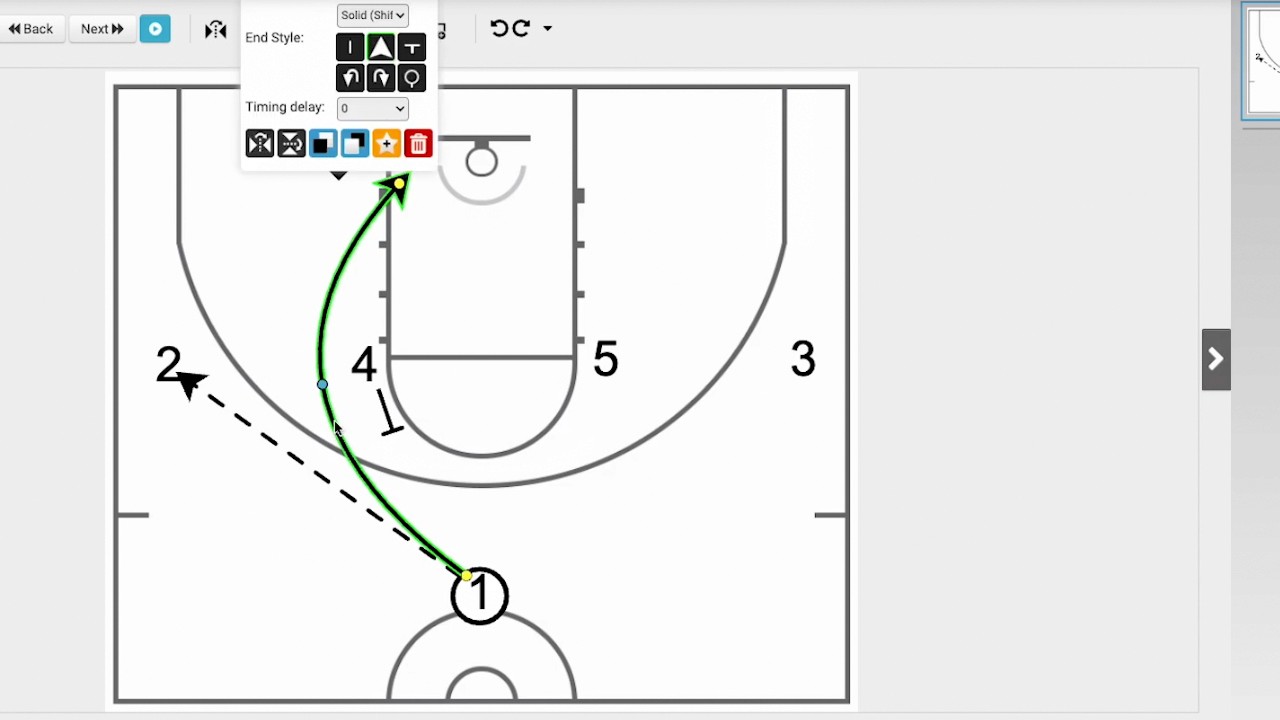
Curved Line Tool (1:29-1:59): Ideal for creating curved paths. After drawing, you can use blue dots to refine the curve.
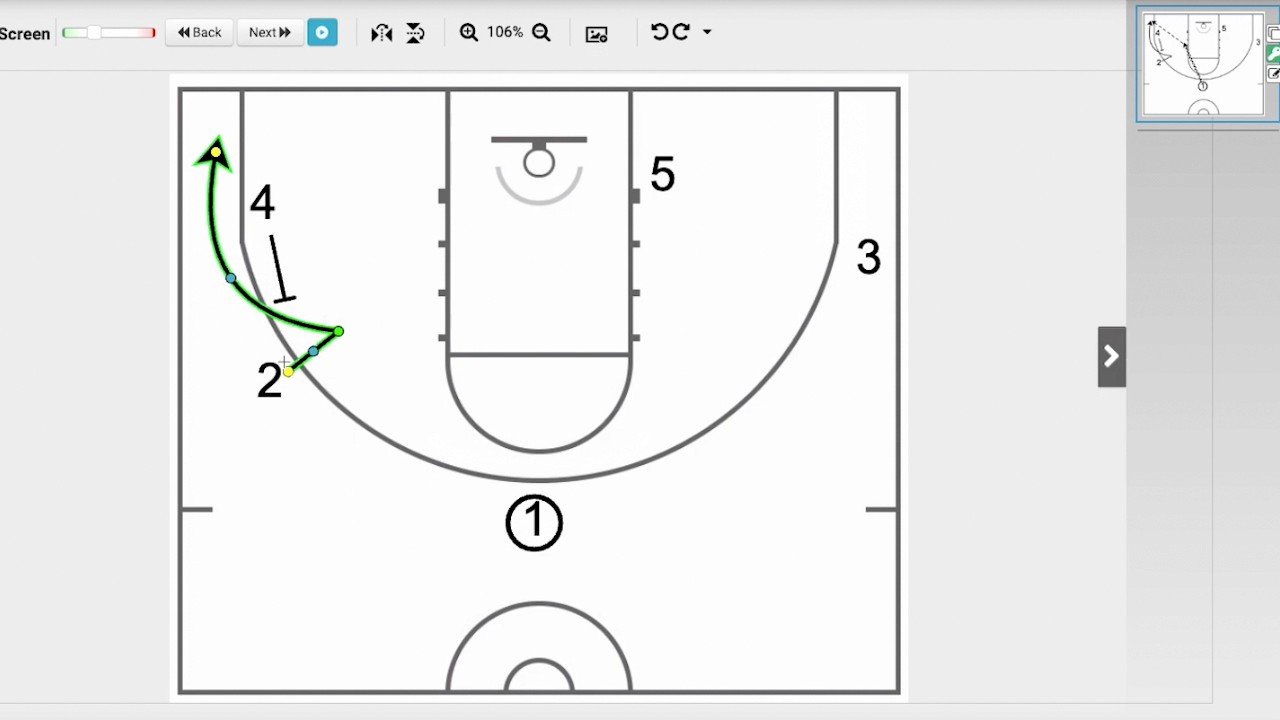
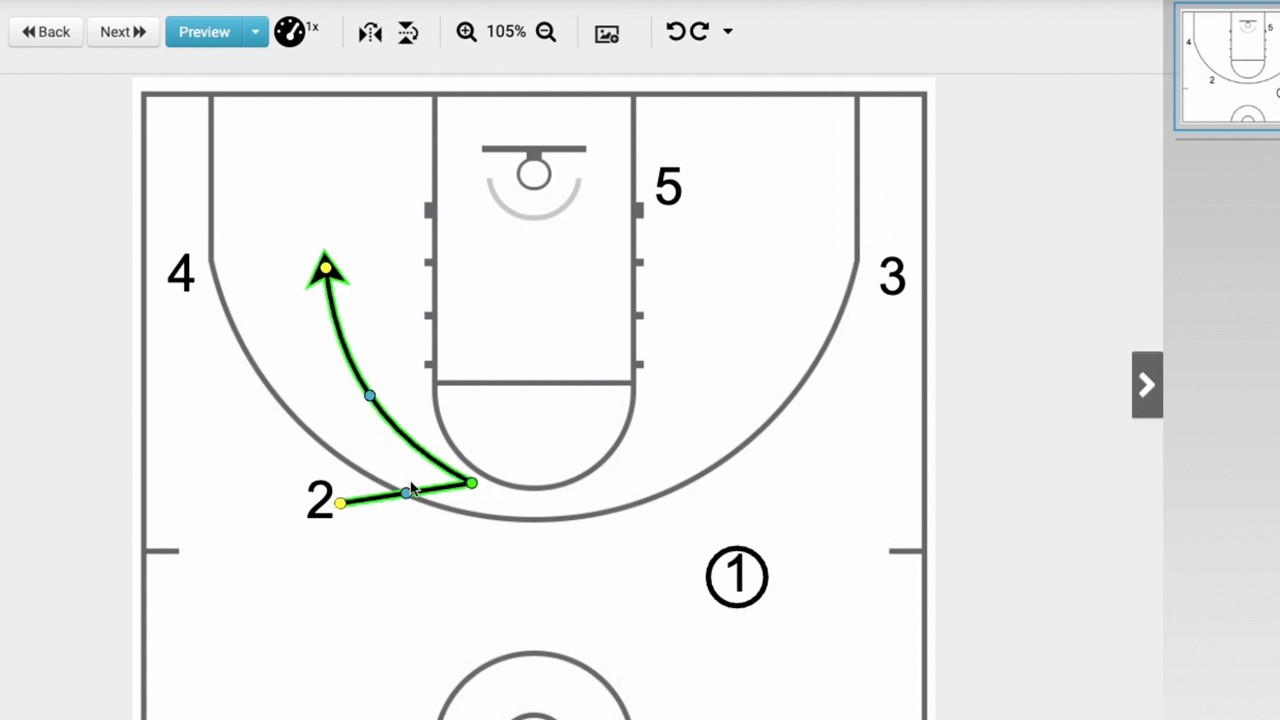
Multipoint Tool (2:00-2:47): Allows you to create complex paths with multiple segments, useful for actions like pin-down screens. You can add new points by clicking, hold the Shift key to curve segments, and press Escape to finish the path.
Pro-tips:
Always start your drawing line directly from the player's shadow to ensure it attaches correctly.
If you need to remove a line, highlight it and press the Delete key on your keyboard.