How to Draw a Dribble Handoff
|
Play Drawing
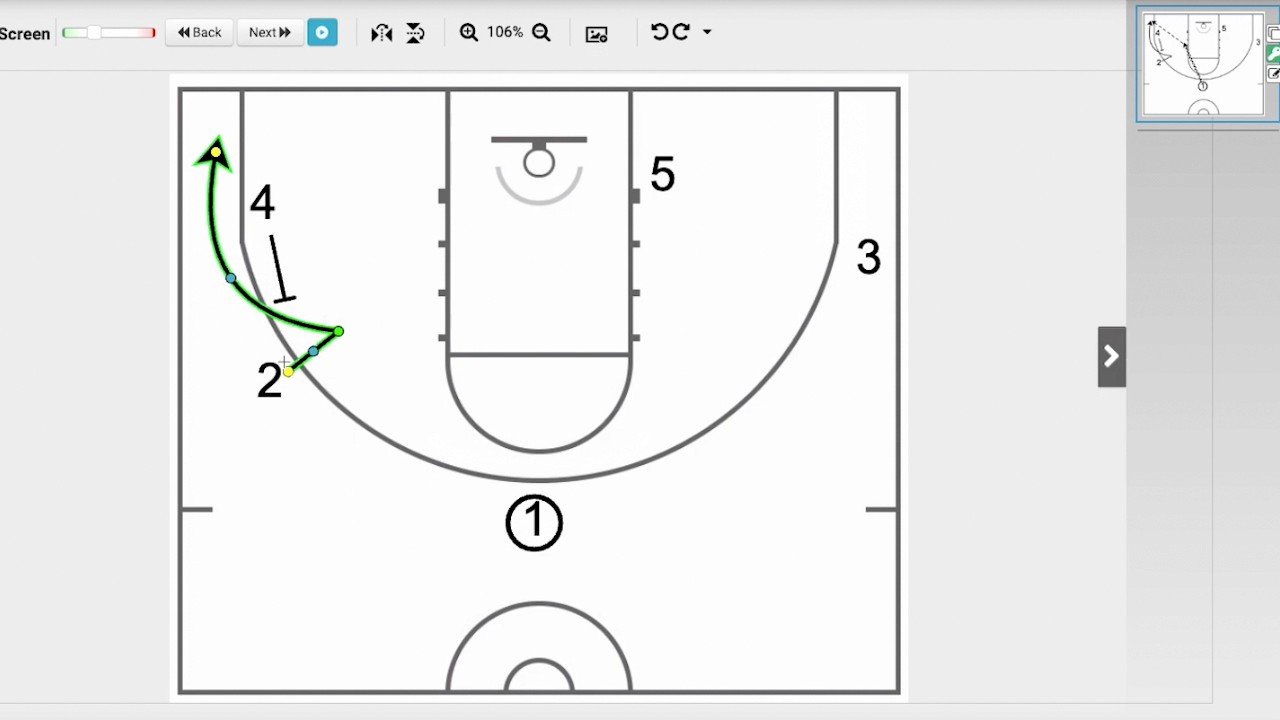
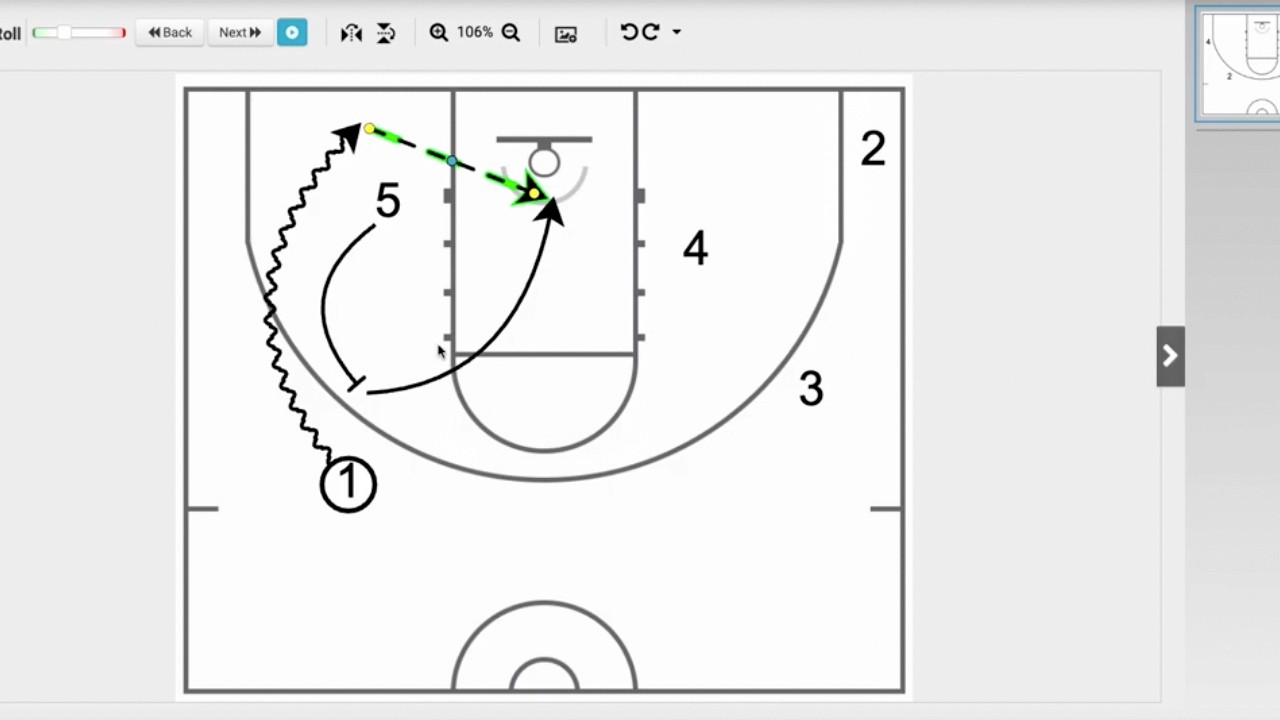
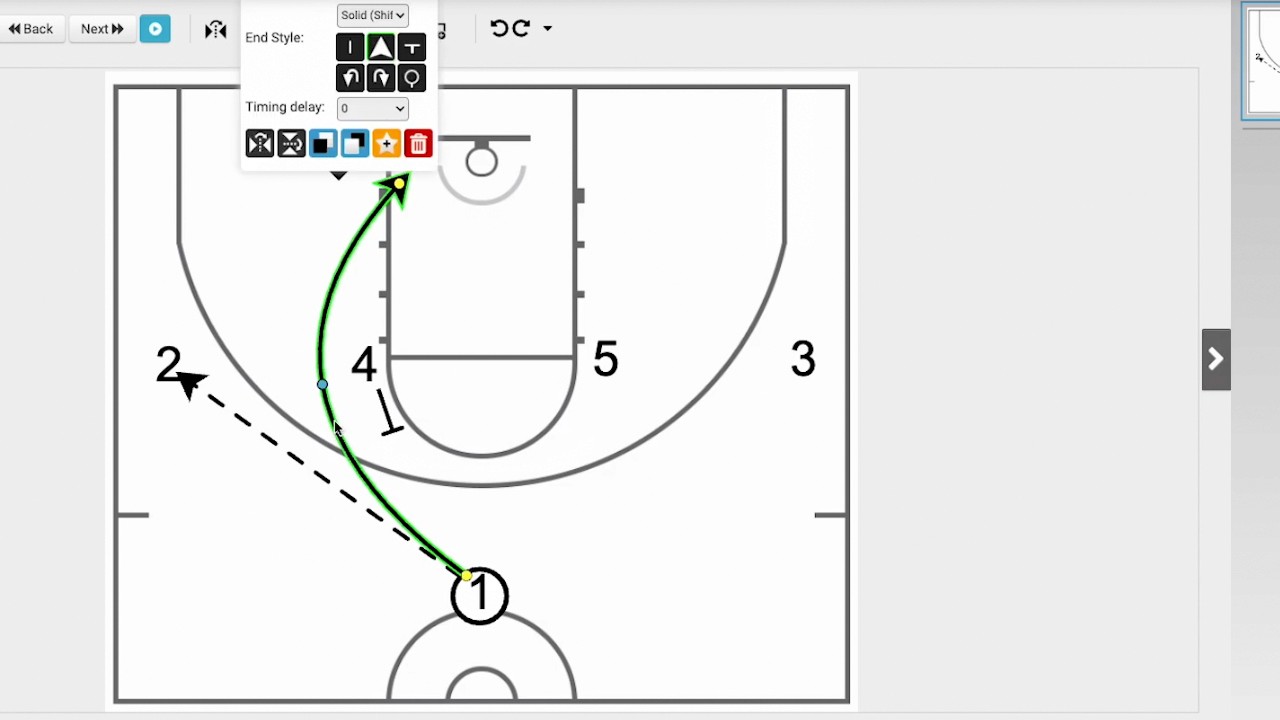
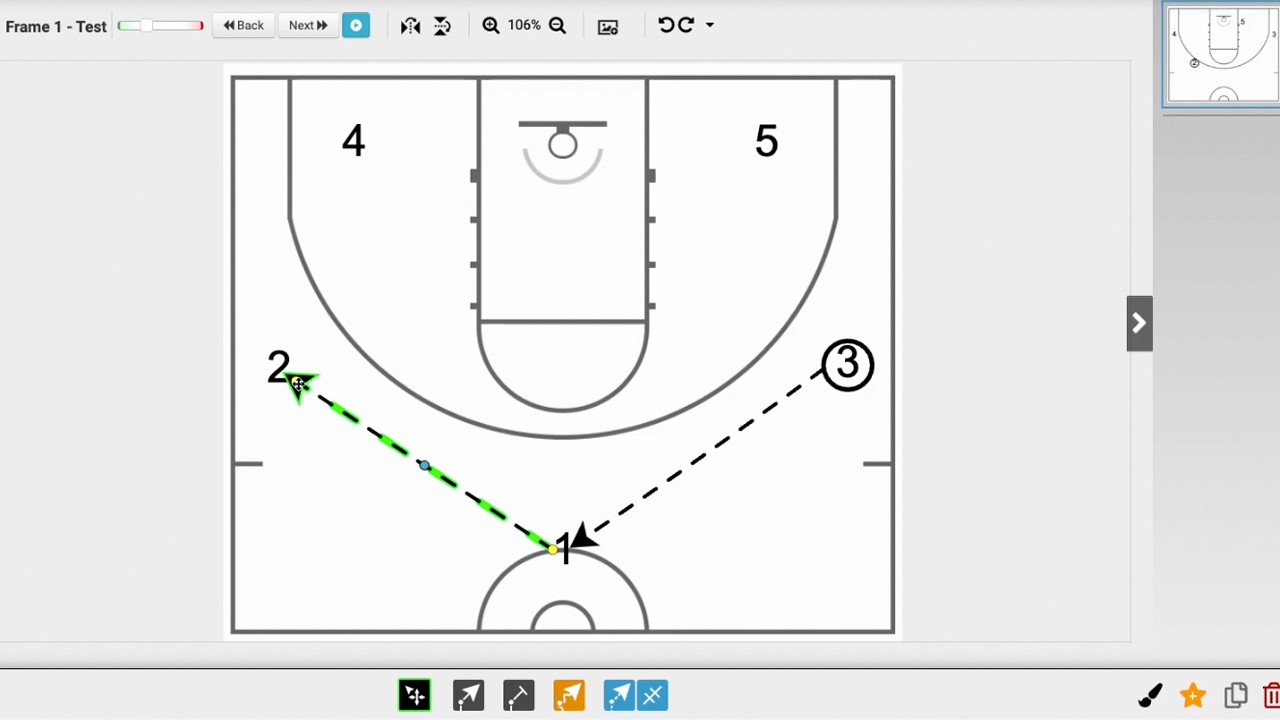
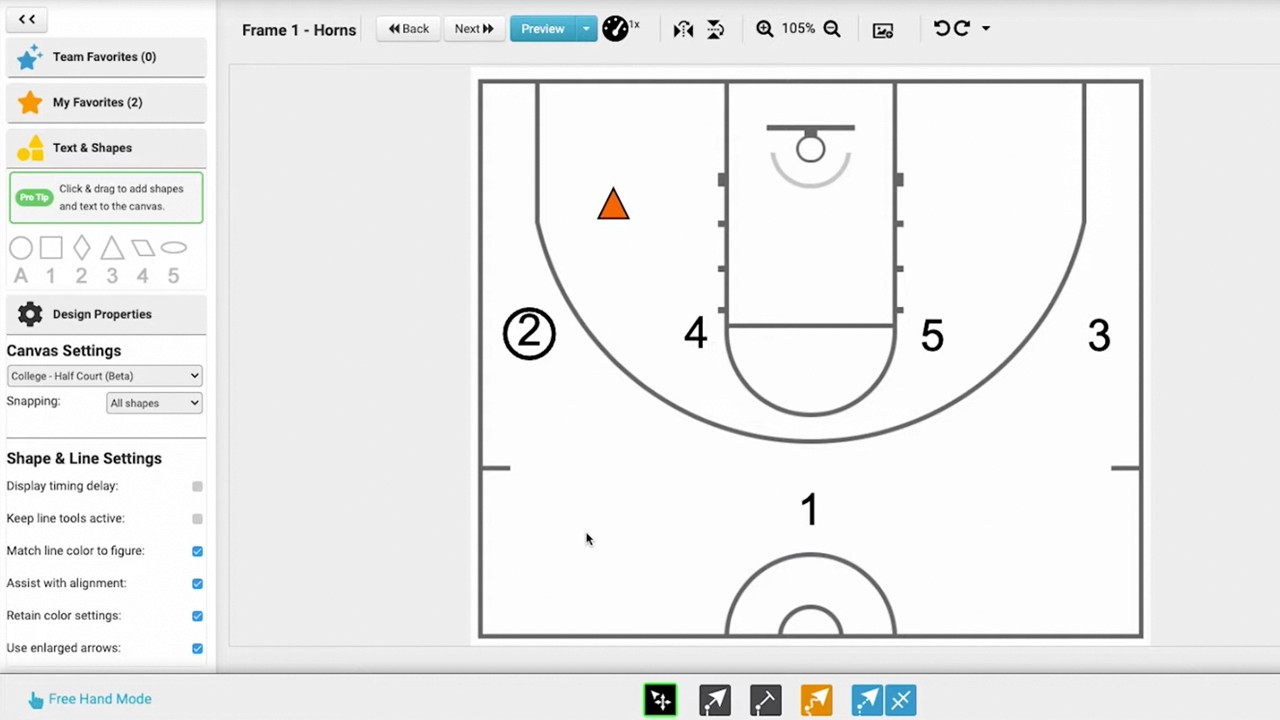
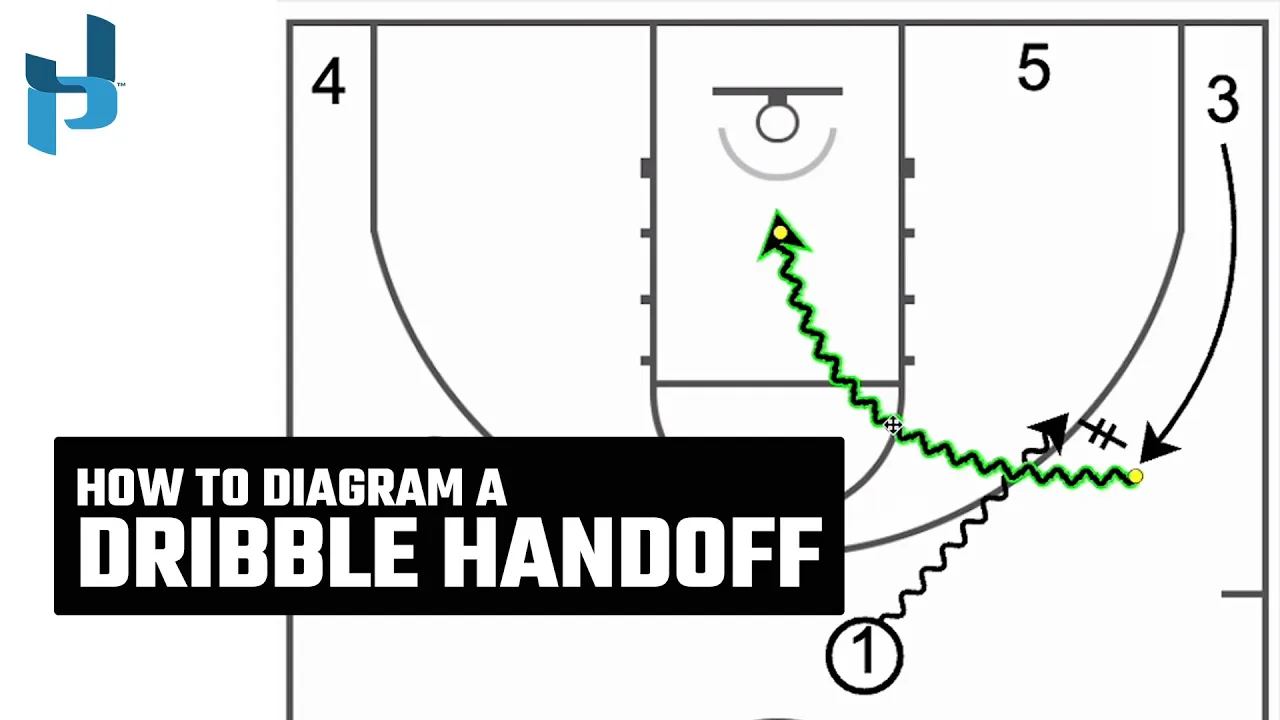
This tutorial demonstrates how to use freehand mode to draw a dribble handoff (DHO) play in the Just Play basketball software.
The video covers two specific scenarios for creating this action:
Standard Dribble Handoff (0:07 - 0:52):
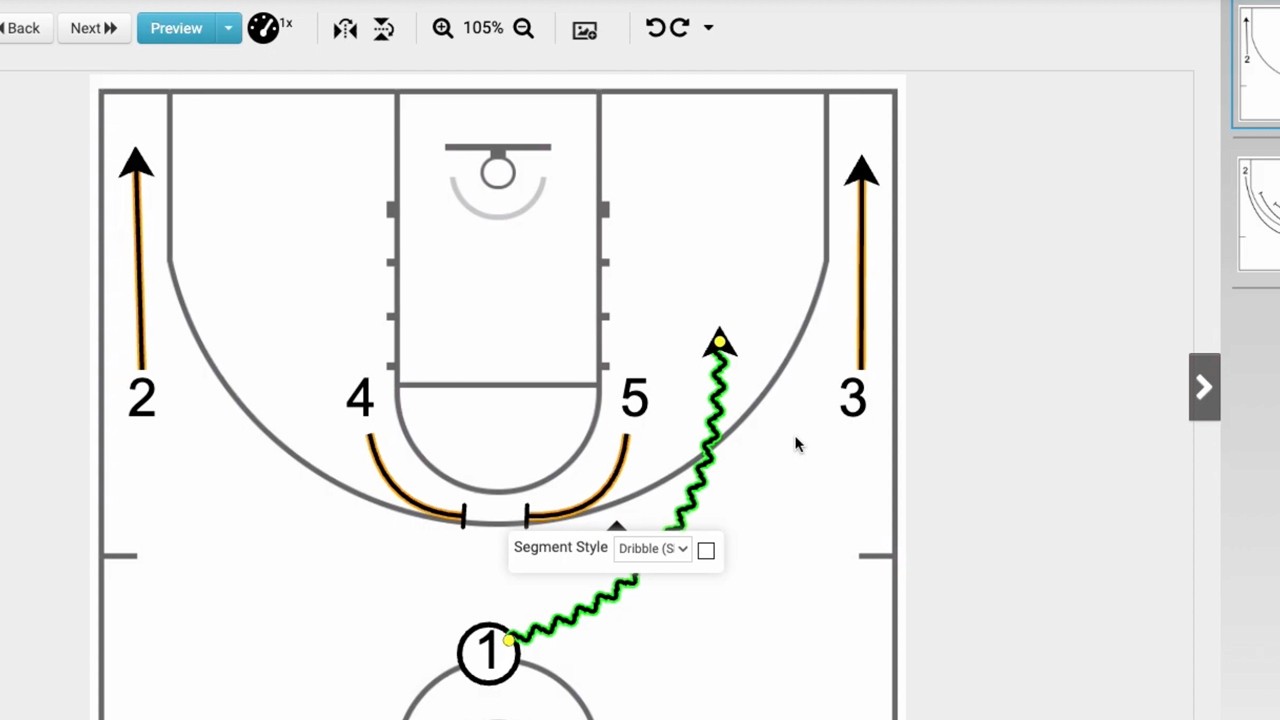
Select the dribble tool to draw the initial movement of the ball handler, ending where the handoff will occur (noted by an orange shadow).
Select the dribble handoff tool and connect the end of the dribble line to the receiving player (noted by a blue halo).
Use the dribble tool again to draw the receiver's path as they drive downhill.
Dribble Handoff with Player Movement (0:53 - 1:47):
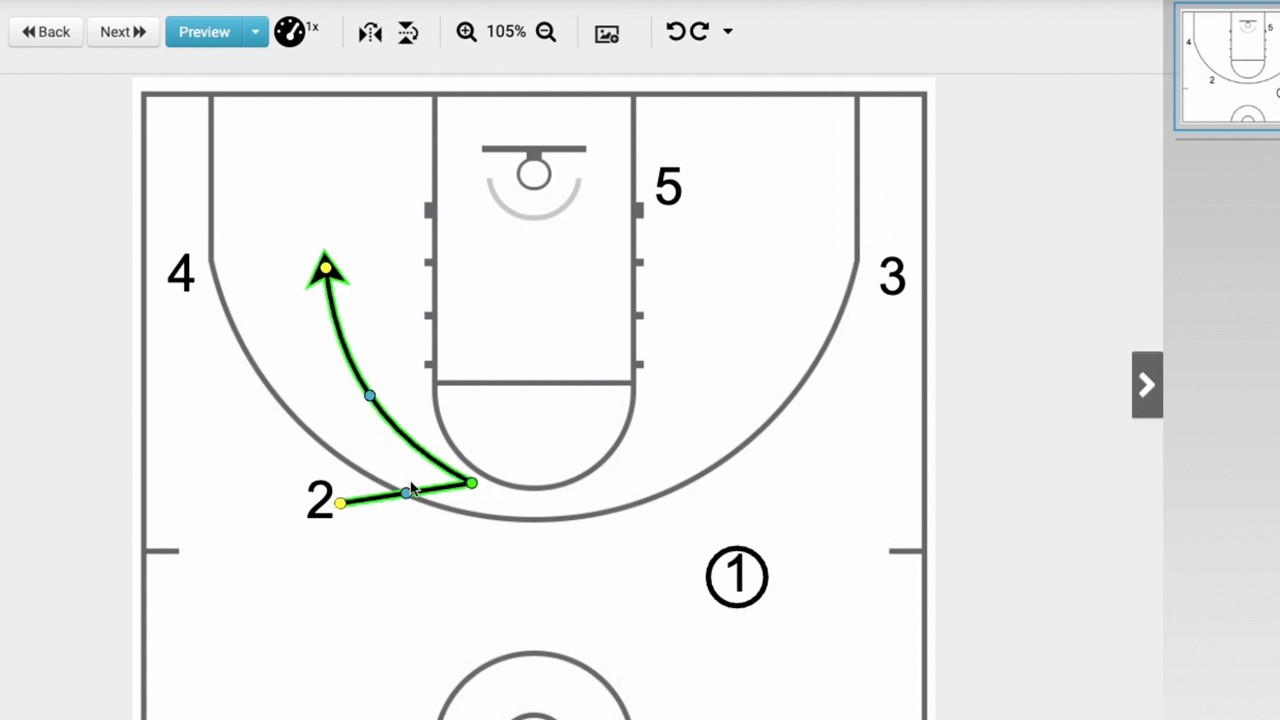
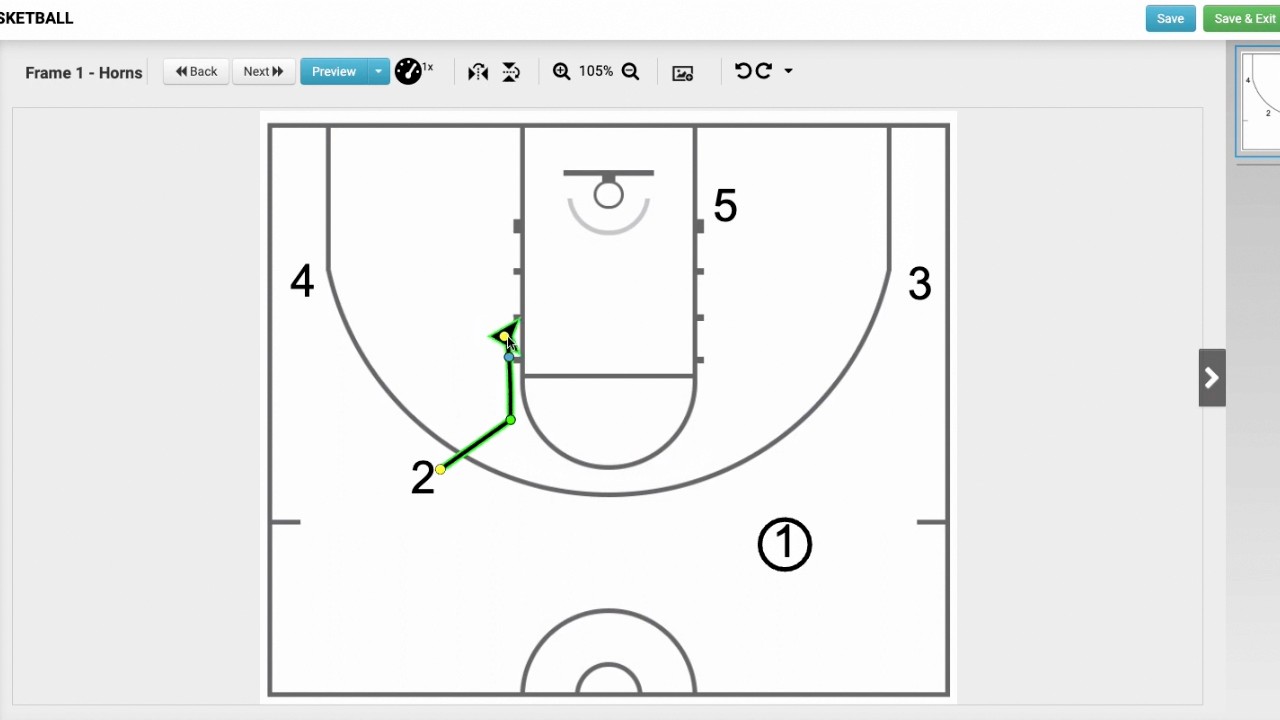
Use the player movement tool to have a player lift out of the corner.
Draw a dribble line for the ball handler moving toward the receiver.
Use the dribble handoff tool to connect the two lines where they intersect (creating a Venn diagram-like connection).
Complete the play by drawing the receiver's downhill drive starting from that intersection point.
You can preview the final animation for both methods by clicking the blue play button (0:46, 1:40).