How to Diagram 2 Man Game
|
Play Drawing
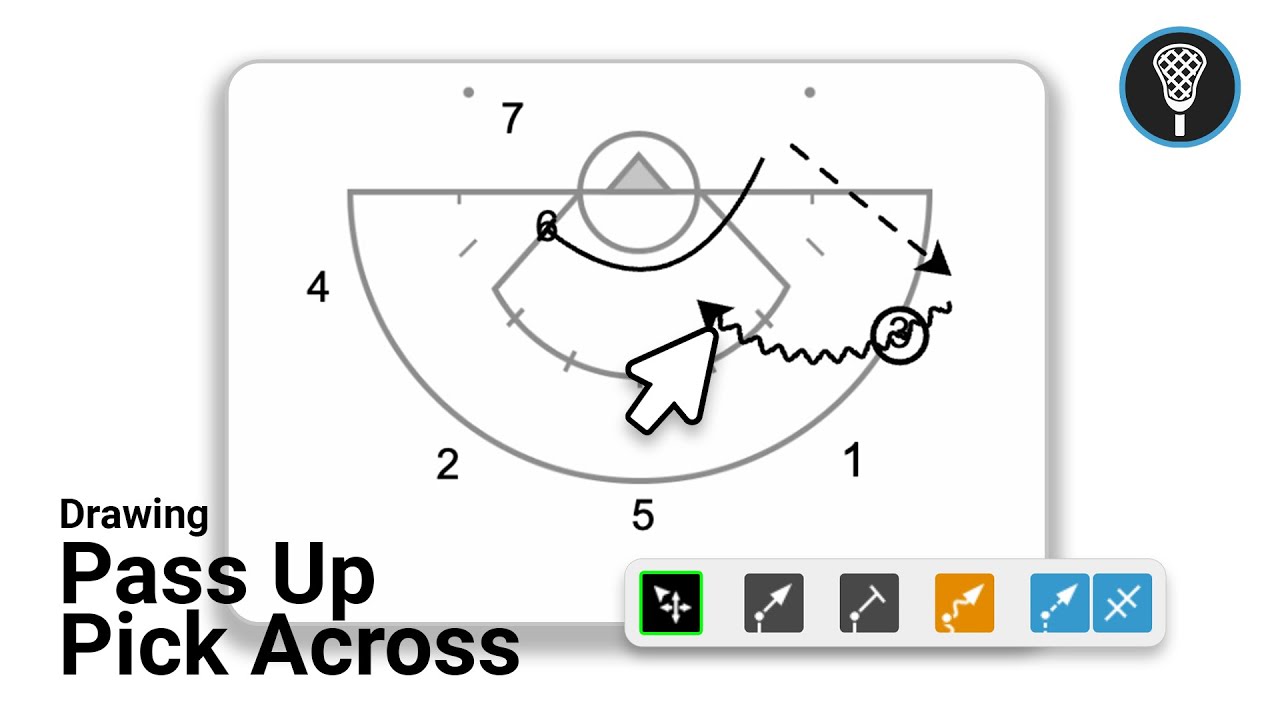
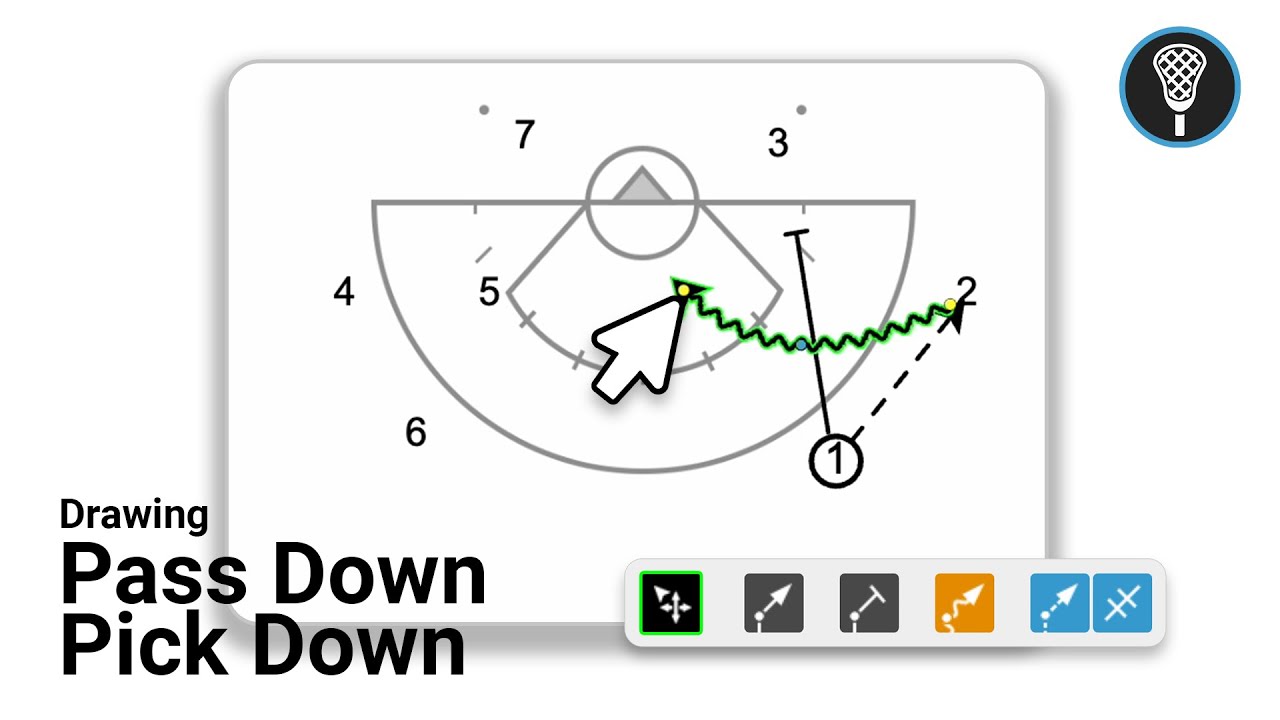
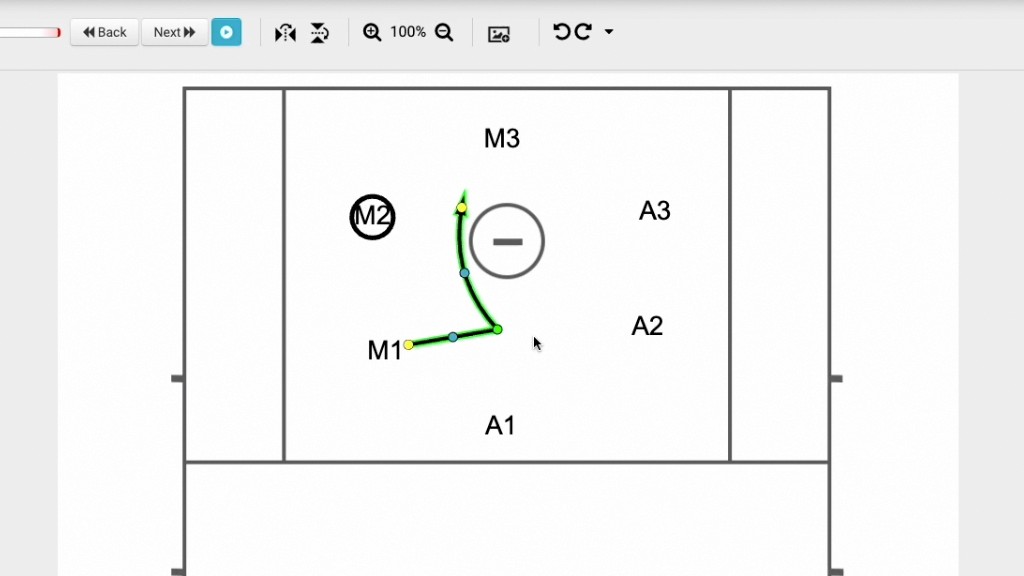
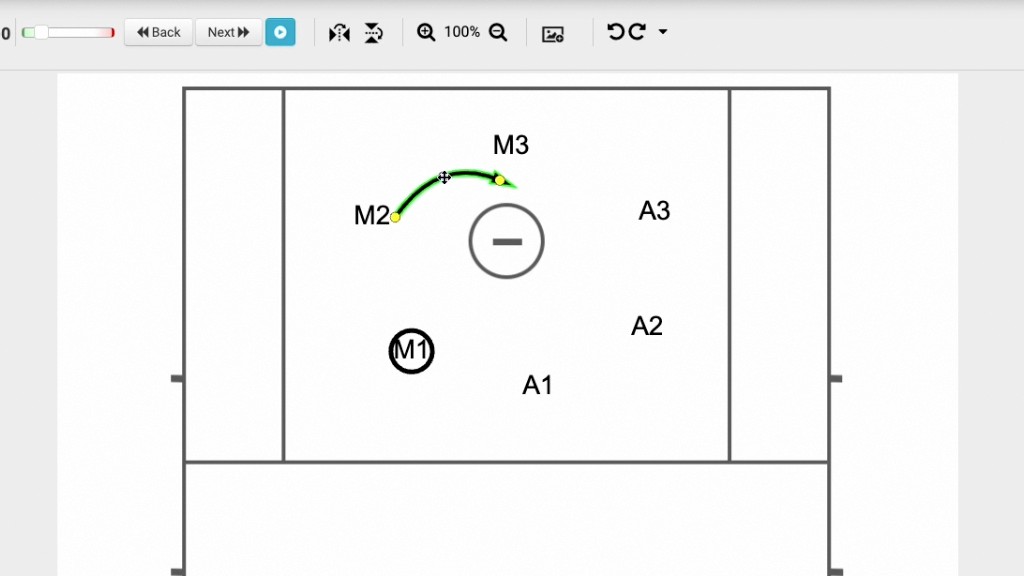
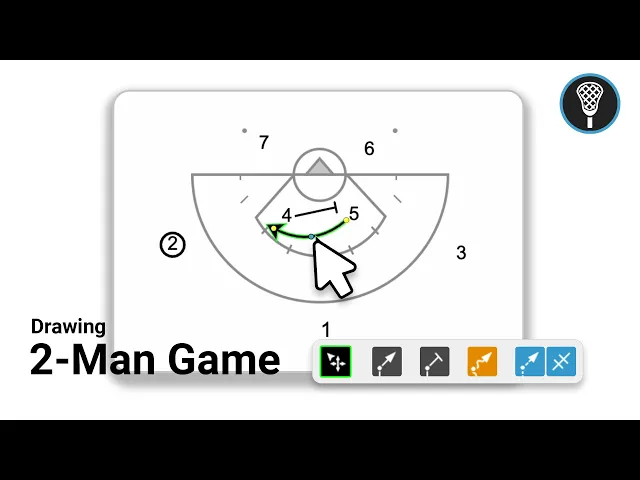
This video serves as a tutorial on how to use the Just Play Lacrosse system to diagram a two-man game play. The presenter walks through the workflow of creating a new play and using the software's drawing tools to animate player movements and interactions.
Key steps in the process:
Setup: Create a new play, use tags for organization, and select a starter diagram from the library (0:00-0:30).
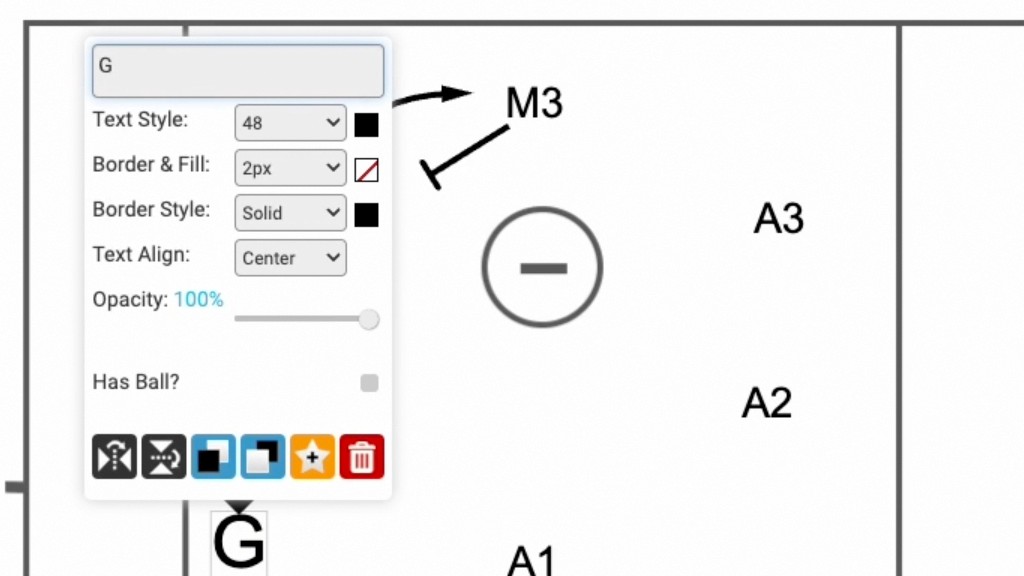
Positioning: Click, drag, and drop players on the canvas. You can identify who has the ball by double-clicking a player and selecting the "hball" option (0:34-0:58).
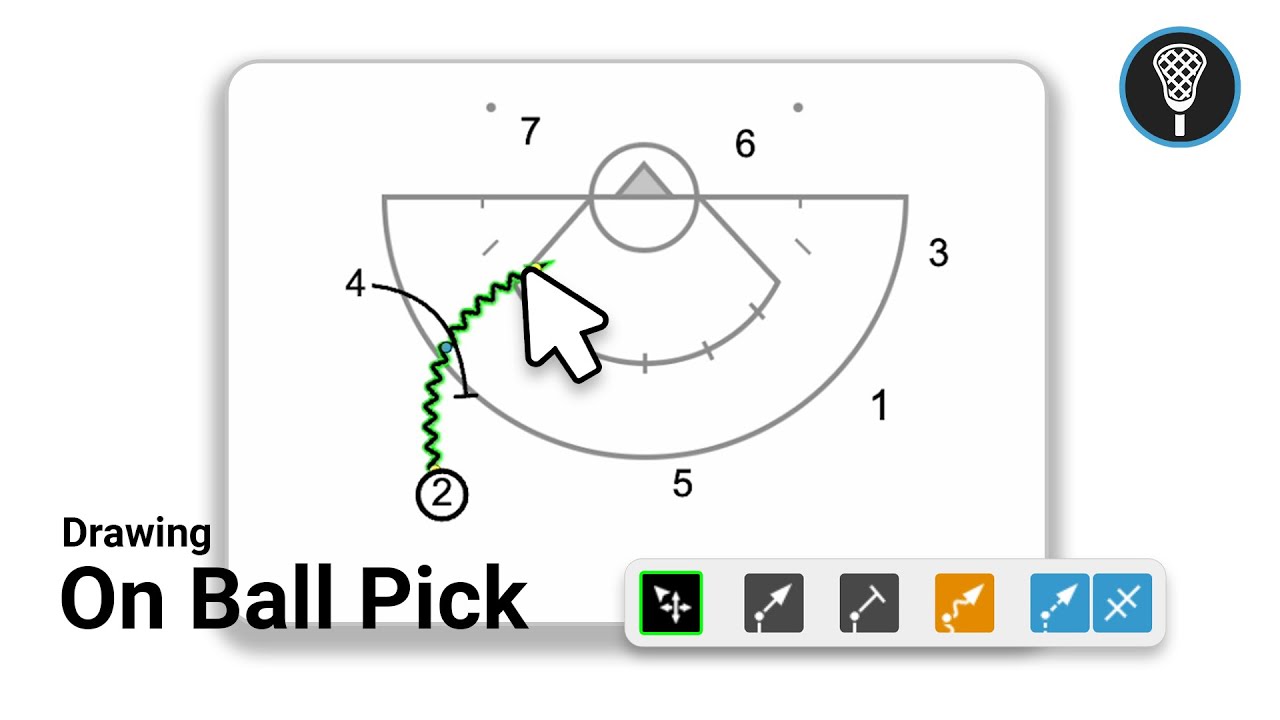
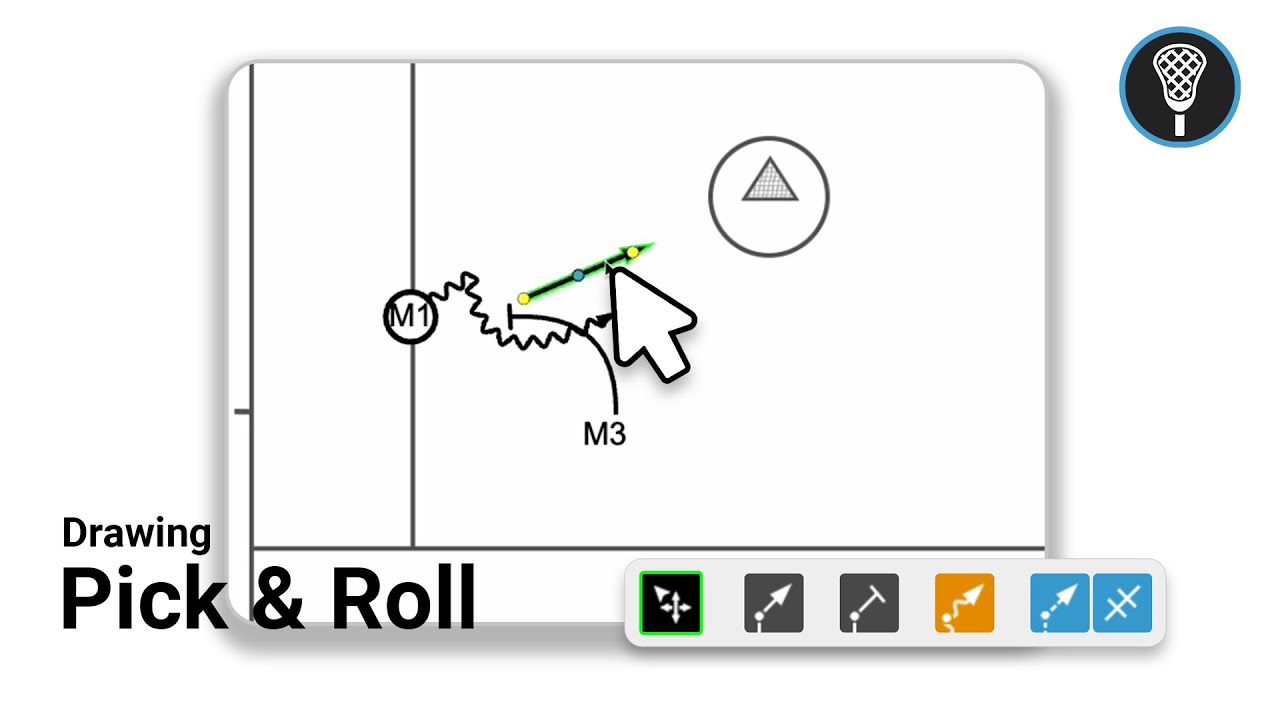
Drawing the Play: Use the freehand mode (recommended) to draw paths. Select the pick tool to indicate a screen, ensuring the line connects to the player's shadow (1:01-1:37).
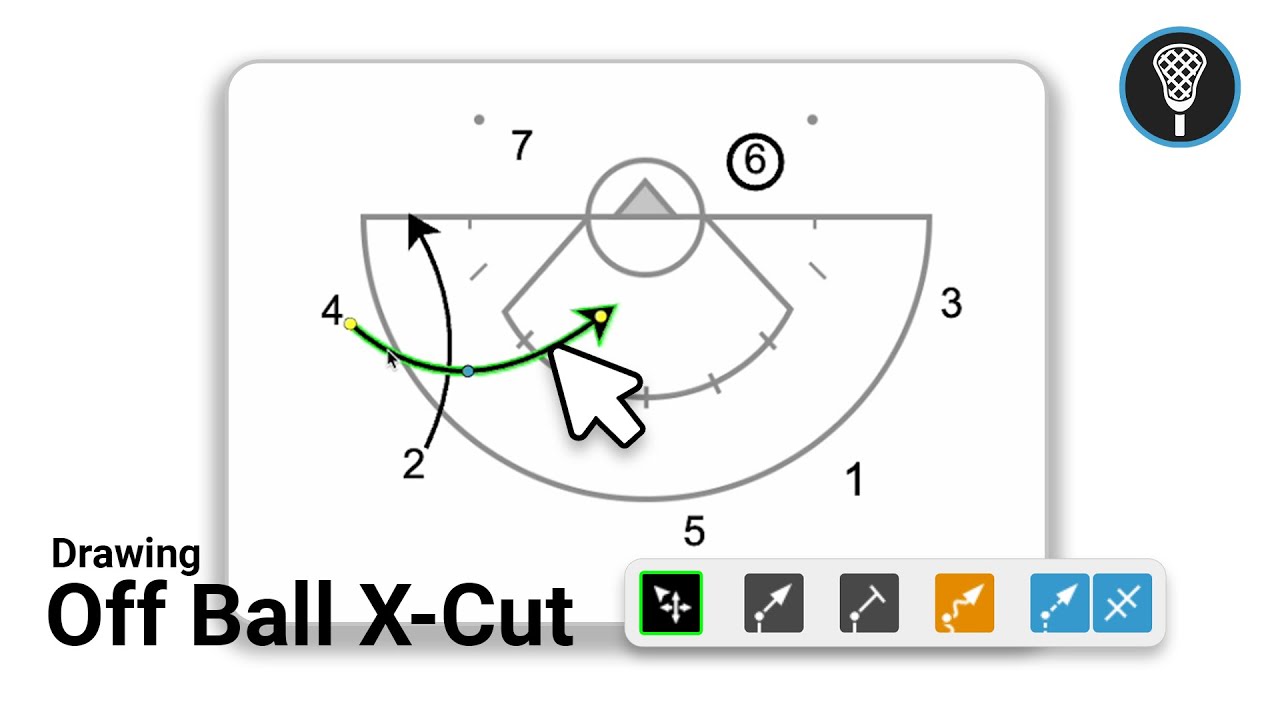
Animation & Timing: After drawing player movement, you can adjust the animation by double-clicking a line to set a timing delay. This is essential for ensuring players move in the correct sequence, such as a player waiting for a pick to be set before moving (1:40-2:32).
Finalizing: Add frame notes using the pencil icon, move to additional frames if necessary, and use the save and exit function to store your work in the system (2:34-3:16).