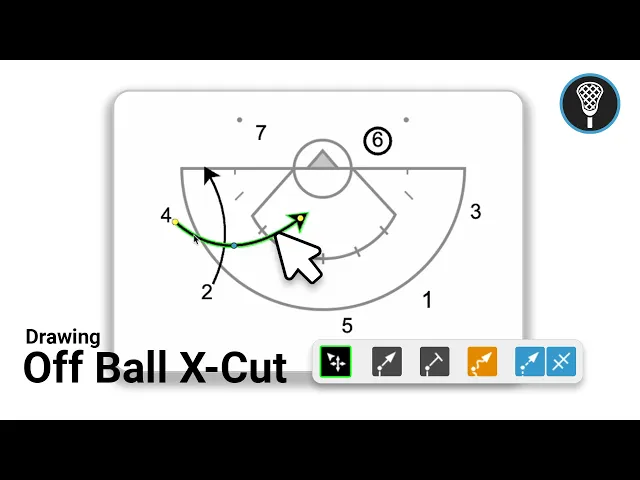
How to Diagram an Off Ball X Cut
|
Play Drawing
This video serves as a tutorial for using the Just Play platform to diagram an off-ball X cut for lacrosse. It covers the following steps for creating and animating your play.
Initial Setup: After creating a new play and organizing it with tags, navigate to the diagrams section to select a starter template (0:08 - 0:27).
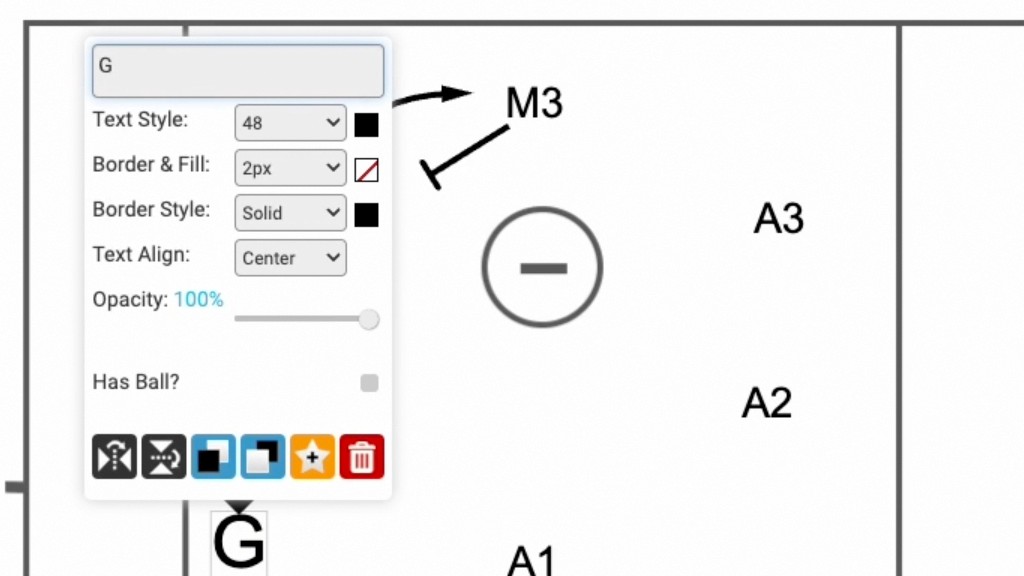
Managing Players: You can move players by dragging them, and toggle who has the ball by double-clicking on a player and selecting the "has ball" option (0:33 - 0:46).
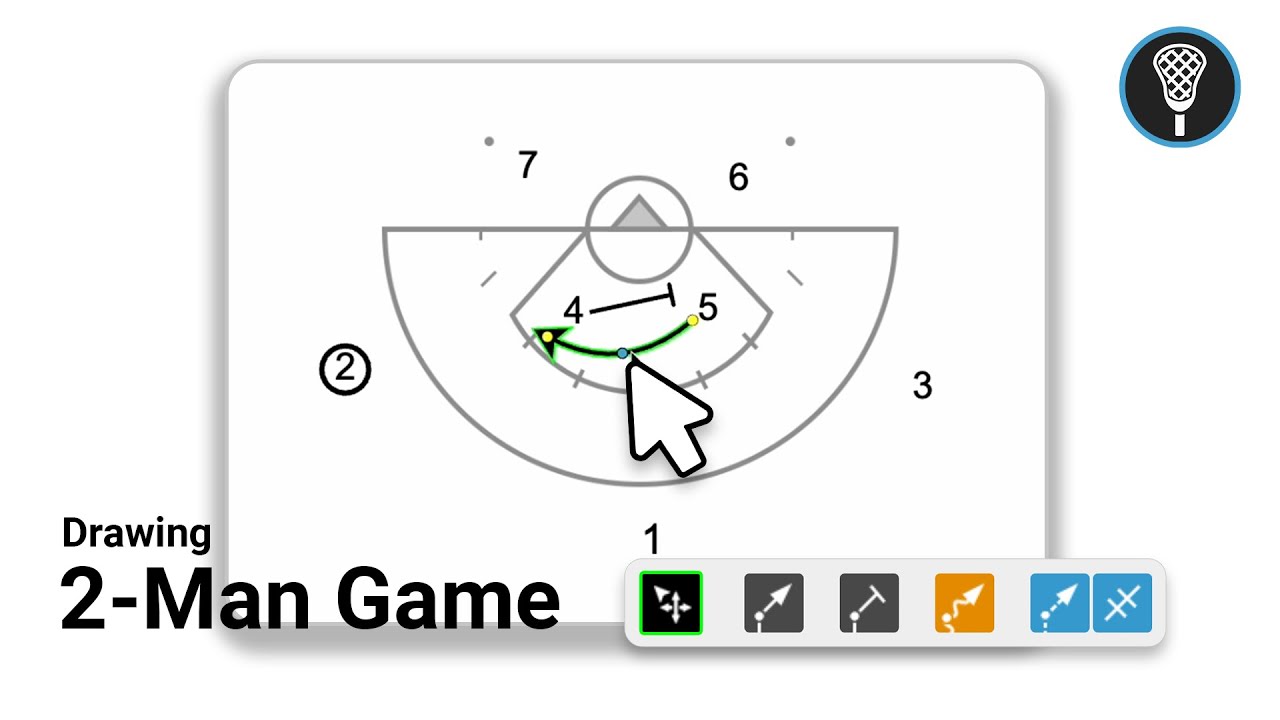
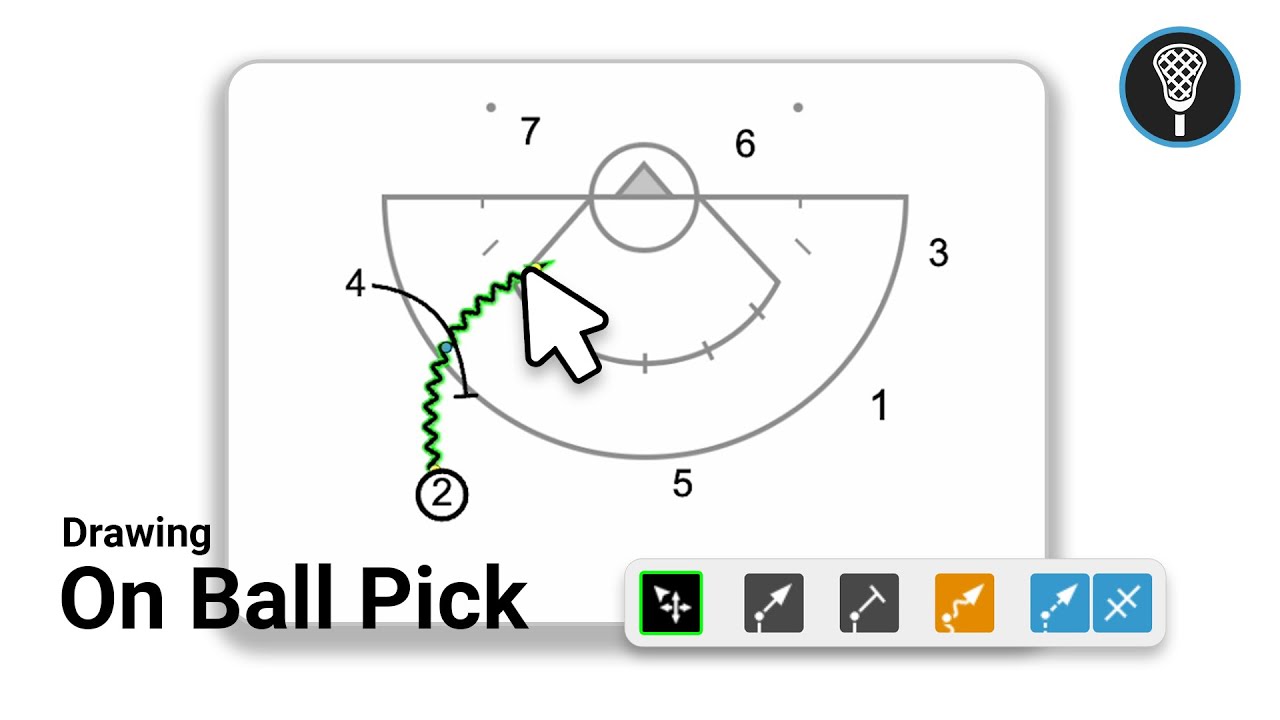
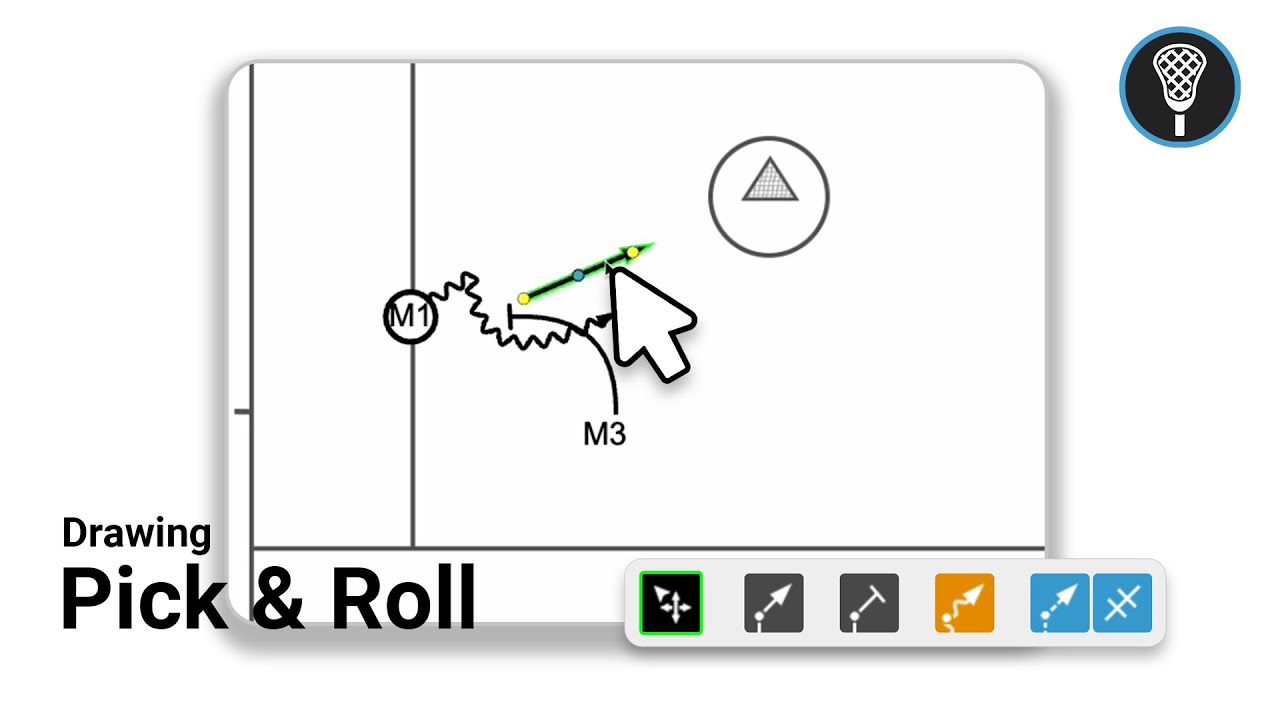
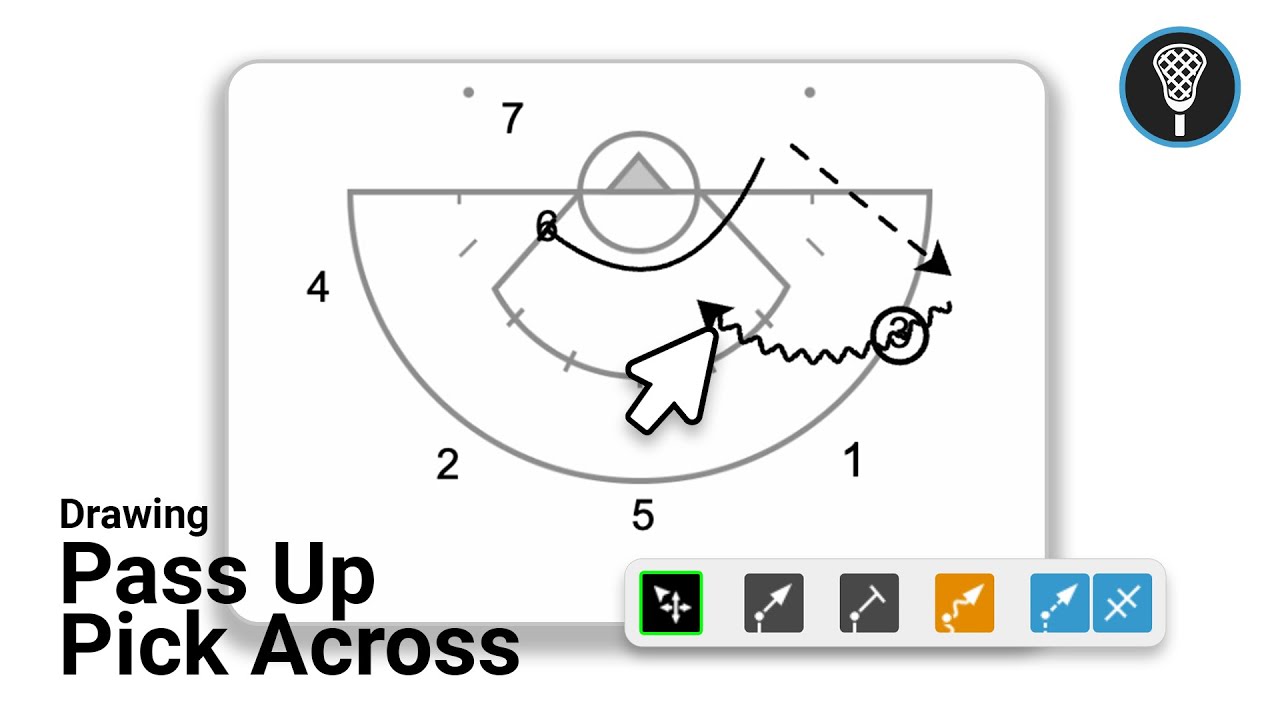
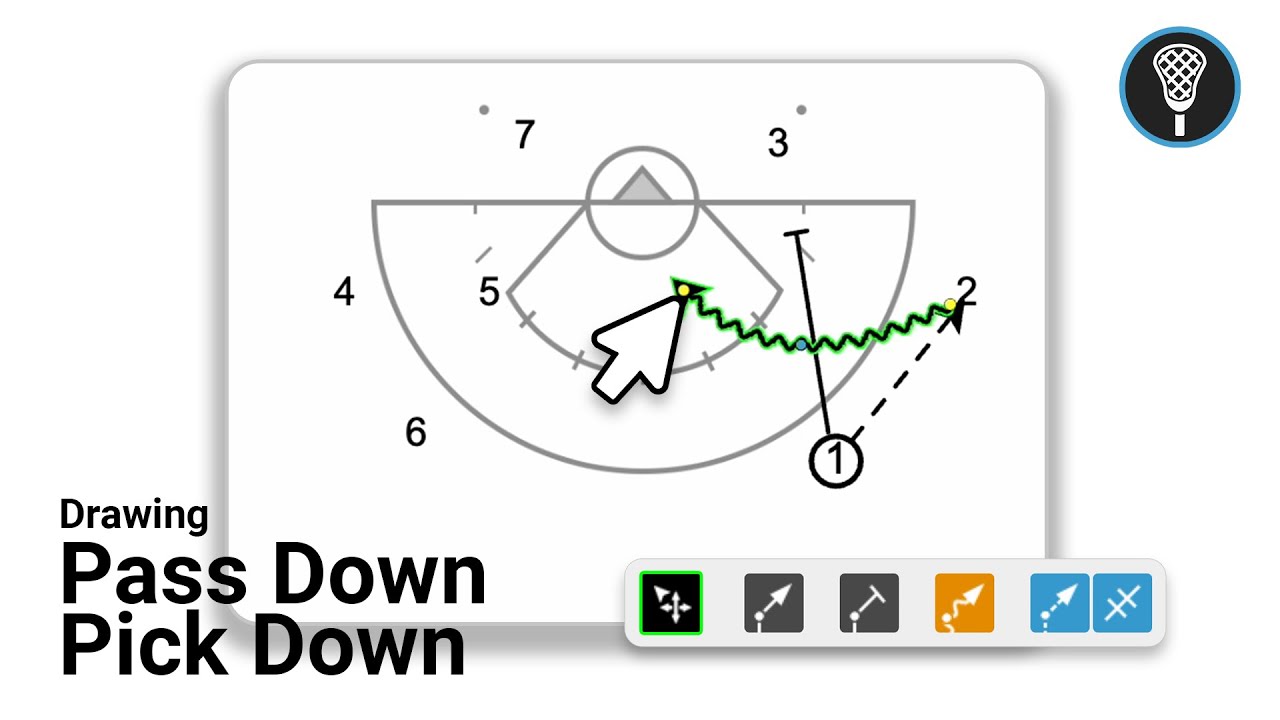
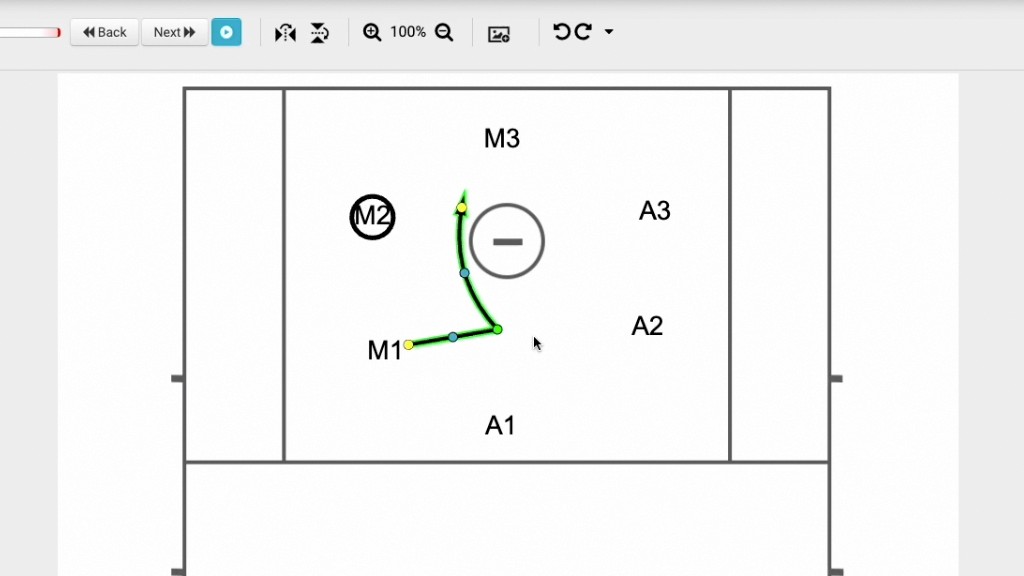
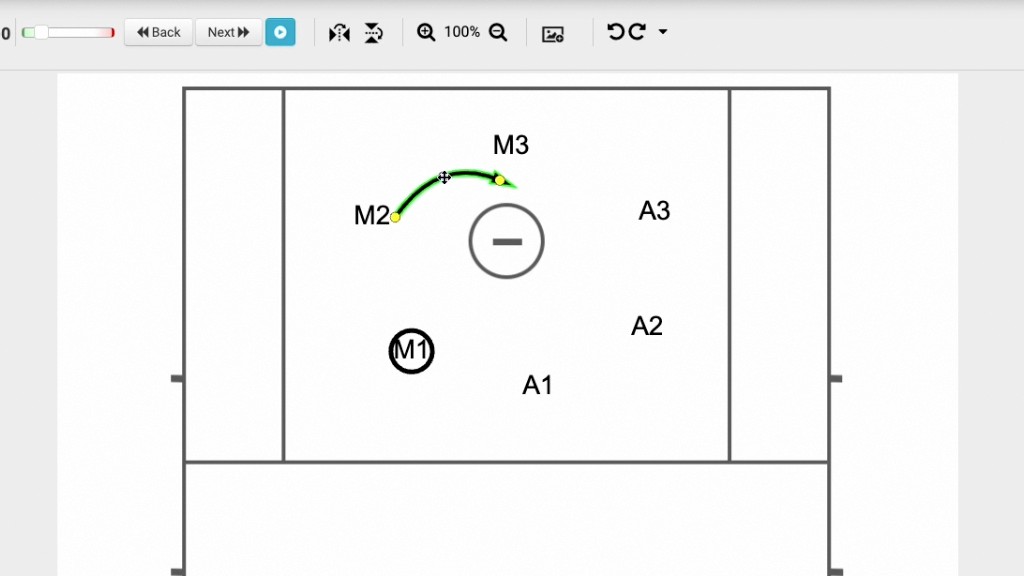
Drawing Movements: Using the player movement tool in freehand mode, you can draw paths for players. You must hover over a player until a shadow appears to correctly attach the line for animation. You can then adjust the line's path using the yellow and blue control dots (0:50 - 1:33).
Adjusting Animation Timing: By default, players move simultaneously. To create a sequence, double-click a line and adjust the timing delay to ensure players move one after another (1:44 - 2:08).
Frames and Notes: The platform allows for multi-frame diagrams (recommended 2-4 frames). You can add play notes using the pencil icon, keeping them in paragraph form for better readability and printing (2:12 - 3:00).