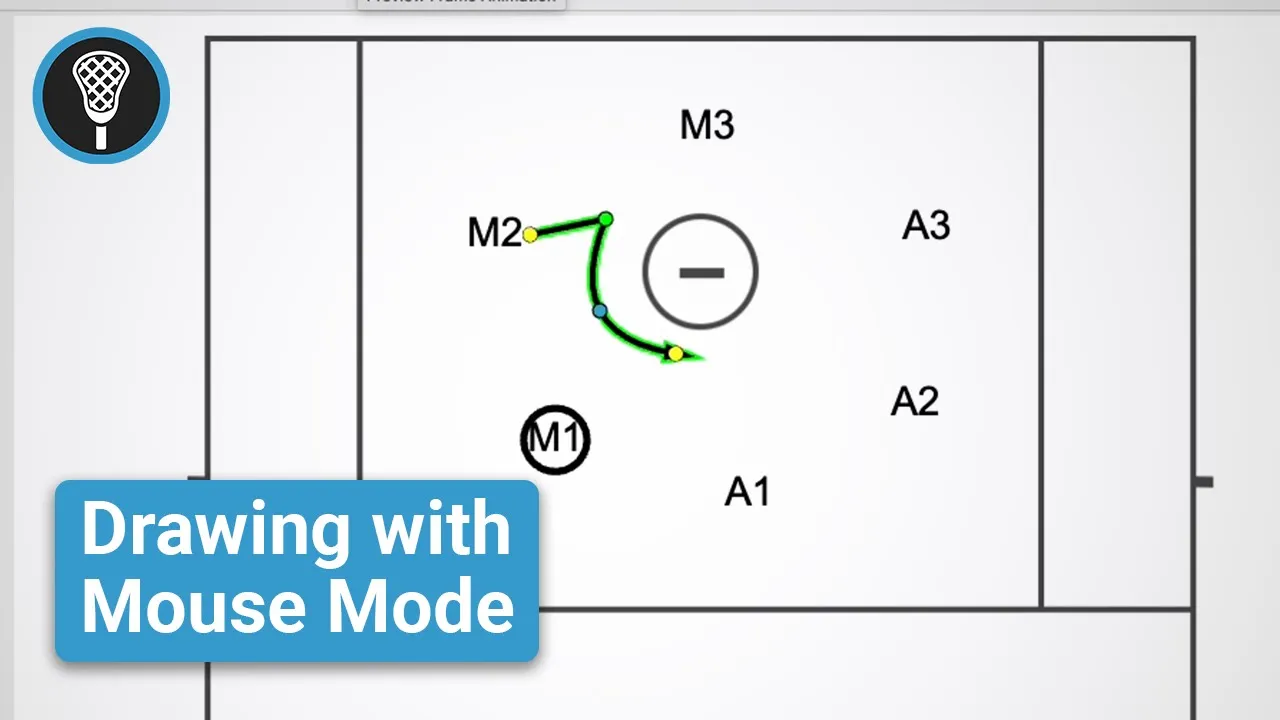
Drawing with Mouse Mode
|
Play Drawing
This video provides a tutorial on using Mouse Mode in the Just Play drawing tool, which offers more precise control compared to the standard freehand mode (0:06-0:37).
Key Features of Mouse Mode:
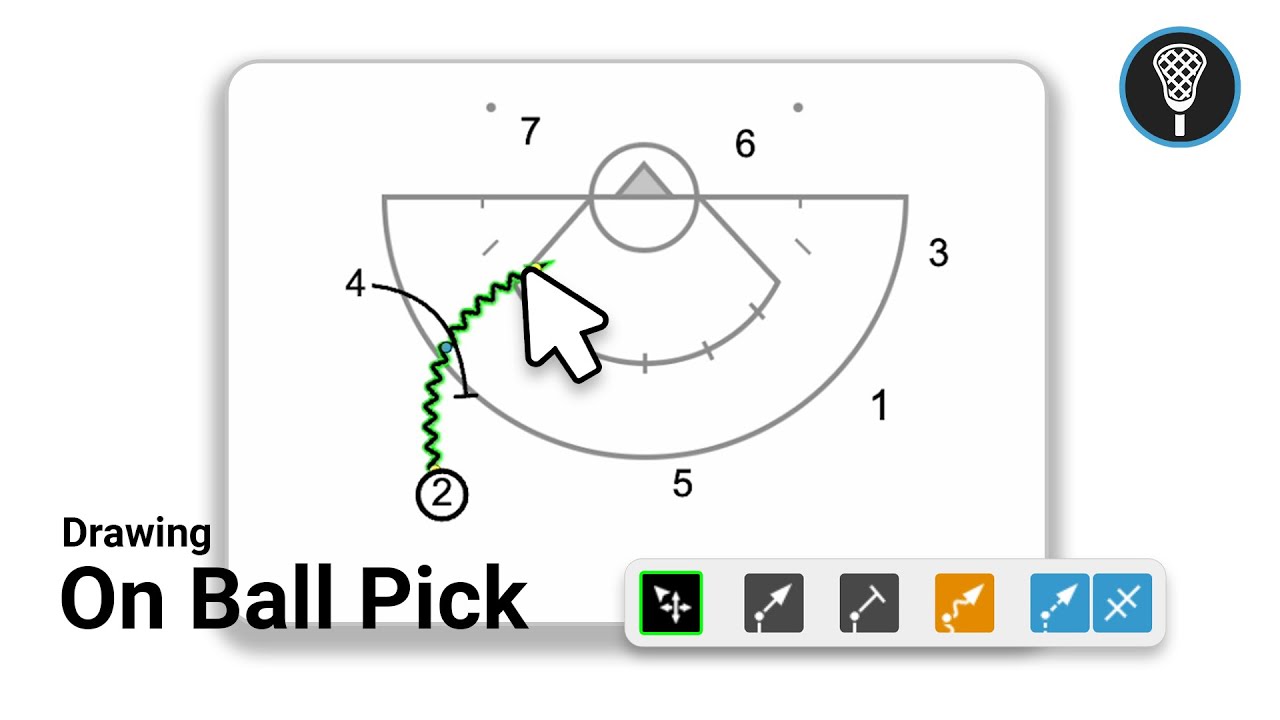
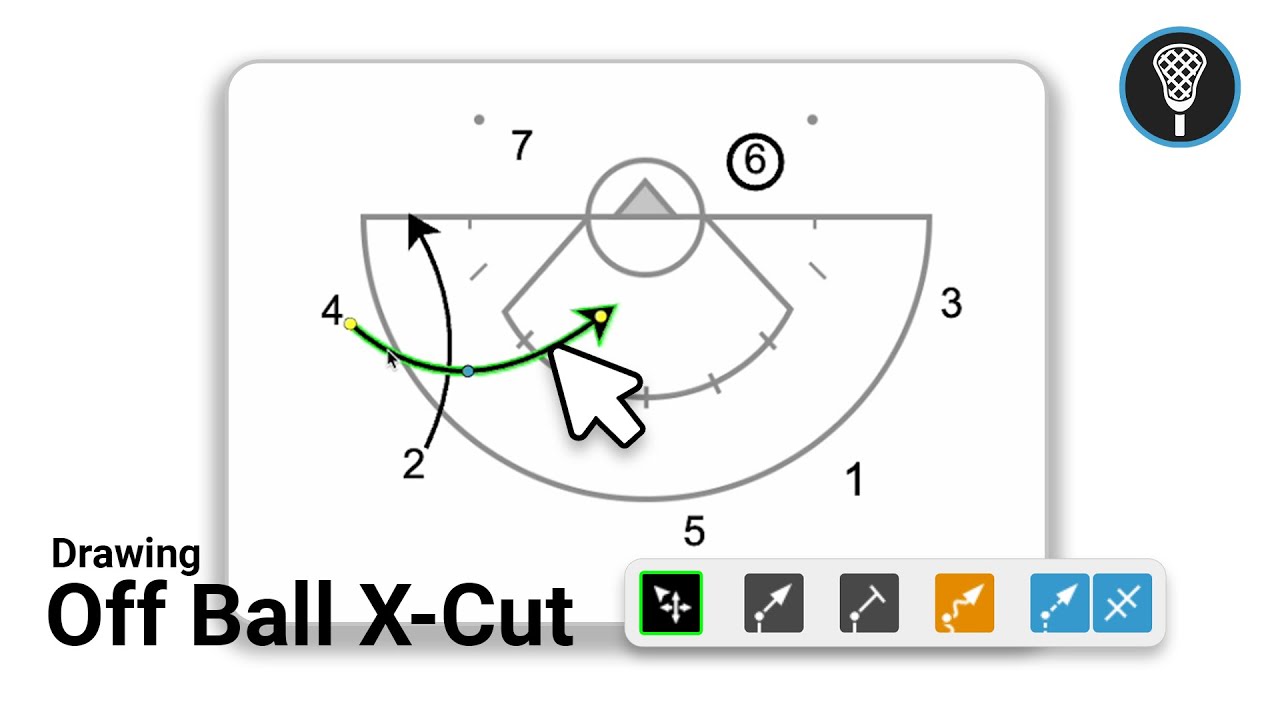
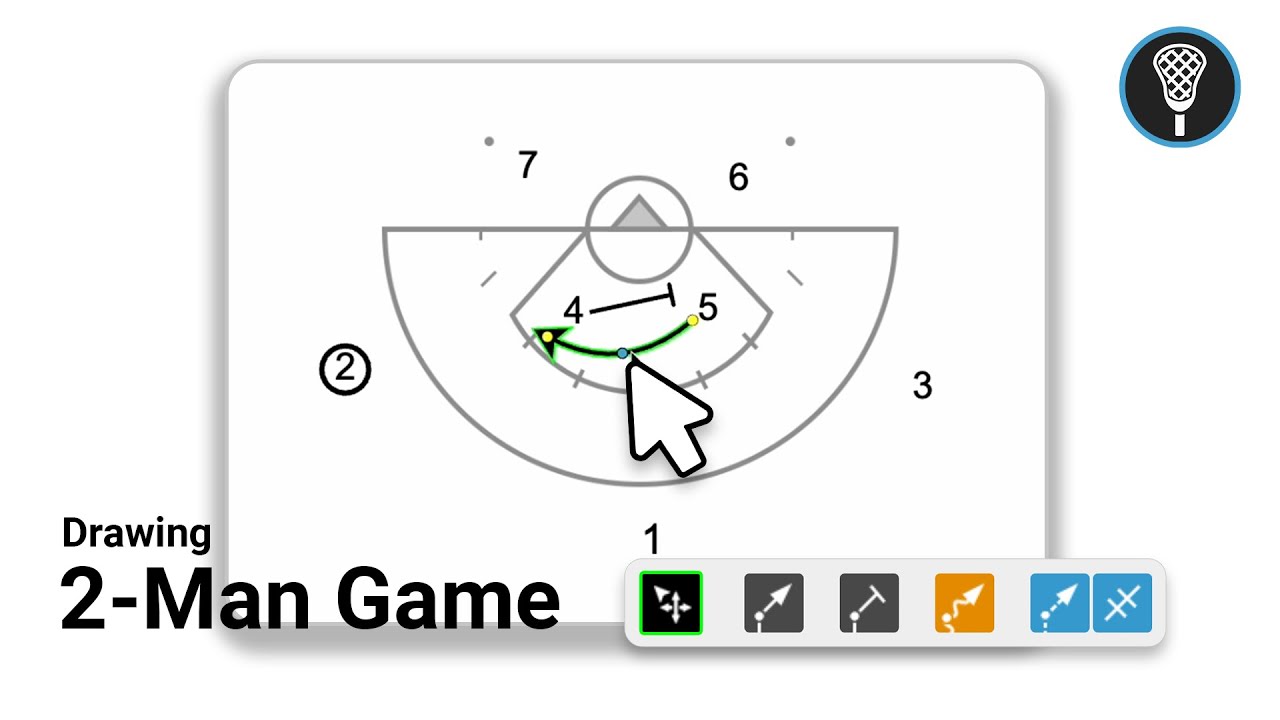
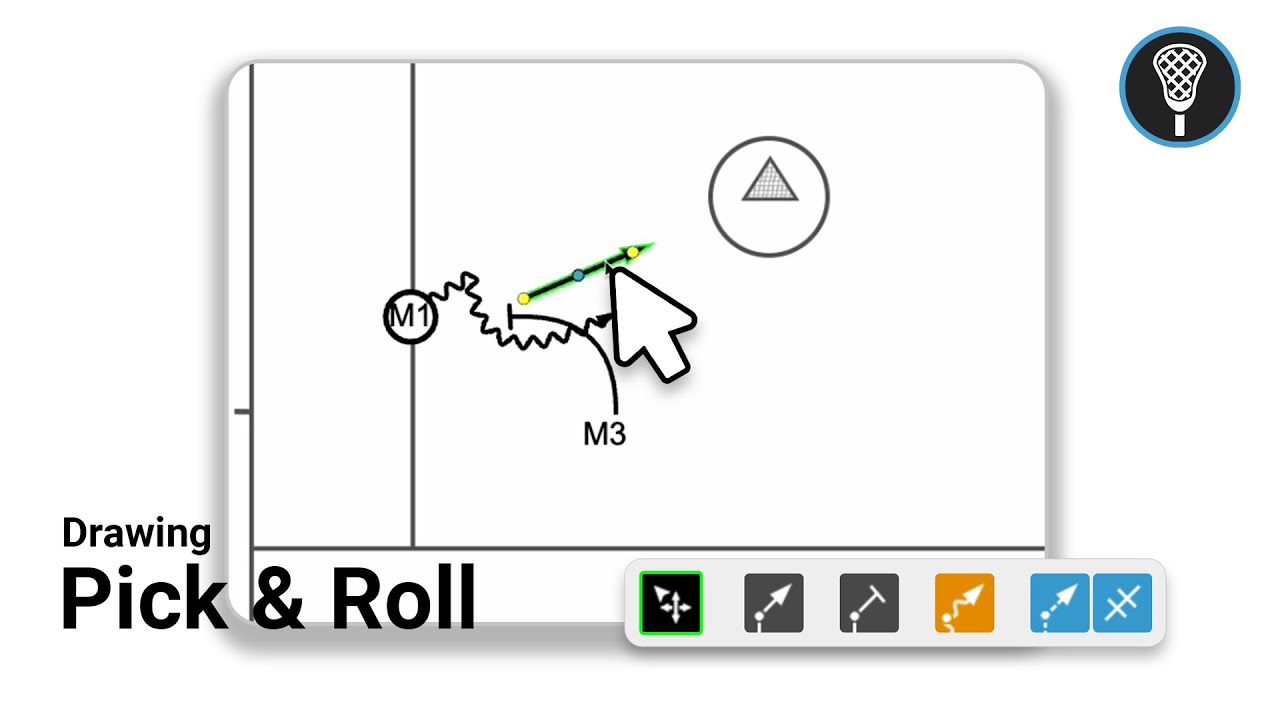
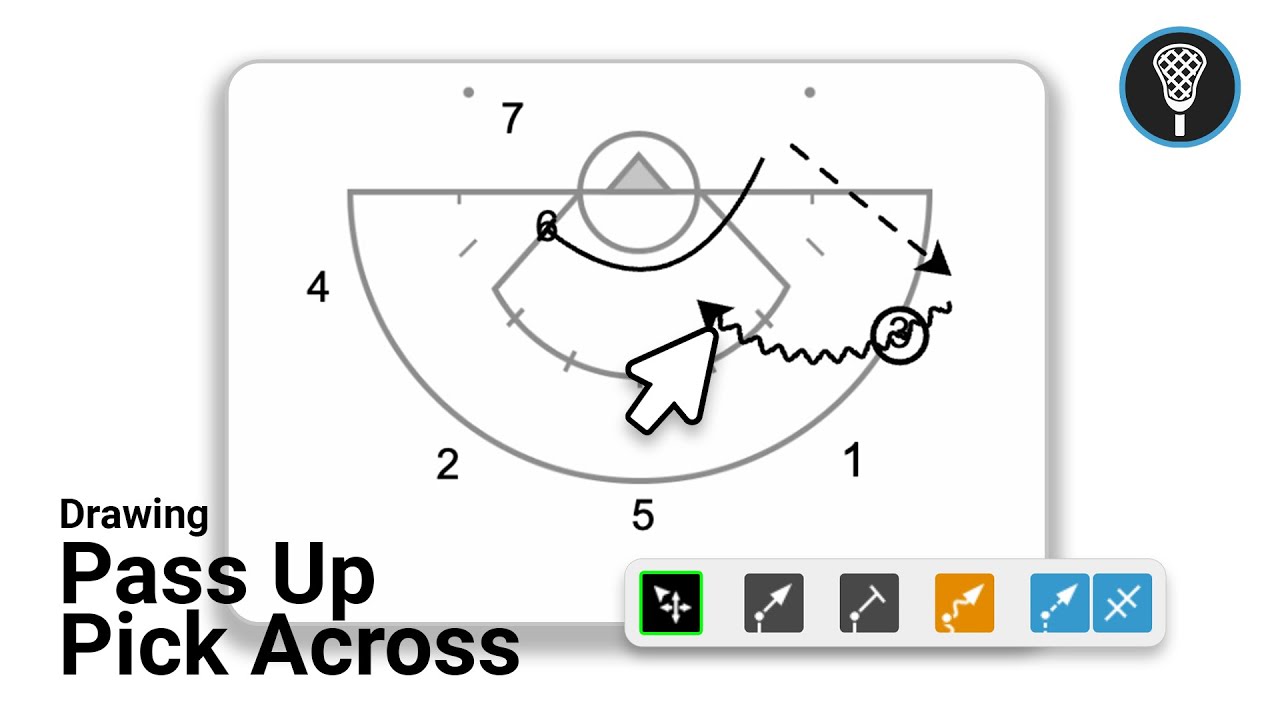
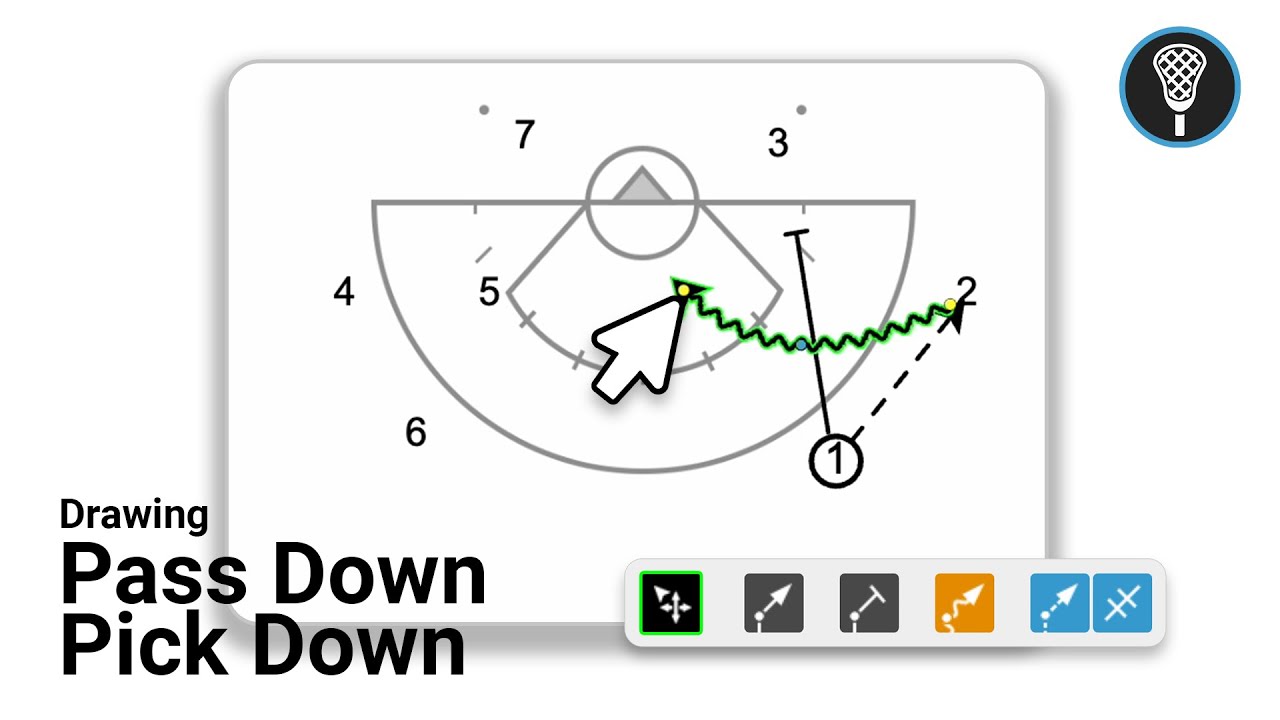
Drawing Tools: You have access to three specific line types—straight lines (1:12), curved lines (1:37), and multi-point tools (1:48).
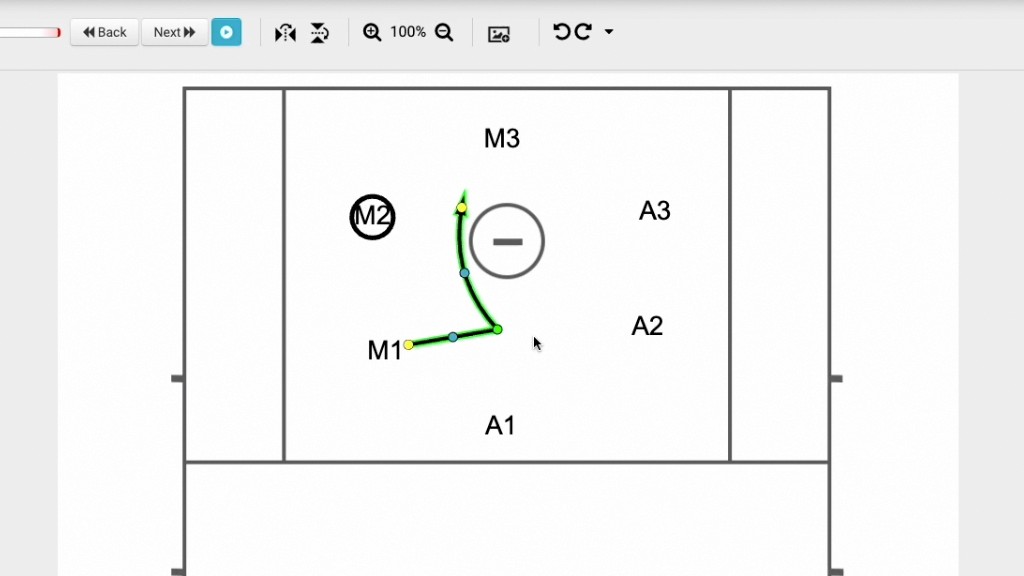
Line Manipulation: After drawing, you can easily adjust your lines using the provided yellow and blue dots (1:28, 1:45). To remove a line, simply highlight it and press Delete (1:30).
Multi-Point Drawing: When using the multi-point tool, you can create segments by clicking, hold the Shift key to add curves, and finalize your work by pressing the Escape key (1:48-2:16).
Best Practices for Play Design:
Animation Timing: You can preview animations using the blue play button at the top (2:27).
Play Organization: It is recommended to keep plays between two and four frames (2:38). If a play involves multiple options, the creator suggests breaking them into separate individual plays to make future adjustments significantly easier (2:55-3:06).