How to Diagram Pass Up and Pick Across
|
Play Drawing
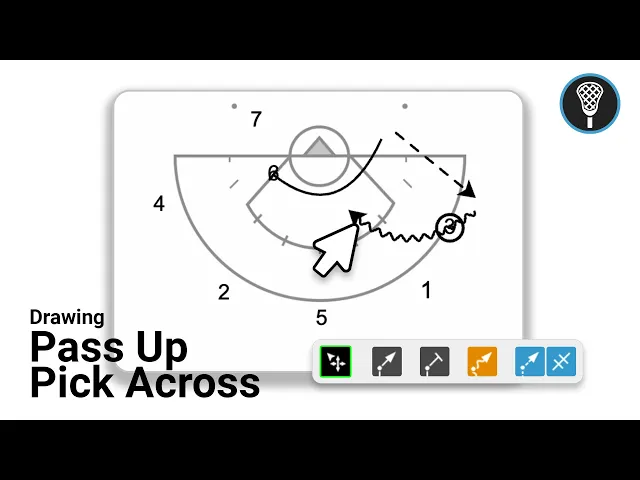
This video serves as a tutorial on how to use the Just Play drawing tool to diagram a Pass Up and Pick Across lacrosse play. The process is broken down into clear, manageable steps for coaches.
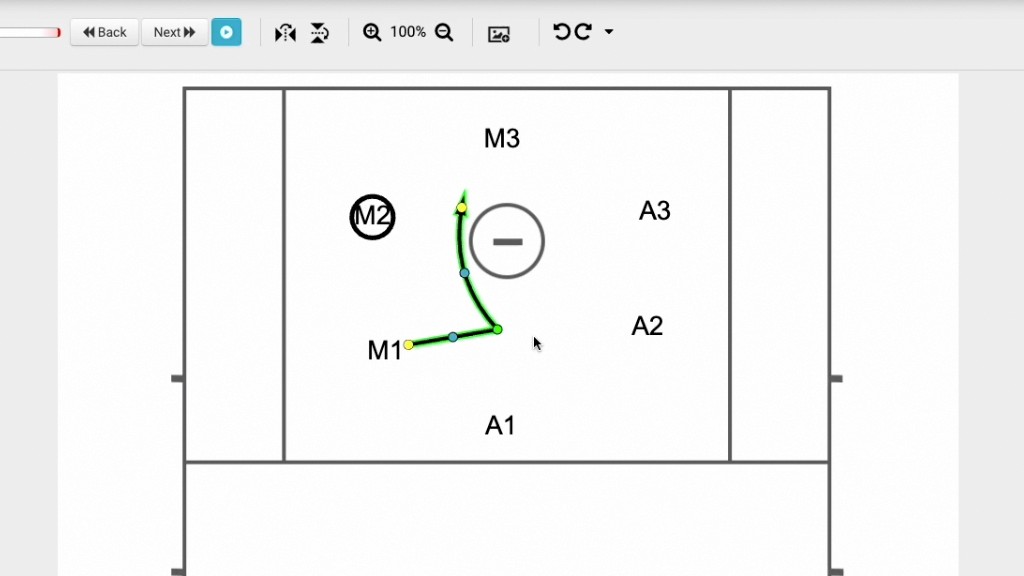
Setup and Orientation: Begin by selecting your play and navigating to the Diagrams section (0:10). You can choose a starter diagram based on your specific team (men's or women's) and easily drag and drop players on the canvas (0:13-0:43).
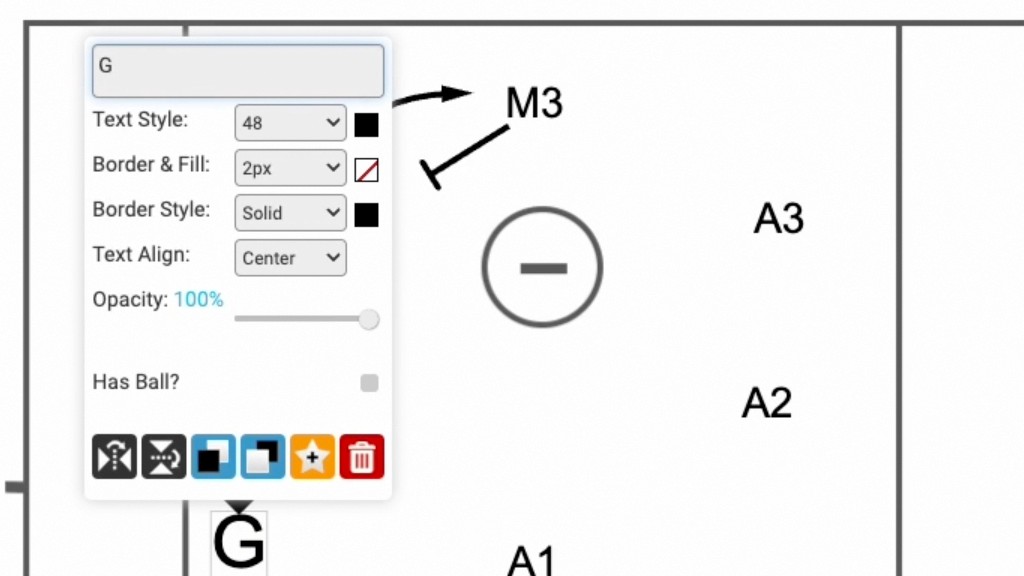
Managing Ball Possession: To assign the ball to a player, simply double-click them and check the "has ball" box (0:49-0:57).
Diagramming the Action:
Ensure you are in Freehand Mode for the best drawing experience (1:00-1:12).
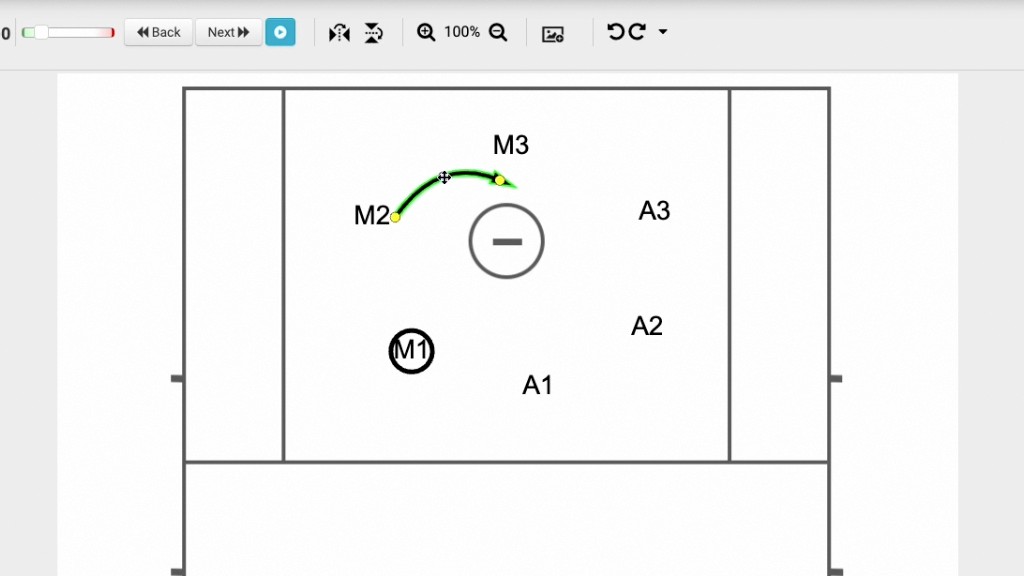
Use the blue dotted line tool to draw the pass, ensuring a shadow appears on the receiving player to confirm the connection (1:15-1:37).
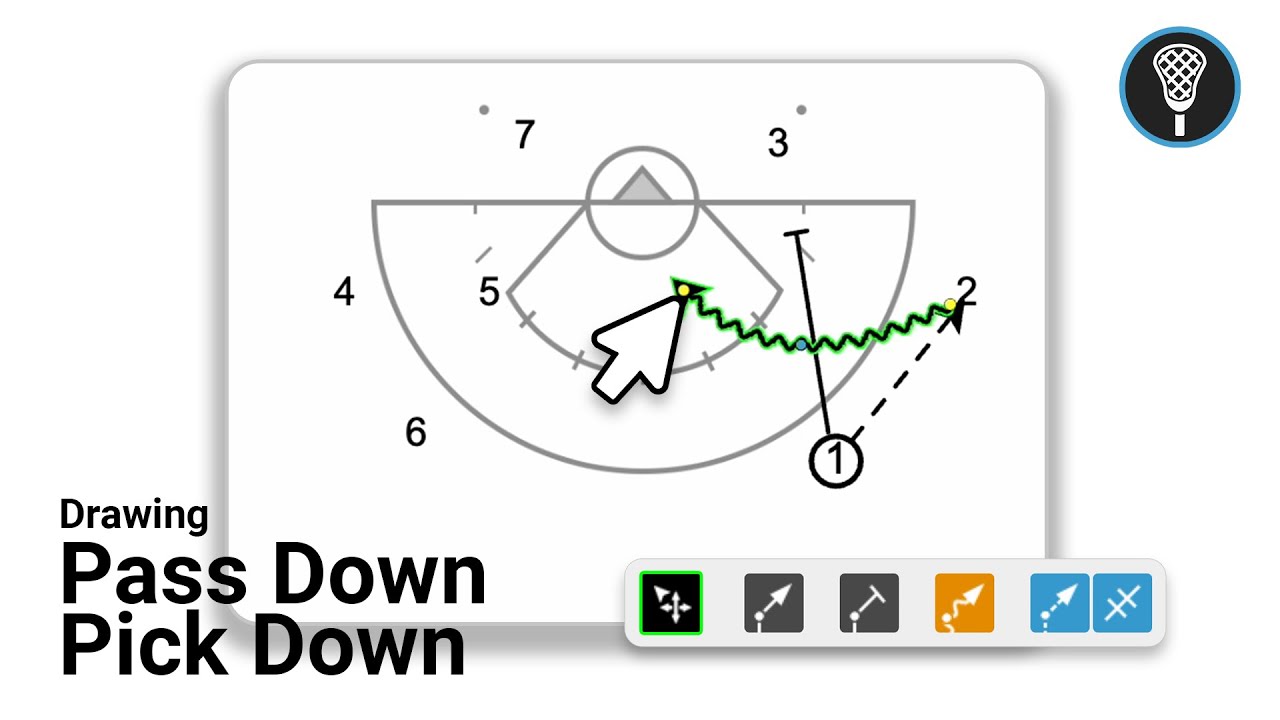
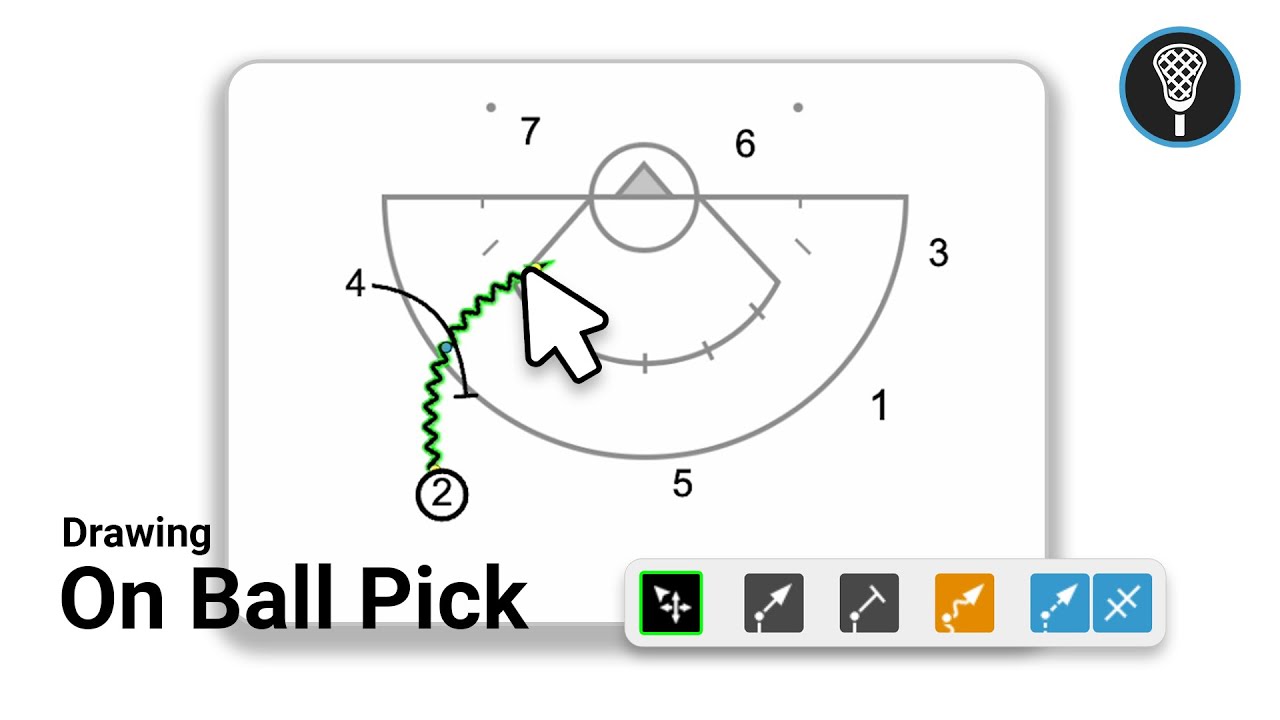
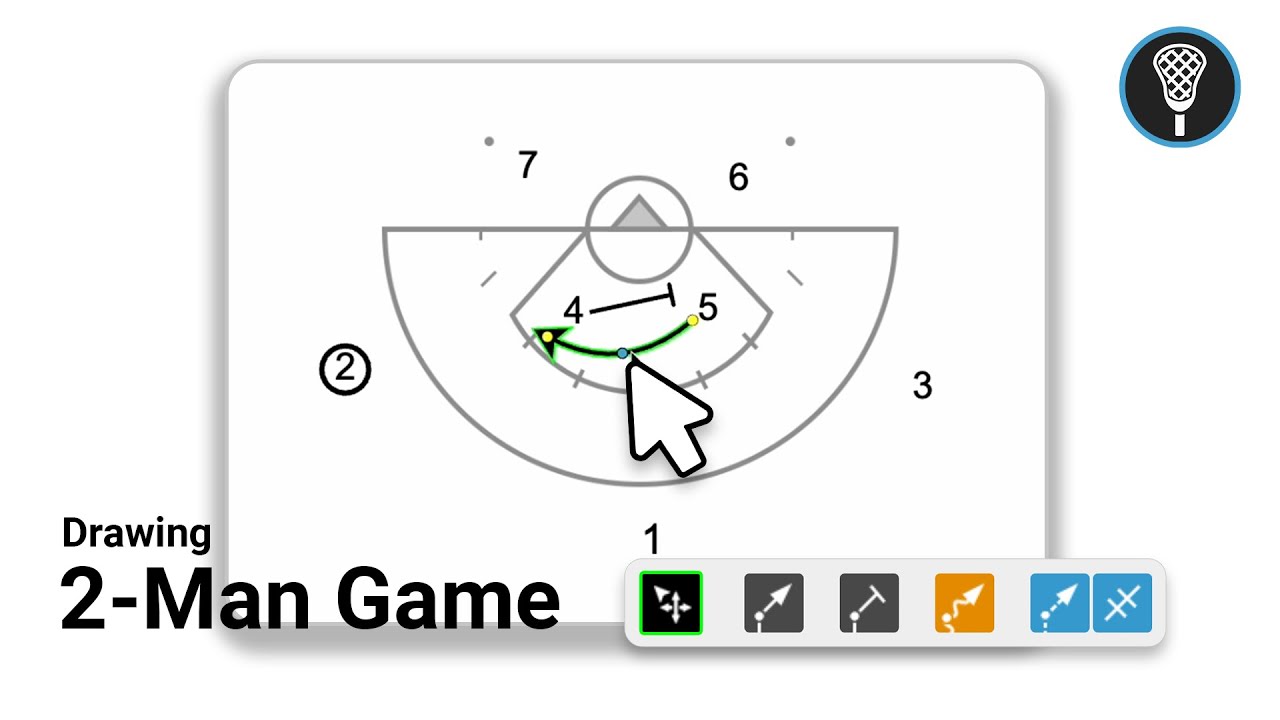
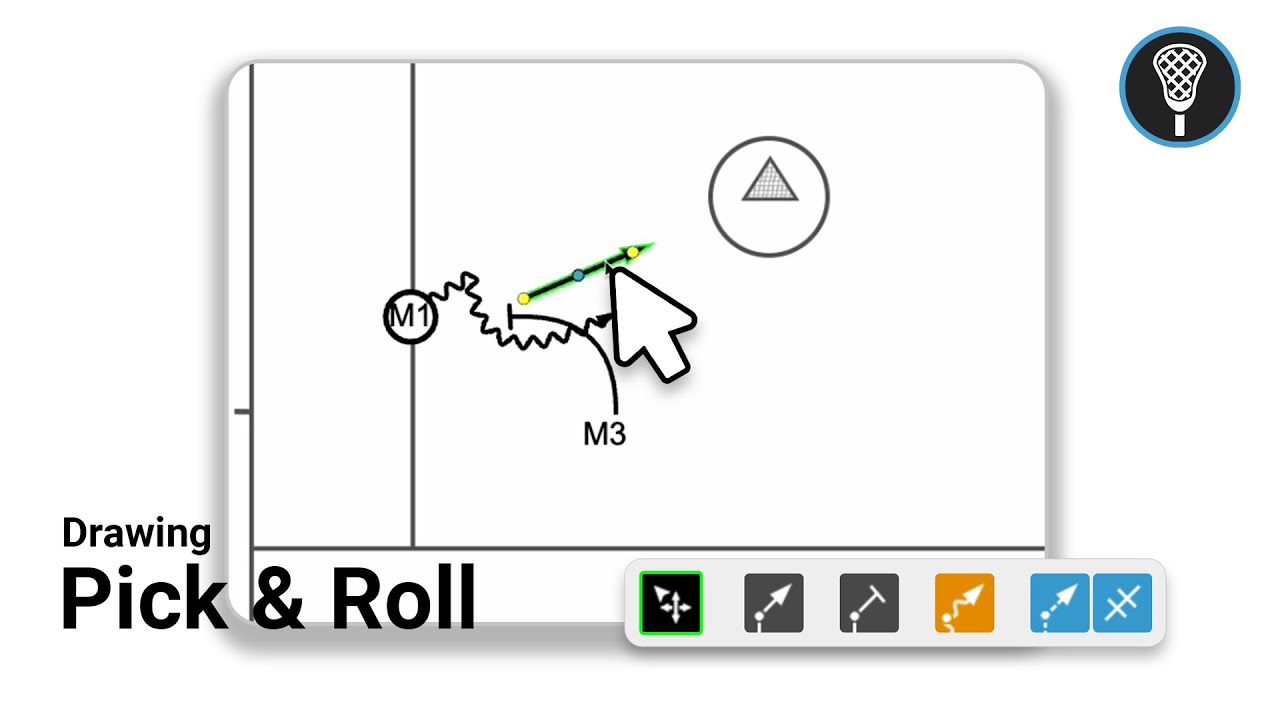
Use the Pick Tool to draw the pick across the crease and the orange Dodge tool to illustrate movement (1:47-2:15).
Review and Refine: Use the speedometer at the top to adjust animation speed and click Preview to verify the timing (2:20-2:27).
Advanced Features: You can create multi-frame plays by clicking the Next button (2:35). Use the pencil icon or the details button on each frame to add descriptive notes that can be referenced later or included in printed versions of the playbook (2:46-3:24).