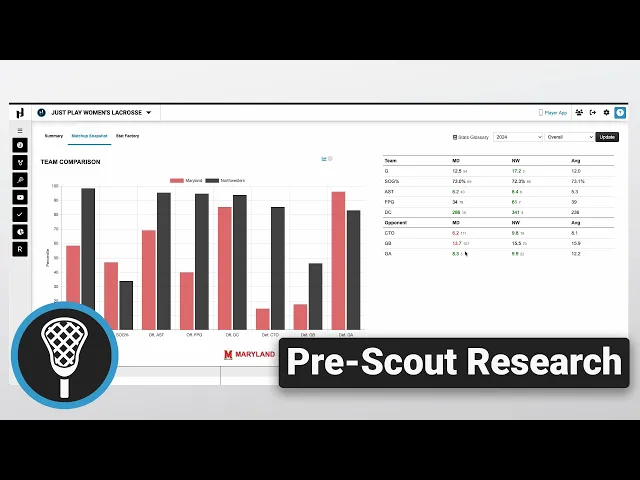
Pre-Scout Research
|
Opponent Scouting
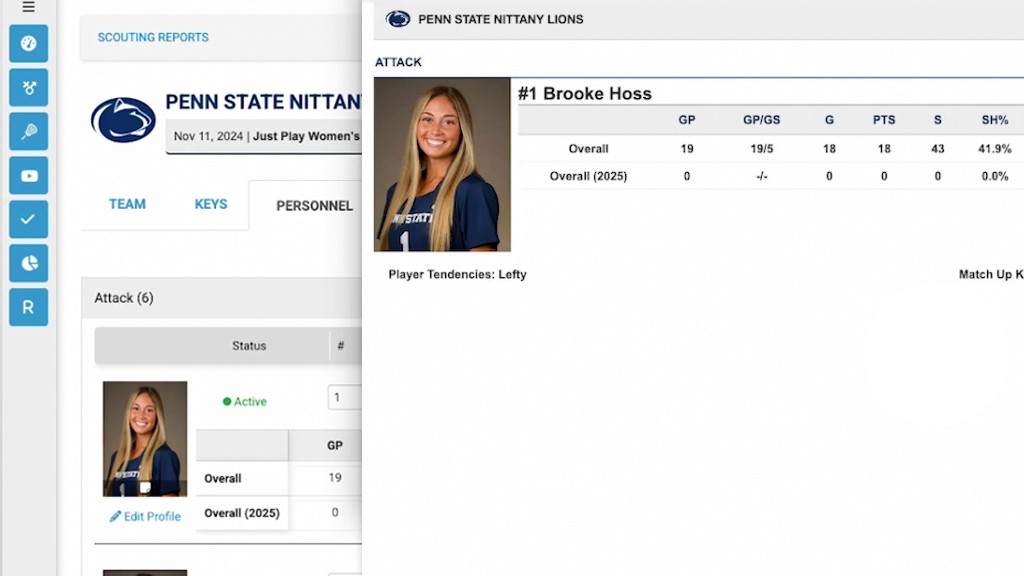
This video provides a walkthrough on how to perform pre-scout research using the Just Play platform. It details the process of creating a new scouting report to analyze an opponent's personnel and statistics effectively.
Key steps for building a scouting report:
Initialize the report: Navigate to the Scouting section, select Scouting Reports, and click Add New Scouting Report. Choose the division, identify the opponent, and select the appropriate game date to pull the correct roster (0:00-1:15).
Select a template: Ensure you choose a pre-built Scout template to maintain consistency across reports (1:03-1:15).
Team research: Once in the report, use the Team Summary tab for a high-level overview. You can customize the Quick Look tiles using the pencil icon and edit the season view to ensure you are analyzing the correct data and personnel (1:17-2:30).
Matchup analysis: Utilize the Matchup Snapshot tab to compare your team against the opponent. This view displays percentile bar graphs, raw stats, and color-coded rankings (black for middle third, green for top third, red for bottom third) to identify competitive advantages (2:31-3:37).
Stat Factory: Access detailed analytical reports directly within the scouting module via the Stat Factory tab, which functions identically to the main Stat Factory tool (3:38-4:07).