Utilizing Box Scores
|
Opponent Scouting
This video explains how coaches can effectively manage and utilize box scores within their Just Play Lacrosse scouting reports. The process allows for detailed player and team performance tracking directly within the platform.
Key Functionalities:
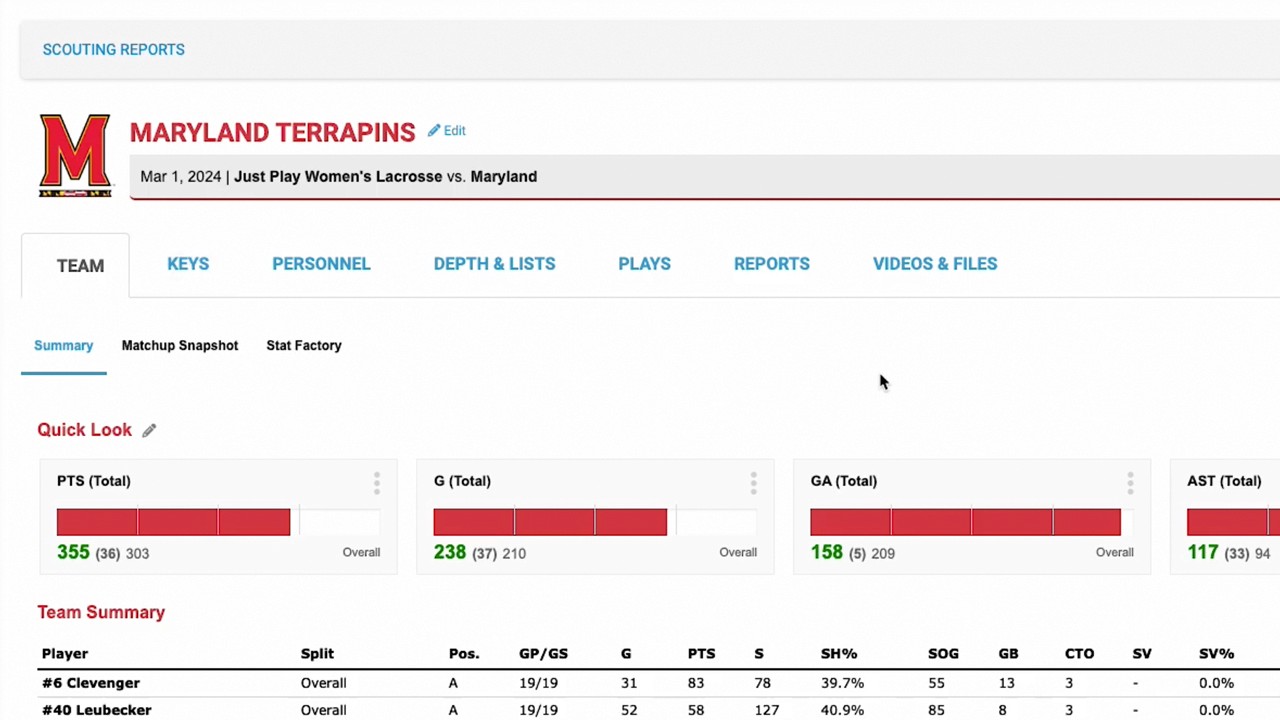
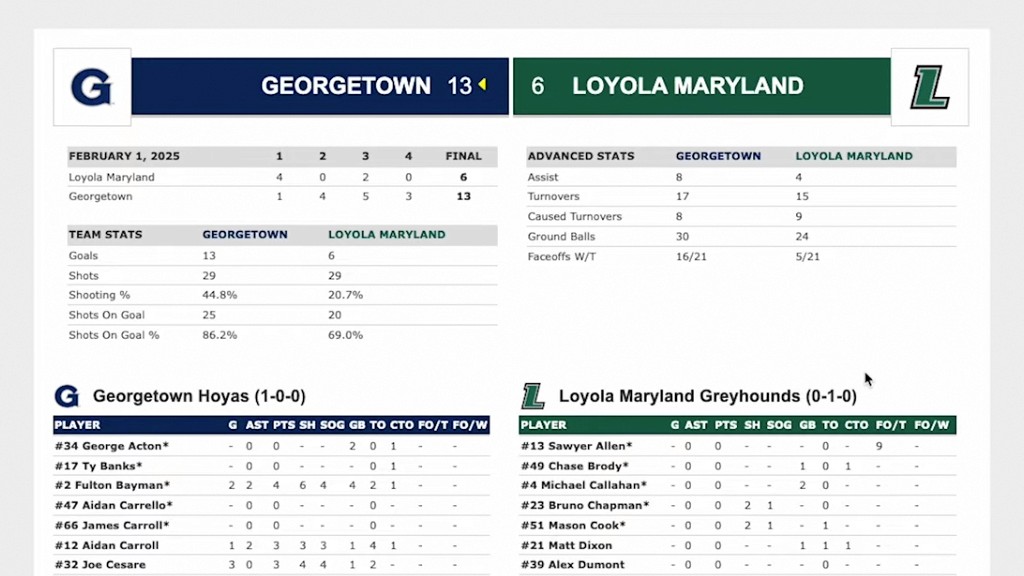
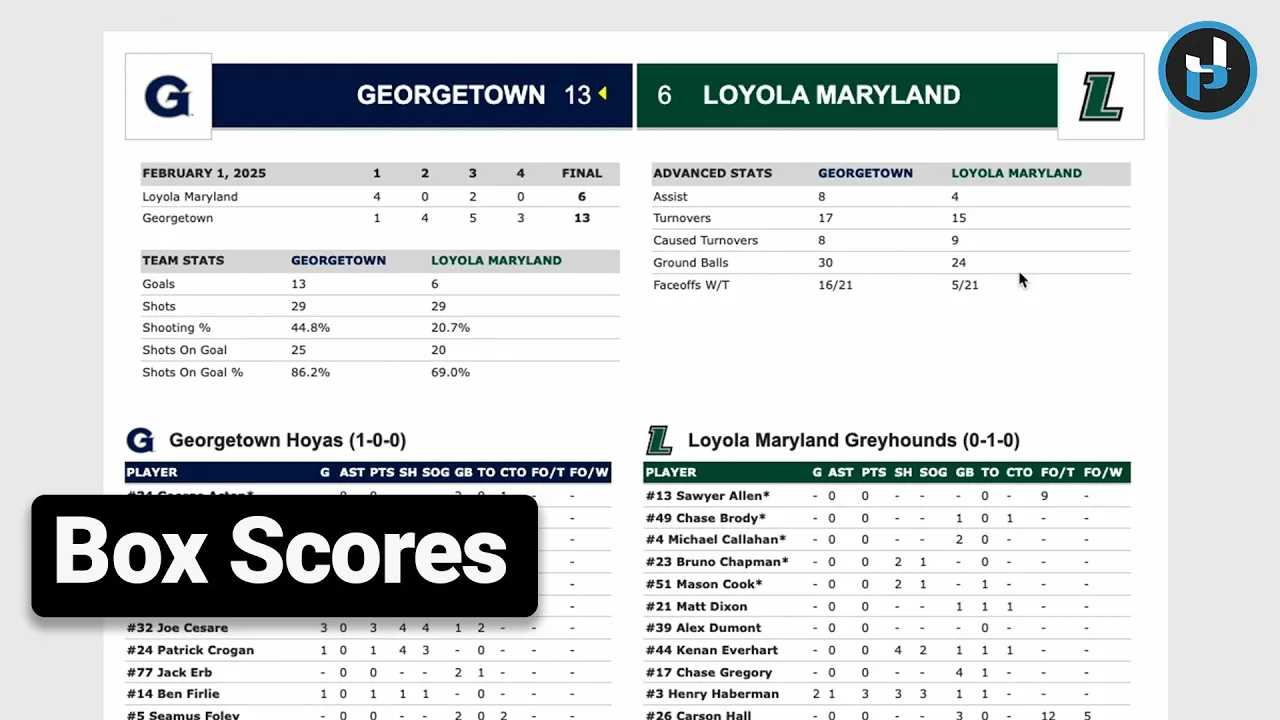
Accessing Individual Box Scores: Navigate to the Scouting Reports section and select the Team tab. Toggle to Box Scores to open an individual game report (0:19-0:24). This provides detailed stats similar to NCAA formats, including individual player and goalkeeper performance (0:34-0:50).
Report Management: You can print individual box scores immediately or add them to the report section to include them in your final printed scouting package (0:52-1:01).
Bulk Actions for Multiple Games: By using the dropdown menu or bulk actions checkbox, you can process multiple games simultaneously (1:09-1:23). Options include:
Add Combined Box Scores: Merges selected games into a custom Team Summary Report (1:35-1:58).
Add Individual Box Scores: Appends the individual box score for each selected game to the end of your report (2:22-2:38).
Print Combined Box Score: Allows for immediate generation and printing of a combined report (2:57-3:08).