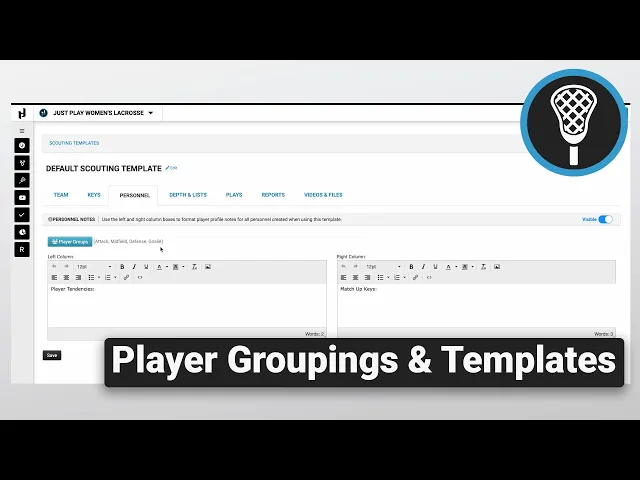
Using Player Groupings and Scout Templates
|
Opponent Scouting
This video provides a walkthrough on managing Scout Templates and Player Groupings within the Just Play scouting platform. The scout template serves as the foundation for your scouting reports, and the video breaks down the process into three key components:
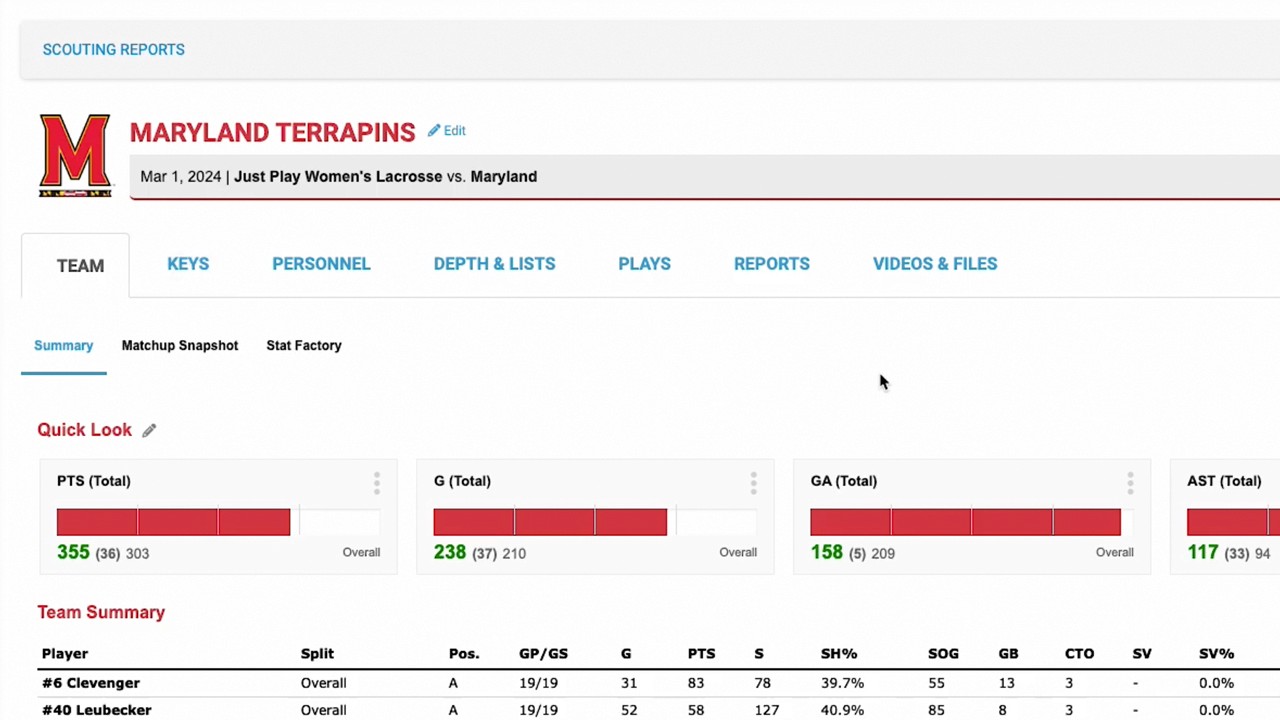
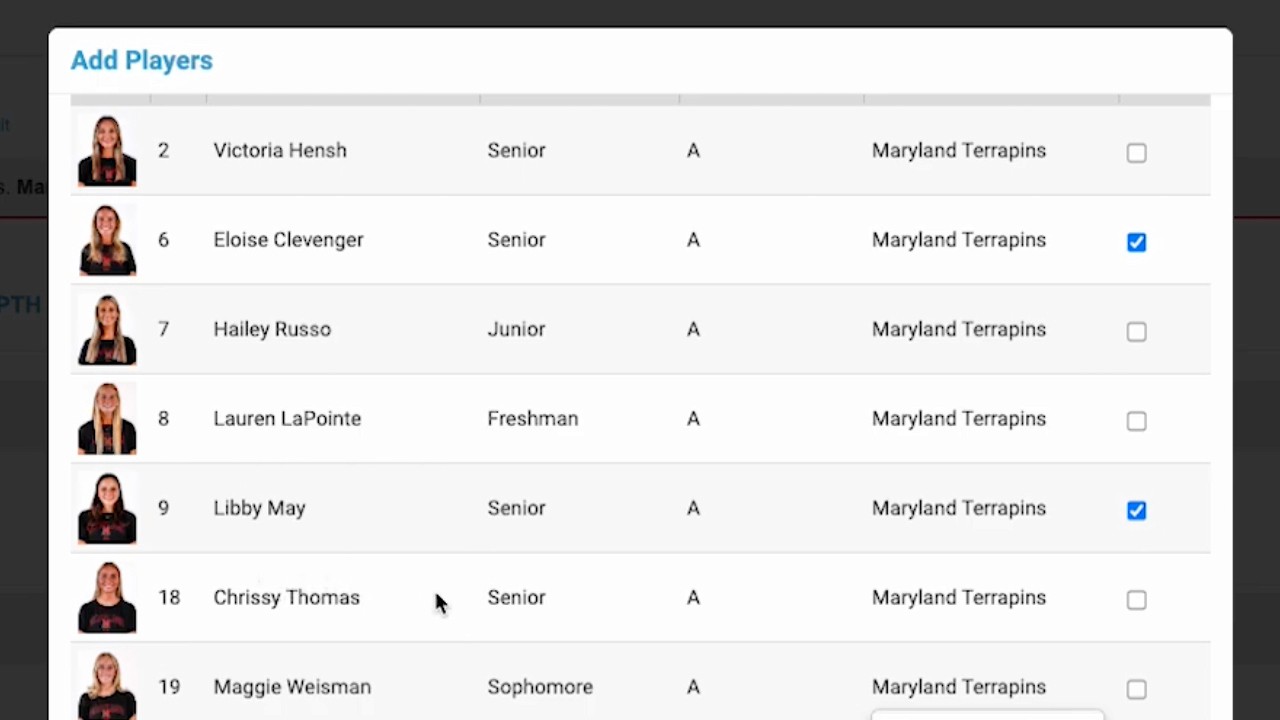
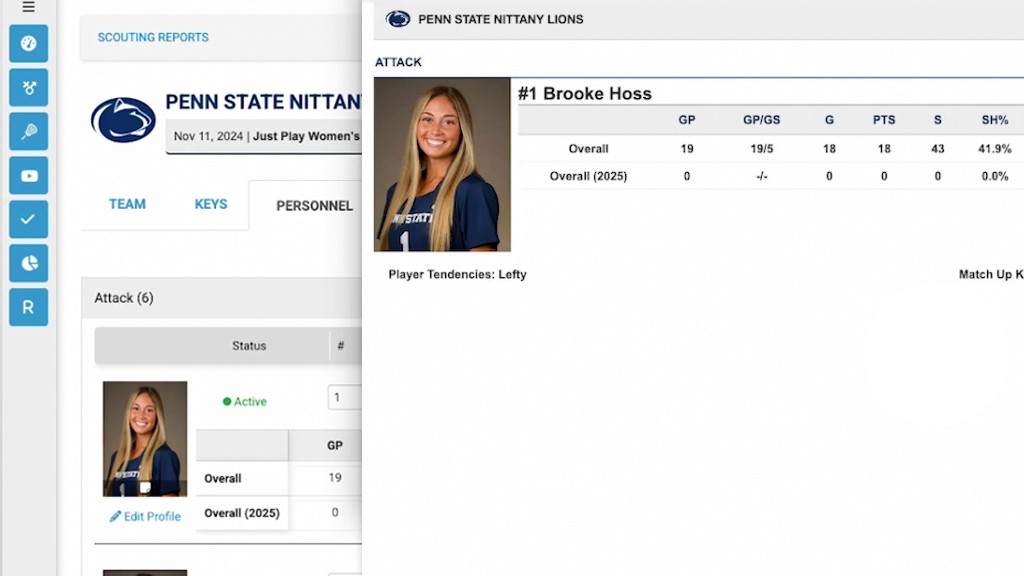
Scout Template (0:33 - 2:35): This is the core of your report. You can customize headers under the "Keys" section and create "Player Groupings" (like Attack, Midfield, or Defense) within the "Personnel" tab. Creating these groups allows you to organize players effectively for every future scout.
Print Templates (2:40 - 2:53): This section defines how your report looks when printed. If you need specific layout adjustments, the video recommends reaching out to your Just Play representative via the blue question mark icon.
Stat Profiles (2:54 - 3:56): Here, you determine which statistics are pulled into your report. You can select, reorder, and assign specific stats to each personnel position. It is crucial to ensure the "Default" box is not checked for your stat profiles.
If you need further customization for your templates, you are encouraged to contact your Just Play representative for dedicated support.