Generating Title Slides
|
Opponent Scouting
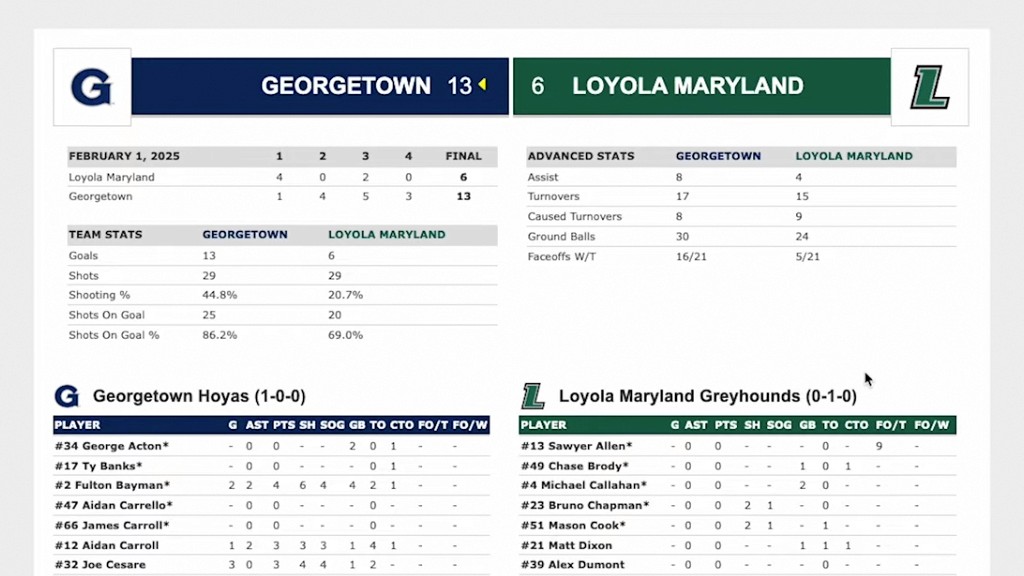
This video explains how to efficiently create and export title slides for video scout presentations using the Just Play platform. This feature is designed to save time by eliminating the need to manually build slides outside of the software.
Steps to generate title slides:
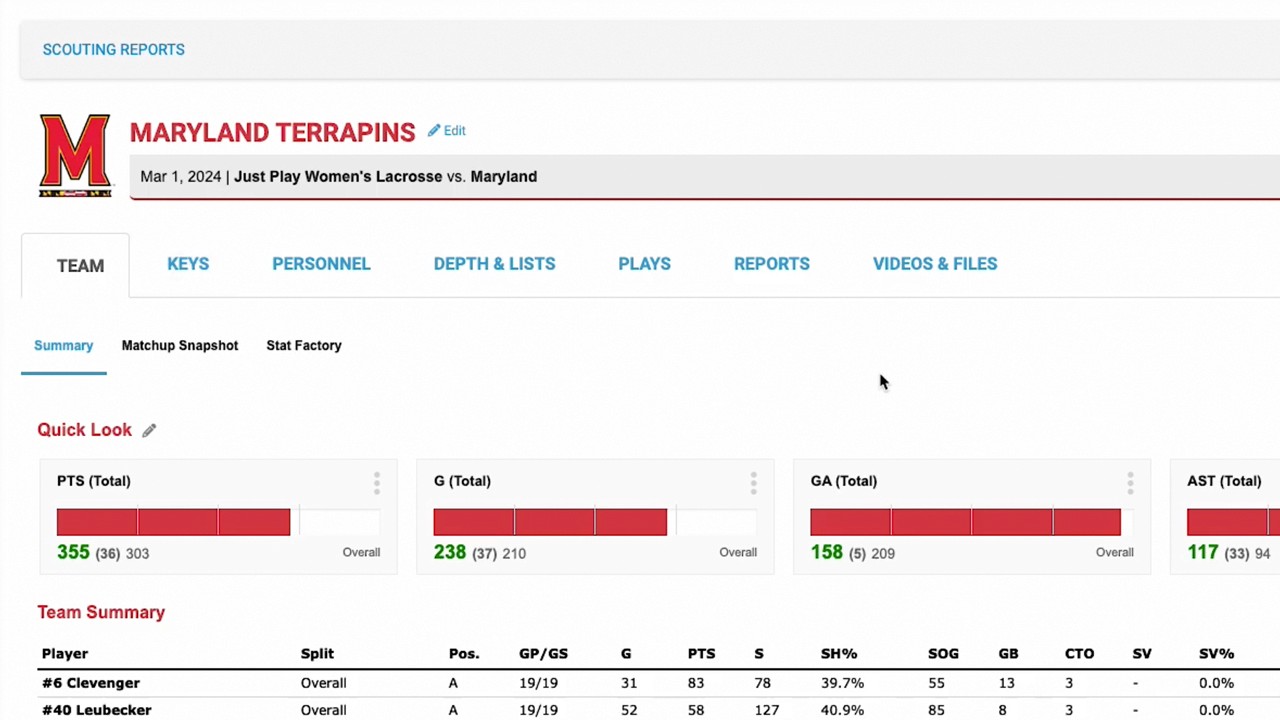
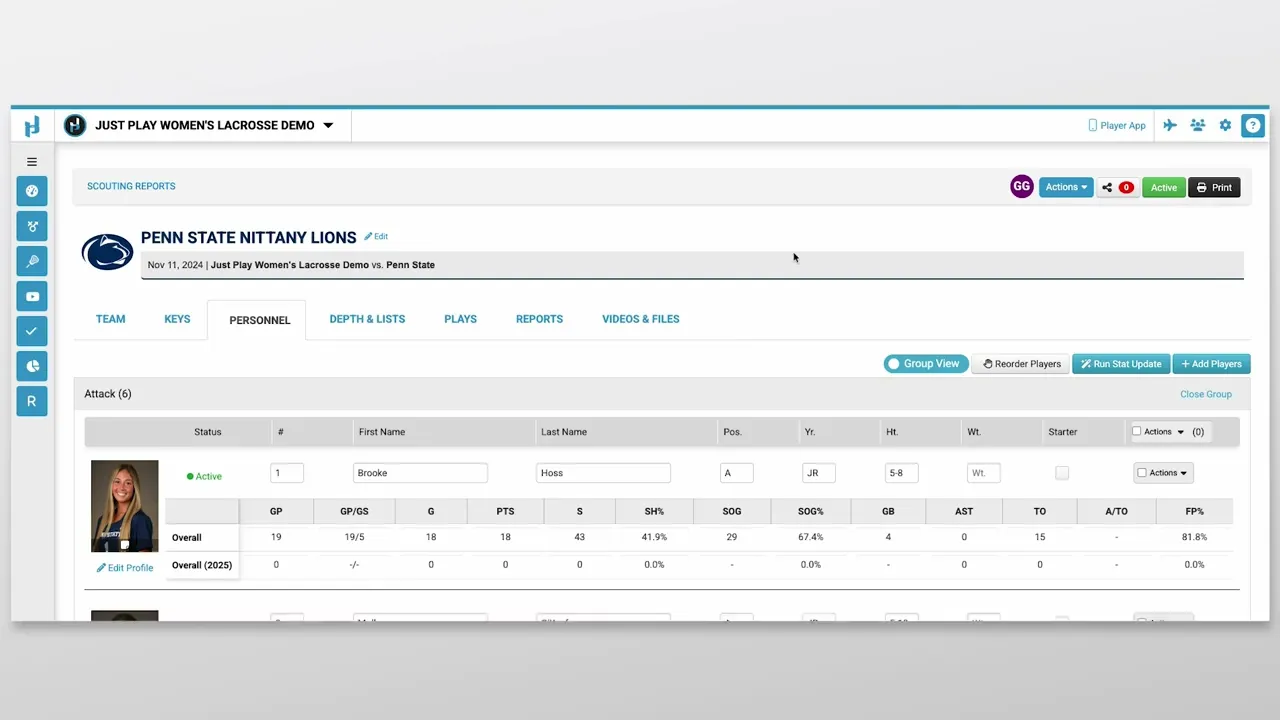
Navigate to the Menu: Within your scouting report, go to the Actions menu and select Generate Title Slides (0:13 - 0:27).
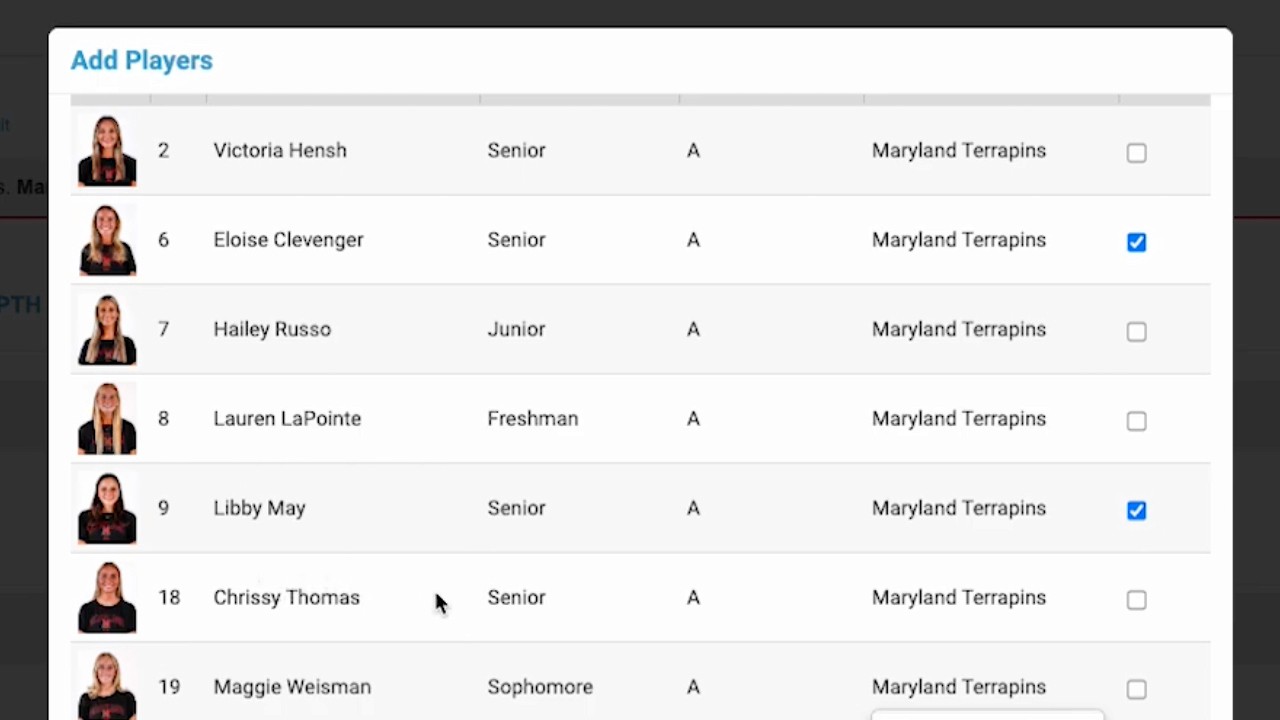
Customize Content: A modal will appear allowing you to select what information to include on your slides, such as player stats and Player Note profiles. You can also adjust the font size and style settings (0:28 - 0:46).
Download and Export: Click Download player slides to generate the files. Once the process is complete, the slides will be saved to your device, ready to be dragged into your preferred video editing software to complement your presentation (0:47 - 1:13).