Box Scores and Game Log Tabs
|
Opponent Scouting
This video provides a tutorial on utilizing the Box Scores and Game Log tabs within Just Play Lacrosse scouting reports. These tools are designed to help users efficiently track team and player performance and generate comprehensive reports.
Key Features:
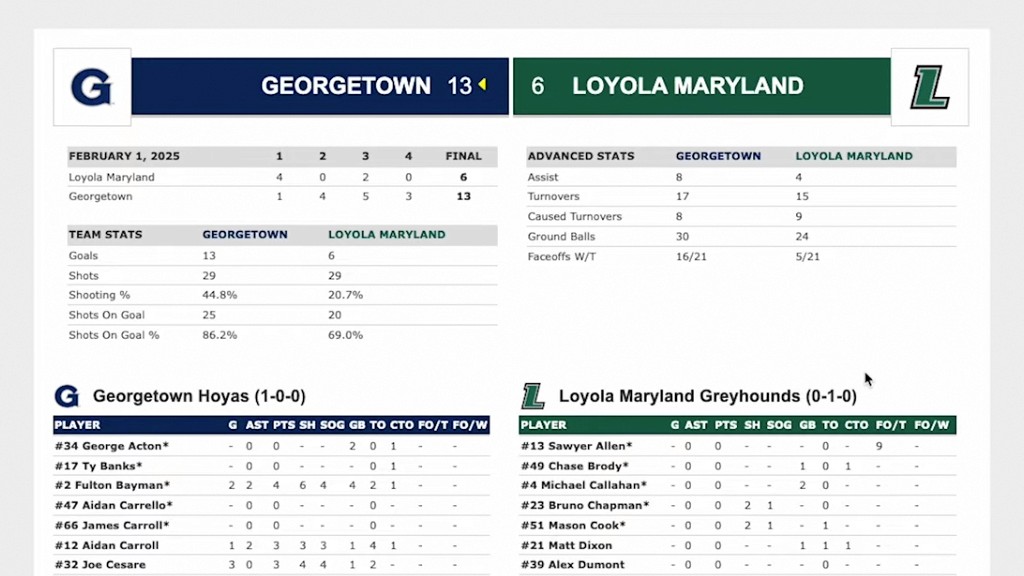
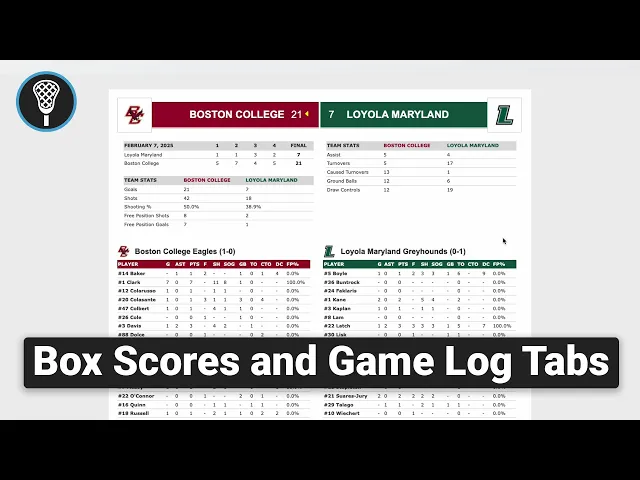
Box Scores Tab (0:13 - 1:12): Provides access to box scores for games played by the team you are scouting. As long as scores are submitted to the NCAA, they update automatically. You can view individual game stats (including player and goalkeeper data) or print them directly (0:30 - 0:50).
Bulk Actions (1:02 - 2:04): You can manage games individually or select multiple games to perform bulk actions, such as:
Add/Combine Box Scores to Reports: Compiles selected games into a single report for deeper analysis (1:12 - 1:36).
Print Combined Box Scores: Directly opens the print window for your selected data (2:04 - 2:13).
Game Log Tab (2:13 - 2:28): Offers an overview of team statistics across individual games, with direct links back to the full box scores.
Reports Section (2:28 - 3:12): Central location where all generated reports are stored. Users can review, compare, and print combined reports featuring player stats, comparison data, and game results (2:43 - 3:00).