Navigating Your Playbook Database
|
Playbook Organization
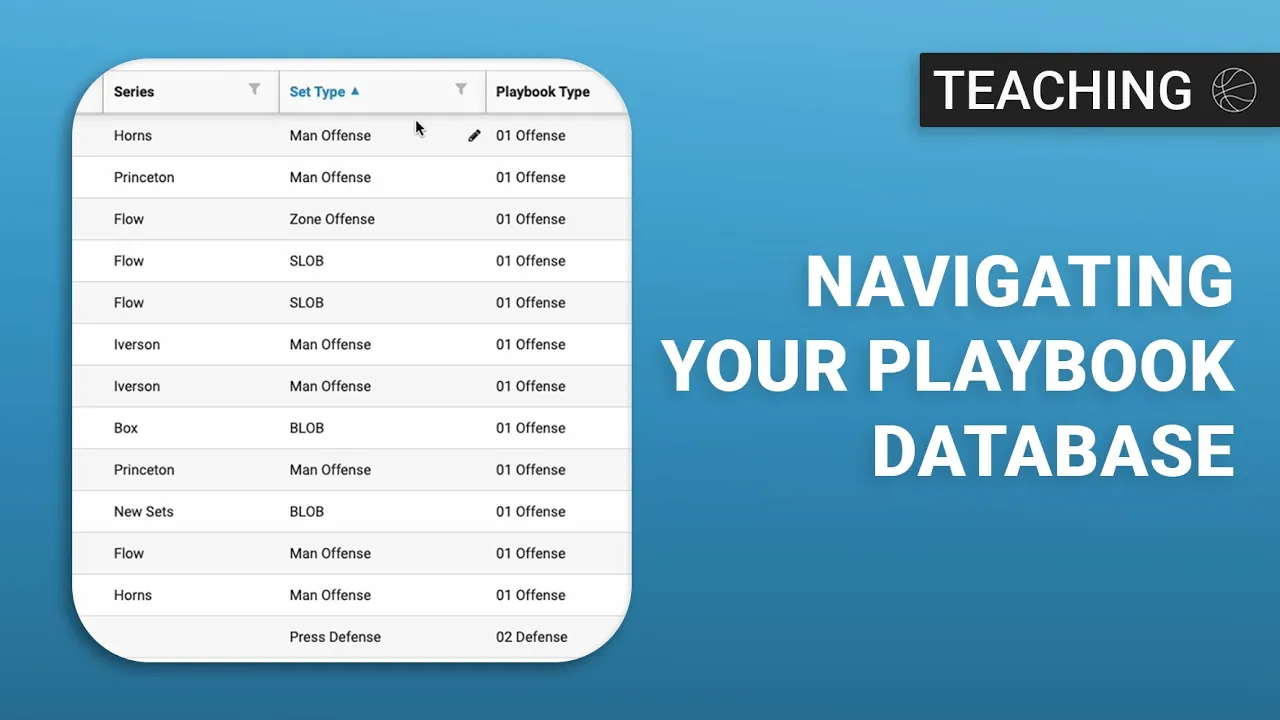
This video serves as a comprehensive tutorial on how to effectively organize and manage a playbook database within the Just Play Basketball system. It focuses on using the tools available in the top-right corner of the interface to filter, group, and sort plays for better accessibility.
Key Organizational Features:
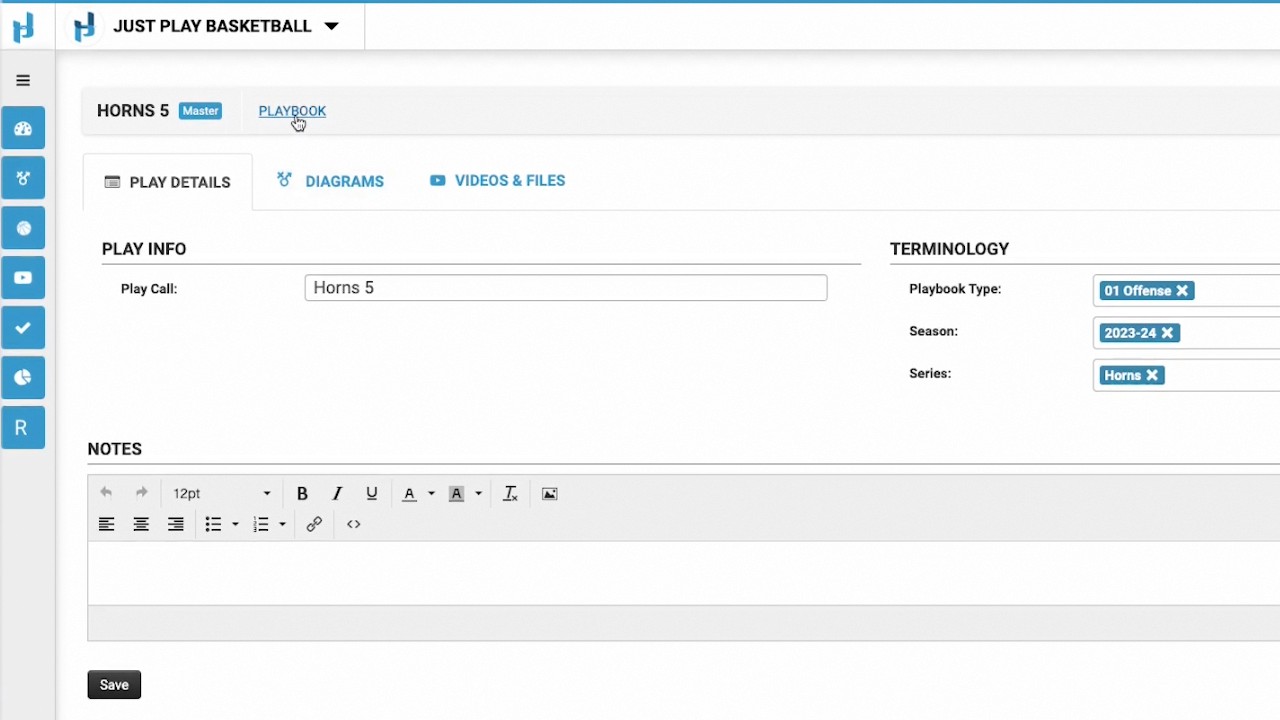
Tag Editing (0:33 - 1:47): You can modify metadata tags (like terminology, season, or situation) directly within the table using the pencil icon, or use the bulk edit feature to update multiple plays simultaneously.
Customizing Views (1:51 - 2:15): The "Hide/Show Columns" button allows you to toggle specific data points on or off, ensuring you only see the information relevant to your current task.
Grouping Plays (2:16 - 3:45): This feature lets you categorize your playbook into a folder structure (e.g., by Playbook Type, then by Season). These views are user-specific, meaning each coach can customize their own workspace without affecting others.
Sorting and Filtering (3:46 - 5:53): You can sort columns alphabetically (A-Z or Z-A) or use the filter tool to set specific rules—such as viewing only plays from a certain season. The system provides clear visual indicators (lit-up icons) when filters are active.
Future Content:
Diagramming: The video notes that upcoming content will cover using the platform's drawing tools to create plays.
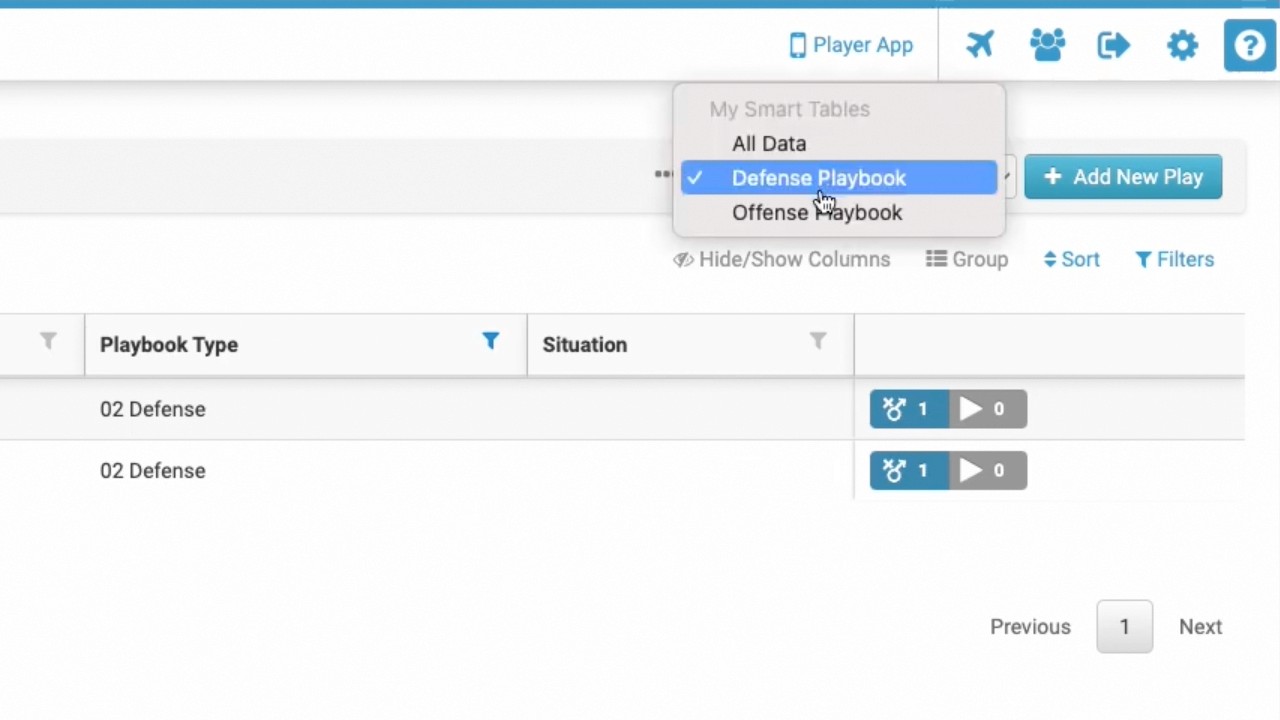
Smart Tables: There will also be a demonstration on using "Smart Tables" to further streamline playbook organization for staff.