Lineup Analysis Tool
|
Stat Factory
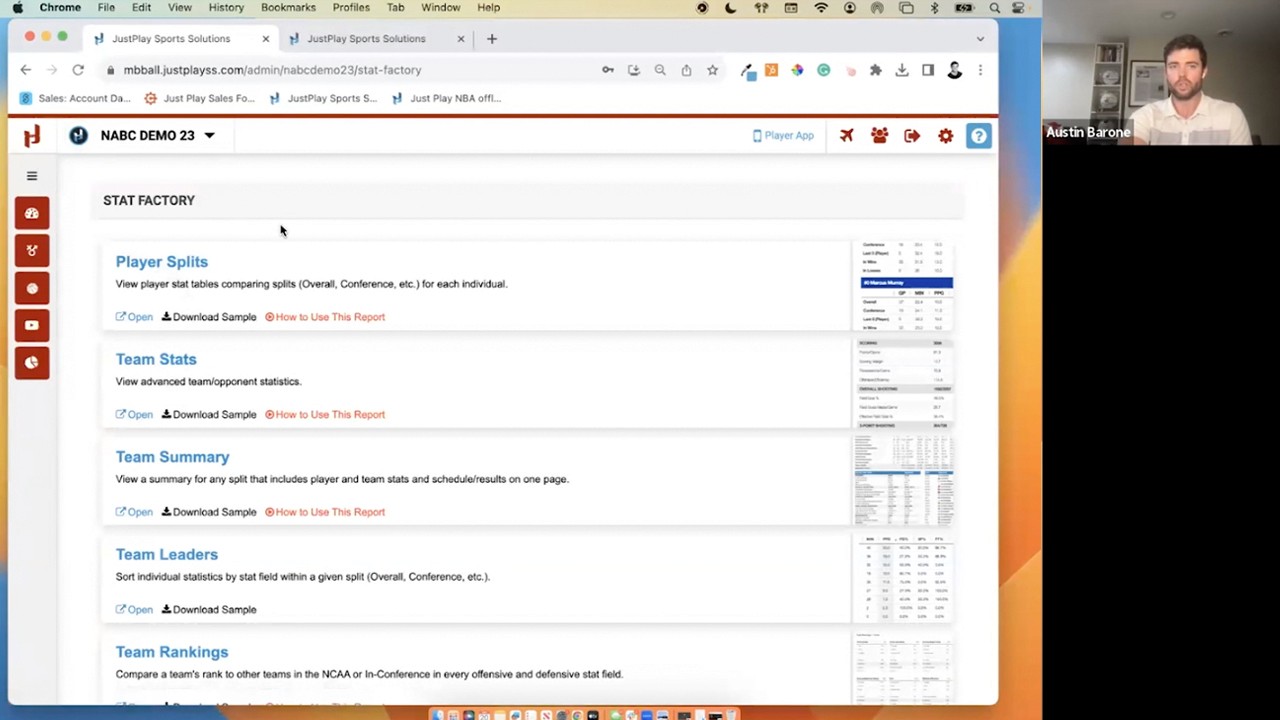
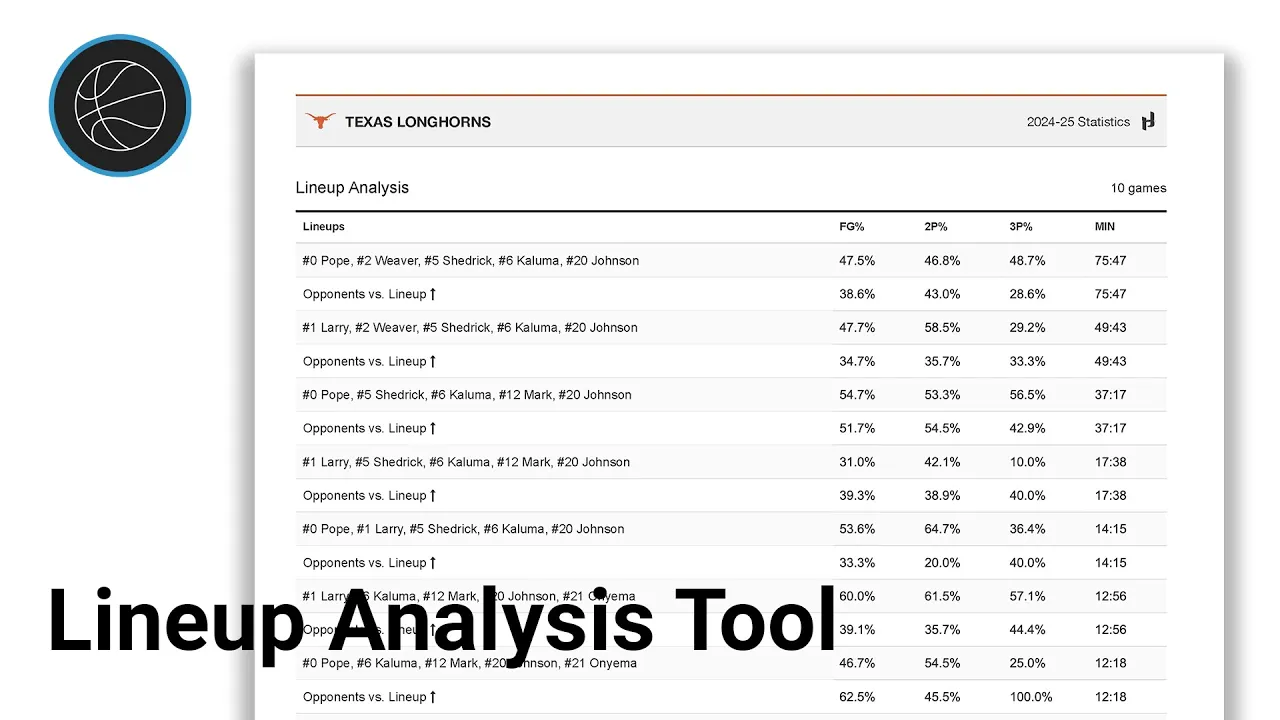
This video provides a walkthrough of the Lineup Analysis Tool within the Just Play Stat Factory.
Key features:
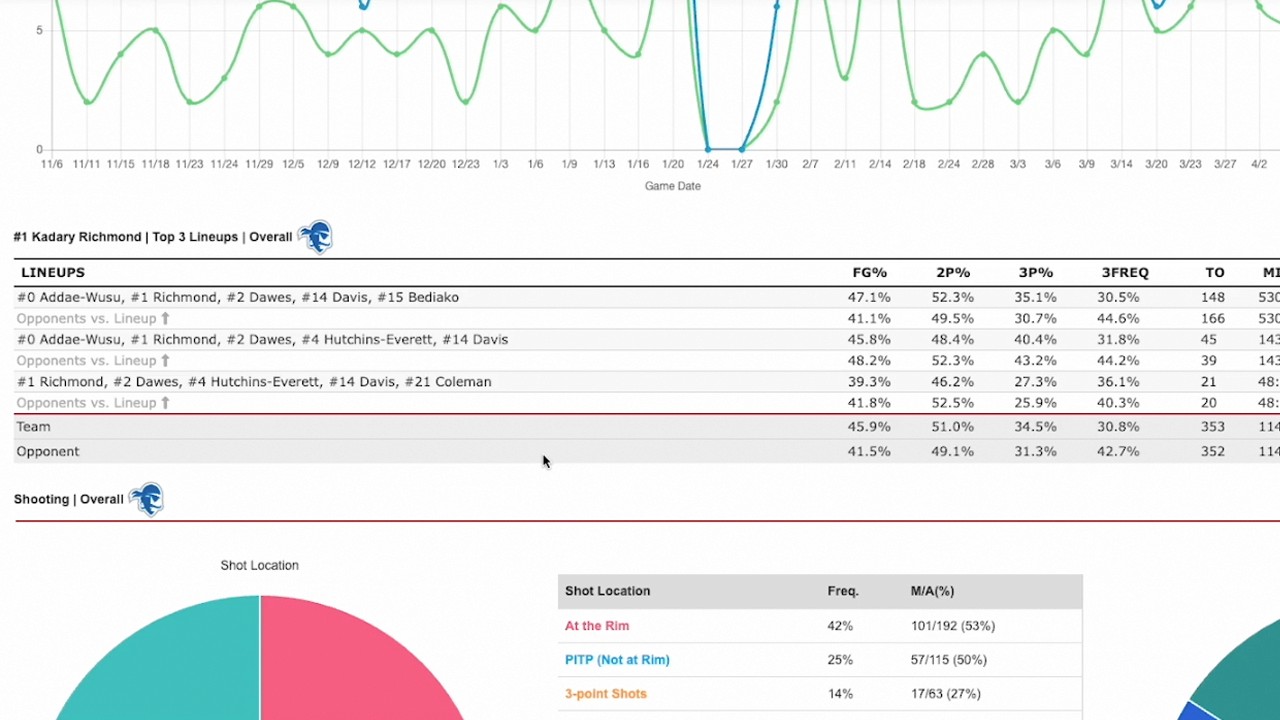
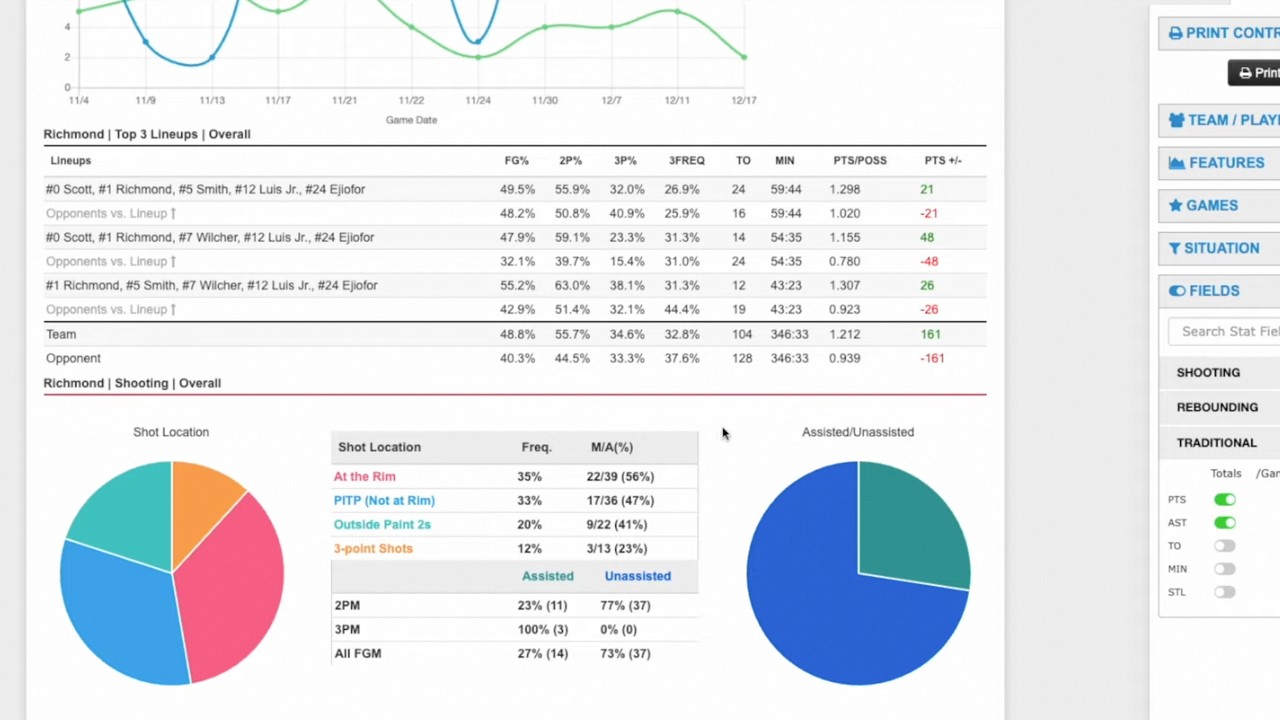
Lineup Customization: Users can analyze various lineup sizes, ranging from full five-player units down to individual player impacts (0:26 - 0:34).
Data Filters: The tool allows for granular control over the data, including:
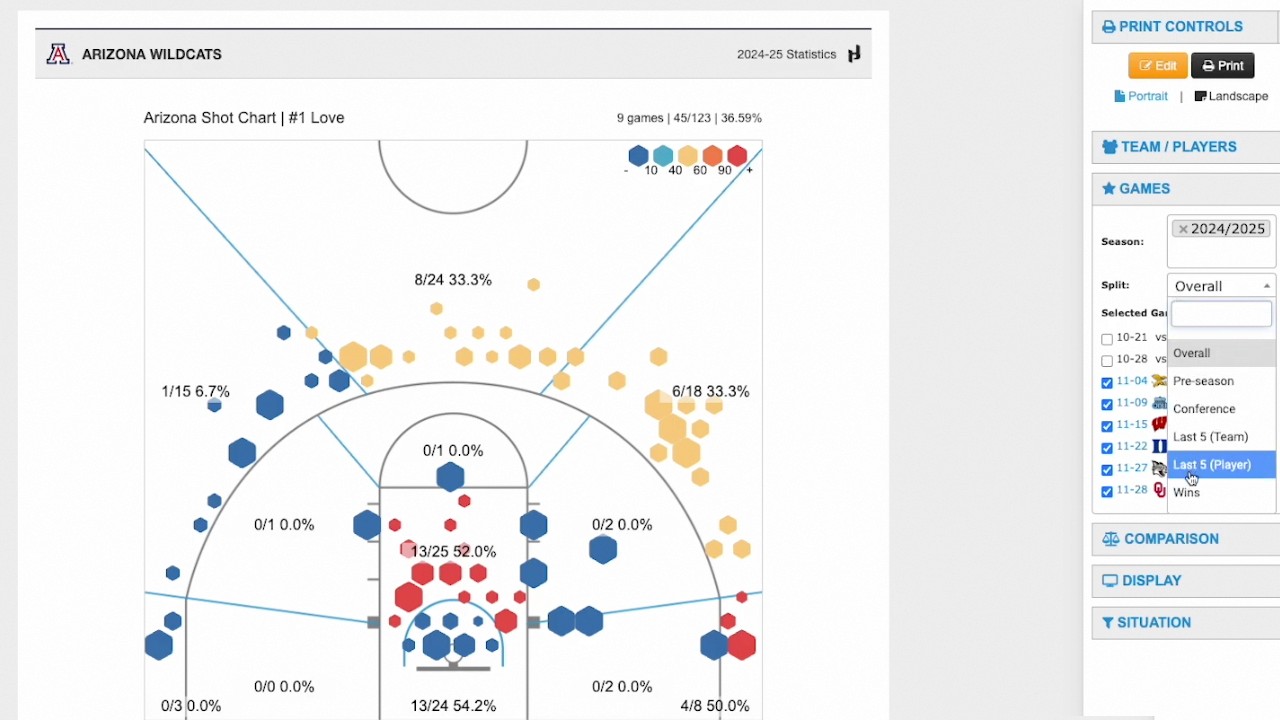
Games Tab: Choose specific game segments or view team performance overall (0:41 - 0:51).
Situational Analysis: Filter by specific scenarios, such as the last five minutes of a game, specific shot clock situations, or score margins (1:17 - 1:56).
Custom Fields: Users can add advanced metrics like effective field goal percentage, points per possession, and points plus/minus (0:59 - 1:16).
Filtering Options: Sort and filter results based on specific requirements, such as the top lineups by total minutes played (1:59 - 2:25).
Totals View: The dashboard includes an automatic summary at the bottom, providing total stats for all selected lineups, such as team field goal percentage and total plus/minus (2:29 - 2:50).