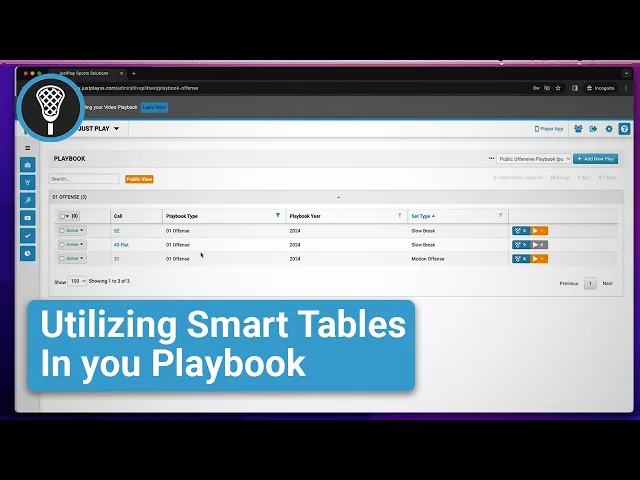
Utilizing Smart Tables in Your Playbook
|
Playbook Organization
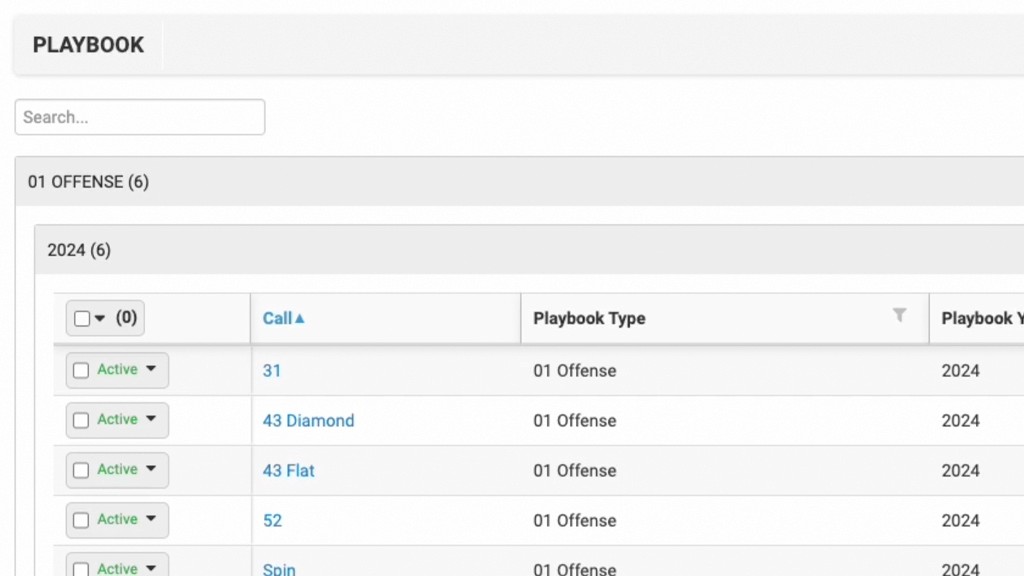
This video provides a tutorial on using Smart Tables within the Just Play platform to organize and customize playbook views for yourself and your coaching staff.
Key features covered include:
Creating Custom Views: Learn how to clone existing tables (0:11) and apply specific filters—such as filtering by Playbook type (e.g., offense vs. defense) (1:34)—to create focused views of your plays.
Public Sharing: You can share these filtered views with other staff members in your account (1:00, 2:38).
Admin Controls: When sharing, you have the option to set a Public View (3:21), which prevents other users from adjusting the table settings or filters (3:24). This ensures that coaches only see the specific, relevant content you have prepared for them (3:33).