Transfer Portal Workflow for Lacrosse
|
Front Office
This video provides a walkthrough of the Transfer Portal Workflow within Just Play Lacrosse, designed to help coaches identify and track potential recruits in the Division I transfer portal.
Key features and workflow steps include:
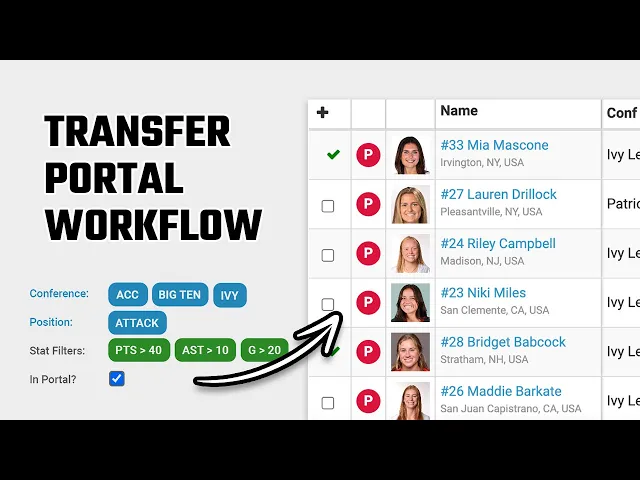
Player Search (0:05 - 1:30): Coaches can filter players by conference, team, position, year, and location. There is a specific "portal only" toggle (1:21) that displays a "P" tag next to athletes currently in the transfer portal.
Update Log (1:42 - 2:01): A dedicated section allows coaches to see a chronological list of players added to the portal based on the most recent update date.
Recruiting Database (2:22 - 3:18): Once recruits are added, they appear in a centralized database. Users can organize prospects into tables (e.g., high school vs. transfer targets) and track them by class year.
Communication & Organization (3:21 - 4:03): Coaches can create and manage specific call lists. Additionally, the Just Play mobile app allows users to view their entire recruiting database and initiate phone calls directly to prospects with a single click (3:53).