Playbook Organization
|
Playbook Organization
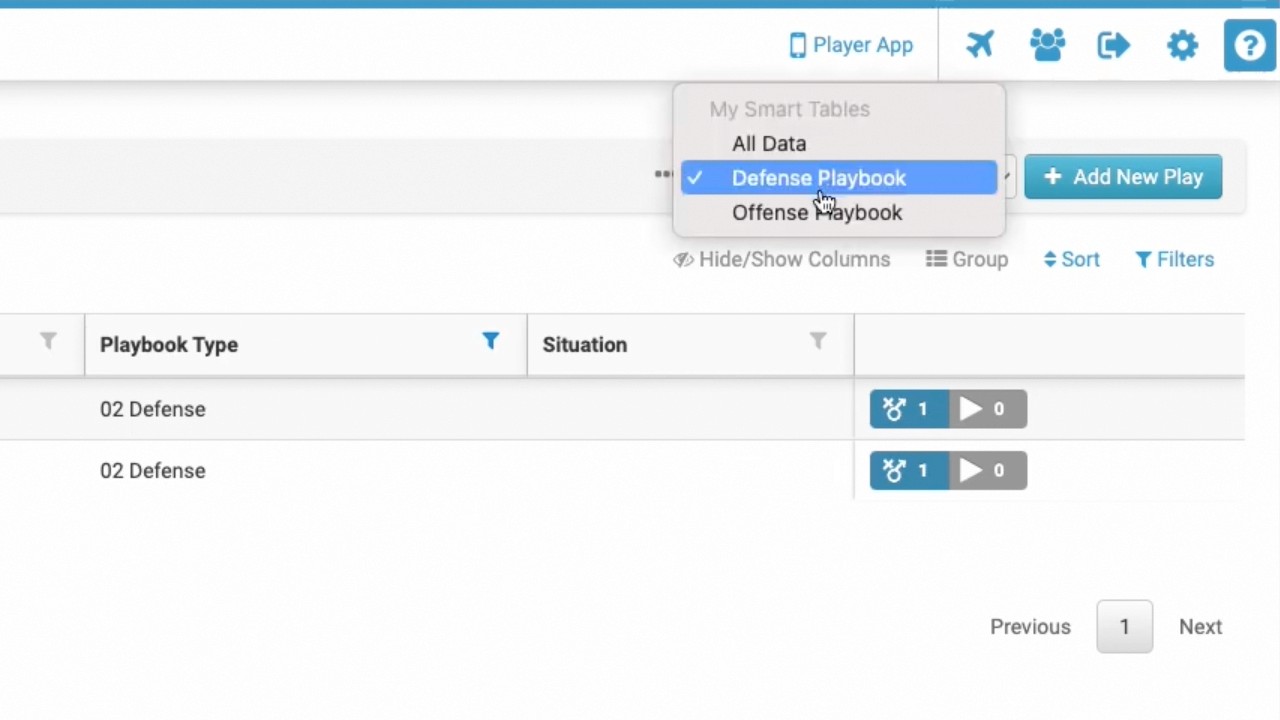
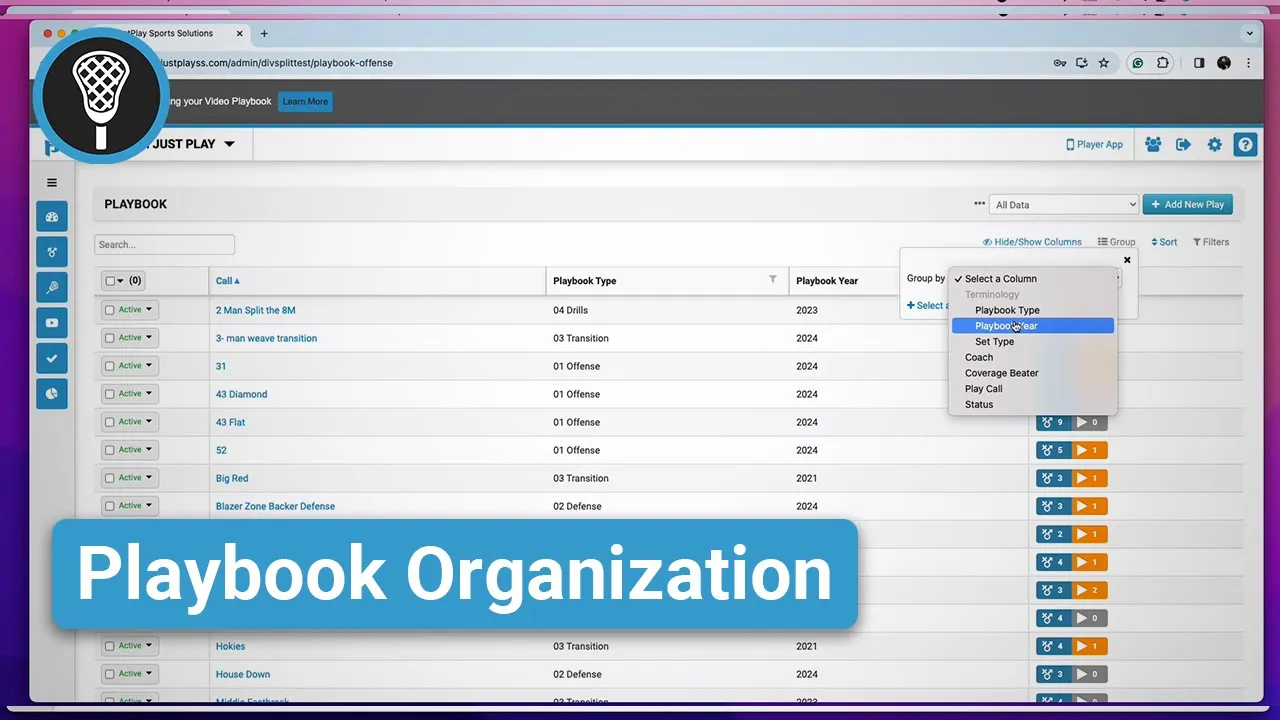
This video provides a tutorial on how to effectively organize a digital playbook for lacrosse programs using the Just Play platform. The narrator demonstrates four primary tools located in the top right of the interface to manage and categorize plays:
Hide/Show Columns (0:33-0:49): Allows users to toggle specific data columns on or off within the playbook table to customize their view.
Grouping (0:52-3:18): Enables users to organize plays into folders based on specific tags such as Playbook Type, Playbook Year, or Set Type. The video also highlights how to perform inline editing and bulk actions to quickly assign tags to multiple plays at once.
Sorting (3:21-3:57): Provides the ability to order the table alphabetically (A-Z or Z-A) by clicking on column headers or using the sort button.
Filtering (3:58-4:43): Allows users to isolate specific data, such as viewing only plays from a particular Playbook Year, by setting rules and applying filters to the table.