How to Create, Organize, and Share Scout Cards
|
Scout Cards
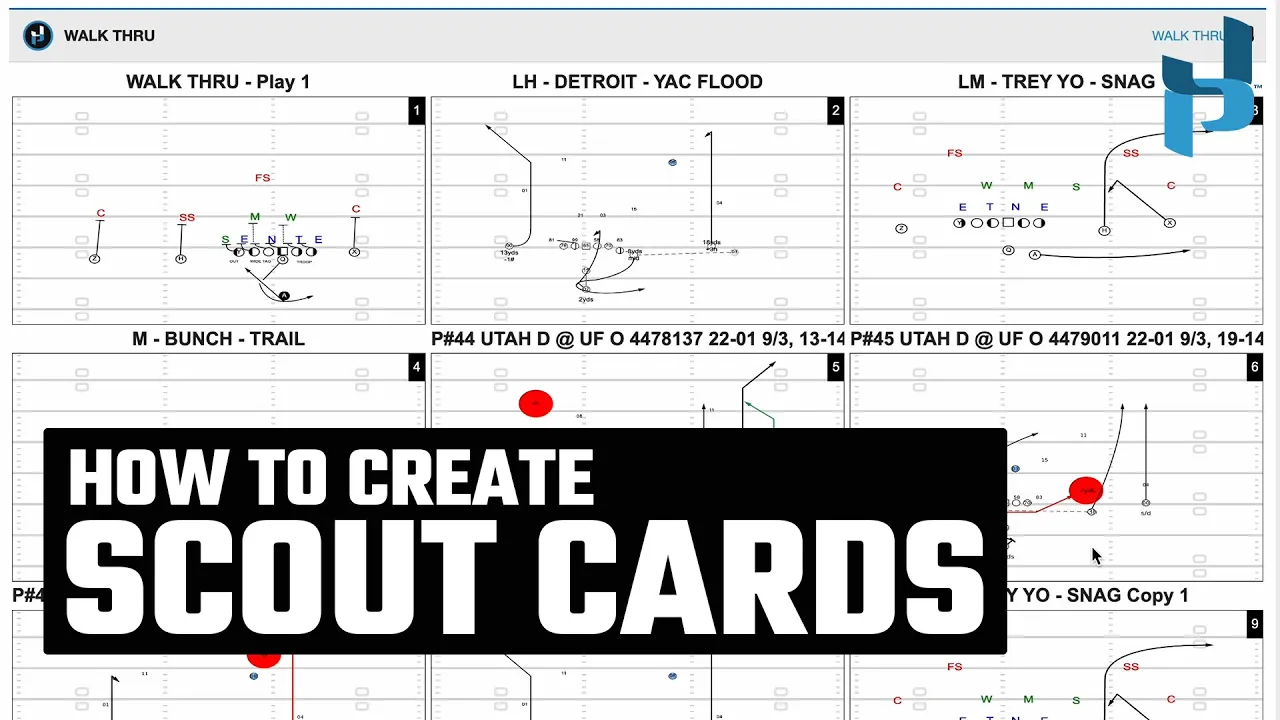
This video provides a comprehensive guide on how to create, organize, and share scout cards using the Just Play Football platform.
Key features and workflows include:
1. Organization and Practice Setup:
Group by Season/Opponent: You can neatly organize practices by season and opponent (0:00 - 0:08).
Defining Periods: Users can create and label specific practice periods, and reorganize them via drag-and-drop or the hand button (0:22 - 0:42).
2. Creating and Adding Plays:
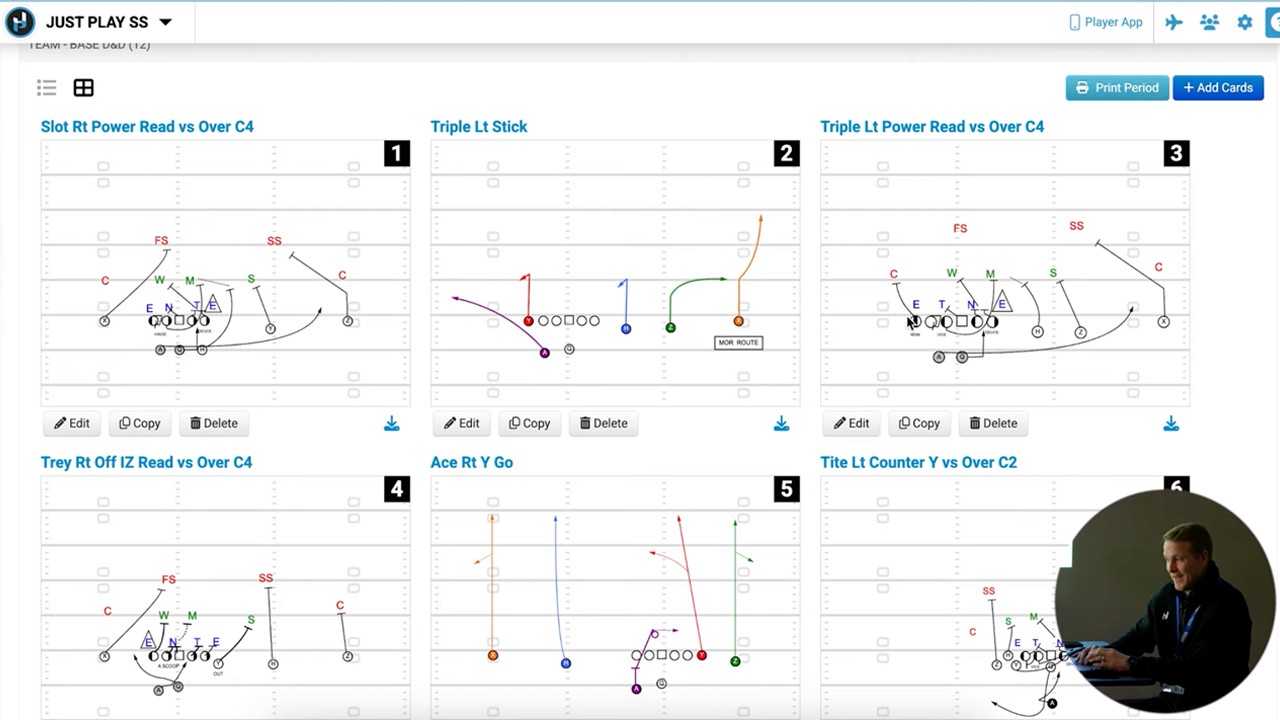
Quick Add: Use the green quick add button to create blank rows and the plus diagram tool to search existing diagrams or start from scratch (0:42 - 0:59).
Editing: Previously drawn cards can be edited (e.g., flipping hashes or viewpoints) and saved (1:00 - 1:13).
History & Filters: The "Add Cards" button allows you to filter by opponent, practice, season, or period, enabling you to reuse cards from previous days or seasons to avoid redundant work (1:18 - 1:43).
3. Advanced Features:
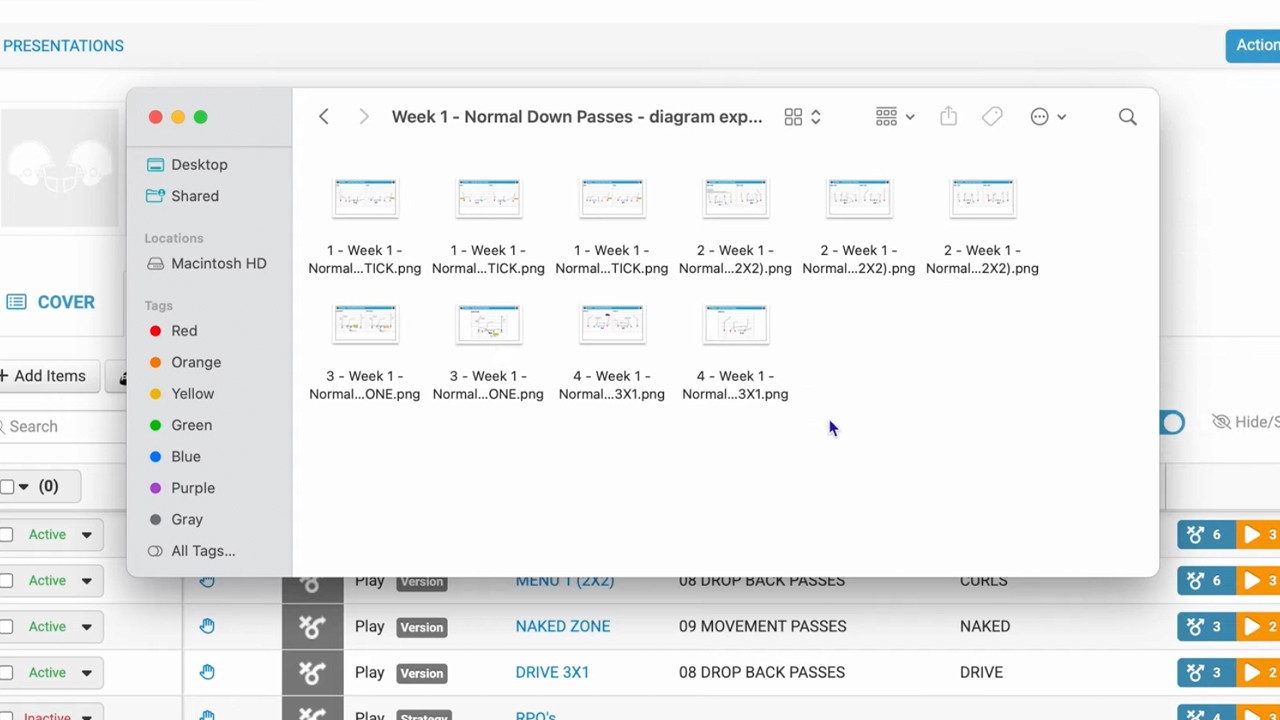
PFF Import: If you use PFF for scout cards, the system allows for bulk importing and subsequent editing of those cards (1:52 - 2:26).
Moving and Copying: You can easily move cards between periods or copy them within or across different periods to save time (2:26 - 3:03).
Sharing and Printing: Coaches can view cards on iPads on the field, or print full practices or individual periods with customizable layouts (3:03 - 3:32).
Templates: The "Actions" button allows you to copy a practice structure, which is useful for maintaining consistency throughout the season (3:33 - 4:05).