Building Scout Cards Webinar
|
Scout Cards
This workshop provides a comprehensive guide for coaches on using the Just Play platform to efficiently create, organize, and manage scout cards. The presentation focuses on streamlining workflows to save time and reduce manual labor during the season.
Key Features & Workflows:
Organization: Coaches can group practices by season and opponent (0:38 - 1:52) to keep files clean and accessible.
Creating & Editing Cards:
Use the quick add feature to rapidly build out practice scripts (3:21 - 4:18).
Search for and reuse existing diagrams from your playbook or other Scout card sections to avoid redrawing plays from scratch (4:43 - 5:43).
Bulk Actions: Copy individual plays or multiple cards across different practice periods to save time (10:02 - 11:27).
Practice Management:
Copy Practice Shells: Easily clone an entire practice for the next day, which is especially useful for maintaining consistent structures (12:25 - 13:11).
Practice Banks: Build a "Bank of Cards" for specific concepts or opponent looks to draw from throughout the week (14:05 - 16:36).
Distribution & Printing:
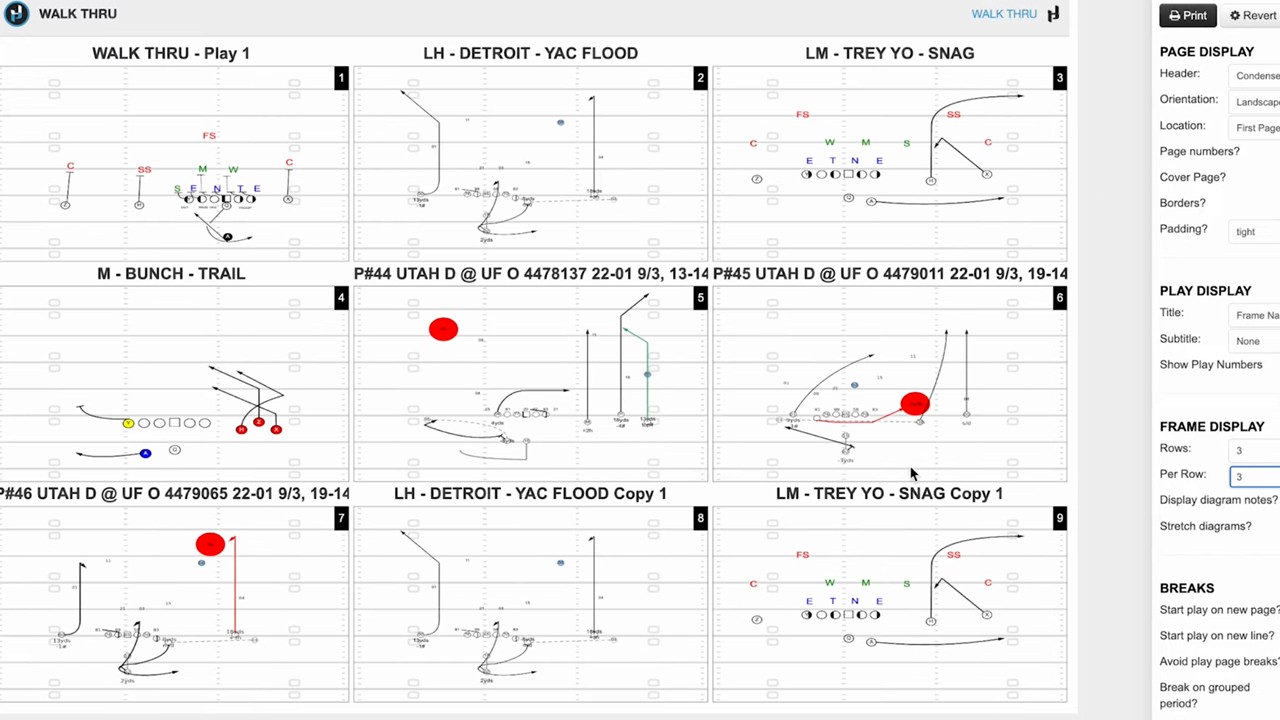
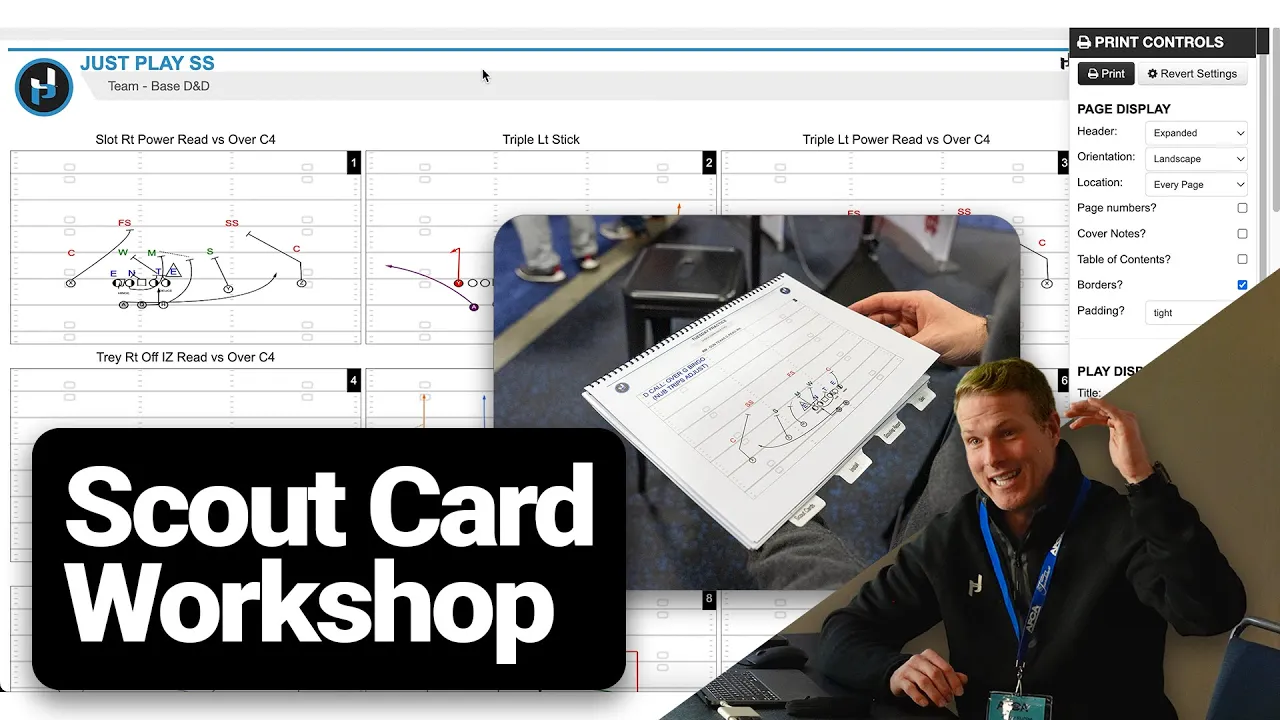
Printing: Multiple layout options are available, such as 3x3 grids or single-page landscape views, depending on whether you are using the cards for reference or field demonstrations (24:48 - 27:02).
Digital Distribution: Coaches can assign scout cards to player groups, allowing them to view materials directly on the Just Play app (27:50 - 29:30).
Advanced Tips:
Use team favorites to store common blocking assignments or formations, significantly speeding up the drawing process (34:46 - 36:12).
Utilize keyboard shortcuts (Control + H/J) to quickly flip or mirror diagrams for different looks (36:36 - 36:50).
Incorporate text boxes and color-coded labels to highlight key teaching points on the scout cards for your players (38:14 - 39:28).