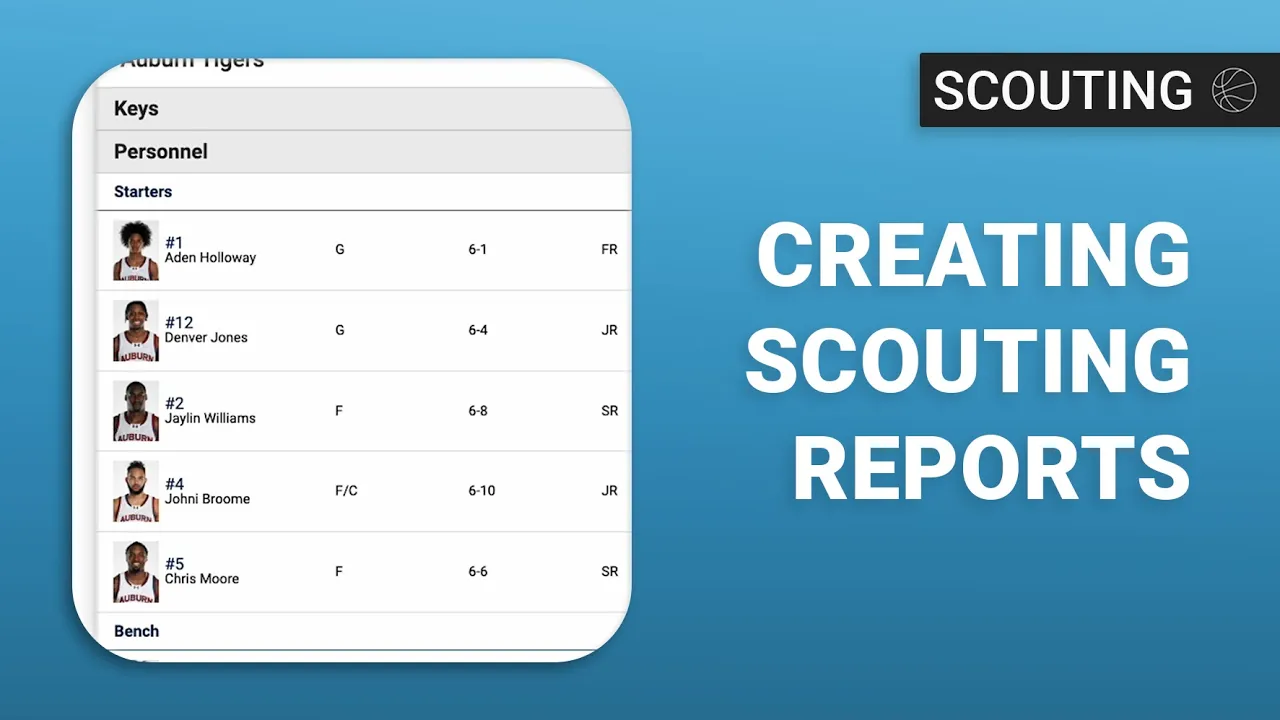
Creating Scouting Reports
|
Opponent Scouting
This video serves as a comprehensive tutorial on creating scouting reports within the Just Play Basketball platform, following the creation of a scouting template.
The process is broken down into several key steps:
Setting Up the Report (0:47 - 2:00):
Navigate to Scouting > Scouting Reports.
Click New Scouting Report, select the opponent, the specific game date (which determines the roster), and apply your previously created scouting template.
Team Research (2:05 - 5:22):
Use the Team tab to review matchup snapshots, statistical comparisons, and advanced analytics.
Utilize the Stat Factory, view game logs, and access box scores or shot charts to build your research foundation.
Adding Content and Personnel (5:24 - 10:30):
Keys Section: Populate the text boxes created in your template with specific game strategies (5:24).
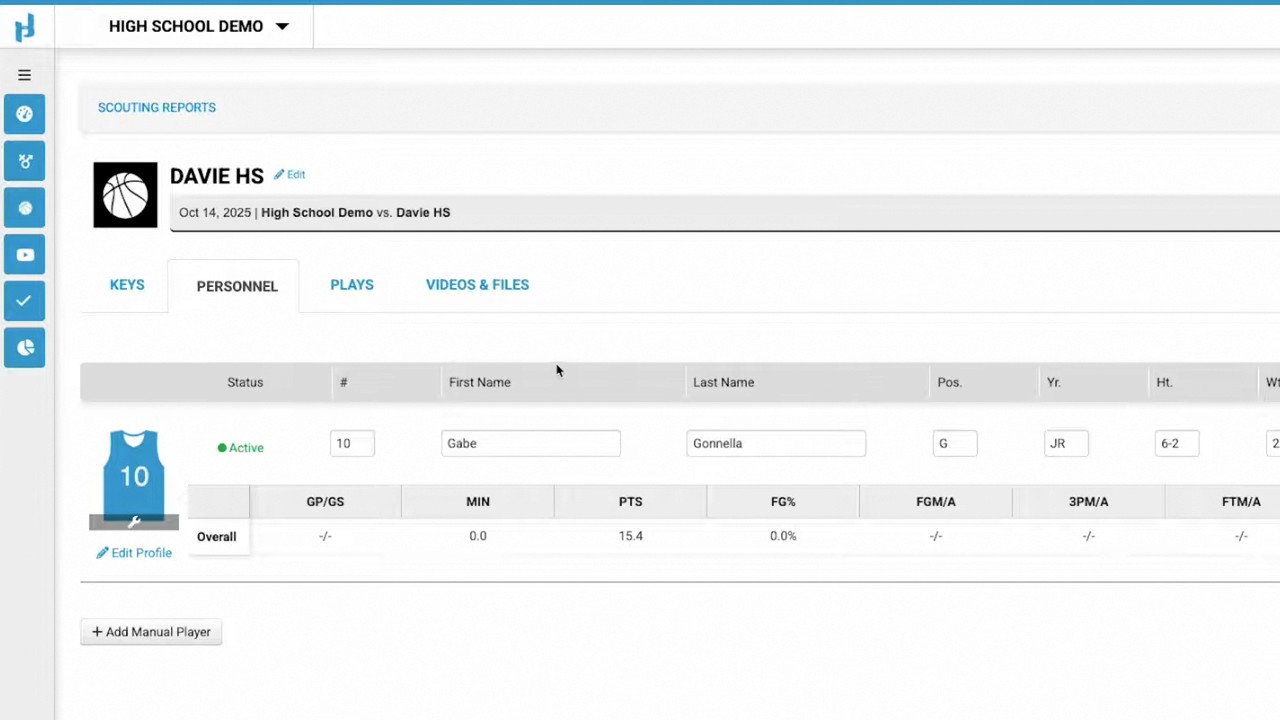
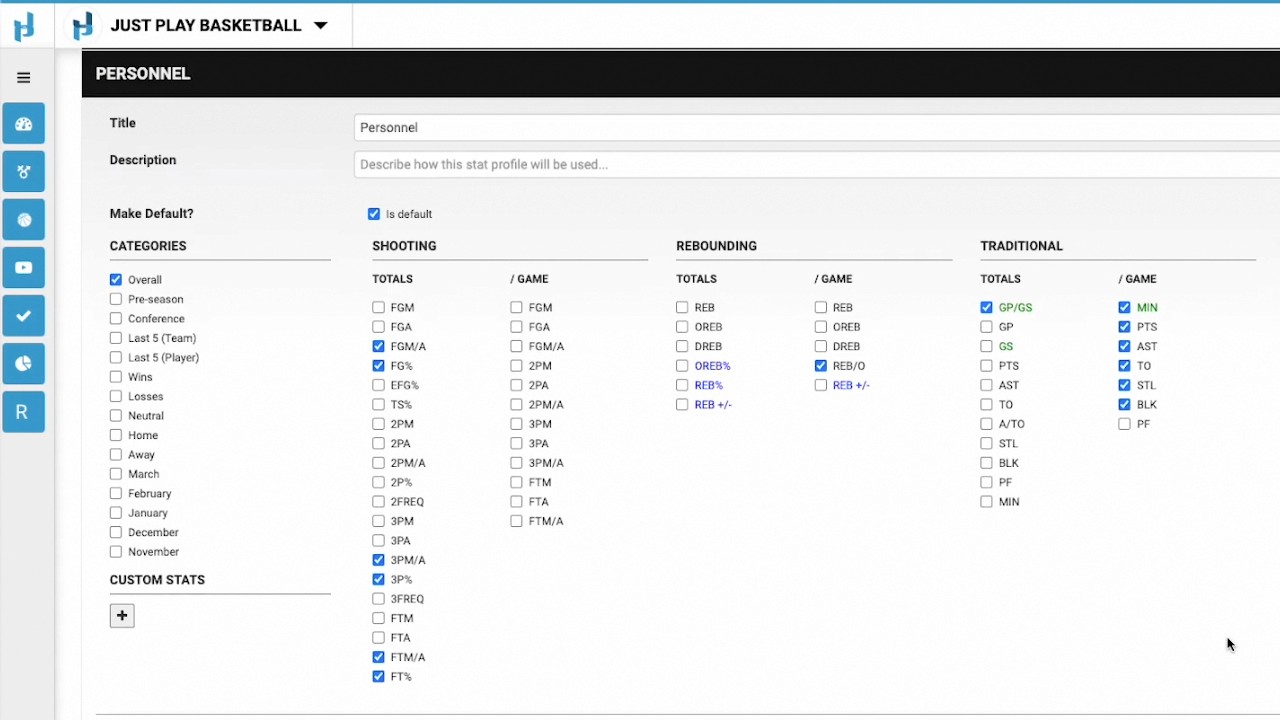
Personnel Section: Use Automate Personnel to pull in player stats and build a depth chart (6:25). You can edit player profiles, add notes, set matchups, and assign videos via Synergy or Sports Code (8:33 - 9:51).
Finalizing and Distribution (10:31 - 12:48):
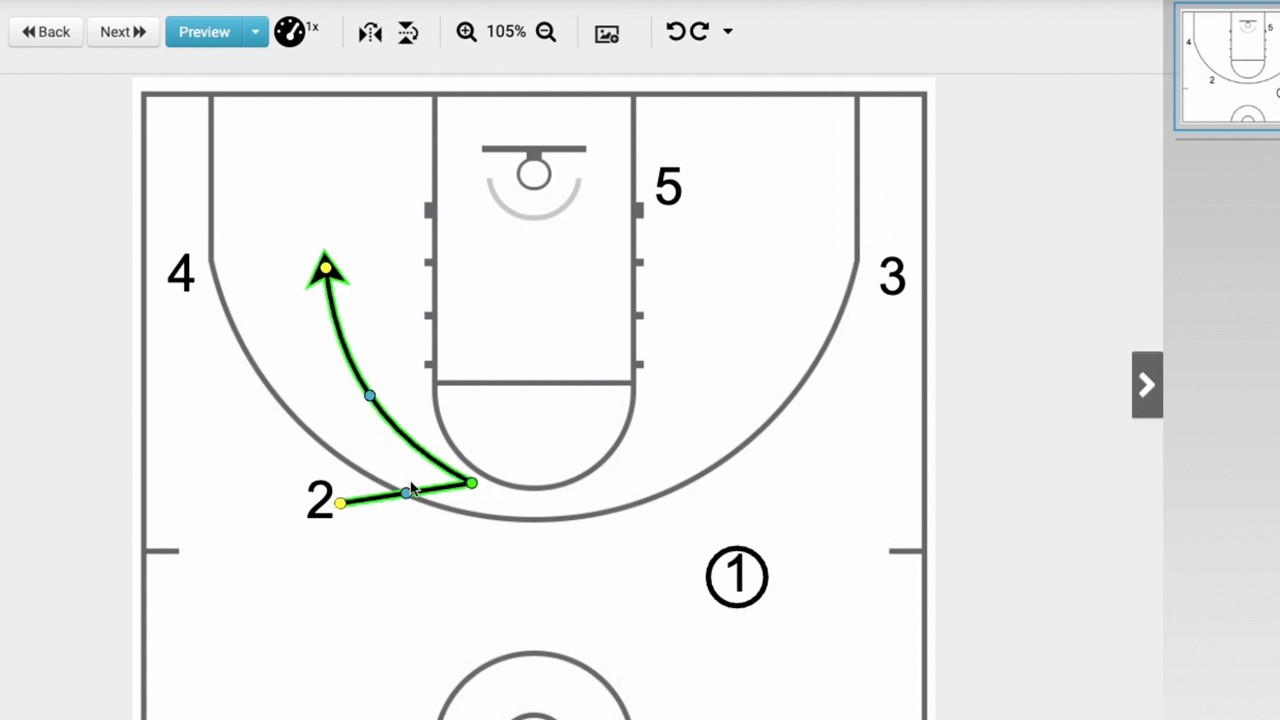
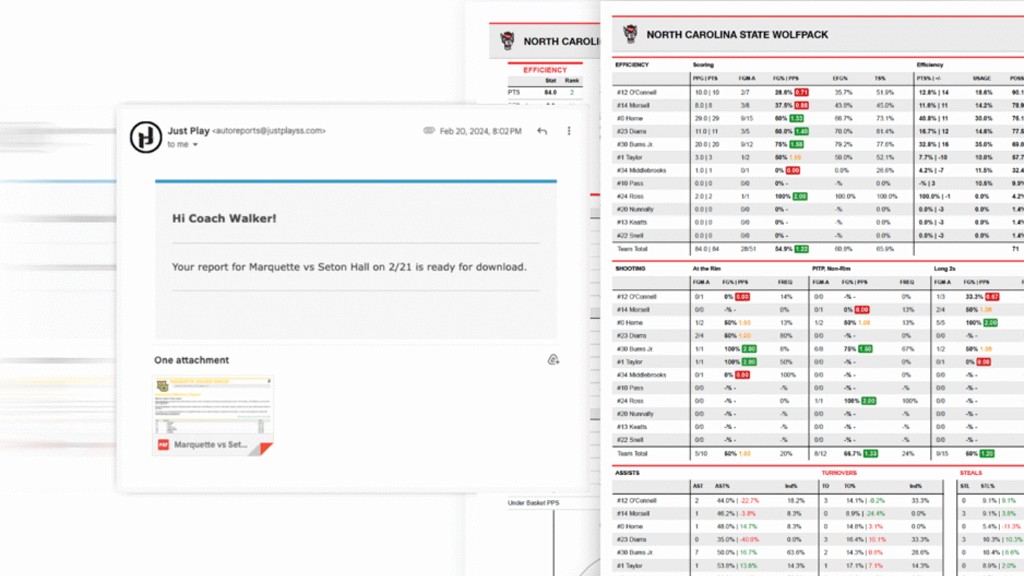
Plays & Reports: Integrate plays from your master playbook and preview various reports (10:30).
Distribution: Once finished, assign the report to specific individuals or groups to make it active on the player app.
App Experience: The final report provides players with access to keys, personnel notes, video, depth charts, and skills lists directly on their devices (11:57).