Using the Catapult Thunder API within Just Play
|
Integrations
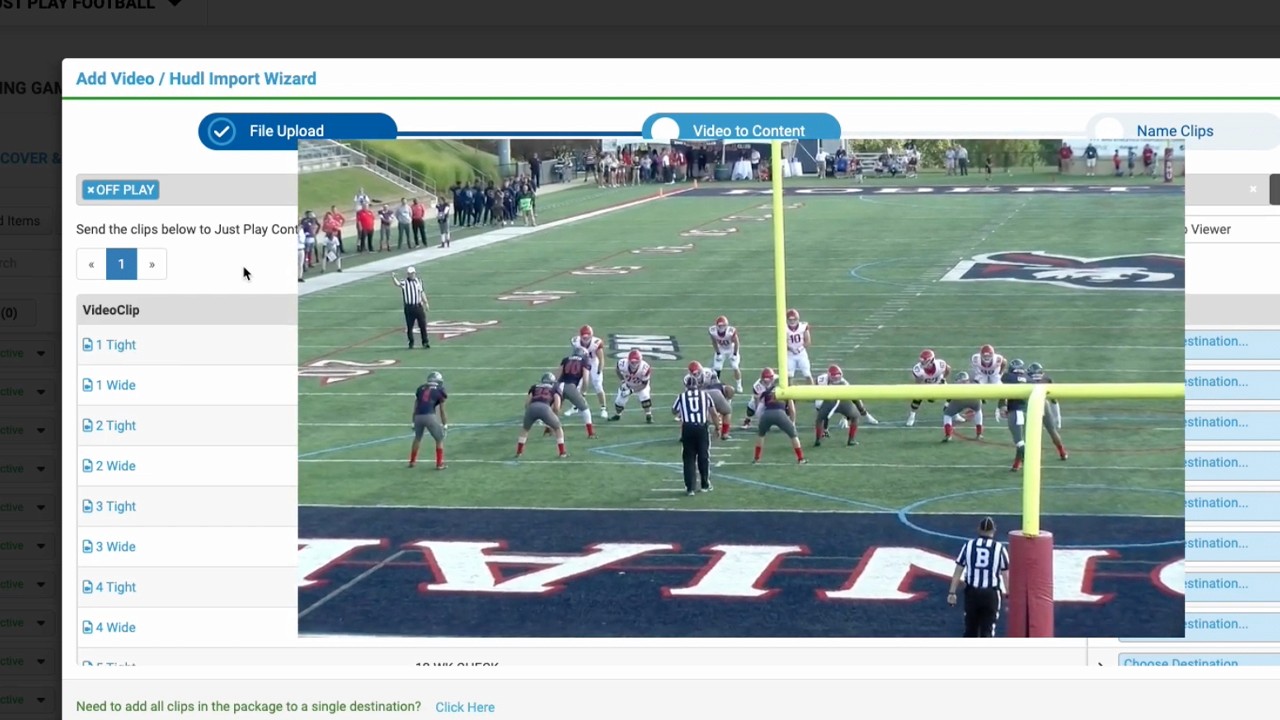
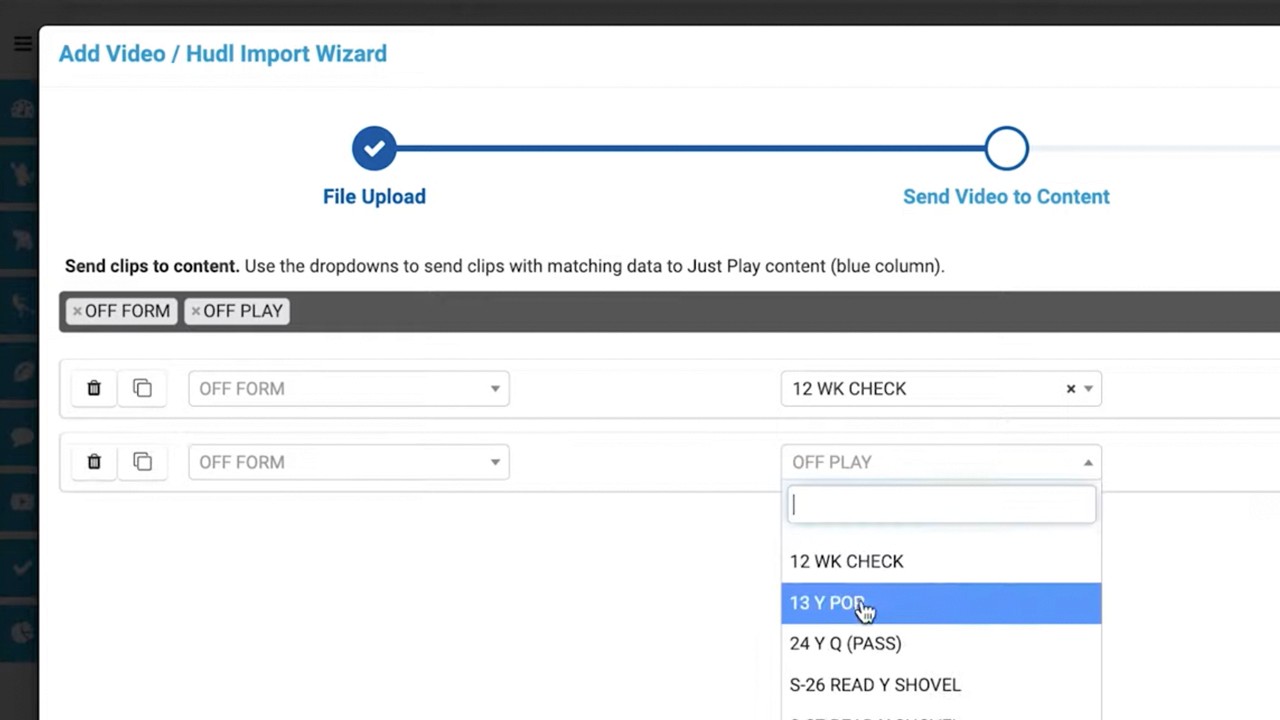
This video provides a step-by-step guide on how to integrate and use the Catapult API tool within the Just Play Football system. The process allows coaches to pull video clips directly from their Catapult account into their playbooks for player review.
Key Steps Covered:
Authorization (0:06 - 0:34): Navigate to the gear icon in the top right, go to Integration Settings, and enter your Catapult credentials to link your accounts.
Accessing Video (1:29 - 2:13): Inside a play, click the Videos and Files tab and select the Catapult icon to browse your existing folders and clips.
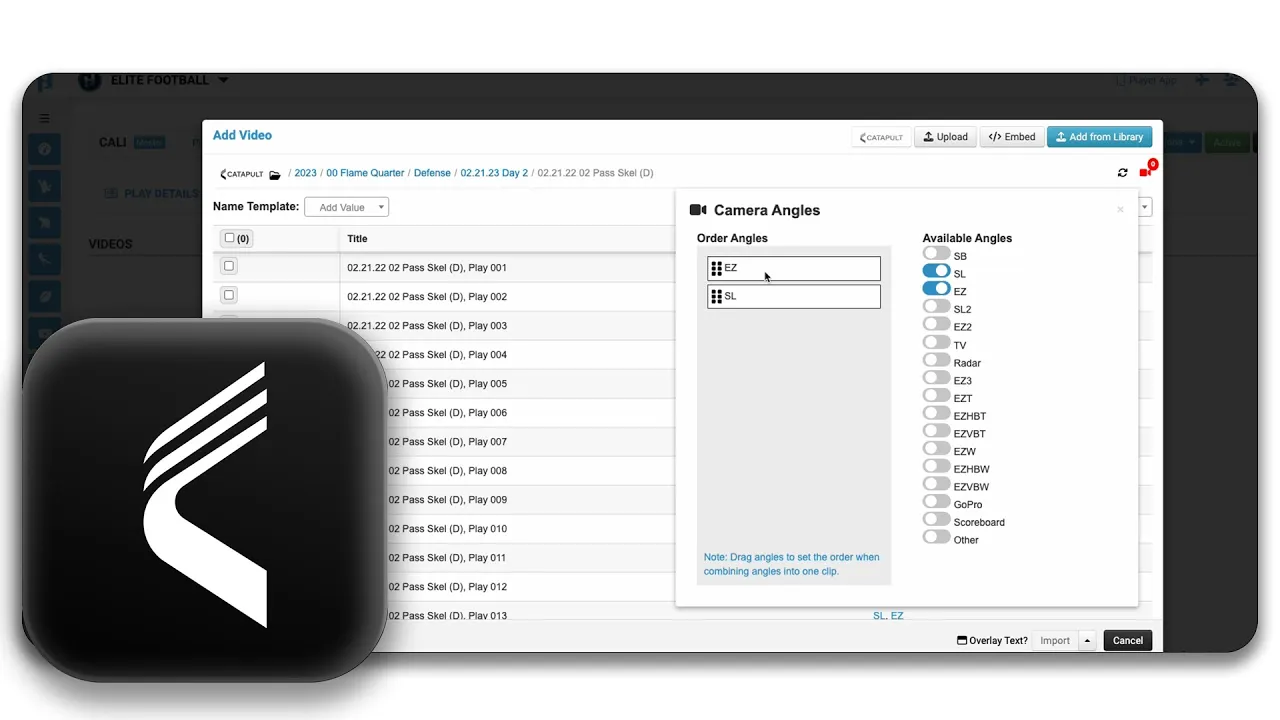
Configuring Clips (2:17 - 3:24): Enable specific camera angles (e.g., Sideline and End Zone), adjust their display order, and use the preview tool to confirm your selection.
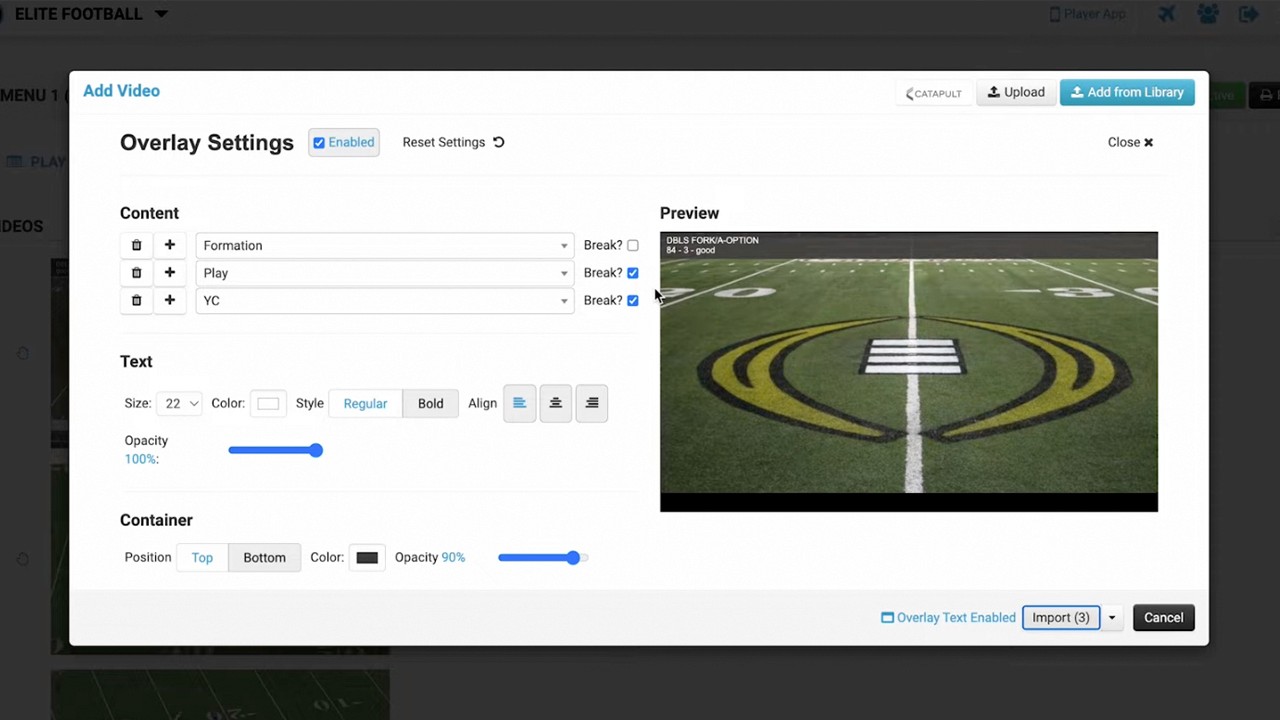
Customization (3:24 - 4:10): Apply overlay text to your clips with options for custom size, color, and alignment.
Importing (4:11 - 5:47): Choose your preferred import method—such as individual clips per angle or combined videos—and wait for the transcoding process to finish so the content is available for players in the app.