How to quiz players in Just Play
|
Quizzing
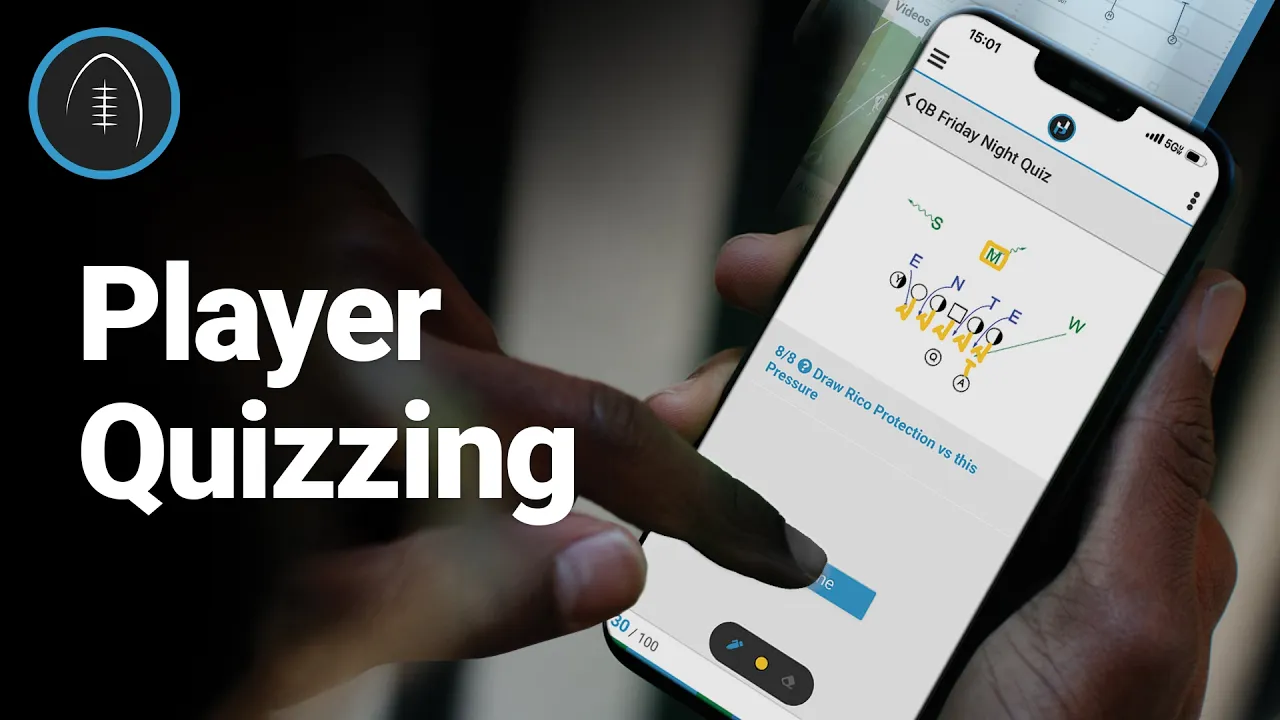
This video provides a comprehensive overview of how coaches can use the Just Play platform to create and manage player quizzes, helping track understanding of team schemes, film, and concepts before practices.
Key Features & Question Types:
Diagram/Multiple Choice: Pairs visuals with questions for instant feedback and reinforcement of coaching points (0:27 - 0:41).
Freehand Questions: Requires players to draw routes or identify formations to demonstrate active knowledge rather than just recognition (0:42 - 1:00).
Film-Based Questions: Uses video clips to test Football IQ and quick decision-making under pressure (1:00 - 1:15).
Stopwatch and Recall Questions: Designed to test if players are actually studying film by presenting information and then asking them to prove they retained it (1:15 - 1:28).
Managing Quizzes:
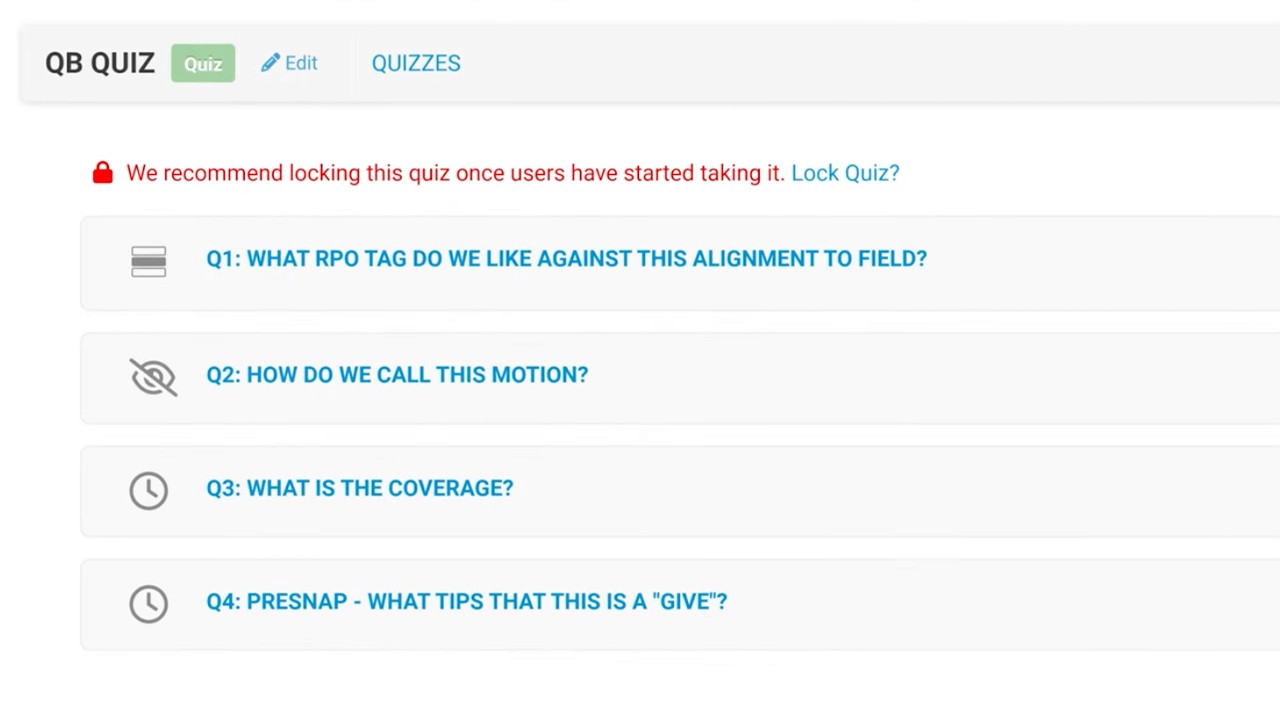
Building Quizzes: Coaches can easily create, edit, reorder, or update quizzes via the dashboard (1:43 - 2:09).
Sharing Quizzes: Once active, quizzes can be sent to specific players or groups with custom date ranges for completion (2:13 - 2:28).
Analytics & Grading: Coaches can view real-time results, provide manual grades for freehand answers, and monitor the leaderboard to assess team performance and foster friendly competition (2:33 - 3:10).: Coaches can view real-time results, provide manual grades for freehand answers, and monitor the leaderboard to assess team performance and foster friendly competition (2:33 - 3:10).