How to Add Video to Your Shot Charts
|
Integrations
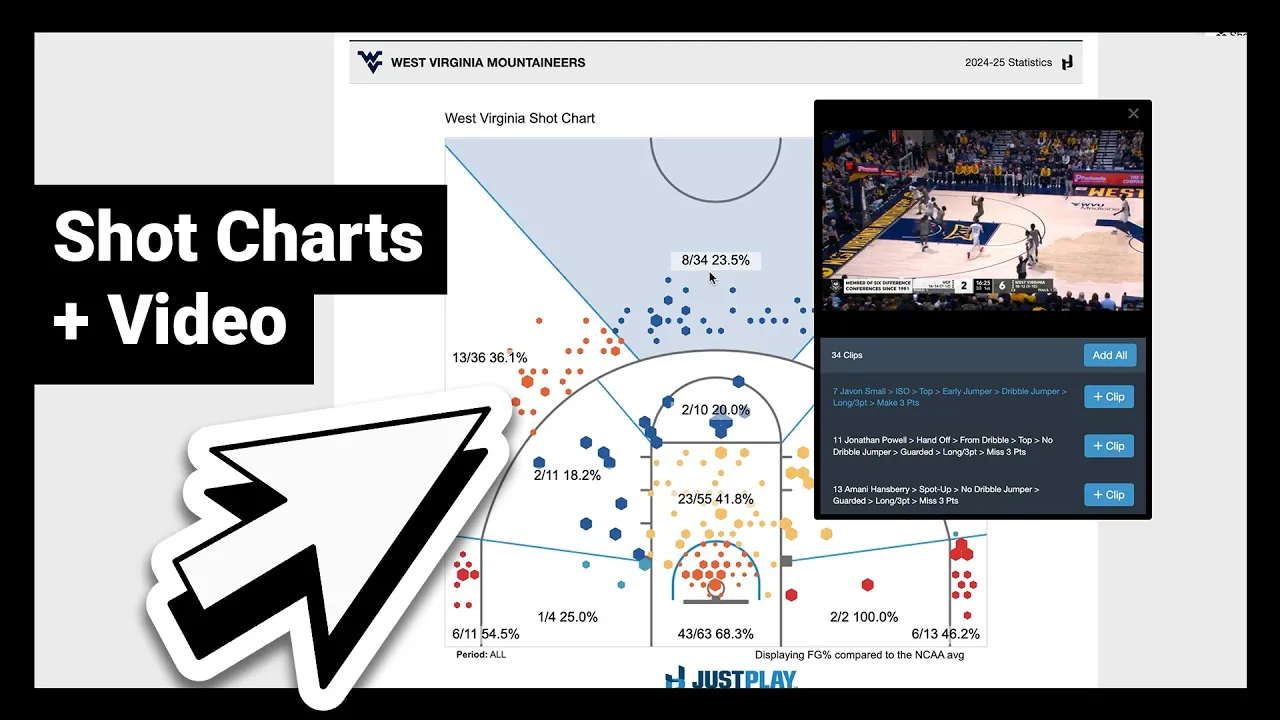
This video demonstrates how coaches can use Just Play to analyze shot charts and seamlessly create video edits within Synergy.
Key features and capabilities include:
Advanced Filtering: Coaches can filter by team, individual players, or specific game subsets (e.g., last five games) to analyze scouting data or player trends (0:18-0:56).
Interactive Shot Charts: Users can hover over shot zones on the court to view associated clips instantly. The display can be customized by changing the number of zones (e.g., 4, 8, or 12 zones) or toggling between raw shots and colored zones (0:58-1:37, 1:51-2:45).
Video Integration: Clicking on any individual shot on the chart opens the corresponding video clip, allowing for immediate review (2:09-2:15).
Advanced Game Situations: The platform allows for precise filtering of specific game scenarios, such as transition play (defining seconds from the start of a play) or late-game/late-clock situations, using intuitive sliders (2:52-3:30).
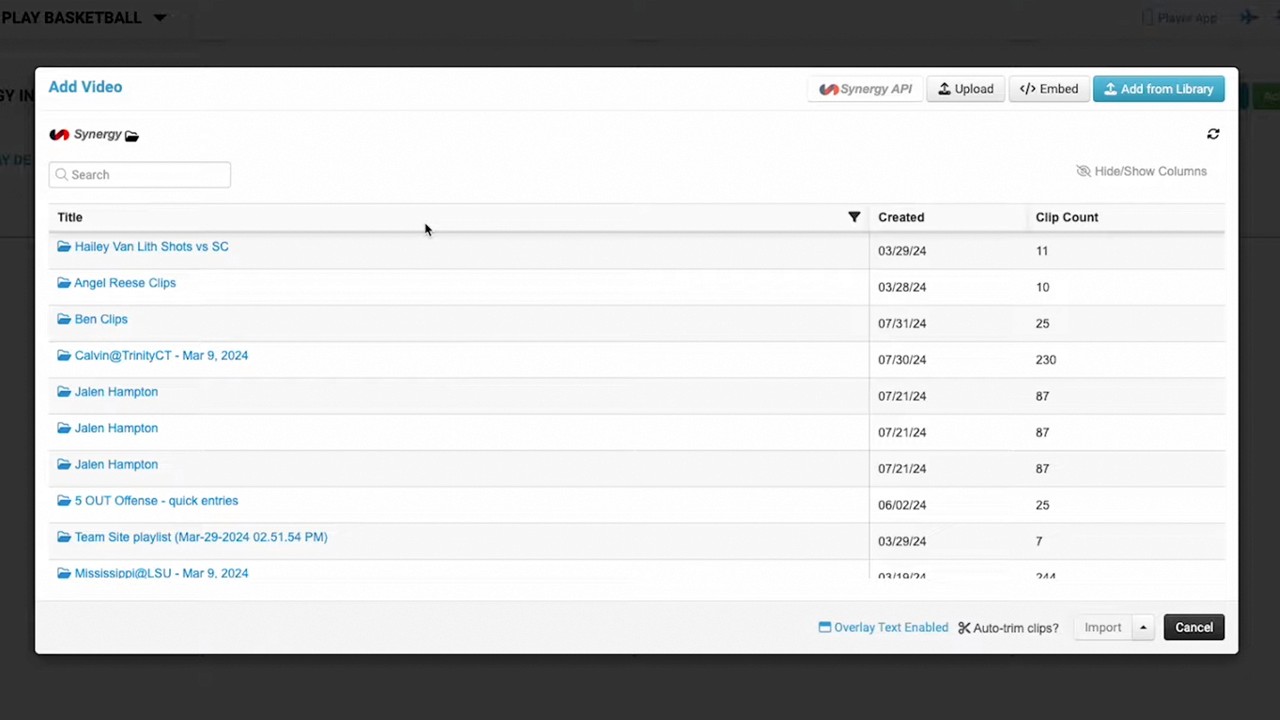
Synergy Integration: Once the desired clips are identified, coaches can add them to a queue and export them directly to Synergy to finalize their edits with a single click (3:33-3:48).