Presenting with the Catapult Remote
|
Teaching
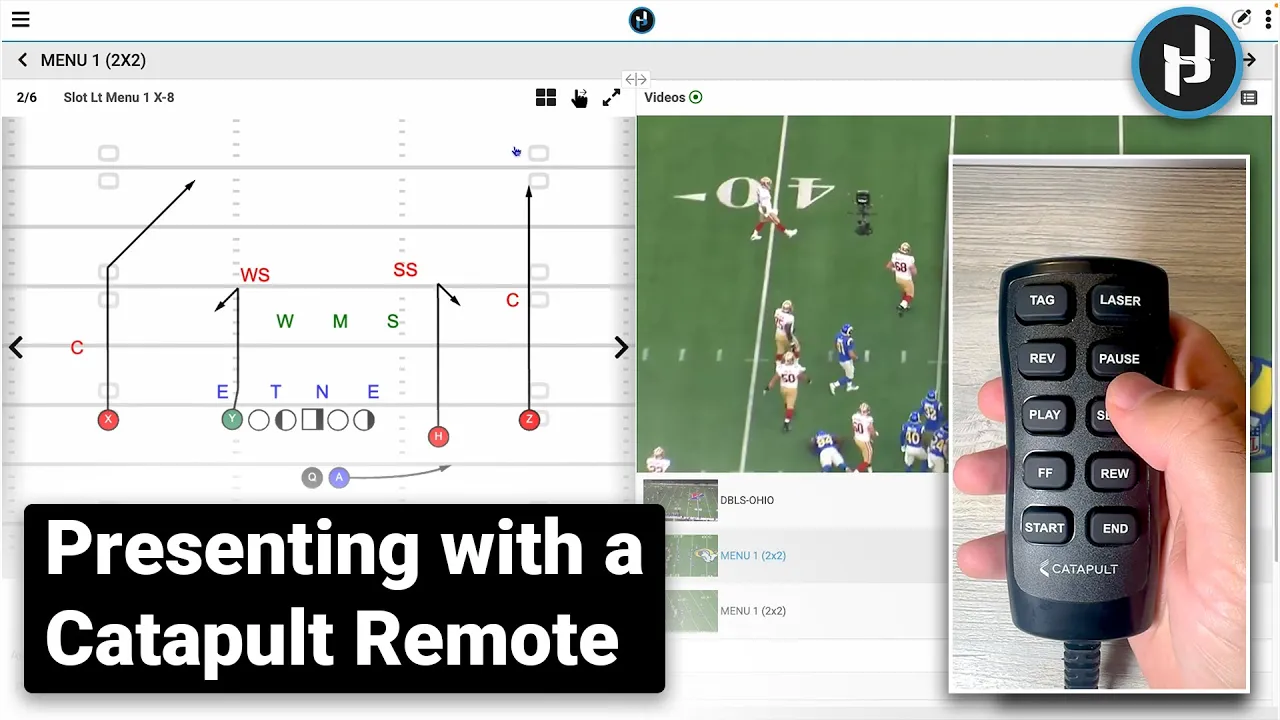
This video provides a step-by-step guide for coaches on how to set up and use a Catapult Remote with the Just Play Player App to manage film sessions and presentations wirelessly.
Setup and Connectivity
Driver Installation: Ensure the driver is downloaded and saved in your applications folder (0:13).
Login & Pairing: Launch the app, log in with your credentials, and plug the remote into your computer (0:26-0:44). Select the Just Play controller from the ports menu to connect (0:50-0:58).
Navigating Presentations and Film
General Navigation: Use the fast-forward and rewind buttons to toggle between presentations and items. The reverse button returns you to the dashboard (1:06-1:34).
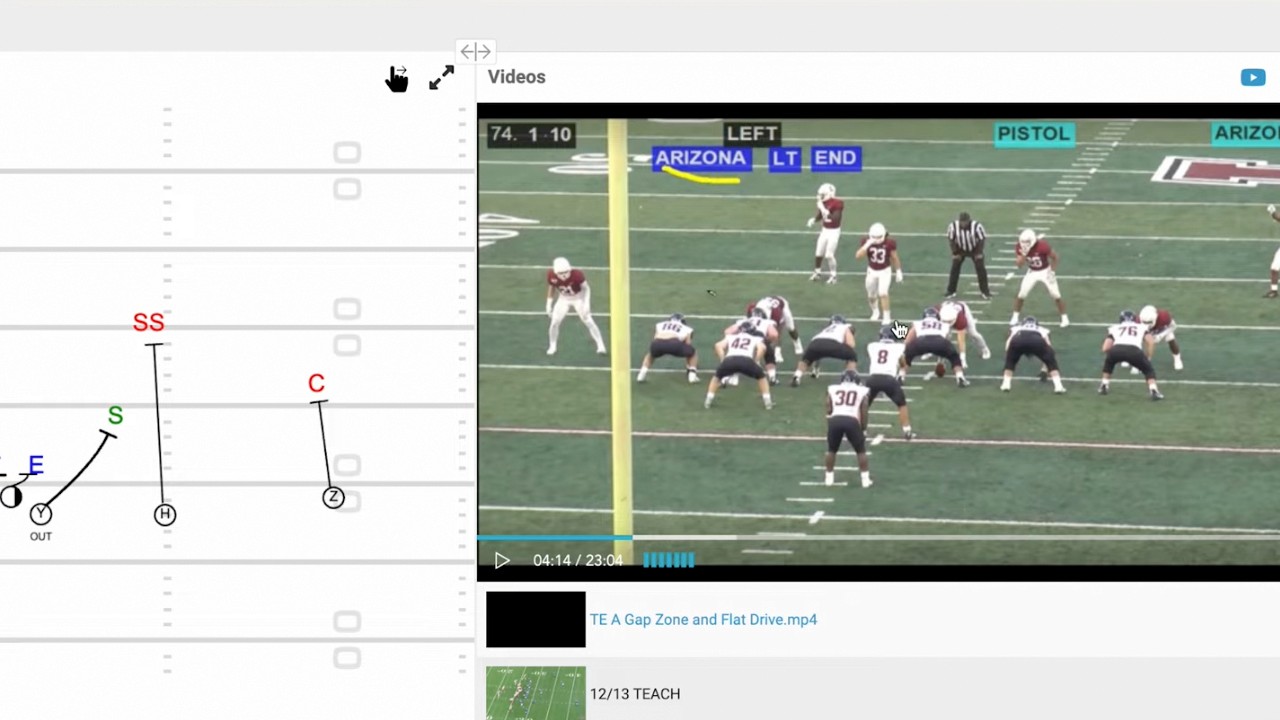
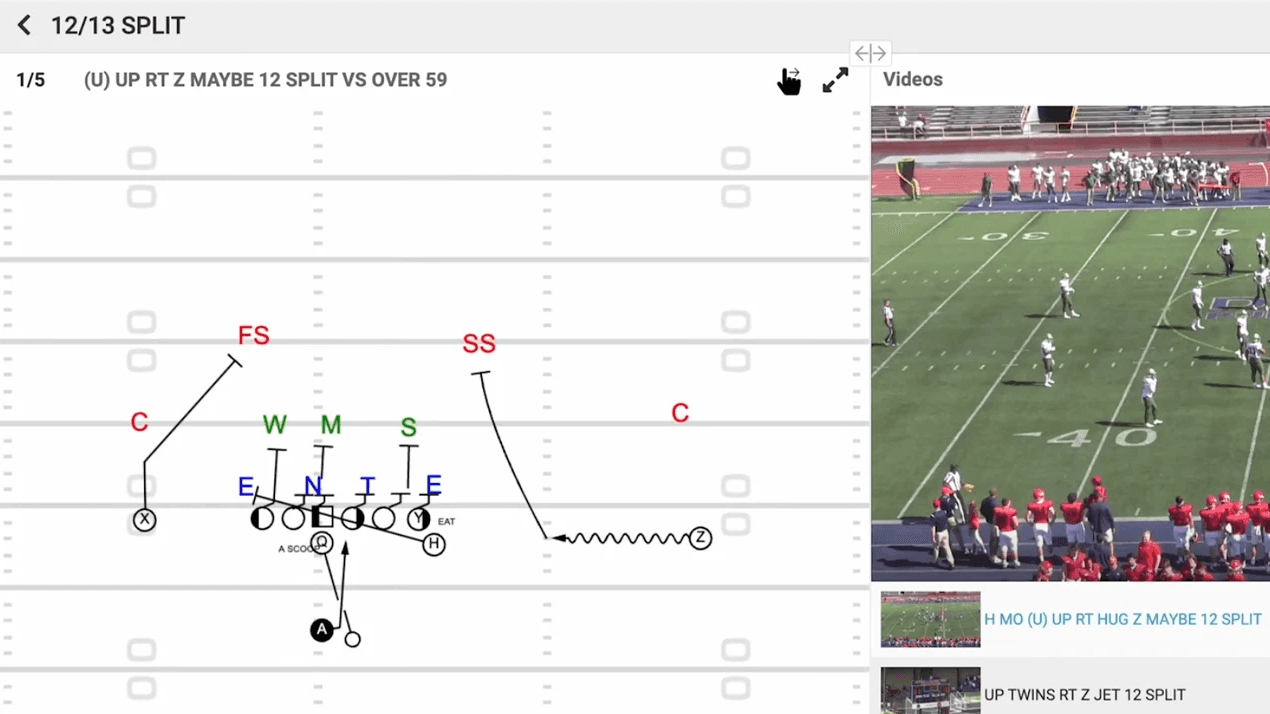
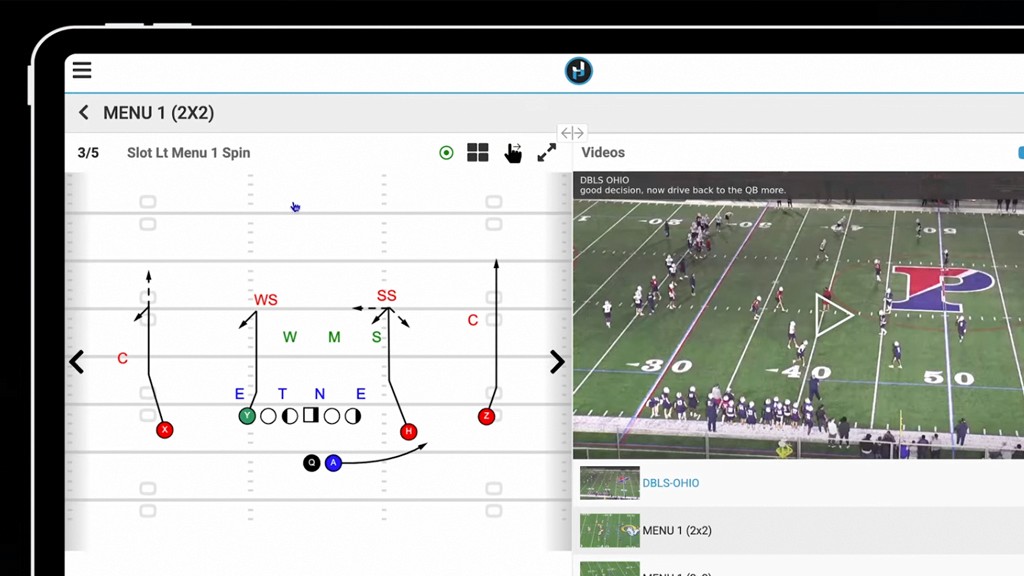
Centralized Controls: Within a play, you can toggle between diagrams and film using the 'tag' button (2:07-2:16).
Playback Functions: You can play, pause, or enter full-screen mode by hitting 'play' and 'slow' simultaneously (2:22, 2:54).
Clip Management: Use the 'end' button to skip to the next clip, or the 'start' button to restart or go to the previous clip (3:02-3:15).
Customization: You can adjust the rewind speed by right-clicking the video (3:33-3:43).